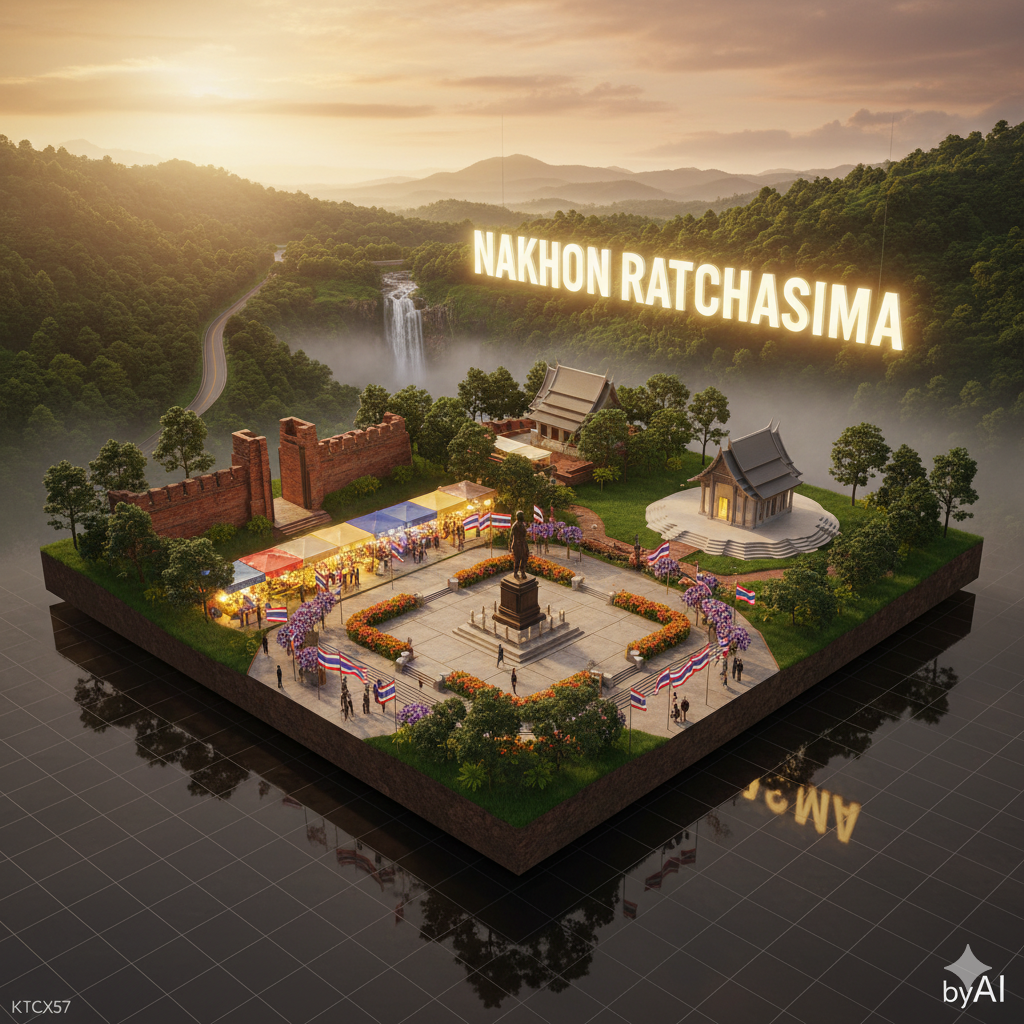
Provin
Source-attributed Nano Banana Pro image prompt from the Awesome Nano Banana Pro Prompts repository with preview image and reuse review notes.
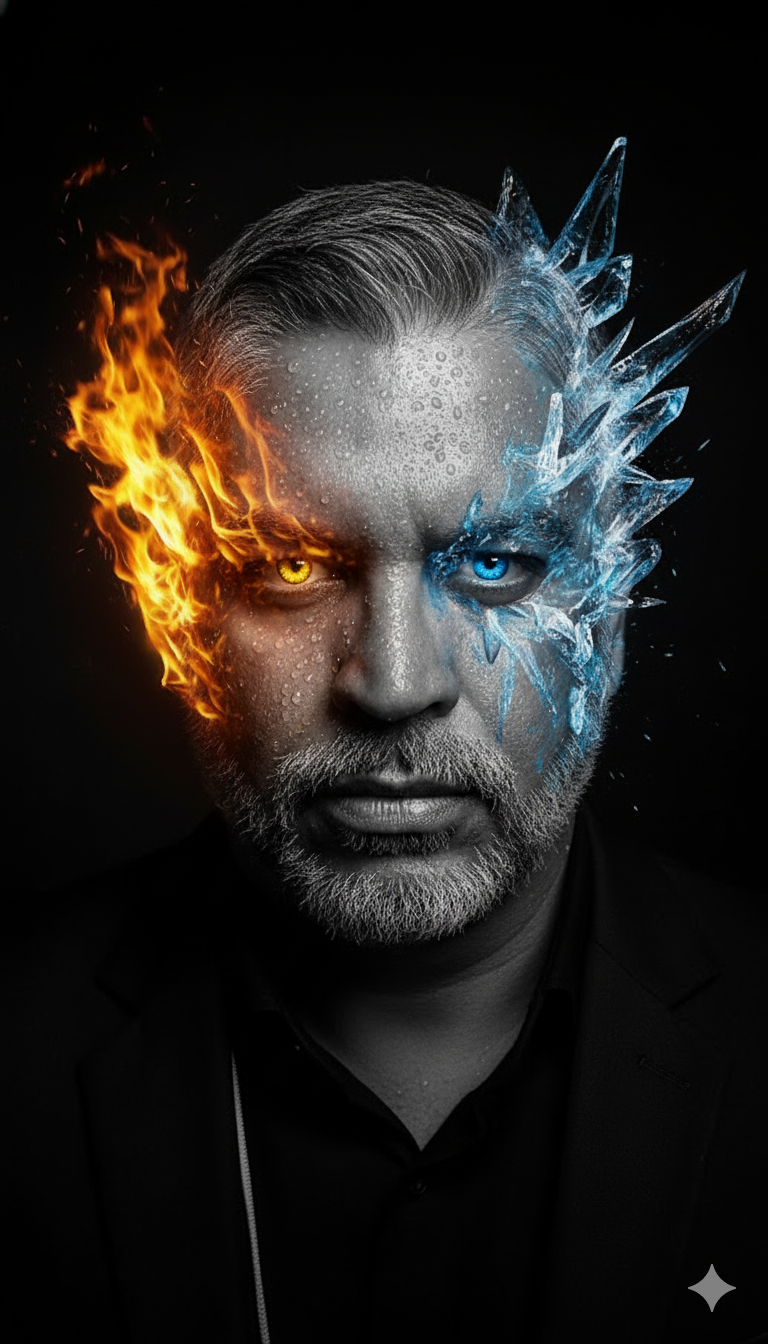
이것은 Portrait Photography 에 대한 Nano Banana Pro 프롬프트 사례입니다. 아래의 복사 가능한 프롬프트를 사용하여 유사한 시각 자료를 생성하고, 재사용하기 전에 Awesome Nano Banana Pro Prompts 의 저작자 표시 및 상업적 사용 권한을 검토하십시오.
전체 프롬프트 세트가 필요하신가요? 다음을 사용하세요. Portrait Photography 더 많은 관련 예시를 보려면 주제 허브를 열거나 다음을 열어보세요. Nano Banana Pro 프롬프트 카탈로그 전체 예제 색인, 재사용 가능한 구조 및 출처 표기는 다음을 참조하십시오.
프롬프트
복사 준비 프롬프트
🗺️ How to Edit the Provincial Diorama Prompt (Quick Guide)
1️⃣ Change the province name → edit "name_th" and "name_en_glow".
2️⃣ Replace landmarks → update the "landmarks" section with your own province’s highlights (temples, mountains, markets, beaches, etc.).
3️⃣ Adjust lighting mood → edit "time_of_day" (e.g., "sunrise", "sunset", "night").
4️⃣ Keep branding → don’t change "watermark": "byAI" or "authorship": "KTCX57".
5️⃣ Run it in Nano Ultra or Director mode — works great on Gemini, Banana, or Midjourney.
{
"template_name": "🗺️ เทมเพลตจังหวัด - นครราชสีมา (Nakhon Ratchasima)",
"mode": "Provincial Diorama",
"scene": {
"type": "3D Ultra-Photorealistic Diorama Model",
"layout": "Cinematic HDR wide shot, floating platform, full province landscape",
"composition": "structured layer depth — foreground (city/temples), midground (fields/mountains), background (sky & glowing sign)",
"environment": "soft golden sunlight, light fog layer, high dynamic range shadows, clear volumetric depth"
},
"province": {
"name_th": "นครราชสีมา",
"name_en_glow": "NAKHON RATCHASIMA",
"landmarks": [
{
"name": "อนุสาวรีย์ท้าวสุรนารี (ย่าโม)",
"type": "historical",
"placement": "center foreground plaza",
"detail": "bronze statue, urban square, surrounding flowers and flags"
},
{
"name": "อุทยานแห่งชาติเขาใหญ่",
"type": "natural",
"placement": "background mountain ridge",
"detail": "lush green forest canopy, waterfall mist, distant road curves"
},
{
"name": "วัดศาลาลอย",
"type": "temple",
"placement": "midground east",
"detail": "modern temple roof with curved lines, white stone base"
},
{
"name": "ประตูชุมพล",
"type": "architecture",
"placement": "midground west",
"detail": "ancient city gate brick walls, historical symbol"
},
{
"name": "ตลาดเซฟวัน",
"type": "urban",
"placement": "front-left",
"detail": "bright night market lights, people silhouettes, colorful stalls"
}
]
},
"camera": {
"lens": "Canon RF 24-70mm f/2.8",
"angle": "aerial diagonal top-down 35° tilt",
"focus": "sharp depth across entire scene",
"render": "PBR realism, 8K Ultra-Sharp HDR, clean perspective grid"
},
"lighting": {
"time_of_day": "sunset golden hour",
"mood": "warm & inspiring, glowing reflections on metal surfaces",
"technique": "cinematic HDR volumetric sunlight + ambient bounce lighting"
},
"materials": {
"ground": "PBR soil & grass blend",
"architecture": "stone, concrete, glass with accurate reflections",
"foliage": "true light scattering subsurface leaves"
},
"signage": {
"position": "background sky layer",
"text": "NAKHON RATCHASIMA",
"effect": "large glowing white-gold 3D letters with soft bloom glow"
},
"watermark": "byAI",
"authorship": "KTCX57",
"keep_face": "100%",
"keep_body": "100%",
"gender_lock": true
}
이 범주에 속하는 더 많은 사례
범주, 입력 방식 호환성, 품질 및 위험도에 따라 우선순위가 정해집니다.


재사용 및 출처 참고 사항
사례를 미리 확인한 후 이 안내 메시지를 안전하게 사용하십시오.
- 1.프롬프트를 복사하거나 Dovoo의 생성 버튼을 사용하여 직접 엽니다.
- 2.사용 사례에 맞게 변수, 화면 비율 및 참조 이미지를 조정하십시오.
- 3.출판 또는 유료 사용 전에 저작권, 출처 표기 요건 및 브랜드 또는 초상권 관련 위험을 확인하십시오.