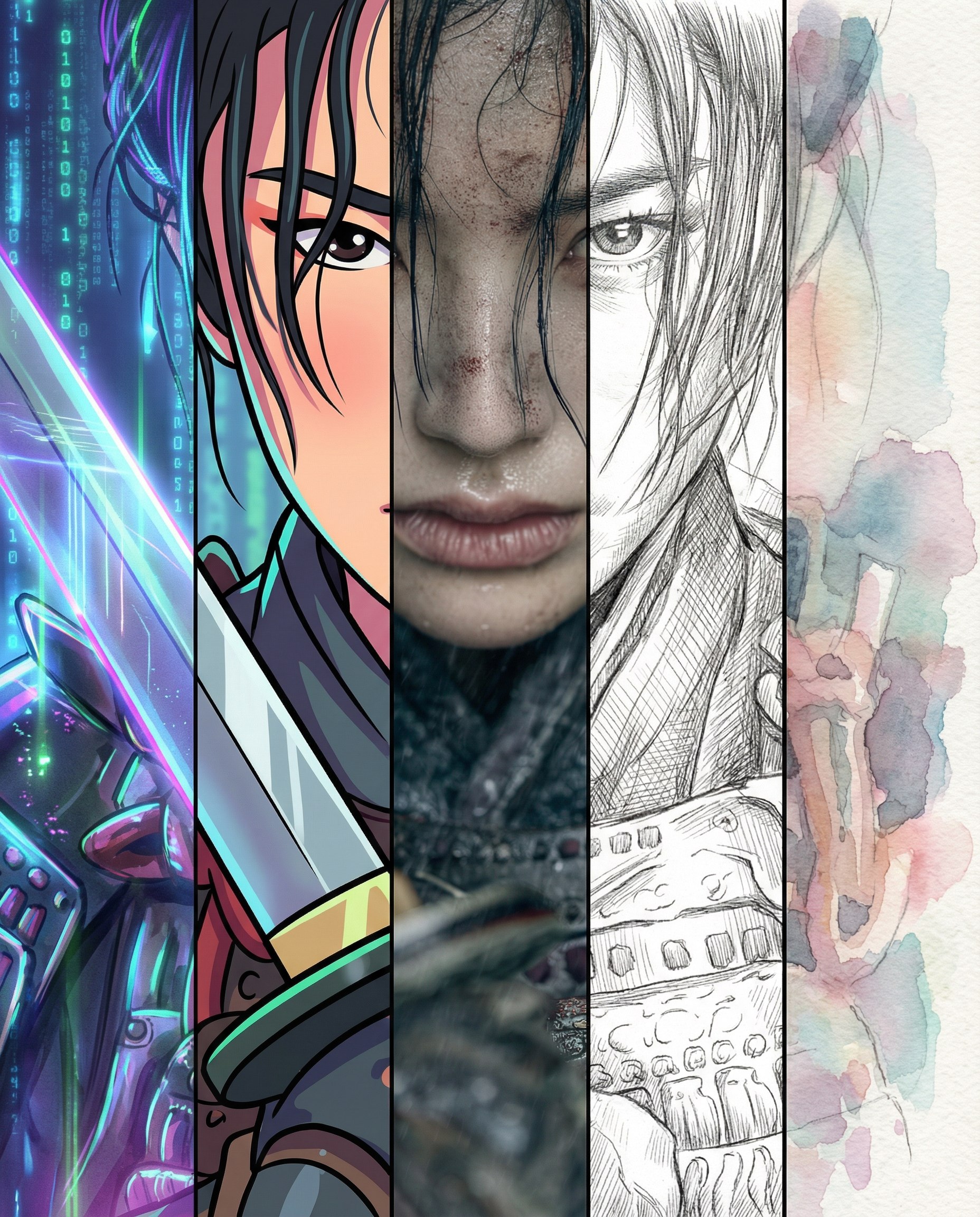
Five styles in one image
Source-attributed Nano Banana Pro image prompt from the Awesome Nano Banana Pro Prompts repository with preview image and reuse review notes.
이것은 Portrait Photography 에 대한 Nano Banana Pro 프롬프트 사례입니다. 아래의 복사 가능한 프롬프트를 사용하여 유사한 시각 자료를 생성하고, 재사용하기 전에 Awesome Nano Banana Pro Prompts 의 저작자 표시 및 상업적 사용 권한을 검토하십시오.
전체 프롬프트 세트가 필요하신가요? 다음을 사용하세요. Portrait Photography 더 많은 관련 예시를 보려면 주제 허브를 열거나 다음을 열어보세요. Nano Banana Pro 프롬프트 카탈로그 전체 예제 색인, 재사용 가능한 구조 및 출처 표기는 다음을 참조하십시오.
프롬프트
복사 준비 프롬프트
Using the reference image [ref], recreate the exact same subject, pose, proportions, clothing, perspective, lighting direction and all defining details from the reference.
The final image must remain a perfect, faithful reinterpretation of the reference, without altering the character’s face, body structure, objects, or composition.

Apply five different artistic styles simultaneously by dividing the final result into five equal vertical segments (each 20% of the width).
These style segments must be perfectly aligned with the reference composition — the subject and background remain continuous across the entire width of the image. The only difference is the applied style in each vertical zone.

Style layout (left → right):

Cyberpunk (20%)
Neon glows, holographic light, reflective surfaces, futuristic color palette.

Cartoon (20%)
Simplified shapes, bold outlines, vibrant colors, expressive cute rendering.

Cinematic Realism (20%)
Film-grade dramatic lighting, ultra-high detail, realistic skin texture and materials.

Sketch (20%)
Pencil or ink style, visible strokes, cross-hatching, monochrome artistic texture.

Watercolor (20%)
Soft pigment bleeding, transparent washes, pastel tones, textured paper feel.

Requirements:
— Strictly preserve the reference appearance with no alterations.
— The scene must stay unified and aligned across all styles.
— Clean, sharp vertical boundaries between style zones.
— No style blending or mixing across the borders.
— High-resolution, sharp and accurate rendering.
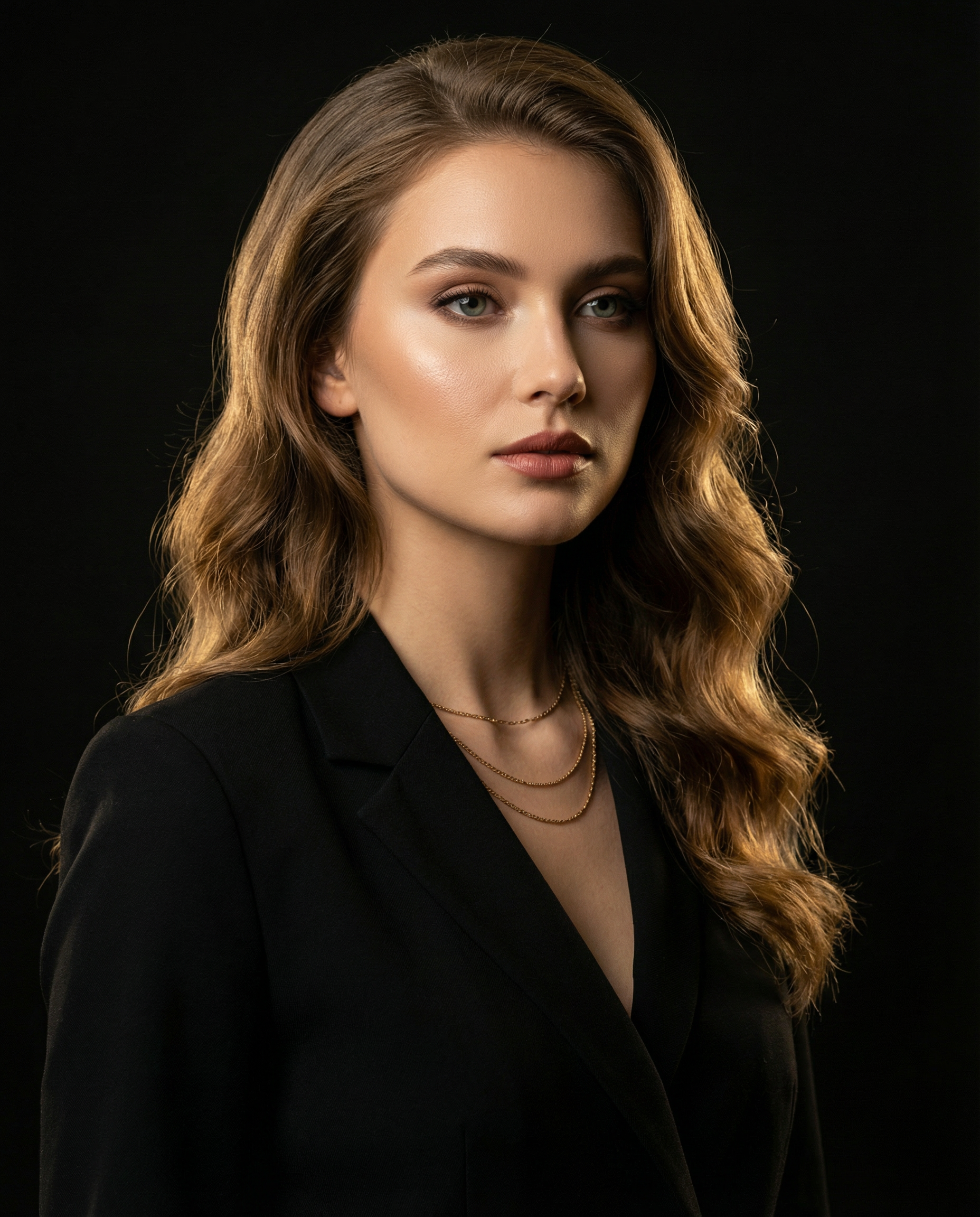
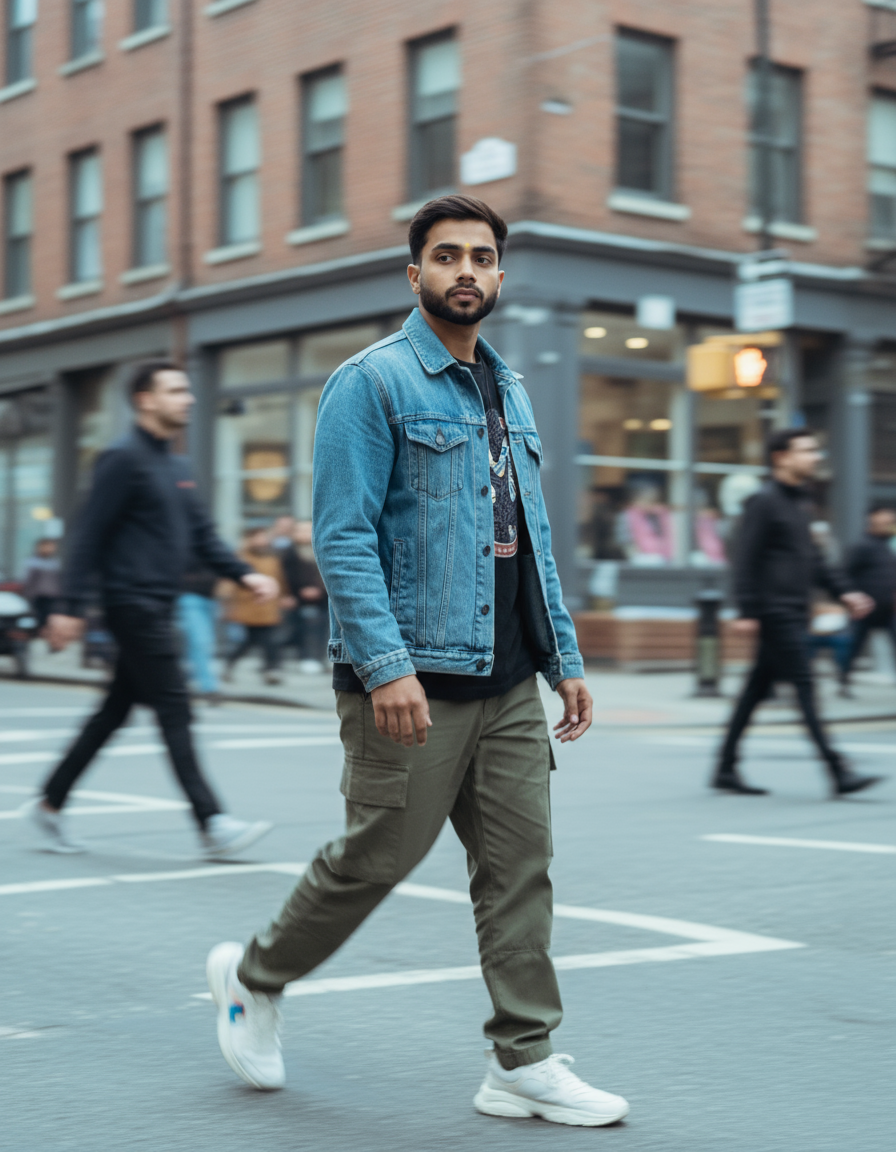
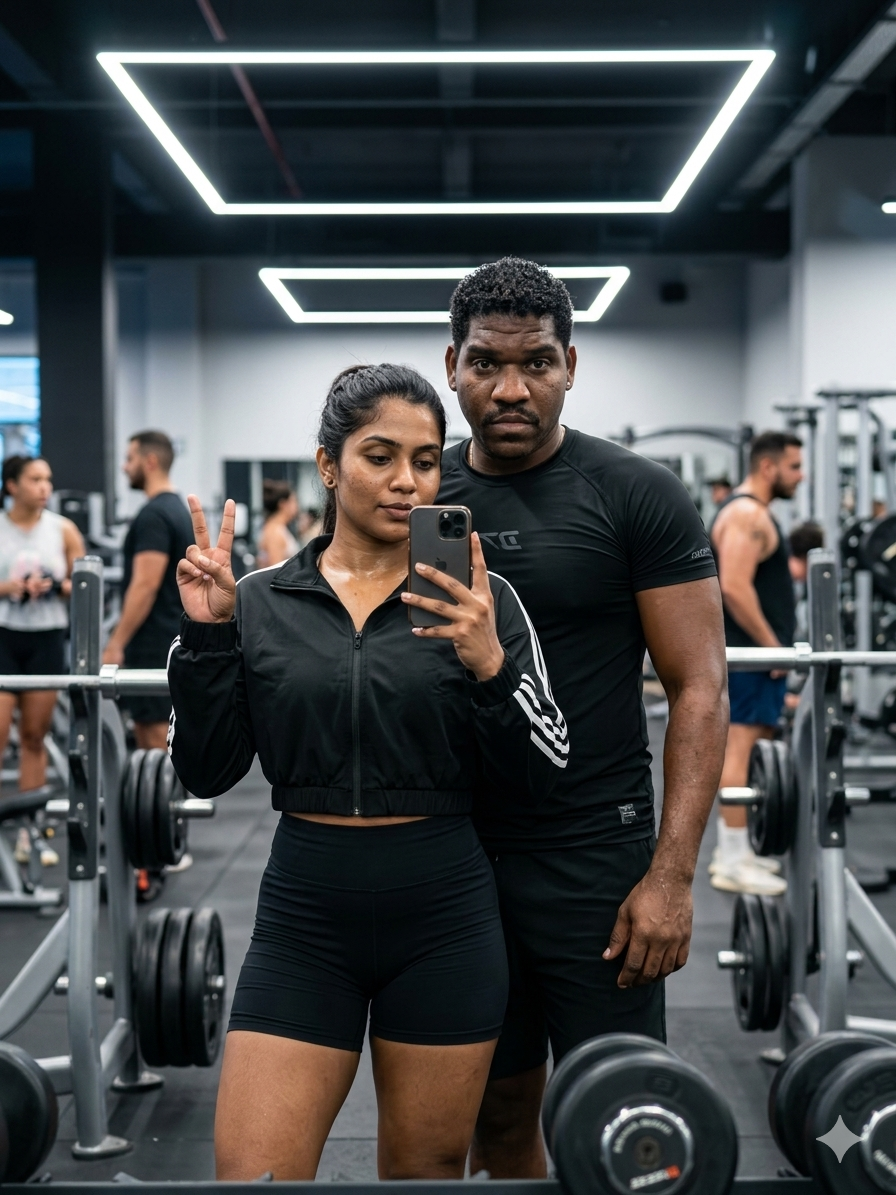
이 범주에 속하는 더 많은 사례
범주, 입력 방식 호환성, 품질 및 위험도에 따라 우선순위가 정해집니다.
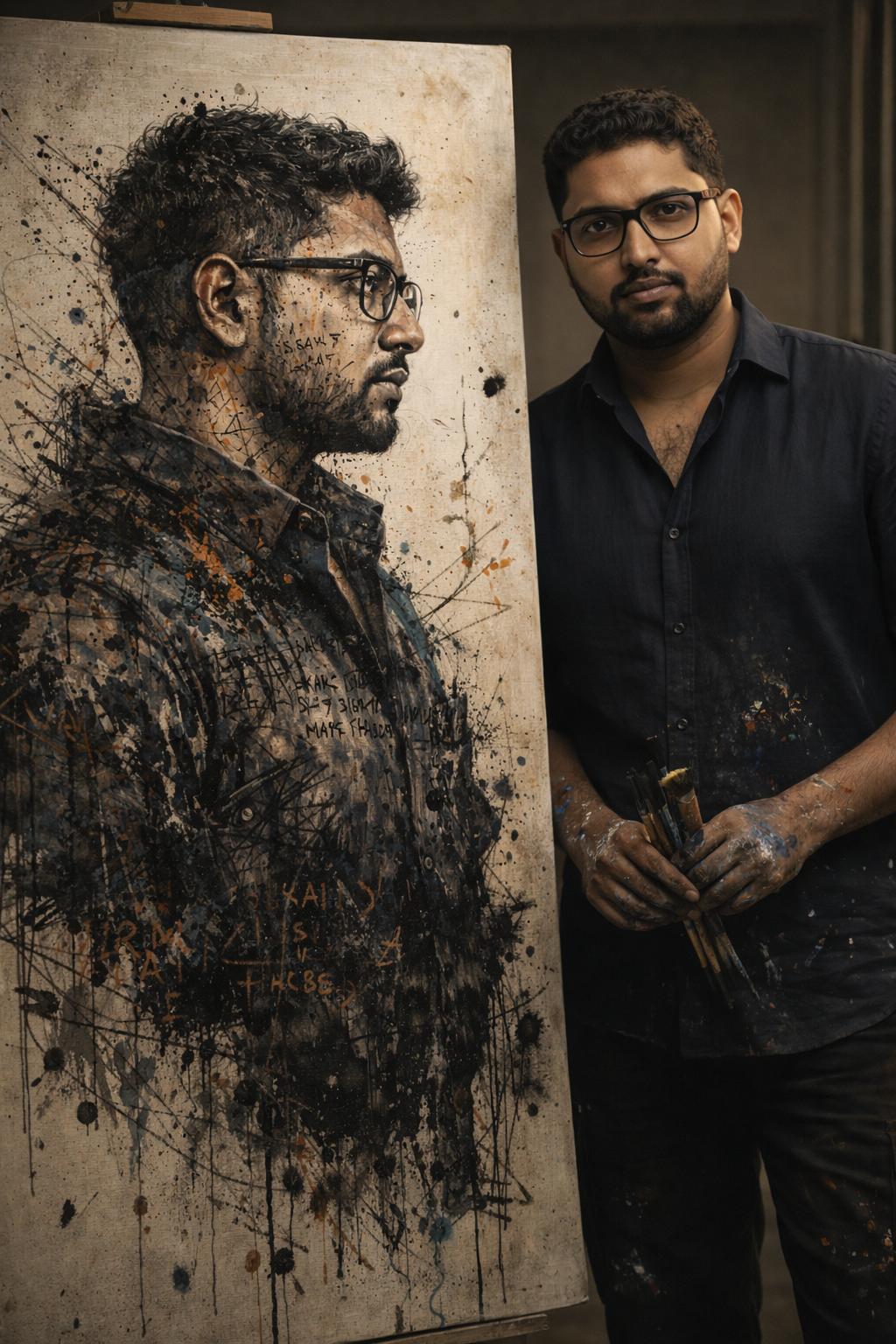
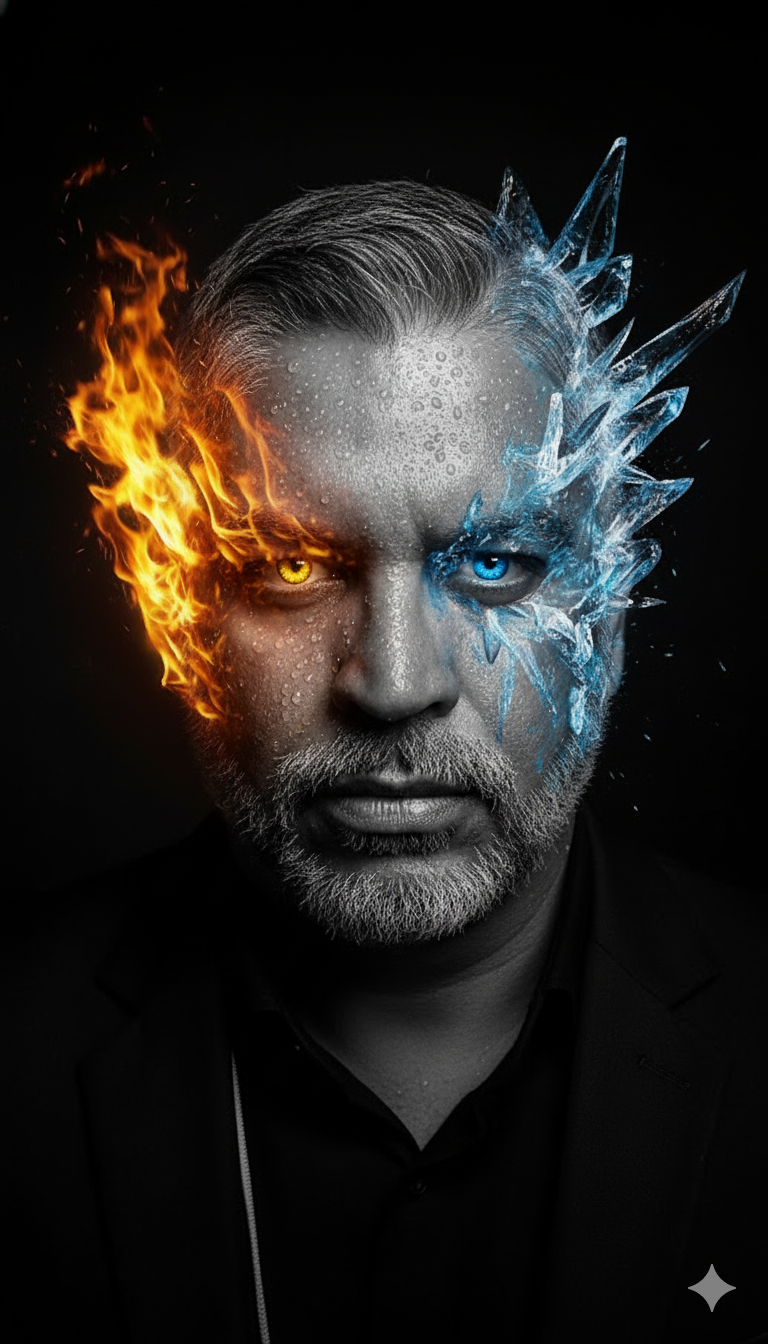
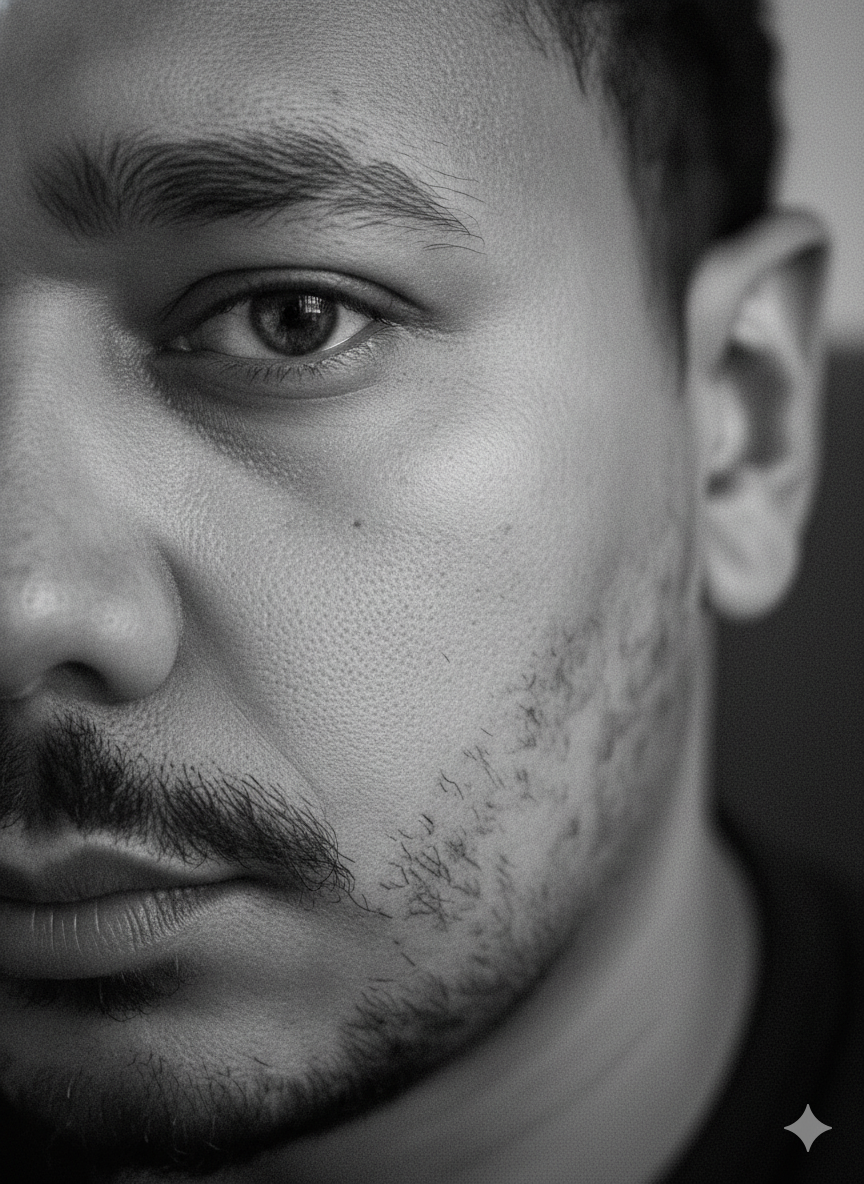

재사용 및 출처 참고 사항
사례를 미리 확인한 후 이 안내 메시지를 안전하게 사용하십시오.
- 1.프롬프트를 복사하거나 Dovoo의 생성 버튼을 사용하여 직접 엽니다.
- 2.사용 사례에 맞게 변수, 화면 비율 및 참조 이미지를 조정하십시오.
- 3.출판 또는 유료 사용 전에 저작권, 출처 표기 요건 및 브랜드 또는 초상권 관련 위험을 확인하십시오.