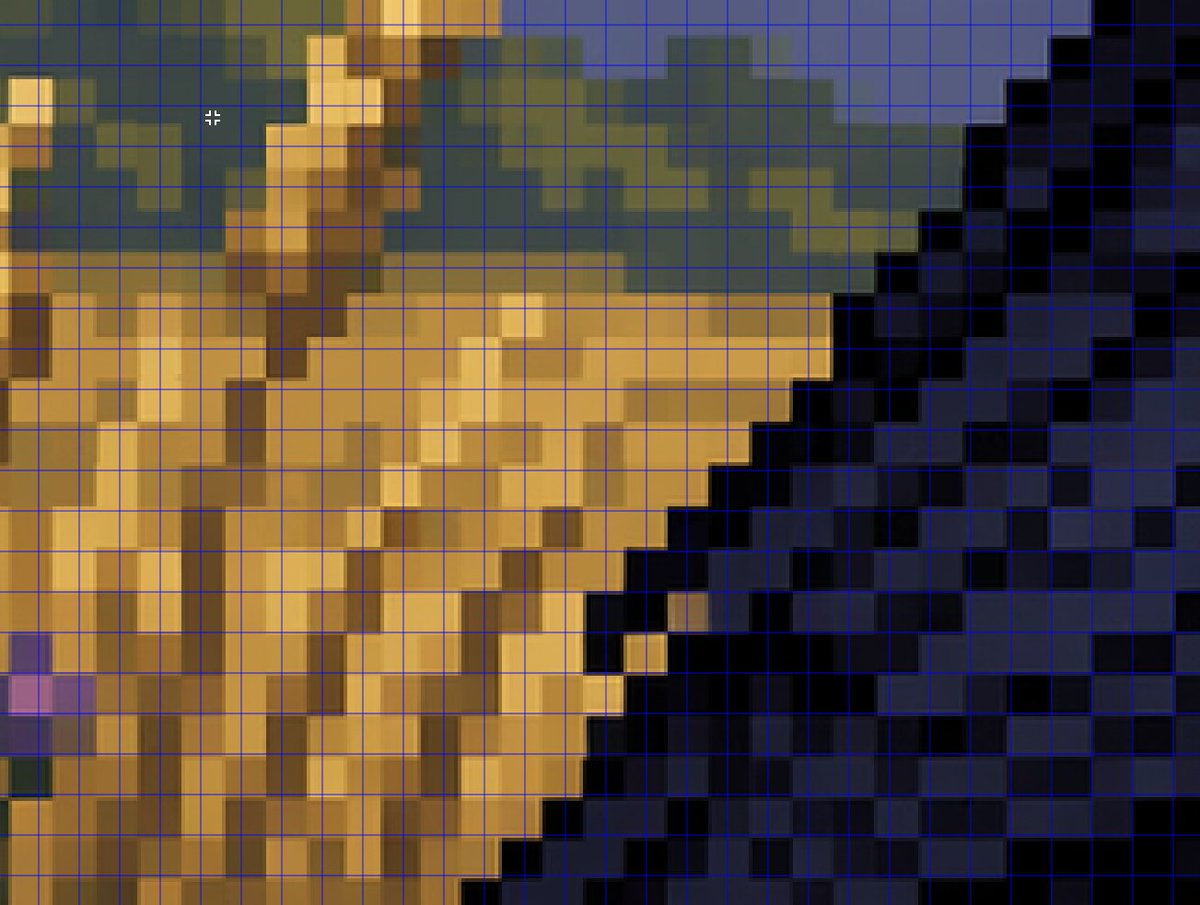
확대된 가짜 픽셀 아트 그리드 분석
이 프롬프트는 AI가 만든 픽셀 아트처럼 보이는 이미지가 실제 픽셀 격자에 깔끔하게 정렬되지 않는 방식을 설명하기 위해 사용되는 클로즈업 분석 스타일 이미지를 생성합니다.
이것은 다른 영감 에 대한 GPT Image 2 프롬프트 사례입니다. 아래의 복사 가능한 프롬프트를 사용하여 유사한 시각 자료를 생성하고, 재사용하기 전에 Awesome GPT Image 2 Prompts 의 저작자 표시 및 상업적 사용 권한을 검토하십시오.
전체 프롬프트 세트가 필요하신가요? 다음을 사용하세요. 다른 영감 더 많은 관련 예시를 보려면 주제 허브를 열거나 다음을 열어보세요. GPT Image 2 프롬프트 카탈로그 전체 예제 색인, 재사용 가능한 구조 및 출처 표기는 다음을 참조하십시오.
Free 1K preview
Generate one preview image instantly, no sign-up required.
1075/4000
프롬프트
복사 준비 프롬프트
A tightly zoomed-in comparison image demonstrating fake pixel-art rendering, showing a low-resolution-looking scene enlarged on screen with a thin bright blue square grid overlay across the entire frame. The composition is an abstract close crop of a pixel-art-style environment: sandy tan and ochre blocky forms on the left and center, a dark navy and black stepped diagonal mass on the right, muted olive-green and slate-blue shapes along the upper background, and a few lighter golden highlights. Every edge looks staircase-like and blocky at first glance, but the colors softly blur and blend within the apparent squares instead of aligning perfectly to the grid, creating the impression of pixel art that breaks down under inspection. Include a small white crosshair cursor near the upper left quadrant to suggest image analysis in an editor. The overall look should feel like a screenshot from a graphics program or social media demonstration about how AI can imitate retro game art aesthetics without producing true grid-perfect pixel art, with no text labels visible.
Best for
- - 다른 영감 visual exploration
- - Image generation and reference-image edits
- - Reusable briefs that keep source attribution visible
Change these parts
- - Subject, product, character, or scene
- - Aspect ratio, camera, lighting, and background
- - Brand, text, color, and output constraints
Recommended model and settings
- - Model: gpt-image-2
- - Input mode: 텍스트 to 이미지
- - Aspect ratio: source
- - Commercial status: review original source
How to use this prompt
- 1. Copy the prompt and preserve its structure for the first test.
- 2. Replace the subject, context, and publishing channel.
- 3. Change one camera, lighting, or style variable per iteration.
- 4. Inspect the output, source, text, and rights before reuse.
Limitations, source, and reuse cautions
- - Generated output is an editable draft, not factual, legal, or rights evidence.
- - Review the linked source, people, brands, logos, text, and third-party media before commercial use.
Awesome GPT Image 2 Prompts 에서 가져왔습니다. 출처 표기가 필요합니다. 상업적 이용 가능 여부는 allowed 입니다. 유료 사용 전에 원저작권 정보를 확인하세요.
이 범주에 속하는 더 많은 사례
범주, 입력 방식 호환성, 품질 및 위험도에 따라 우선순위가 정해집니다.






재사용 및 출처 참고 사항
사례를 미리 확인한 후 이 안내 메시지를 안전하게 사용하십시오.
- 1.프롬프트를 복사하거나 Dovoo의 생성 버튼을 사용하여 직접 엽니다.
- 2.사용 사례에 맞게 변수, 화면 비율 및 참조 이미지를 조정하십시오.
- 3.출판 또는 유료 사용 전에 저작권, 출처 표기 요건 및 브랜드 또는 초상권 관련 위험을 확인하십시오.