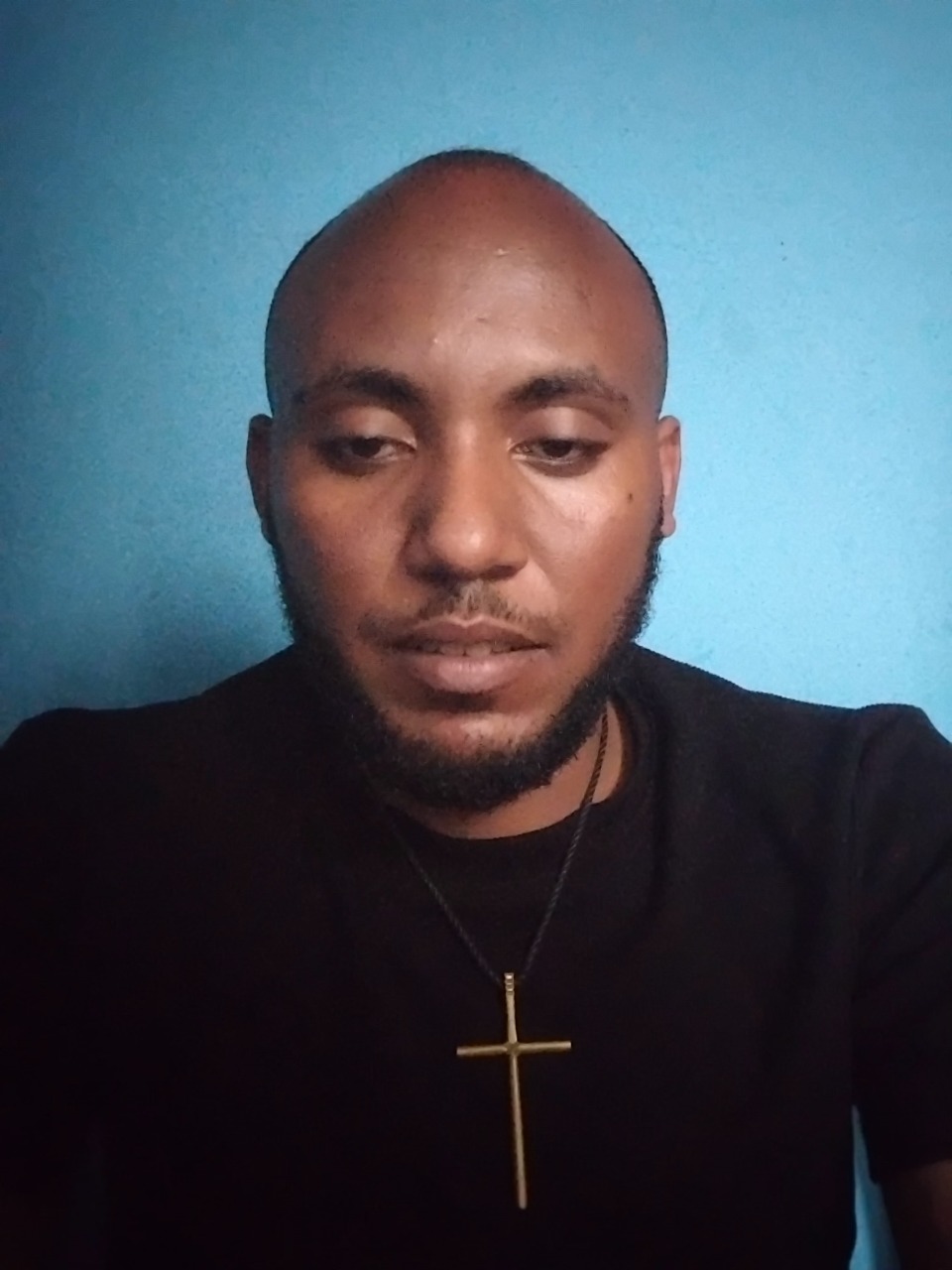
画像
出典元が明記されたNano Banana Proの画像プロンプト。Awesome Nano Banana Pro Promptsリポジトリからのもので、プレビュー画像と再利用レビューノートが含まれています。
これは肖像画とキャラクター向けのNano Banana Proプロンプトケースです。以下のコピー可能なプロンプトを使用して同様のビジュアルを生成し、再利用する前にAwesome Nano Banana Pro Prompts帰属表示と商用利用権を確認してください。
プロンプトセット全体が必要ですか? 肖像画とキャラクター 関連する例をもっと見るにはトピックハブを開くか、 Nano Banana Pro プロンプトカタログ 完全な例の索引、再利用可能な構造、および出典の明記については、こちらをご覧ください。
プロンプト
コピー準備完了プロンプト
1. Professional Retouch

“ Professionally retouch this image while keeping the person’s identity, facial features, skin texture, body proportions, hairstyle, clothing, and overall appearance natural and recognizable. Improve the lighting, sharpness, colour balance, exposure, contrast, and overall image quality. Remove small distractions or imperfections only where necessary, but avoid making the skin look plastic, overly smooth, or obviously edited.”
2/ Remove Anything

“ Remove [OBJECT/PERSON] from this image completely and realistically reconstruct the area behind it. Match the original background, lighting, shadows, textures, reflections, depth, perspective, and surrounding details so the edited area blends naturally with the rest of the image. Make sure there are no strange gaps, duplicated objects, blurry patches, or obvious signs that something was removed.”
3. Change the Background

“Replace the current background with [NEW BACKGROUND] while keeping the main subject exactly the same. Preserve the person’s face, body, clothing, hairstyle, pose, proportions, and fine details. Blend the subject naturally into the new environment by matching the lighting direction, shadows, reflections, colour tones, depth of field, scale, and perspective so the final image looks like it was originally photographed there.”
4. Upgrade Image Quality to 8k

“ Enhance this image to 8k so it looks sharper, cleaner, clearer, and more professional while preserving the original composition and content. Improve fine details, lighting, exposure, colour accuracy, contrast, sharpness, and overall clarity. Reduce visible noise, blur, compression artifacts, or dull colours without changing the person’s face, objects, text, proportions, background, or natural appearance.”
5. Change the Outfit

“Replace the current outfit with [OUTFIT DESCRIPTION] while keeping the person’s identity completely unchanged. Preserve the face, hairstyle, body shape, pose, hands, skin tone, proportions, expression, and background. Make the new clothing fit naturally on the body with realistic fabric texture, folds, stitching, shadows, lighting, and movement so it looks like the person was genuinely wearing it in the original photo.”
6. Expand the Photo

“Expand this image beyond its current borders to [ASPECT RATIO/SIZE] while keeping everything inside the original image unchanged. Naturally continue the existing background, environment, floor, walls, sky, scenery, objects, lighting, textures, patterns, depth, and perspective into the new space. Make the expansion seamless so it looks like the wider image was captured that way originally.”
7. Recreate a Different Time of Day

“Change this scene from [CURRENT TIME OF DAY] to [SUNRISE / GOLDEN HOUR / SUNSET / NIGHT]. Adjust the sky, light direction, colour temperature, reflection
8. Fix Closed Eyes

“Correct the person’s closed or half-closed eyes so they look naturally open and consistent with their face, expression, gaze direction, lighting, and eye shape. Keep the edit subtle and realistic, without changing the person’s identity or
9. Fix Wrinkled Clothing

“Smooth out distracting wrinkles, creases, bunching, and uneven fabric in the clothing while keeping the material, fit, seams, texture, and natural folds realistic. Make the outfit look neat and well-presented without making it appear digitally painted.” overall expression.” and change tishrt meskel Ethiopia culture
Best for
- - 肖像画とキャラクター visual exploration
- - Image generation and reference-image edits
- - Reusable briefs that keep source attribution visible
Change these parts
- - Subject, product, character, or scene
- - Aspect ratio, camera, lighting, and background
- - Brand, text, color, and output constraints
Recommended model and settings
- - Model: nano-banana-pro
- - Input mode: 画像から画像
- - Aspect ratio: square
- - Commercial status: restricted
How to use this prompt
- 1. Copy the prompt and preserve its structure for the first test.
- 2. Replace the subject, context, and publishing channel.
- 3. Change one camera, lighting, or style variable per iteration.
- 4. Inspect the output, source, text, and rights before reuse.
Limitations, source, and reuse cautions
- - Generated output is an editable draft, not factual, legal, or rights evidence.
- - Review the linked source, people, brands, logos, text, and third-party media before commercial use.
Awesome Nano Banana Pro Promptsからインポートされました。出典の明記が必要です。商用利用の可否はrestrictedです。有料利用の前に、出典元の権利をご確認ください。
このカテゴリーのその他の事例
カテゴリー、入力モードの互換性、品質、およびリスクの低さに基づいて優先順位付けされています。
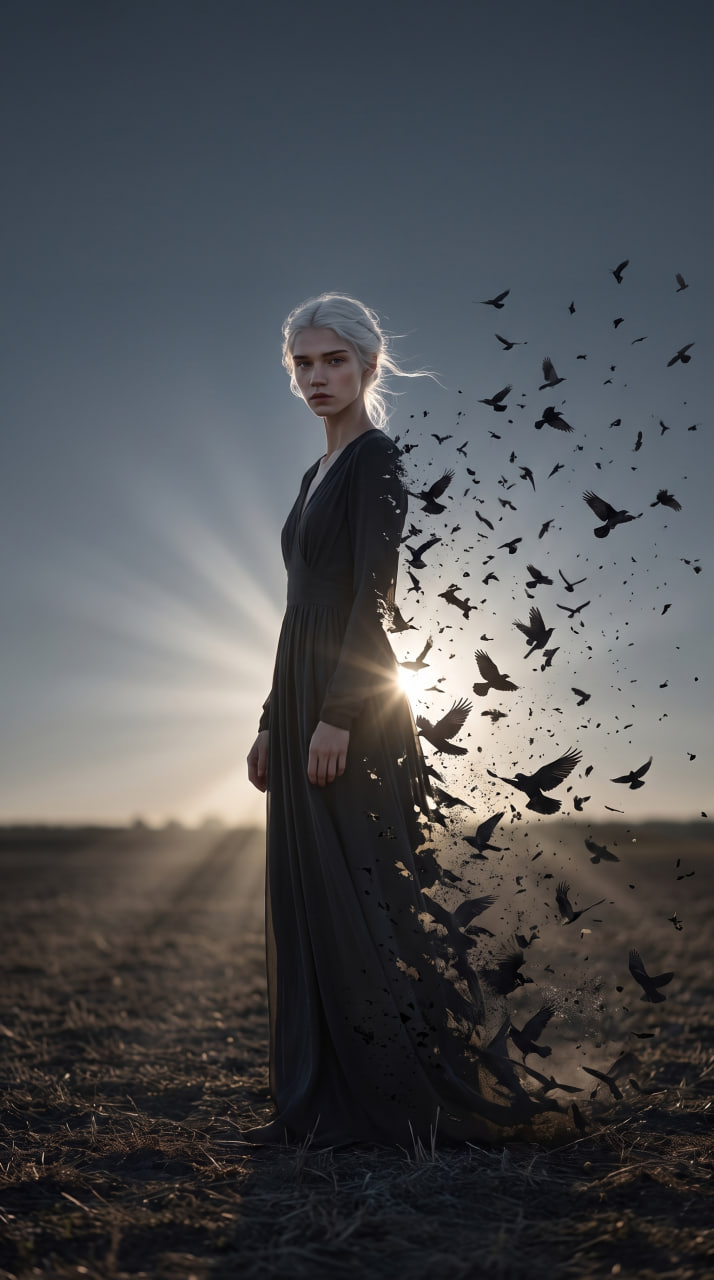
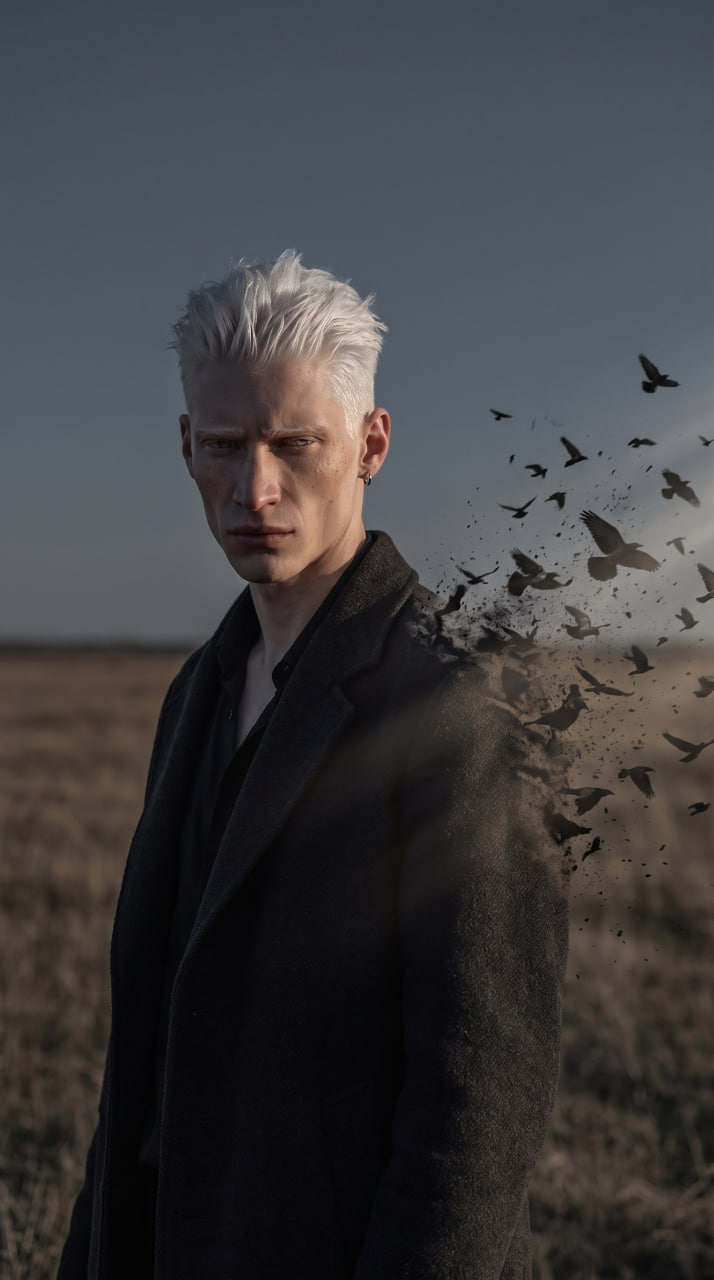
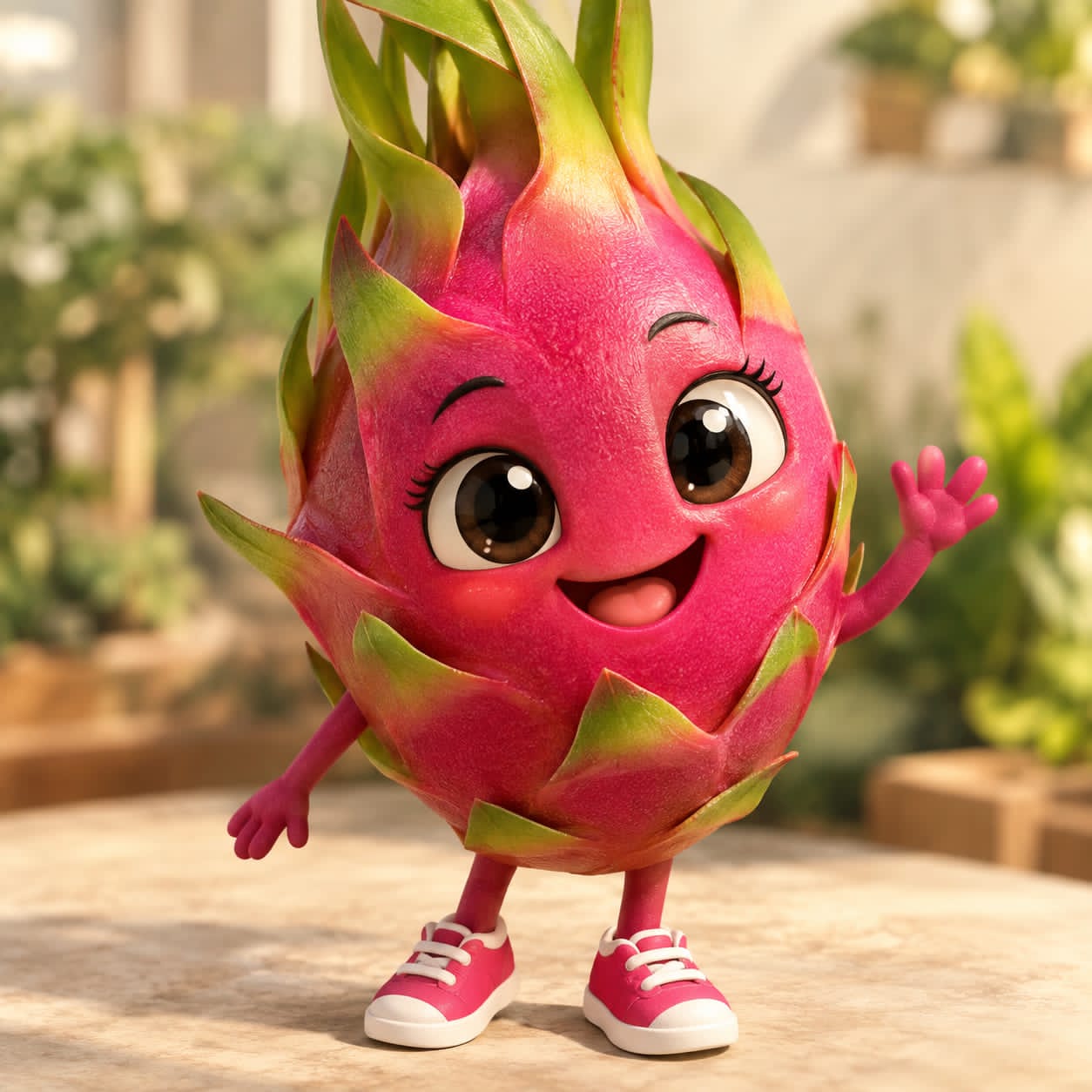
再利用と出典に関する注記
ケースを事前に確認してから、このプロンプトを安全に使用してください。
- 1.プロンプトをコピーするか、生成ボタンを使ってDovooで直接開いてください。
- 2.ご自身の用途に合わせて、変数、アスペクト比、および参照画像を調整してください。
- 3.公開または有料利用の前に、情報源の権利、帰属表示の要件、およびブランドまたは肖像権に関するリスクを確認してください。