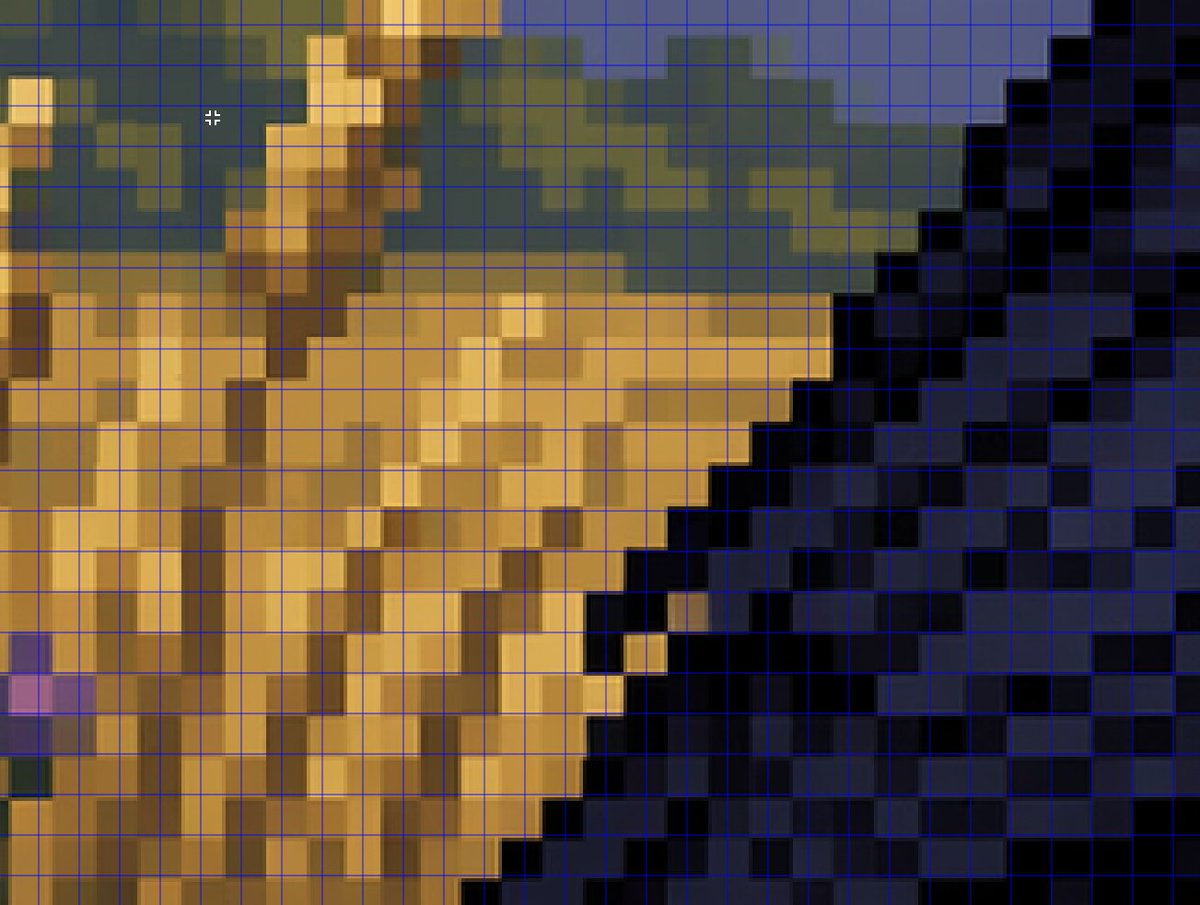
拡大表示した偽ピクセルアートグリッド分析
このプロンプトは、AIが生成したピクセルアート風のビジュアルが、実際のピクセルグリッドにきれいに揃わない様子を示すために用いられる、クローズアップ分析スタイルの画像を生成します。
これはその他のインスピレーション向けのGPT Image 2プロンプトケースです。以下のコピー可能なプロンプトを使用して同様のビジュアルを生成し、再利用する前にAwesome GPT Image 2 Prompts帰属表示と商用利用権を確認してください。
プロンプトセット全体が必要ですか? その他のインスピレーション 関連する例をもっと見るにはトピックハブを開くか、 GPT Image 2 プロンプトカタログ 完全な例の索引、再利用可能な構造、および出典の明記については、こちらをご覧ください。
Free 1K preview
Generate one preview image instantly, no sign-up required.
1075/4000
プロンプト
コピー準備完了プロンプト
A tightly zoomed-in comparison image demonstrating fake pixel-art rendering, showing a low-resolution-looking scene enlarged on screen with a thin bright blue square grid overlay across the entire frame. The composition is an abstract close crop of a pixel-art-style environment: sandy tan and ochre blocky forms on the left and center, a dark navy and black stepped diagonal mass on the right, muted olive-green and slate-blue shapes along the upper background, and a few lighter golden highlights. Every edge looks staircase-like and blocky at first glance, but the colors softly blur and blend within the apparent squares instead of aligning perfectly to the grid, creating the impression of pixel art that breaks down under inspection. Include a small white crosshair cursor near the upper left quadrant to suggest image analysis in an editor. The overall look should feel like a screenshot from a graphics program or social media demonstration about how AI can imitate retro game art aesthetics without producing true grid-perfect pixel art, with no text labels visible.
Best for
- - その他のインスピレーション visual exploration
- - Image generation and reference-image edits
- - Reusable briefs that keep source attribution visible
Change these parts
- - Subject, product, character, or scene
- - Aspect ratio, camera, lighting, and background
- - Brand, text, color, and output constraints
Recommended model and settings
- - Model: gpt-image-2
- - Input mode: テキストから画像
- - Aspect ratio: source
- - Commercial status: review original source
How to use this prompt
- 1. Copy the prompt and preserve its structure for the first test.
- 2. Replace the subject, context, and publishing channel.
- 3. Change one camera, lighting, or style variable per iteration.
- 4. Inspect the output, source, text, and rights before reuse.
Limitations, source, and reuse cautions
- - Generated output is an editable draft, not factual, legal, or rights evidence.
- - Review the linked source, people, brands, logos, text, and third-party media before commercial use.
Awesome GPT Image 2 Promptsからインポートされました。出典の明記が必要です。商用利用の可否はallowedです。有料利用の前に、出典元の権利をご確認ください。
このカテゴリーのその他の事例
カテゴリー、入力モードの互換性、品質、およびリスクの低さに基づいて優先順位付けされています。






再利用と出典に関する注記
ケースを事前に確認してから、このプロンプトを安全に使用してください。
- 1.プロンプトをコピーするか、生成ボタンを使ってDovooで直接開いてください。
- 2.ご自身の用途に合わせて、変数、アスペクト比、および参照画像を調整してください。
- 3.公開または有料利用の前に、情報源の権利、帰属表示の要件、およびブランドまたは肖像権に関するリスクを確認してください。