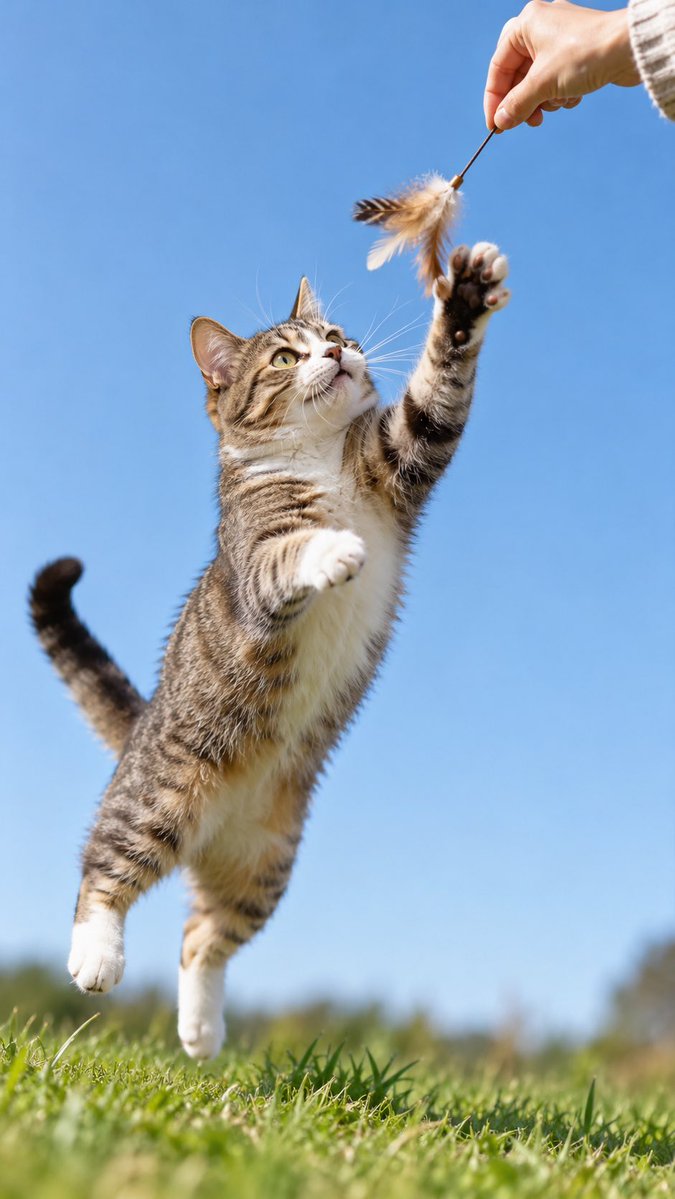
GPT-Image-2 Wildlife Photography Prompt
A prompt for generating dynamic wildlife photography with decisive moments and minimal environment narrative using gpt-image-2.
Questo è un esempio di prompt GPT Image 2 per Paesaggio e natura . Utilizza il prompt pronto per la copia qui sotto per generare immagini simili e verifica l'attribuzione Awesome GPT Image 2 Prompts e i diritti di utilizzo commerciale prima del riutilizzo.
Hai bisogno del set completo di prompt? Usa il Paesaggio e natura hub tematico per ulteriori esempi correlati oppure apri il GPT Image 2 catalogo rapido per l'indice completo degli esempi, le strutture riutilizzabili e l'attribuzione delle fonti.
Free 1K preview
Generate one preview image instantly, no sign-up required.
1071/4000
Richiesta
prompt pronto per la copia
Wildlife dynamic photography × decisive moment × minimalist environmental narrative.

The key for this type of image is placing the [interaction prop] on the action path, letting hand, prop, and animal form a clear action line, then using high-speed shutter to freeze the 'about to touch' moment, making the image more lively than simple posing.

Model: gpt-image2

Prompt:

Dynamic interaction photography between [Subject] and [Animal], person not fully shown, only partial hand, forearm, or body edge entering frame, establishing direct contact with [Animal] through [Interaction Prop].

Animal is in a moment of action: pouncing, reaching, biting, grabbing, lightly touching, or approaching the prop, forming a strong decisive moment.

Composition emphasizes action line, prominent subject, minimalist background, realistic environment, natural daylight, high-speed shutter freezing action, with real snapshot feel, life feel, and narrative feel. Background uses large area of simple natural environment color field, highlighting subject and interaction relationship.
Best for
- - Paesaggio e natura visual exploration
- - Image generation and reference-image edits
- - Reusable briefs that keep source attribution visible
Change these parts
- - Subject, product, character, or scene
- - Aspect ratio, camera, lighting, and background
- - Brand, text, color, and output constraints
Recommended model and settings
- - Model: gpt-image-2
- - Input mode: Testo in immagine
- - Aspect ratio: source
- - Commercial status: review original source
How to use this prompt
- 1. Copy the prompt and preserve its structure for the first test.
- 2. Replace the subject, context, and publishing channel.
- 3. Change one camera, lighting, or style variable per iteration.
- 4. Inspect the output, source, text, and rights before reuse.
Limitations, source, and reuse cautions
- - Generated output is an editable draft, not factual, legal, or rights evidence.
- - Review the linked source, people, brands, logos, text, and third-party media before commercial use.
Importato da Awesome GPT Image 2 Prompts . È richiesta l'attribuzione. Lo stato di utilizzo commerciale è allowed ; verificare i diritti della fonte prima dell'utilizzo a pagamento.
Altri casi in questa categoria
Prioritizzazione in base a categoria, compatibilità della modalità di input, qualità e minor rischio.

Girl in Swimsuit on Orange Stairs
Testo in immagine
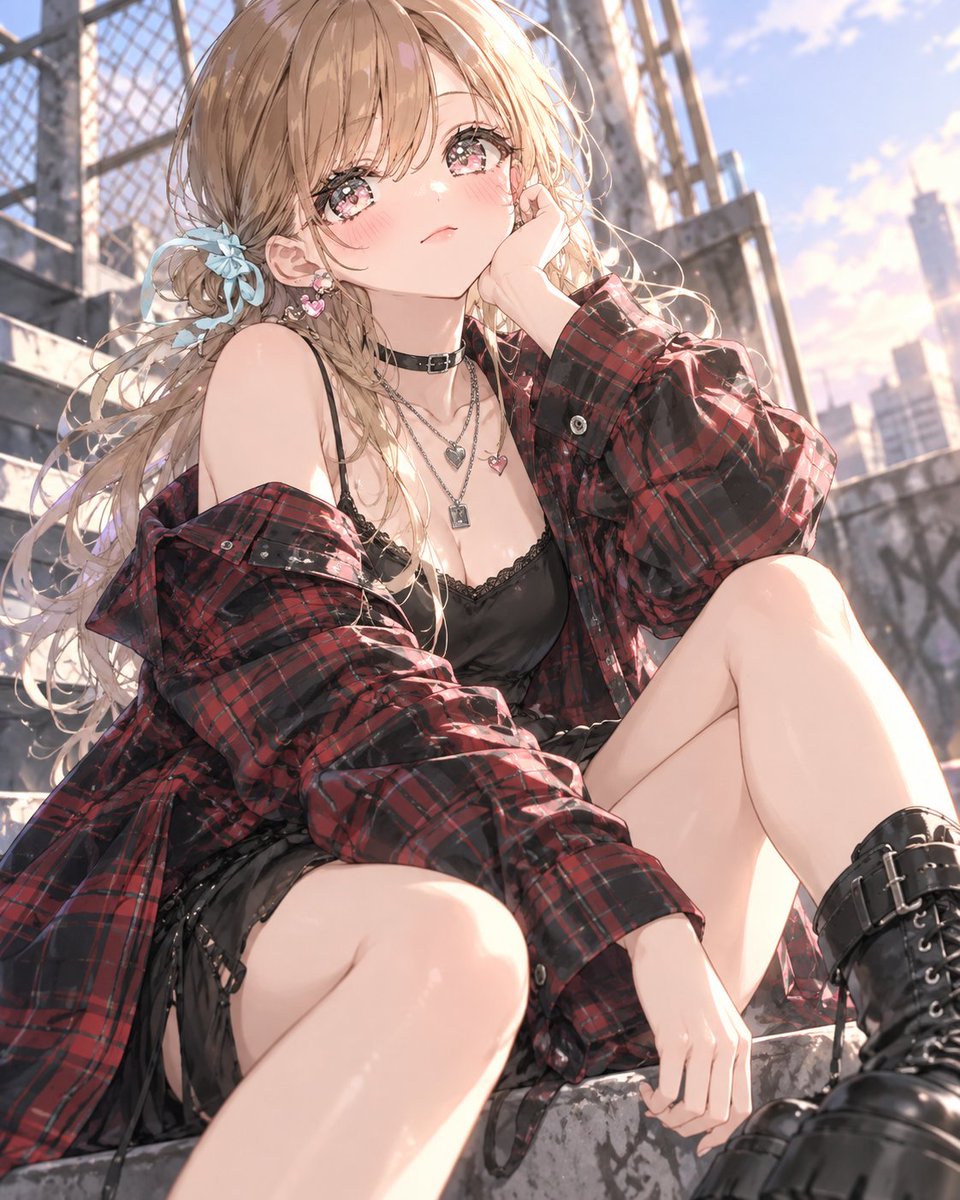
GPT Image 2 Streetwear Tartan Outfit Prompt
Testo in immagine
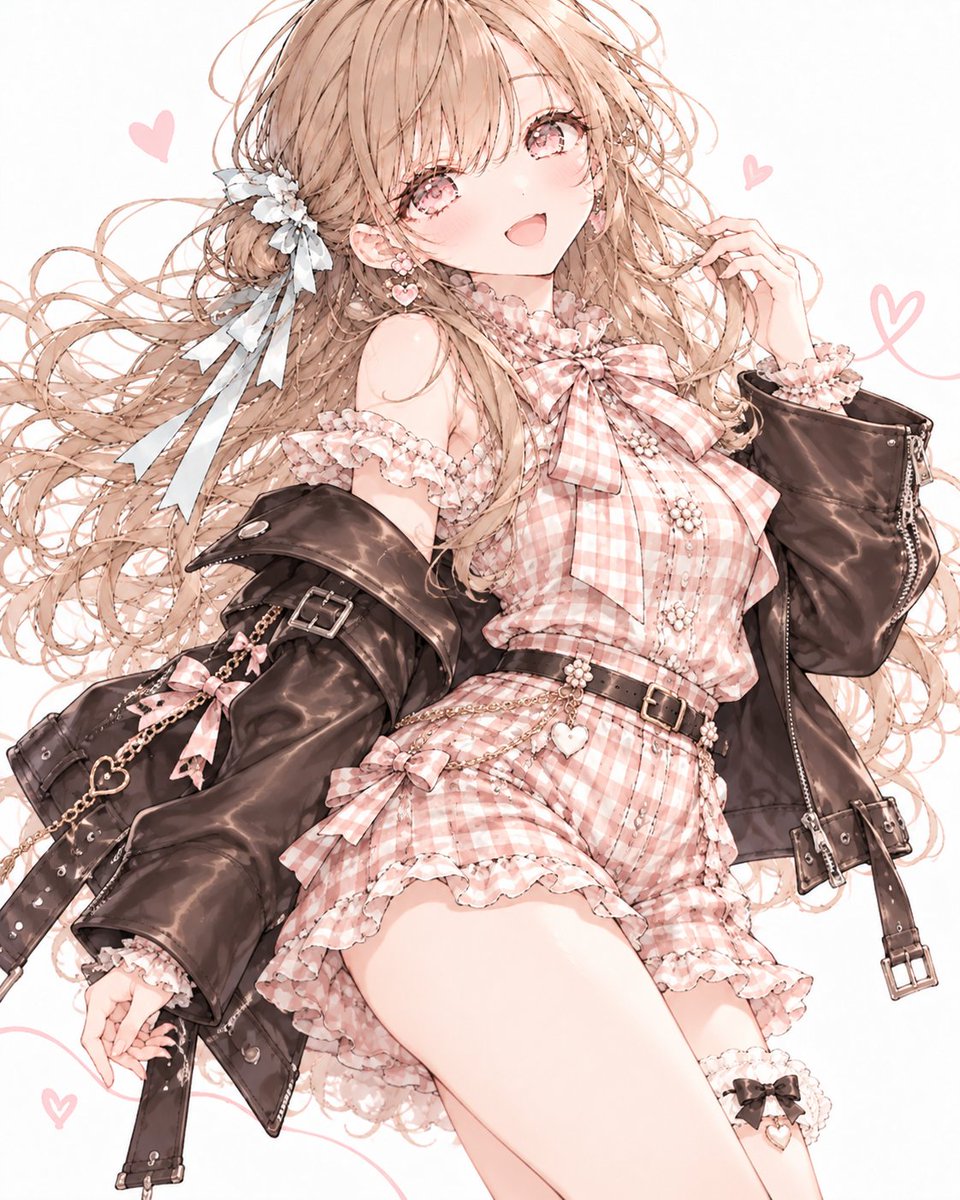
ChatGPT Image 2 Autumn Outfit Prompt
Testo in immagine
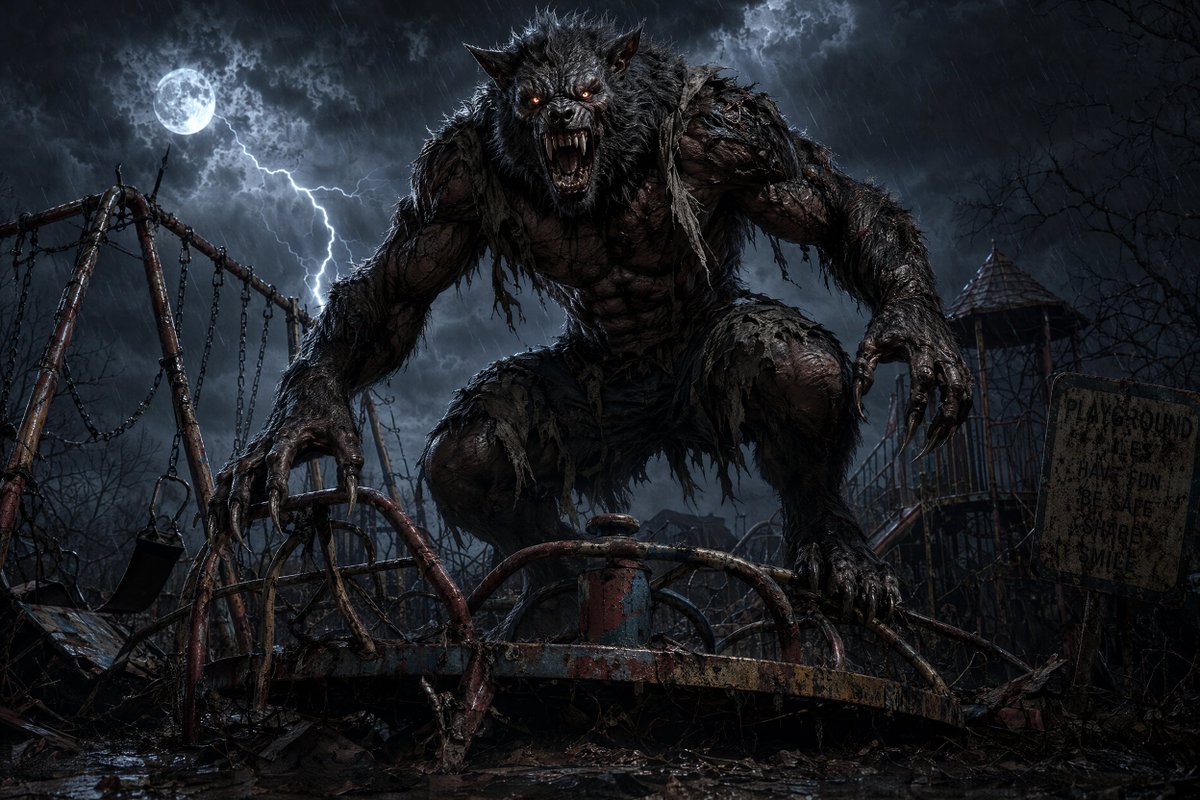
Werewolf at Abandoned Playground
Testo in immagine
Purple Blouse Black Shorts Outfit Prompt
Testo in immagine
Autumn Street Style Outfit Prompt
Testo in immagine
Note sul riutilizzo e sulla fonte
Utilizza questo prompt in tutta sicurezza dopo aver visualizzato in anteprima il caso.
- 1.Copia il prompt oppure aprilo direttamente in Dovoo tramite il pulsante di generazione.
- 2.Regola le variabili, le proporzioni e le immagini di riferimento in base alle tue esigenze.
- 3.Prima della pubblicazione o dell'utilizzo a pagamento, verificare i diritti di fonte, i requisiti di attribuzione e i rischi relativi al marchio o all'immagine.