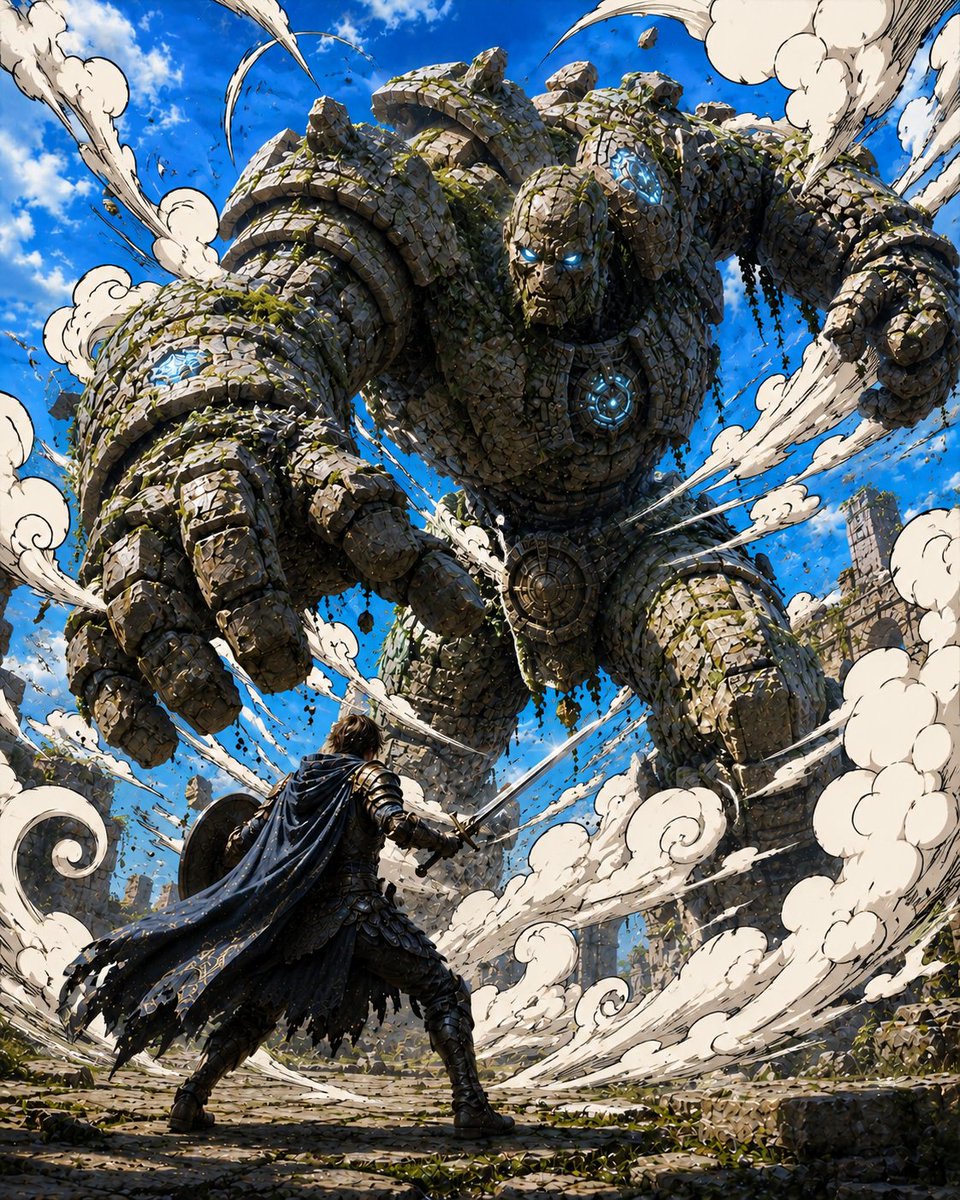
Warrior Versus Stone Golem
Generates an epic manga-style fantasy battle scene with a lone armored hero confronting a towering rune-lit stone golem in ancient ruins.
Questo è un esempio di prompt GPT Image 2 per Anime e videogiochi . Utilizza il prompt pronto per la copia qui sotto per generare immagini simili e verifica l'attribuzione Awesome GPT Image 2 Prompts e i diritti di utilizzo commerciale prima del riutilizzo.
Hai bisogno del set completo di prompt? Usa il Anime e videogiochi hub tematico per ulteriori esempi correlati oppure apri il GPT Image 2 catalogo rapido per l'indice completo degli esempi, le strutture riutilizzabili e l'attribuzione delle fonti.
Free 1K preview
Generate one preview image instantly, no sign-up required.
2144/4000
Richiesta
prompt pronto per la copia
Create a dramatic fantasy manga-style battle scene in a vertical 4:5 composition. A colossal ancient stone golem towers over a lone armored warrior in ruined temple grounds, viewed from a low cinematic angle that makes the golem feel gigantic. The golem is built from thousands of irregular gray-brown stone blocks and broken masonry, with patches of green moss and hanging vines between the rocks. It has glowing cyan-blue magical eyes and exactly 4 visible glowing blue rune cores: one in the center of its chest, one on its forehead, one on its right shoulder, and one on its left forearm. Its massive left hand reaches forward toward the viewer with oversized stone fingers, while the other arm is pulled back in a fist as if charging an attack. In the foreground, show one human warrior seen from behind, wearing dark medieval armor, boots, and a long tattered navy-black cape with gold trim, holding a sword in the right hand and a round shield on the left arm, braced in a defensive stance facing the giant. Surround them with swirling stylized dust clouds and speed-line smoke ribbons, rendered like inked manga effects: exactly 8 major white dust plumes curling around the scene, with black outlines and dynamic motion arcs. Add flying pebbles, cracked stone debris, broken columns, scattered ruins, and mossy rubble across the ground. The background is a vivid bright blue sky with scattered white clouds and distant ruined stone towers. Visual style: highly detailed anime fantasy illustration, sharp black ink outlines, comic-book crosshatching, dynamic perspective, saturated colors, strong sunlight, high contrast, epic action energy, no text, no watermark. Use {argument name="hero description" default="a lone dark-armored warrior with a tattered navy-black cape and sword"}, {argument name="monster description" default="a colossal moss-covered stone golem with glowing cyan rune cores"}, {argument name="setting" default="ancient ruined temple courtyard under a bright blue sky"}, {argument name="magic glow color" default="cyan blue"}, and {argument name="dust effect" default="large white manga-style swirling dust plumes"}.Variabili di richiesta
Segnaposto per gli argomenti modificabili presenti nel prompt, con i relativi valori predefiniti.
Variabile
hero description
Predefinito
a lone dark-armored warrior with a tattered navy-black cape and sword
Variabile
monster description
Predefinito
a colossal moss-covered stone golem with glowing cyan rune cores
Variabile
setting
Predefinito
ancient ruined temple courtyard under a bright blue sky
Variabile
magic glow color
Predefinito
cyan blue
Variabile
dust effect
Predefinito
large white manga-style swirling dust plumes
Best for
- - Anime e videogiochi visual exploration
- - Image generation and reference-image edits
- - Reusable briefs that keep source attribution visible
Change these parts
- - Subject, product, character, or scene
- - Aspect ratio, camera, lighting, and background
- - Brand, text, color, and output constraints
Recommended model and settings
- - Model: gpt-image-2
- - Input mode: Testo in immagine
- - Aspect ratio: source
- - Commercial status: review original source
How to use this prompt
- 1. Copy the prompt and preserve its structure for the first test.
- 2. Replace the subject, context, and publishing channel.
- 3. Change one camera, lighting, or style variable per iteration.
- 4. Inspect the output, source, text, and rights before reuse.
Limitations, source, and reuse cautions
- - Generated output is an editable draft, not factual, legal, or rights evidence.
- - Review the linked source, people, brands, logos, text, and third-party media before commercial use.
Importato da Awesome GPT Image 2 Prompts . È richiesta l'attribuzione. Lo stato di utilizzo commerciale è allowed ; verificare i diritti della fonte prima dell'utilizzo a pagamento.
Altri casi in questa categoria
Prioritizzazione in base a categoria, compatibilità della modalità di input, qualità e minor rischio.
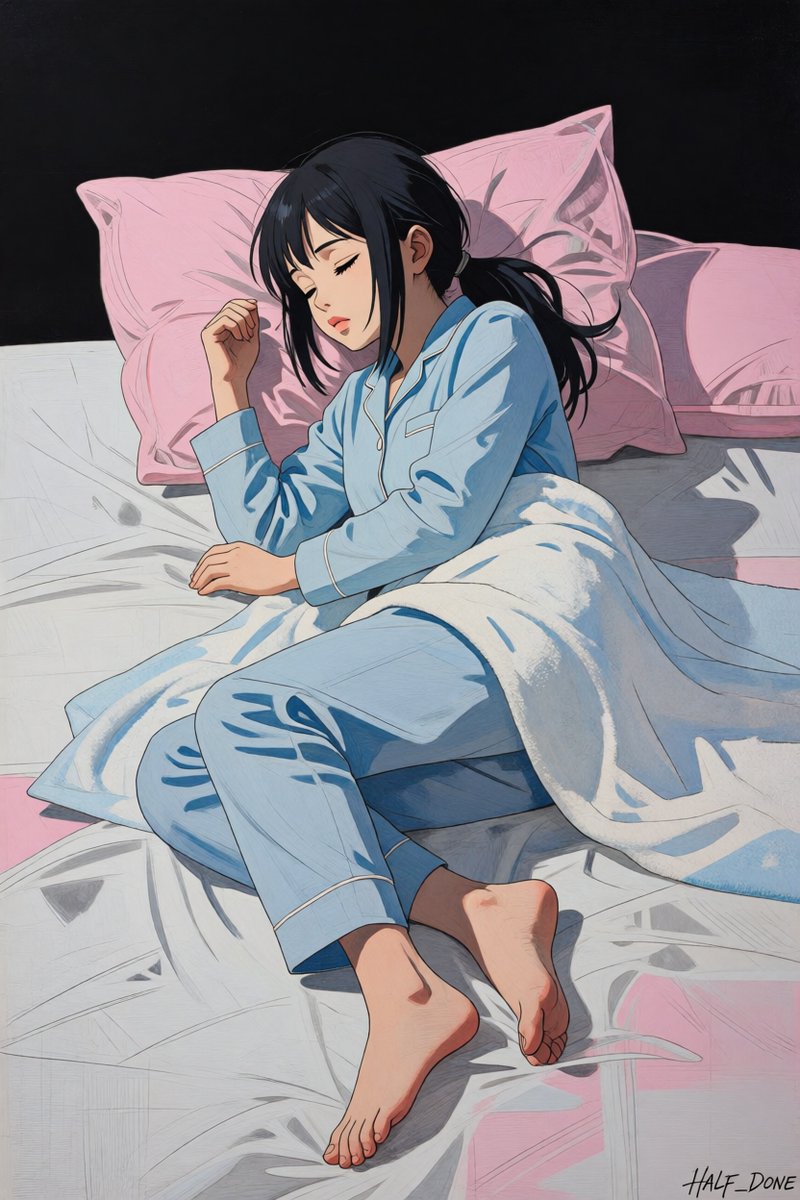
Sleeping Girl in Pitch-Black Room
Testo in immagine
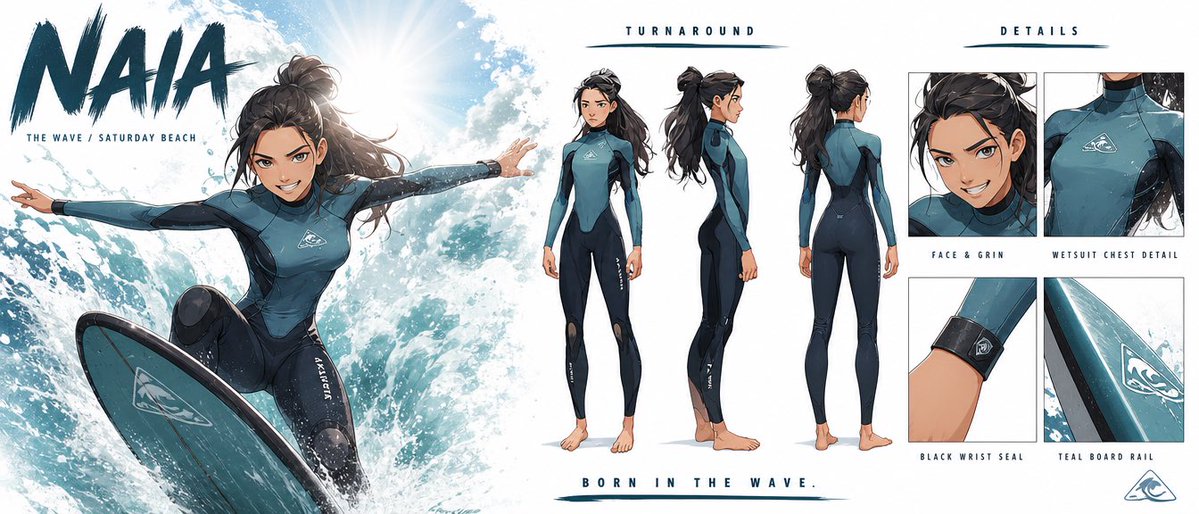
Strict Visual Consistency Character Sheet
Testo in immagine
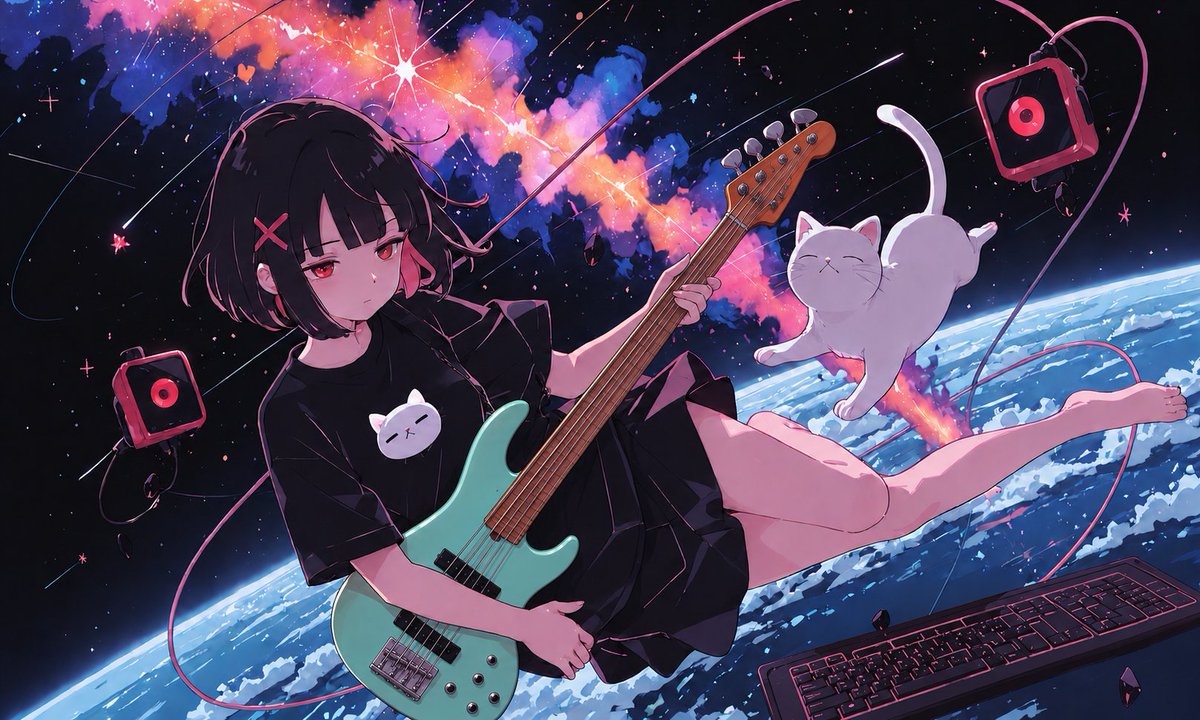
Anime Space Bass Guitar Cover Art
Testo in immagine
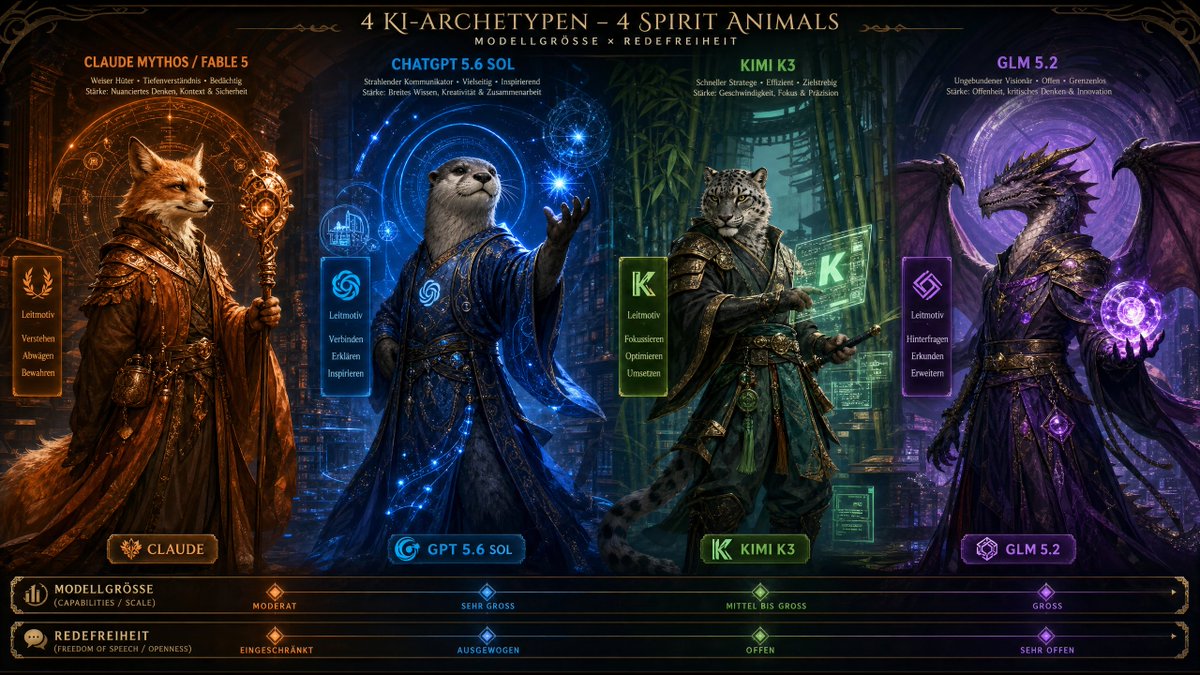
AI Model Spirit Animal Archetypes
Testo in immagine
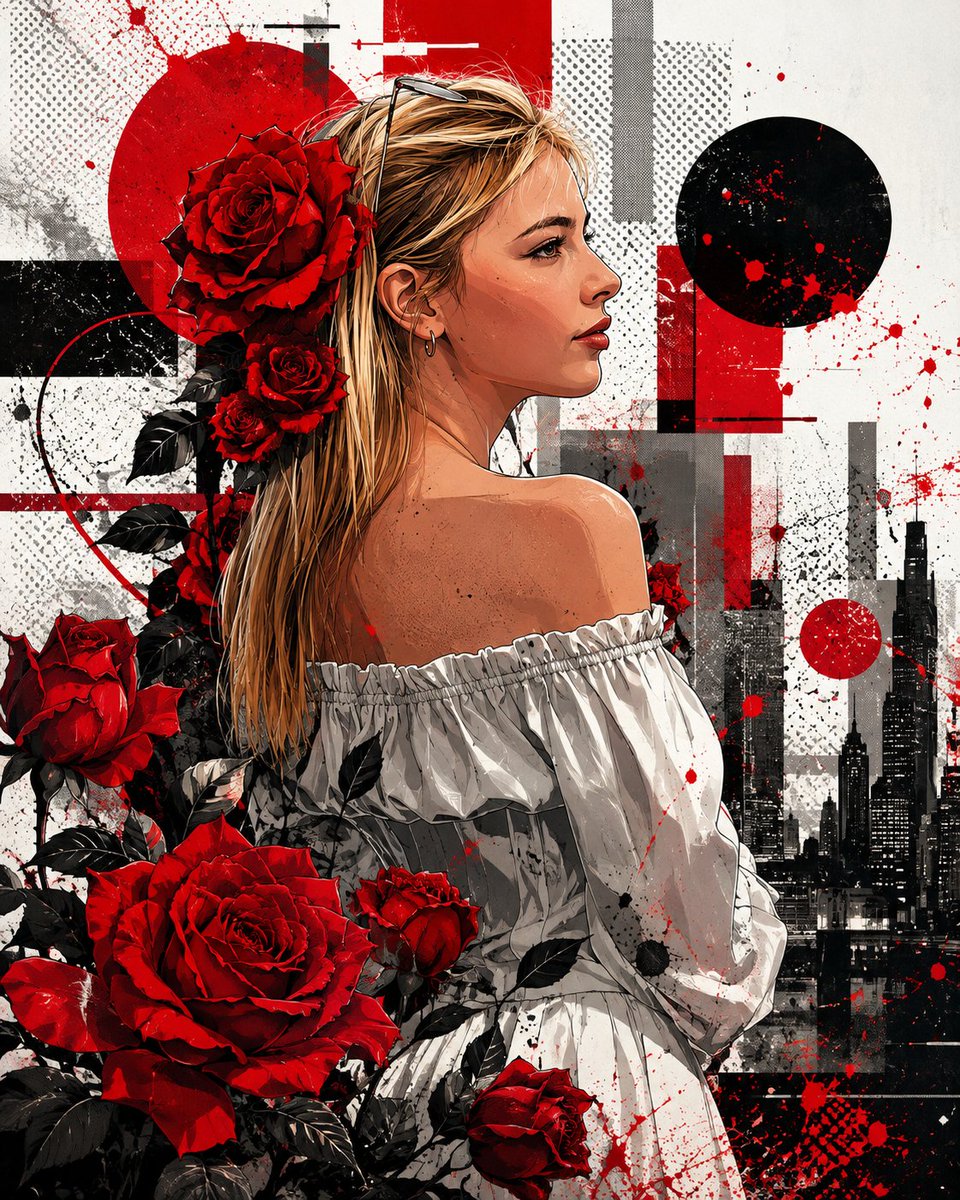
Mixed-Media Glitch Urban Art
Testo in immagine
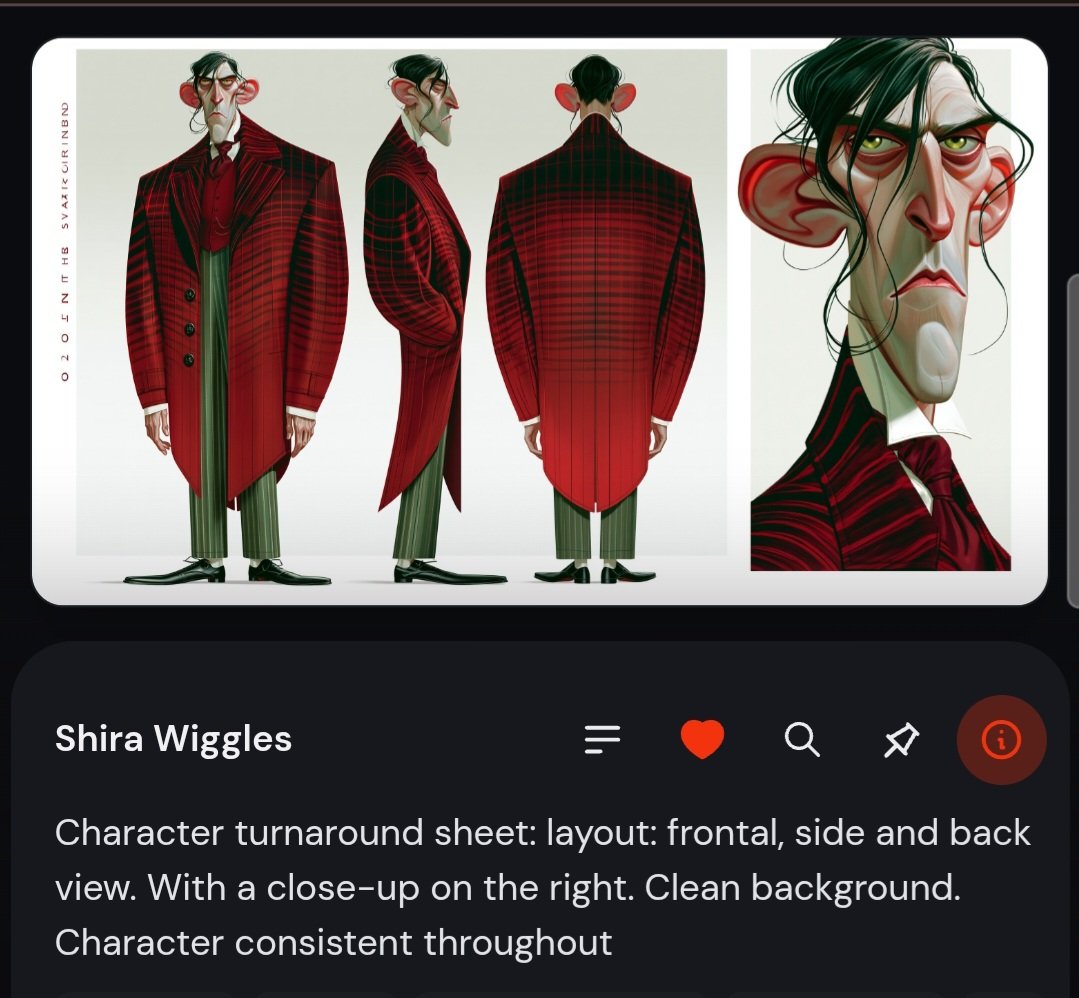
Dark App Character Turnaround Sheet
Testo in immagine
Note sul riutilizzo e sulla fonte
Utilizza questo prompt in tutta sicurezza dopo aver visualizzato in anteprima il caso.
- 1.Copia il prompt oppure aprilo direttamente in Dovoo tramite il pulsante di generazione.
- 2.Regola le variabili, le proporzioni e le immagini di riferimento in base alle tue esigenze.
- 3.Prima della pubblicazione o dell'utilizzo a pagamento, verificare i diritti di fonte, i requisiti di attribuzione e i rischi relativi al marchio o all'immagine.