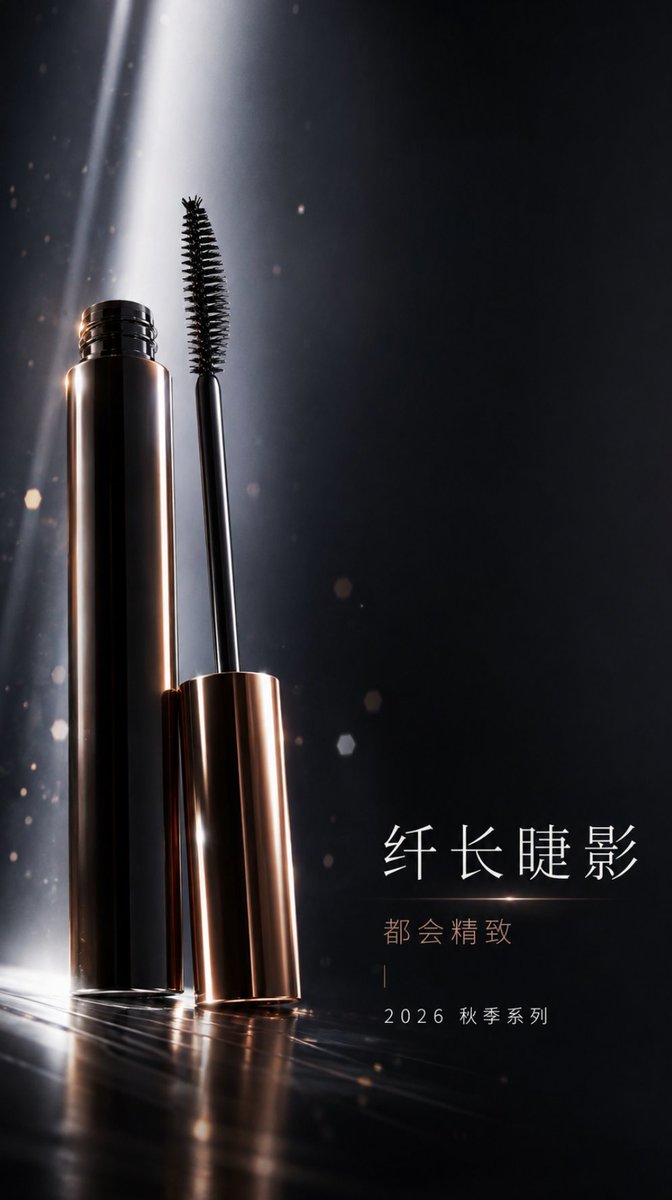
Professional Mascara Brand Key Visual
High-end urban sophisticated brand key visual prompt for mobile splash screens, featuring mascara with futuristic volume lighting and obsidian tones.
Questo è un esempio di prompt GPT Image 2 per Moda e bellezza . Utilizza il prompt pronto per la copia qui sotto per generare immagini simili e verifica l'attribuzione Awesome GPT Image 2 Prompts e i diritti di utilizzo commerciale prima del riutilizzo.
Hai bisogno del set completo di prompt? Usa il Moda e bellezza hub tematico per ulteriori esempi correlati oppure apri il GPT Image 2 catalogo rapido per l'indice completo degli esempi, le strutture riutilizzabili e l'attribuzione delle fonti.
Free 1K preview
Generate one preview image instantly, no sign-up required.
1281/4000
Richiesta
prompt pronto per la copia
A 9:16 vertical brand Key Visual (KV) directly usable for mobile full-screen splash ads. The theme centers on {argument name="theme" default="makeup and lip cosmetics"}, with the main product being {argument name="product" default="mascara"}. The overall brand language is urban sophisticated, using a full-screen vertical immersive composition. The subject is oriented to the left, with a large horizontal text white space on the right. The background is a low-illumination cosmetics studio space, incorporating low-density floating particles to establish brand spatial hierarchy. Focus on representing the brush structure and tube body highlights using cold white futuristic volumetric light, allowing the subject's outline, material reflection, and brand mood to exist simultaneously. The color system uses {argument name="color scheme" default="Obsidian #232427 + Cold White #F7F6F3 + Metallic Copper #A97953"}. The text system includes title + slogan + date/series information, with the copy safety zone placed in the low-density information area at the bottom to ensure clear white space for the title, slogan, and logo. The overall look should be a genuine deliverable brand KV, not an e-commerce main image, not a detail page collage, and not filled with parameter patches.Variabili di richiesta
Segnaposto per gli argomenti modificabili presenti nel prompt, con i relativi valori predefiniti.
Variabile
theme
Predefinito
makeup and lip cosmetics
Variabile
product
Predefinito
mascara
Variabile
color scheme
Predefinito
Obsidian #232427 + Cold White #F7F6F3 + Metallic Copper #A97953
Best for
- - Moda e bellezza visual exploration
- - Image generation and reference-image edits
- - Reusable briefs that keep source attribution visible
Change these parts
- - Subject, product, character, or scene
- - Aspect ratio, camera, lighting, and background
- - Brand, text, color, and output constraints
Recommended model and settings
- - Model: gpt-image-2
- - Input mode: Testo in immagine
- - Aspect ratio: source
- - Commercial status: review original source
How to use this prompt
- 1. Copy the prompt and preserve its structure for the first test.
- 2. Replace the subject, context, and publishing channel.
- 3. Change one camera, lighting, or style variable per iteration.
- 4. Inspect the output, source, text, and rights before reuse.
Limitations, source, and reuse cautions
- - Generated output is an editable draft, not factual, legal, or rights evidence.
- - Review the linked source, people, brands, logos, text, and third-party media before commercial use.
Importato da Awesome GPT Image 2 Prompts . È richiesta l'attribuzione. Lo stato di utilizzo commerciale è allowed ; verificare i diritti della fonte prima dell'utilizzo a pagamento.
Altri casi in questa categoria
Prioritizzazione in base a categoria, compatibilità della modalità di input, qualità e minor rischio.

Fashion Studio Portrait with Blue Rim Lighting
Testo in immagine

Spring Editorial Fashion Collage
Testo in immagine
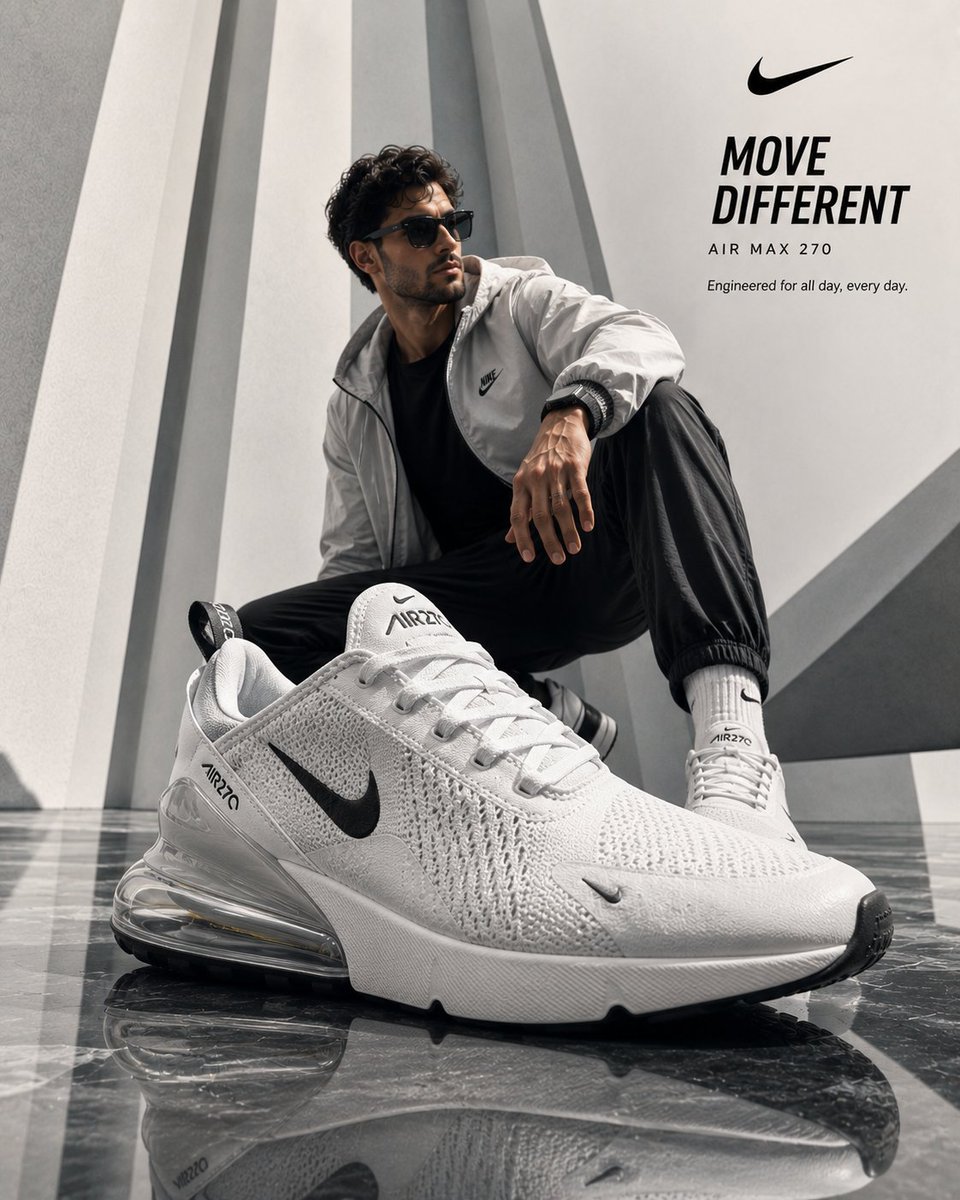
Luxury Product Ad Campaign Template
Testo in immagine

Luxury Brand Campaign Prompt Template
Testo in immagine

Pink Hijab Mirror Selfie Portrait
Testo in immagine

Overhead Pepperoni Pizza Photo
Testo in immagine
Note sul riutilizzo e sulla fonte
Utilizza questo prompt in tutta sicurezza dopo aver visualizzato in anteprima il caso.
- 1.Copia il prompt oppure aprilo direttamente in Dovoo tramite il pulsante di generazione.
- 2.Regola le variabili, le proporzioni e le immagini di riferimento in base alle tue esigenze.
- 3.Prima della pubblicazione o dell'utilizzo a pagamento, verificare i diritti di fonte, i requisiti di attribuzione e i rischi relativi al marchio o all'immagine.