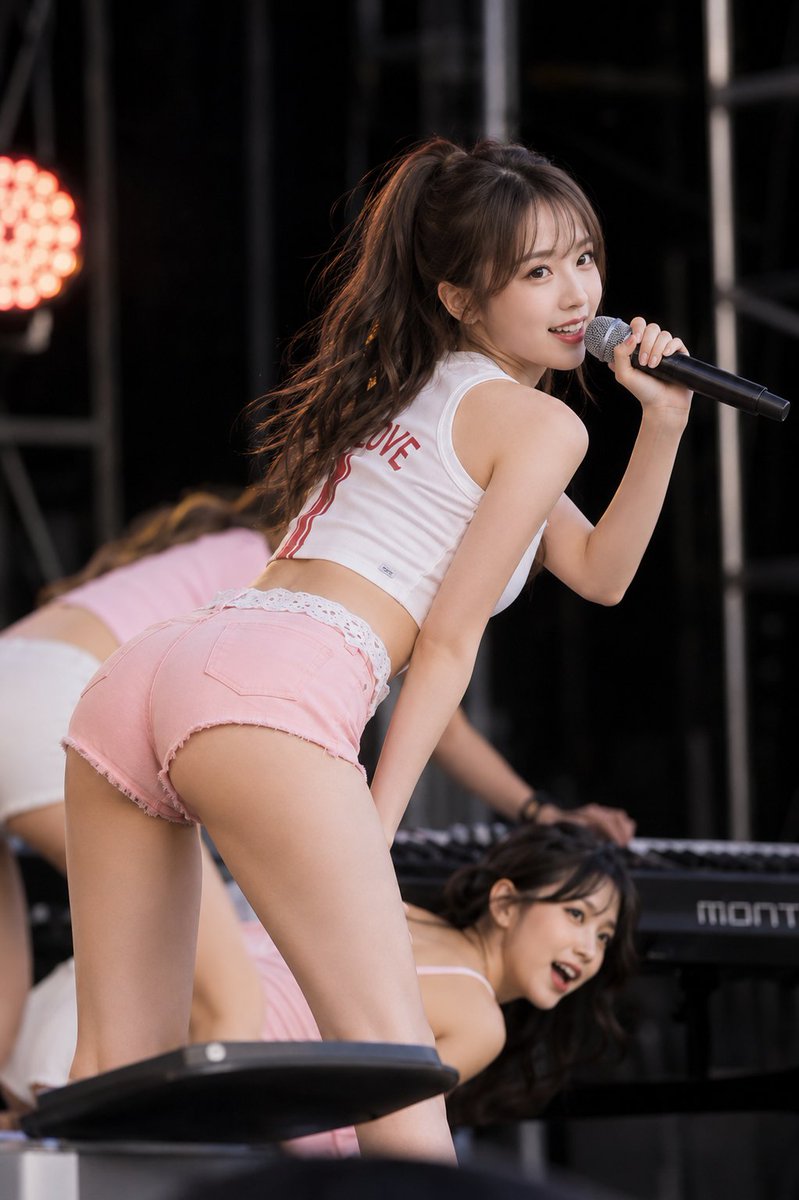
Stage Performance Singer Close-up
Dynamic concert photography prompt capturing a female singer turning around with a microphone in a live stage environment.
Questo è un esempio di prompt GPT Image 2 per Ritratto e personaggio . Utilizza il prompt pronto per la copia qui sotto per generare immagini simili e verifica l'attribuzione Awesome GPT Image 2 Prompts e i diritti di utilizzo commerciale prima del riutilizzo.
Hai bisogno del set completo di prompt? Usa il Ritratto e personaggio hub tematico per ulteriori esempi correlati oppure apri il GPT Image 2 catalogo rapido per l'indice completo degli esempi, le strutture riutilizzabili e l'attribuzione delle fonti.
Free 1K preview
Generate one preview image instantly, no sign-up required.
2288/4000
Richiesta
prompt pronto per la copia
Subject:
{argument name="subject" default="Stage turnaround"}

Subject:
The main character is placed large in the center of the screen. The moment a female singer turns over her shoulder while leaning forward on a dark outdoor stage, singing with a microphone in her right hand. The person in the foreground is large, and two female dancers and a keyboard in the back are overlapped and blurred.

Person/Expression:
A small, well-shaped oval face with a rounded chin, horizontally long brown eyes, natural thin eyebrows, a small straight nose, and glossy coral lips. Thin bangs and hair bundles around the face, and the dark brown high ponytail has large wavy tips. Turns the upper body to the right and looks at the camera with a bright smile showing teeth.

Clothing/Pose:
A white sleeveless short top with red letters and two red vertical lines on the back. Pale pink cut-off denim shorts, showing white lace edges from above the waist. Pulls the waist back and leans the upper body forward, holding a black hand microphone to the mouth with the person's own right hand (right side of the screen). Extends the left arm downward and places it near the stage equipment.

Background/Light:
A black curtain and steel frame stage, a round red-orange light on the left of the screen, an electronic keyboard below, and two dancers in pink and white costumes. Warm rim lights border the ponytail, and soft light from the front brightens the face and skin.

Composition/Camera:
The camera is at a low rear perspective. The thigh is cut at the edge of the screen, and the focus is on the main character. A 2:3 vertical composition, close-up shooting from a slightly lower rear position to the upper thigh. The pink shorts are large from the lower left to the center, and the turning face and microphone are placed to the upper right. The person's waist and legs maintain a sense of proximity, and only the main character is sharp, while the dancers in the back are heavily blurred.

Texture/Style:
Photorealistic live-action photo. High-definition live photo with a telephoto perspective compressing the background. Naturally captures skin, cut-off denim, white cloth, and metal microphones.

Negative:
Do not make the turning forward posture upright; do not change facial features significantly
Variabili di richiesta
Segnaposto per gli argomenti modificabili presenti nel prompt, con i relativi valori predefiniti.
Variabile
subject
Predefinito
Stage turnaround
Best for
- - Ritratto e personaggio visual exploration
- - Image generation and reference-image edits
- - Reusable briefs that keep source attribution visible
Change these parts
- - Subject, product, character, or scene
- - Aspect ratio, camera, lighting, and background
- - Brand, text, color, and output constraints
Recommended model and settings
- - Model: gpt-image-2
- - Input mode: Testo in immagine
- - Aspect ratio: source
- - Commercial status: review original source
How to use this prompt
- 1. Copy the prompt and preserve its structure for the first test.
- 2. Replace the subject, context, and publishing channel.
- 3. Change one camera, lighting, or style variable per iteration.
- 4. Inspect the output, source, text, and rights before reuse.
Limitations, source, and reuse cautions
- - Generated output is an editable draft, not factual, legal, or rights evidence.
- - Review the linked source, people, brands, logos, text, and third-party media before commercial use.
Importato da Awesome GPT Image 2 Prompts . È richiesta l'attribuzione. Lo stato di utilizzo commerciale è allowed ; verificare i diritti della fonte prima dell'utilizzo a pagamento.
Altri casi in questa categoria
Prioritizzazione in base a categoria, compatibilità della modalità di input, qualità e minor rischio.
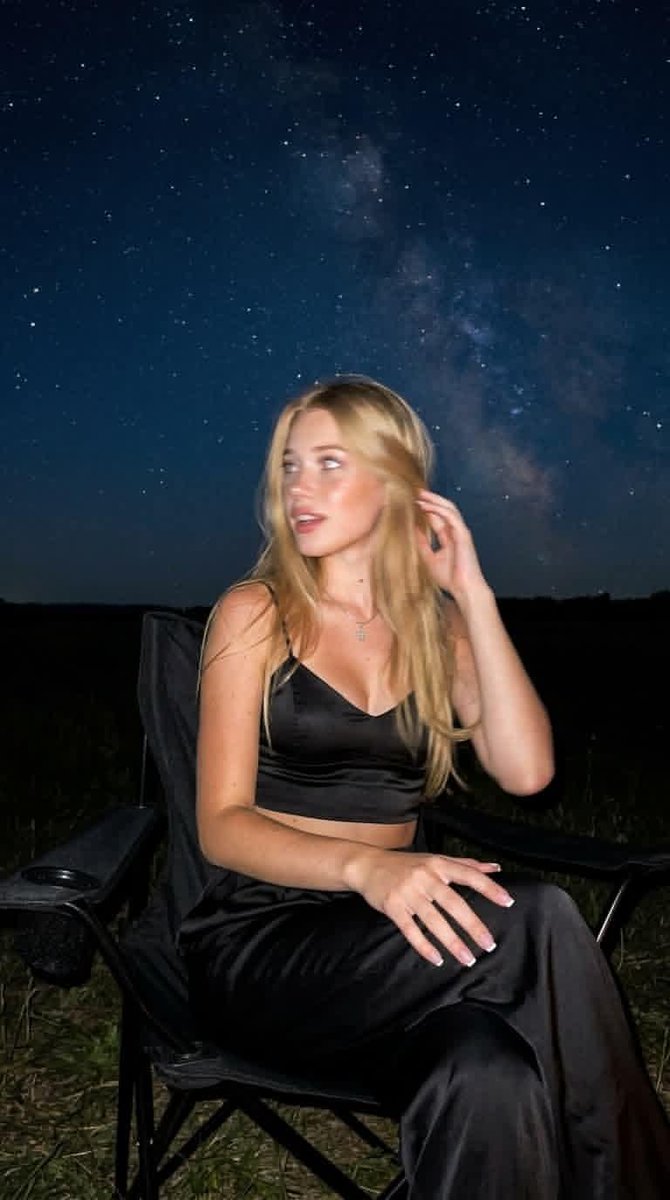
Night Mode Spontaneous Portrait
Testo in immagine
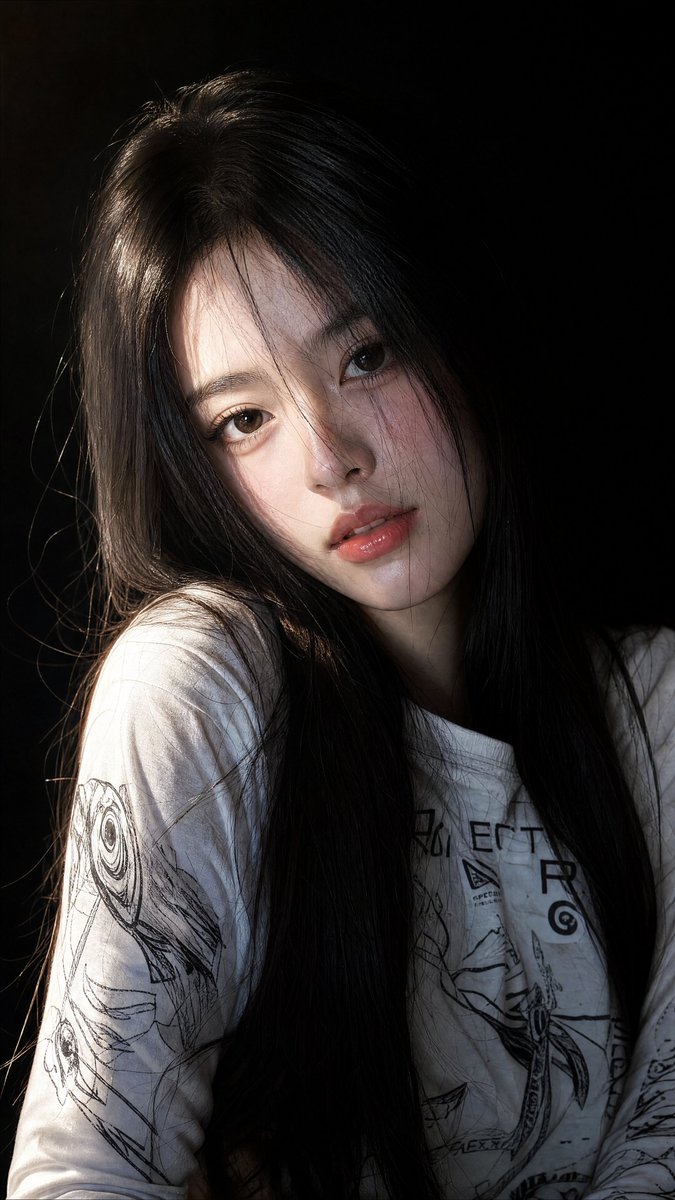
East Asian Woman Portrait Photography
Testo in immagine
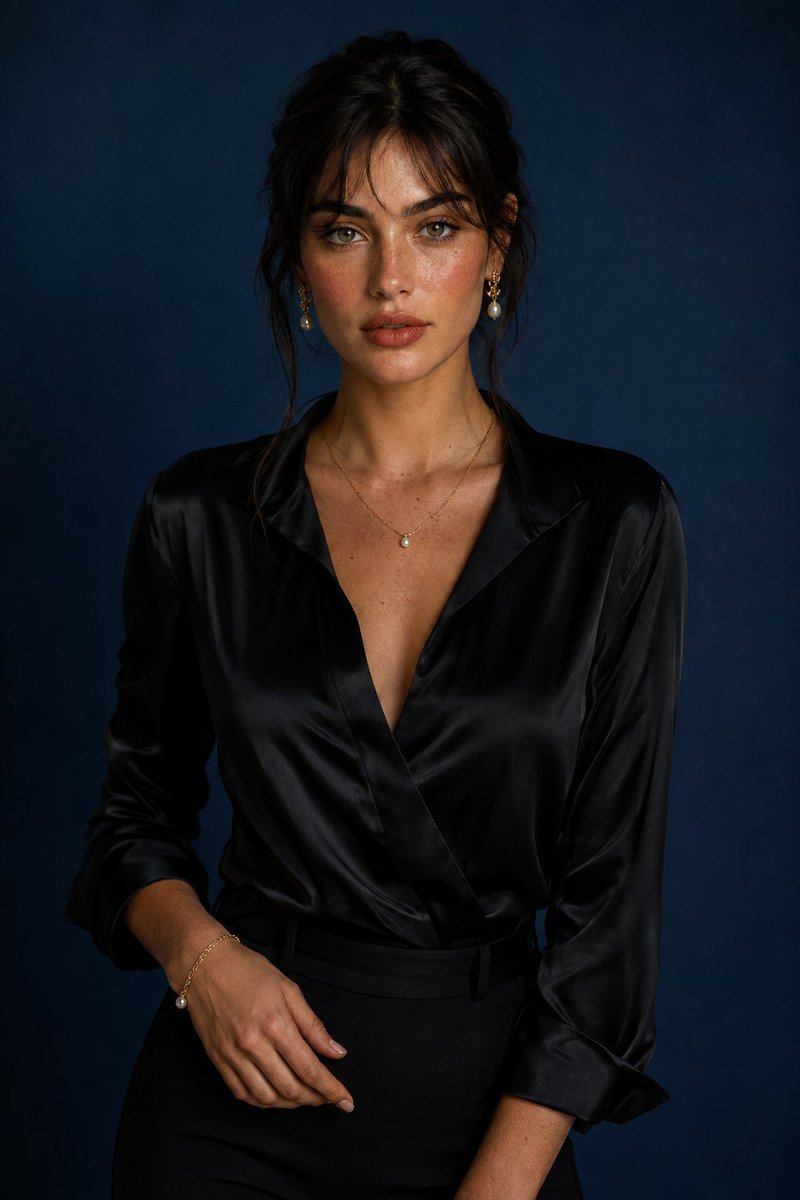
Luxury Studio Portrait with Blue Backdrop
Testo in immagine
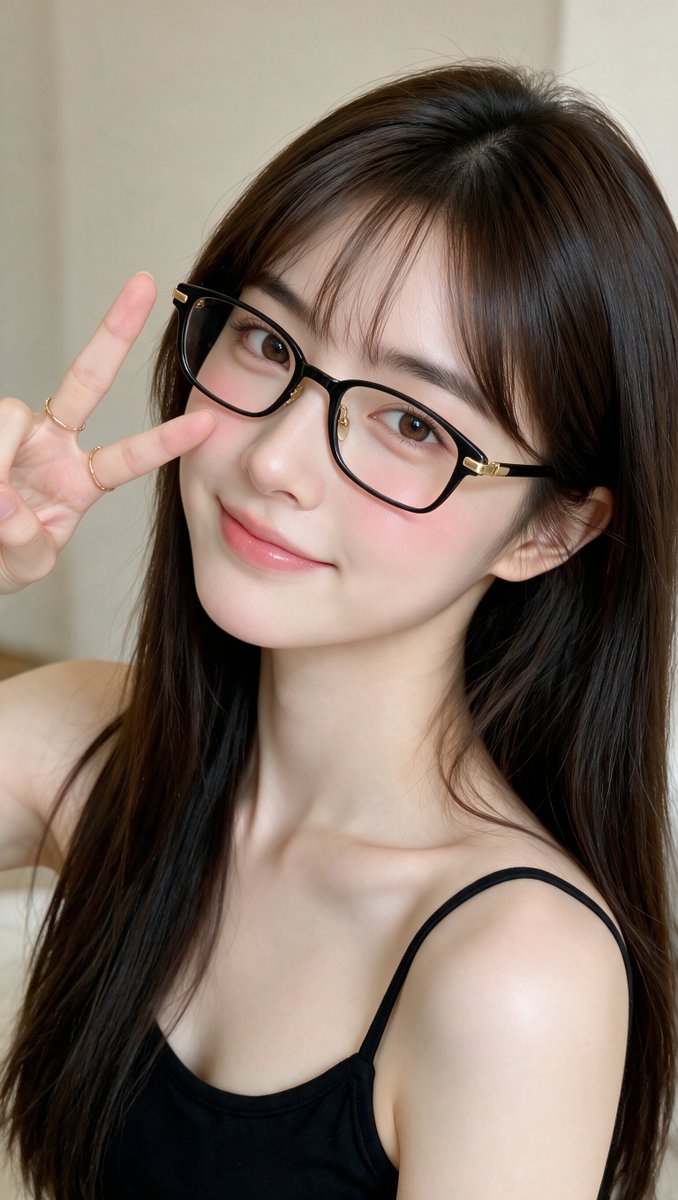
Realistic East Asian Woman Portrait
Testo in immagine
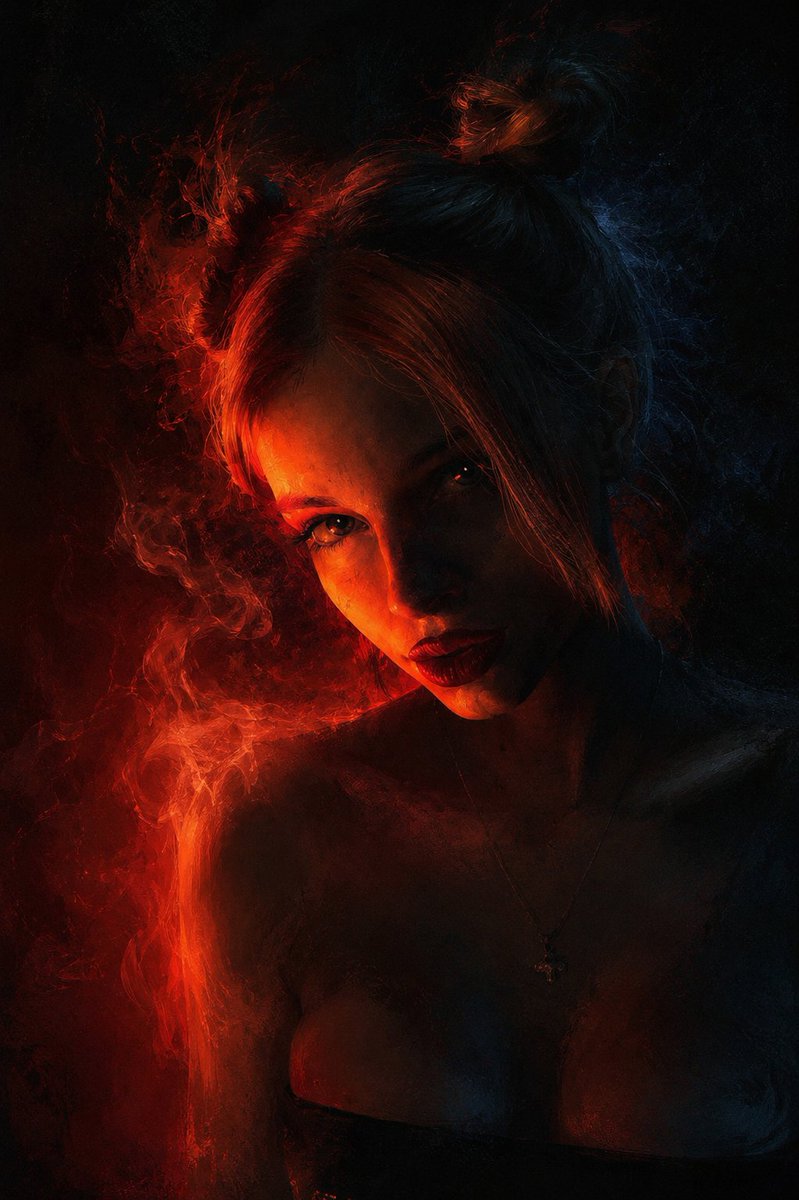
Chiaroscuro Conceptual Portrait Painting
Testo in immagine
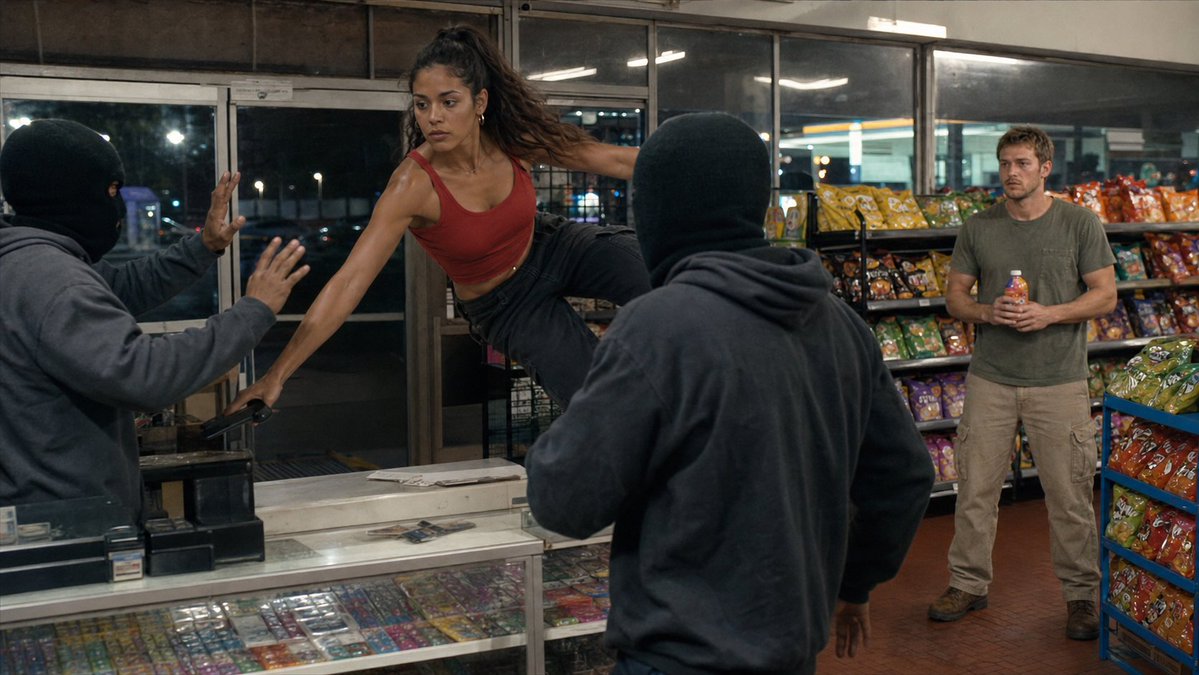
Convenience Store Fight Scene
Testo in immagine
Note sul riutilizzo e sulla fonte
Utilizza questo prompt in tutta sicurezza dopo aver visualizzato in anteprima il caso.
- 1.Copia il prompt oppure aprilo direttamente in Dovoo tramite il pulsante di generazione.
- 2.Regola le variabili, le proporzioni e le immagini di riferimento in base alle tue esigenze.
- 3.Prima della pubblicazione o dell'utilizzo a pagamento, verificare i diritti di fonte, i requisiti di attribuzione e i rischi relativi al marchio o all'immagine.