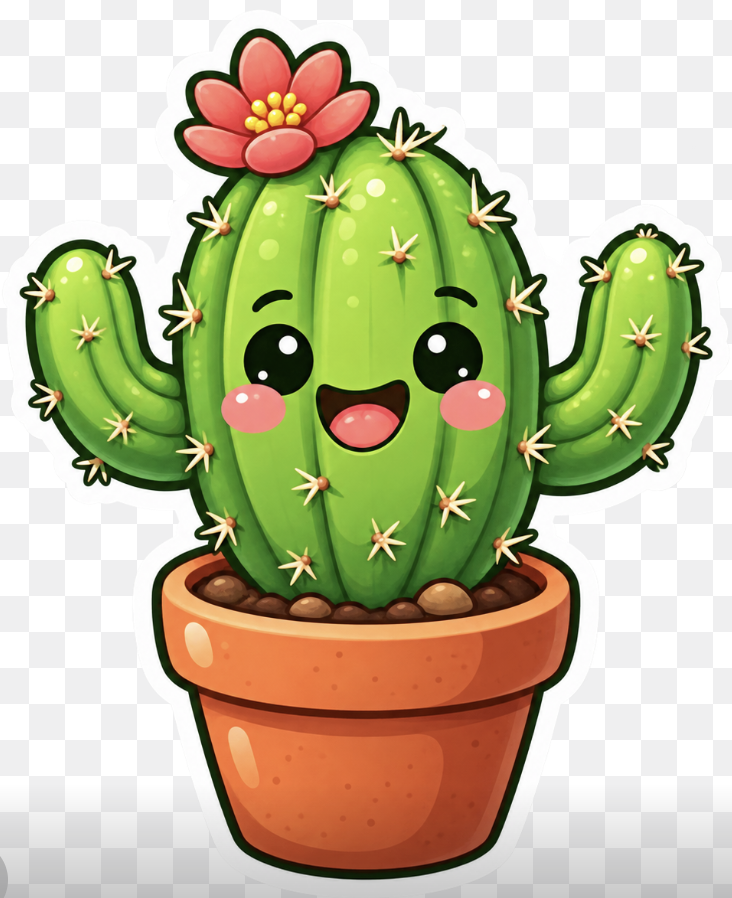
Kawaii Potted Cactus Sticker
A polished text-to-image prompt for generating a cheerful transparent-background kawaii cactus sticker with a flower and terracotta pot.
Questo è un esempio di prompt GPT Image 2 per Illustrazione e arte . Utilizza il prompt pronto per la copia qui sotto per generare immagini simili e verifica l'attribuzione Awesome GPT Image 2 Prompts e i diritti di utilizzo commerciale prima del riutilizzo.
Hai bisogno del set completo di prompt? Usa il Illustrazione e arte hub tematico per ulteriori esempi correlati oppure apri il GPT Image 2 catalogo rapido per l'indice completo degli esempi, le strutture riutilizzabili e l'attribuzione delle fonti.
Free 1K preview
Generate one preview image instantly, no sign-up required.
1449/4000
Richiesta
prompt pronto per la copia
Create a cute kawaii sticker illustration of a happy potted cactus on a transparent background, shown as a centered front-facing character with a thick dark green outline and a soft white sticker border. The cactus is bright glossy {argument name="cactus color" default="lime green"}, with one large rounded central barrel body and exactly 2 raised side arms, one on the left and one on the right, both curved upward. Add vertical ribbed shading, shiny highlight spots, and many small star-shaped cream spines with orange bases distributed across the body and arms. Give the cactus a cheerful face with 2 large glossy black oval eyes, 2 pink circular blush cheeks, 2 small curved eyebrows, and a wide open smiling mouth with a red interior and pink tongue. Place exactly 1 large red-pink flower on the upper left of the cactus, with 6 rounded petals and a cluster of small yellow pollen dots in the center. The cactus sits in a warm {argument name="pot color" default="orange terracotta"} flower pot with a thick rounded rim, darker orange shading, speckled texture, and glossy white highlights; show brown soil and exactly 5 visible rounded pebbles along the top. Style should be polished 2D digital art, chibi mascot, vibrant saturated colors, smooth gradients, soft highlights, clean vector-like edges, no text, no watermark, no background scene, transparent PNG look with only a faint checkerboard preview visible outside the sticker silhouette.Variabili di richiesta
Segnaposto per gli argomenti modificabili presenti nel prompt, con i relativi valori predefiniti.
Variabile
cactus color
Predefinito
lime green
Variabile
pot color
Predefinito
orange terracotta
Best for
- - Illustrazione e arte visual exploration
- - Image generation and reference-image edits
- - Reusable briefs that keep source attribution visible
Change these parts
- - Subject, product, character, or scene
- - Aspect ratio, camera, lighting, and background
- - Brand, text, color, and output constraints
Recommended model and settings
- - Model: gpt-image-2
- - Input mode: Testo in immagine
- - Aspect ratio: source
- - Commercial status: review original source
How to use this prompt
- 1. Copy the prompt and preserve its structure for the first test.
- 2. Replace the subject, context, and publishing channel.
- 3. Change one camera, lighting, or style variable per iteration.
- 4. Inspect the output, source, text, and rights before reuse.
Limitations, source, and reuse cautions
- - Generated output is an editable draft, not factual, legal, or rights evidence.
- - Review the linked source, people, brands, logos, text, and third-party media before commercial use.
Importato da Awesome GPT Image 2 Prompts . È richiesta l'attribuzione. Lo stato di utilizzo commerciale è allowed ; verificare i diritti della fonte prima dell'utilizzo a pagamento.
Altri casi in questa categoria
Prioritizzazione in base a categoria, compatibilità della modalità di input, qualità e minor rischio.

Miniature London Paper-Craft Diorama
Testo in immagine
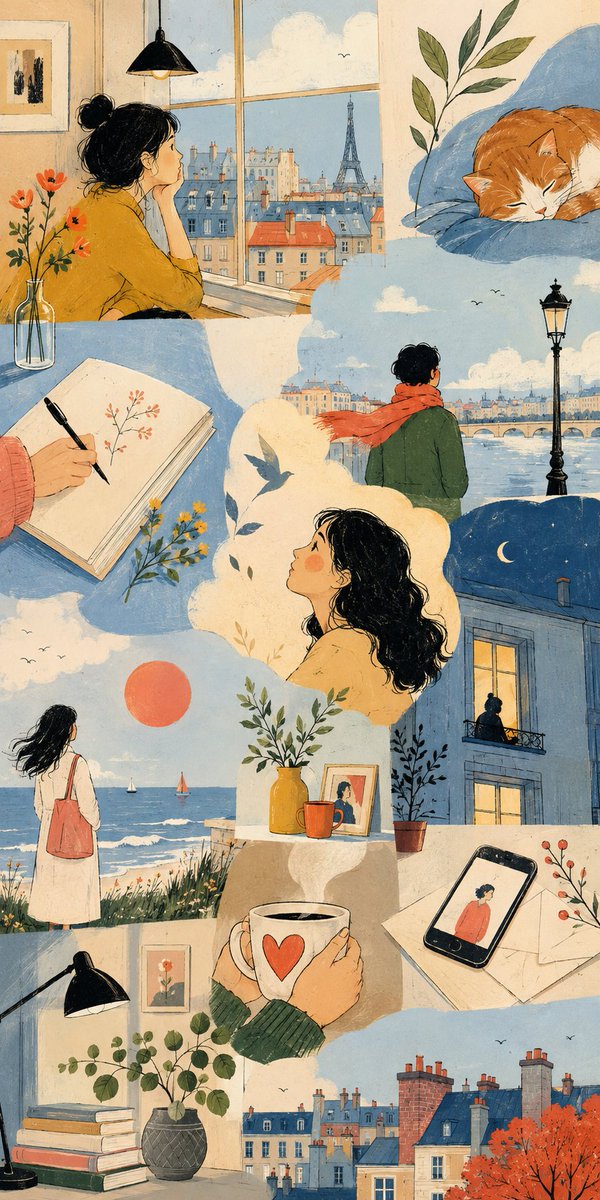
Thematic Artistic Collage Template
Testo in immagine
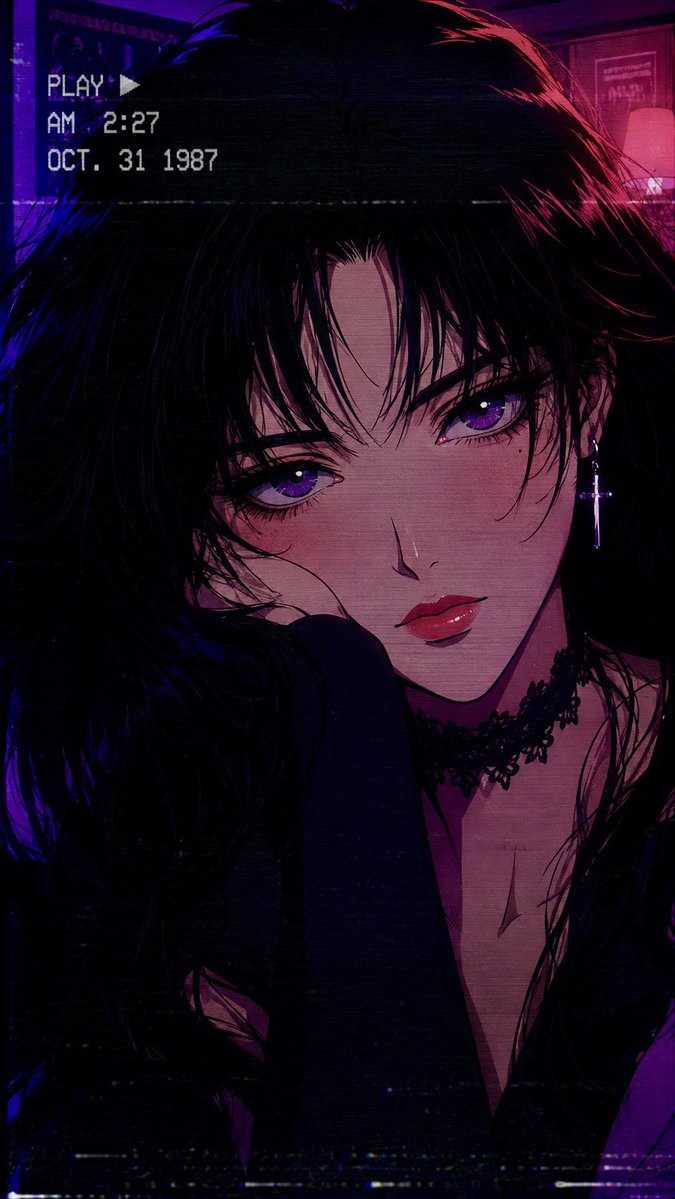
80s Retro Anime Goth Portrait
Testo in immagine
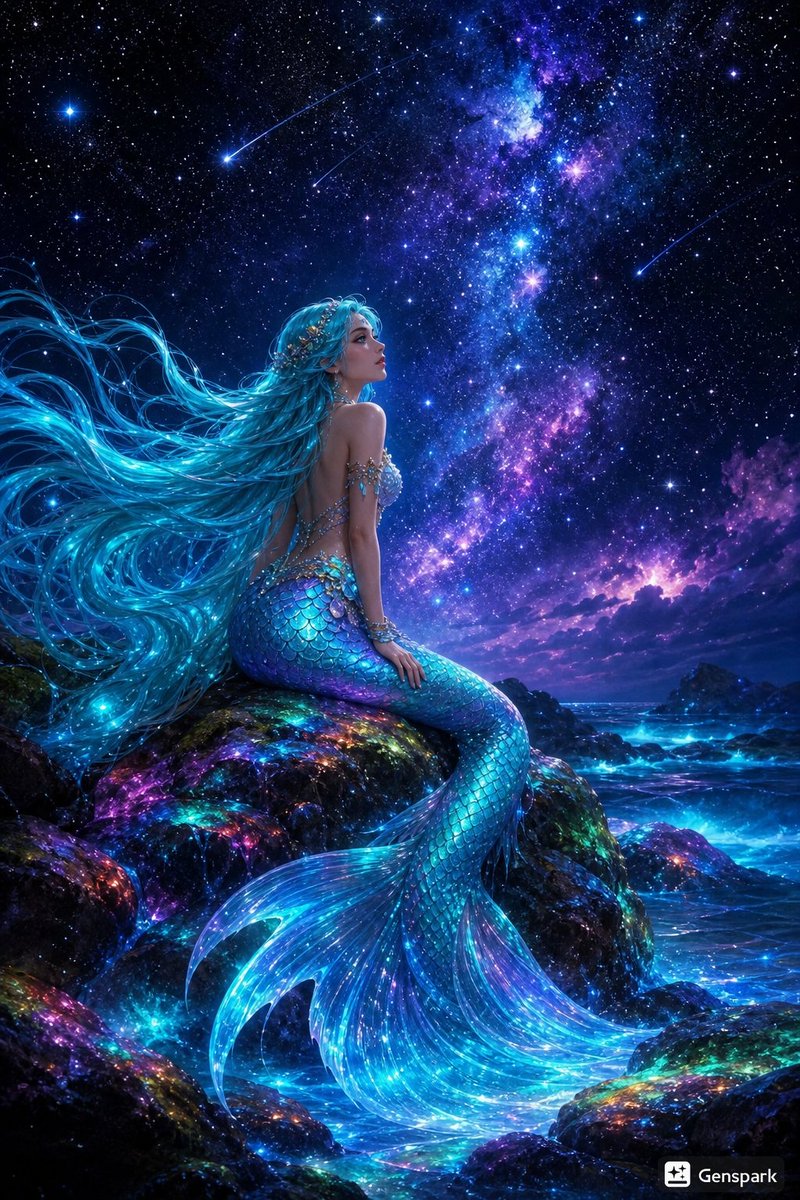
Starry Night Mermaid on Rainbow Reef
Testo in immagine
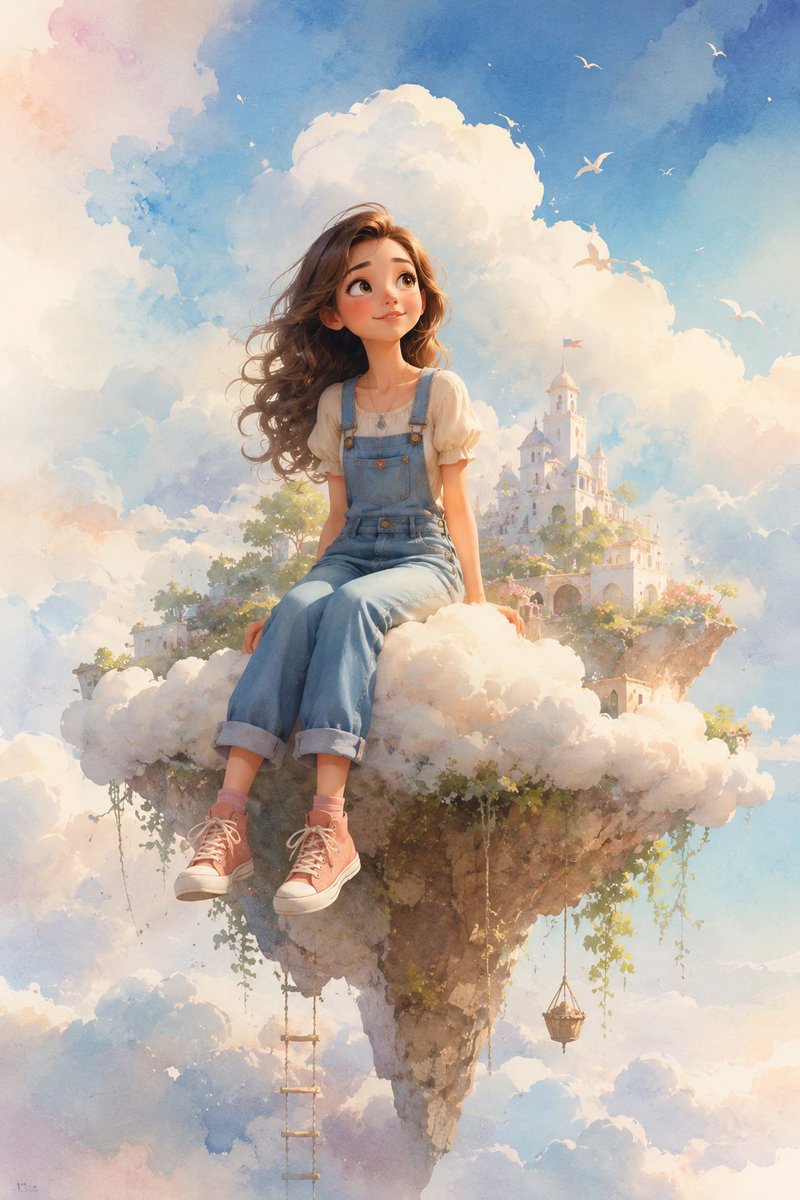
Dreamy Whimsical 3D Cartoon Render
Testo in immagineRischio medio
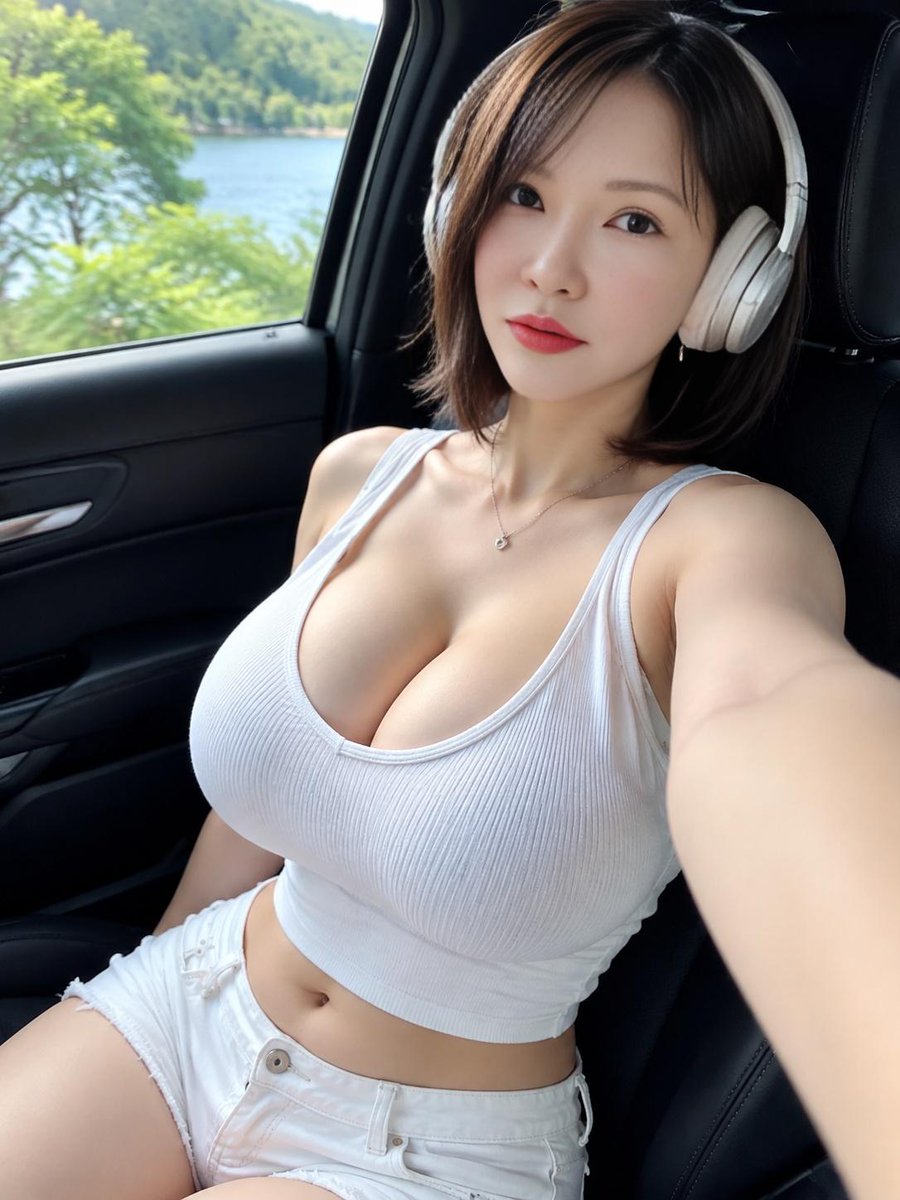
Lakeside Car Selfie with Headphones
Testo in immagine
Note sul riutilizzo e sulla fonte
Utilizza questo prompt in tutta sicurezza dopo aver visualizzato in anteprima il caso.
- 1.Copia il prompt oppure aprilo direttamente in Dovoo tramite il pulsante di generazione.
- 2.Regola le variabili, le proporzioni e le immagini di riferimento in base alle tue esigenze.
- 3.Prima della pubblicazione o dell'utilizzo a pagamento, verificare i diritti di fonte, i requisiti di attribuzione e i rischi relativi al marchio o all'immagine.