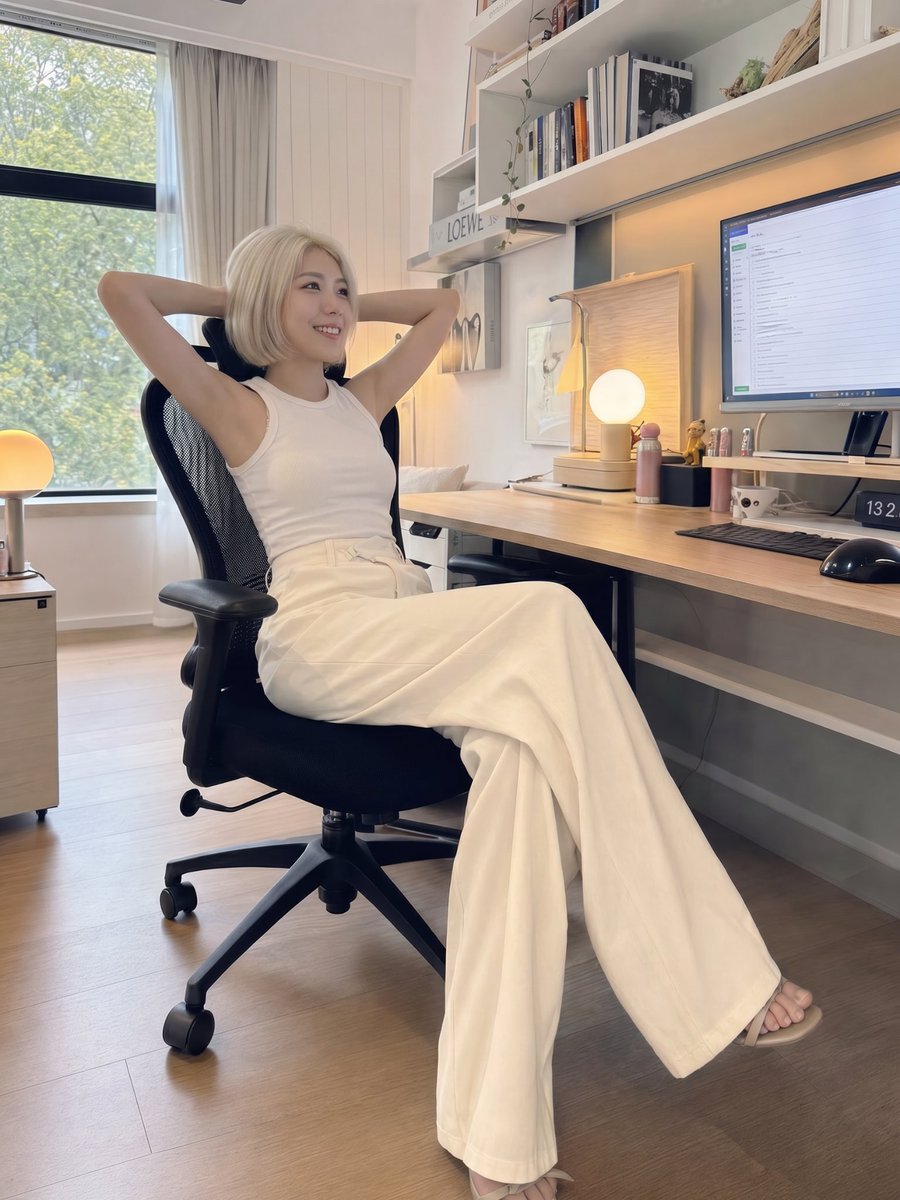
iPhone Style Minimalist Office Portrait
A prompt designed to generate a realistic candid iPhone photo of a woman in a minimalist home office, emphasizing natural lighting and textures.
Questo è un esempio di prompt GPT Image 2 per Ritratto e personaggio . Utilizza il prompt pronto per la copia qui sotto per generare immagini simili e verifica l'attribuzione Awesome GPT Image 2 Prompts e i diritti di utilizzo commerciale prima del riutilizzo.
Hai bisogno del set completo di prompt? Usa il Ritratto e personaggio hub tematico per ulteriori esempi correlati oppure apri il GPT Image 2 catalogo rapido per l'indice completo degli esempi, le strutture riutilizzabili e l'attribuzione delle fonti.
Free 1K preview
Generate one preview image instantly, no sign-up required.
1224/4000
Richiesta
prompt pronto per la copia
A beautiful young {argument name="ethnicity and gender" default="East Asian woman"} with a {argument name="hair style" default="short platinum blonde bob haircut"}, fair porcelain skin, soft natural makeup, and delicate facial features, sitting in a {argument name="location" default="modern minimalist home office"} at a wooden desk. She is wearing a fitted white sleeveless top with elegant high-waisted cream wide-leg trousers that completely cover both legs, creating a modest yet stylish look. One hand rests on the keyboard while the other points toward the computer monitor as she looks slightly upward with a calm, thoughtful expression. A black ergonomic office chair, desktop computer, white shelves, books, small decorations, and soft wall art decorate the cozy workspace. Natural daylight streams through the window, mixed with warm indoor ambient lighting. Authentic handheld iPhone 16 Pro camera photo, casual smartphone photography, slightly wide-angle lens, subtle perspective distortion, realistic skin texture, unposed candid moment, full-body shot, vertical 3:4 composition, ultra-realistic, high detail, no AI look, no excessive beauty filter, DSLR-quality realism but unmistakably captured on an iPhone.Variabili di richiesta
Segnaposto per gli argomenti modificabili presenti nel prompt, con i relativi valori predefiniti.
Variabile
ethnicity and gender
Predefinito
East Asian woman
Variabile
hair style
Predefinito
short platinum blonde bob haircut
Variabile
location
Predefinito
modern minimalist home office
Best for
- - Ritratto e personaggio visual exploration
- - Image generation and reference-image edits
- - Reusable briefs that keep source attribution visible
Change these parts
- - Subject, product, character, or scene
- - Aspect ratio, camera, lighting, and background
- - Brand, text, color, and output constraints
Recommended model and settings
- - Model: gpt-image-2
- - Input mode: Testo in immagine
- - Aspect ratio: source
- - Commercial status: review original source
How to use this prompt
- 1. Copy the prompt and preserve its structure for the first test.
- 2. Replace the subject, context, and publishing channel.
- 3. Change one camera, lighting, or style variable per iteration.
- 4. Inspect the output, source, text, and rights before reuse.
Limitations, source, and reuse cautions
- - Generated output is an editable draft, not factual, legal, or rights evidence.
- - Review the linked source, people, brands, logos, text, and third-party media before commercial use.
Importato da Awesome GPT Image 2 Prompts . È richiesta l'attribuzione. Lo stato di utilizzo commerciale è allowed ; verificare i diritti della fonte prima dell'utilizzo a pagamento.
Altri casi in questa categoria
Prioritizzazione in base a categoria, compatibilità della modalità di input, qualità e minor rischio.

Morning Bed Stretching Legs Prompt
Testo in immagine
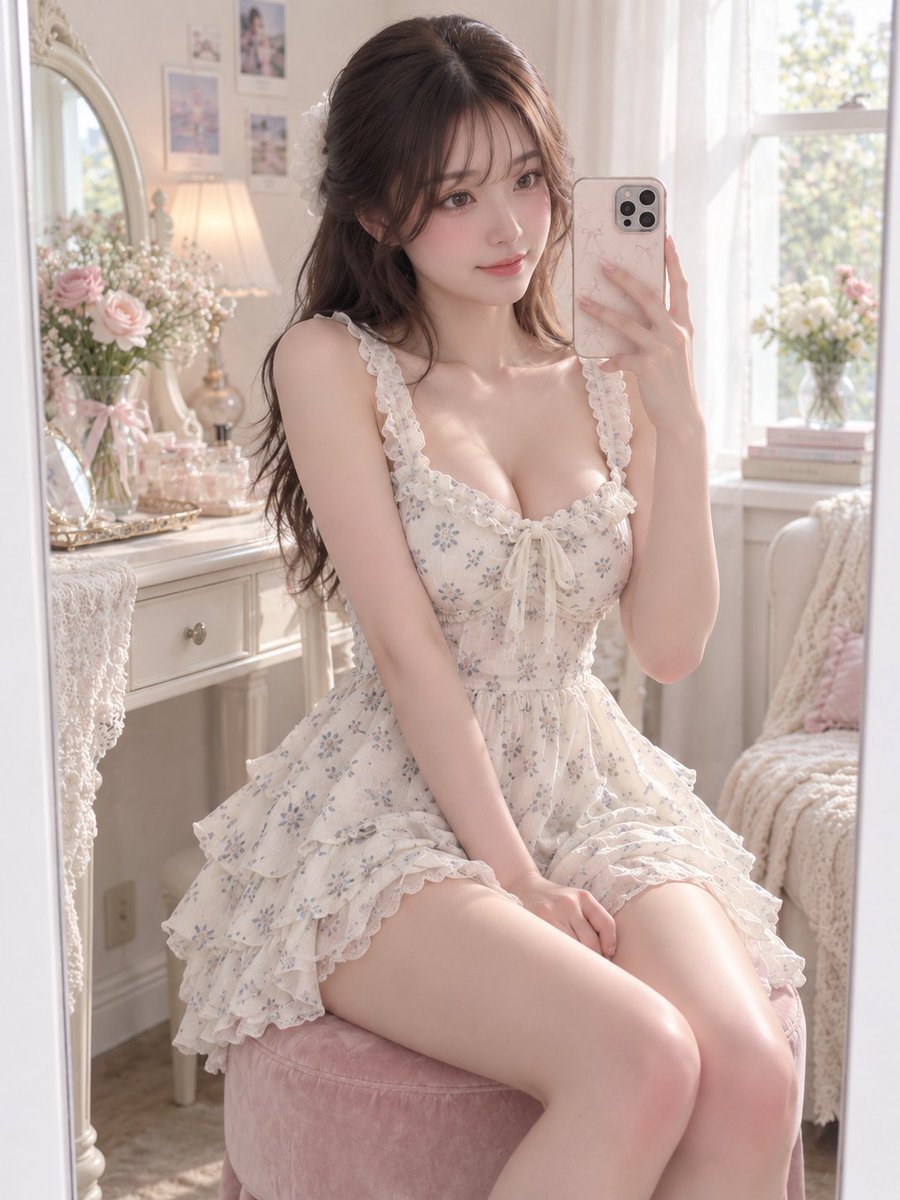
GPT Image 2 Prompt for Mirror Selfie with Flowers
Testo in immagine

Playful Morning Selfie Portrait
Testo in immagine

Street Selfie with Cat in Matching Cap
Testo in immagine

Hiker in Red Jacket
Testo in immagine

GPT Image 2 Prompt: Garden Dappled Light
Testo in immagine
Note sul riutilizzo e sulla fonte
Utilizza questo prompt in tutta sicurezza dopo aver visualizzato in anteprima il caso.
- 1.Copia il prompt oppure aprilo direttamente in Dovoo tramite il pulsante di generazione.
- 2.Regola le variabili, le proporzioni e le immagini di riferimento in base alle tue esigenze.
- 3.Prima della pubblicazione o dell'utilizzo a pagamento, verificare i diritti di fonte, i requisiti di attribuzione e i rischi relativi al marchio o all'immagine.