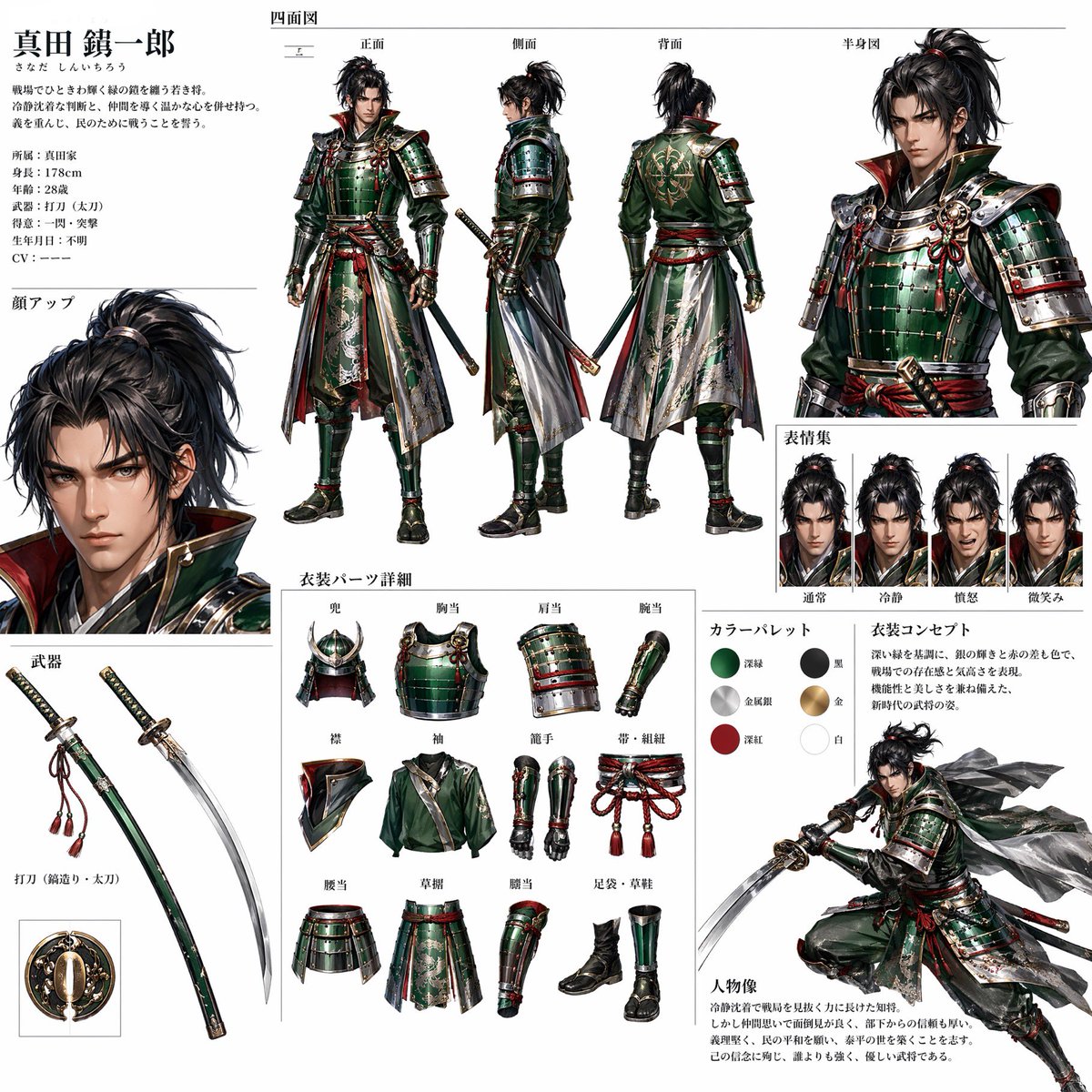
Ginger Ale Samurai Character Sheet
Generates a Japanese RPG-style samurai character design sheet inspired by a beverage can reference.
Questo è un esempio di prompt gpt-image-2 per 动漫游戏 . Utilizza il prompt pronto per la copia qui sotto per generare immagini simili e verifica l'attribuzione Awesome Nano Banana Pro Prompts e i diritti di utilizzo commerciale prima del riutilizzo.
Hai bisogno del set completo di prompt? Usa il 动漫游戏 hub tematico per ulteriori esempi correlati oppure apri il Libreria di prompt GPT Image 2 per l'indice completo degli esempi, le strutture riutilizzabili e l'attribuzione delle fonti.

Richiesta
prompt pronto per la copia
Using REFERENCE_0 as the sole inspiration, transform the ginger ale can into a polished Japanese game character design sheet. Anthropomorphize the can into a stern male samurai warrior, deriving the armor materials, colors, crest motifs, metallic highlights, red-and-gold accents, and green lacquered surfaces from the can design. Present it as a professional RPG concept-art reference page on a clean white background with thin divider lines and Japanese annotation text.

Create these discrete sections: 1 main character profile block at top left with the name {argument name="character name" default="Sanada Seiichiro"} and short Japanese bio text; 1 four-view turnaround across the top center labeled front, side, back, and half-body view; 1 large face close-up on the left; 1 weapon section showing exactly 2 weapon elements, a sheathed green katana and an unsheathed curved katana, plus a small circular guard detail; 1 clothing-parts detail section showing exactly 12 separate items: helmet, chest armor, shoulder armor, arm guard, collar, sleeve, shin guards, corded belt, waist armor, battle skirt, leg guard, and boots; 1 expression set showing exactly 4 bust portraits labeled normal, calm, battle-ready, and faint smile; 1 color palette showing exactly 6 swatches based on the can: deep green, black, metallic silver, gold, deep red, and white; 1 costume concept text block; and 1 dynamic action pose at bottom right with the character drawing his sword and cloth panels flowing dramatically.

Keep the design language tied to the reference can rather than copying the beverage packaging literally: use the can’s emerald green as lacquered armor, silver aluminum as polished metal, red logo color as cords and trim, gold shield/crown elements as heraldic ornamentation, and white typography areas as cloth highlights. Make the sheet look like high-end Japanese fantasy game production art, detailed, realistic anime/semi-realistic rendering, crisp linework, accurate armor construction, readable layout, and no photographic countertop background. Use {argument name="sheet title" default="Four-view drawing"}, {argument name="expression title" default="Emoji Collection"}, {argument name="parts title" default="Costume parts details"}, and {argument name="palette title" default="カラーパレット"} as visible Japanese section headings.
Variabili di richiesta
Segnaposto per gli argomenti modificabili presenti nel prompt, con i relativi valori predefiniti.
Variabile
character name
Predefinito
Sanada Seiichiro
Variabile
sheet title
Predefinito
Four-view drawing
Variabile
expression title
Predefinito
Emoji Collection
Variabile
parts title
Predefinito
Costume parts details
Variabile
palette title
Predefinito
カラーパレット
Altri casi in questa categoria
Prioritizzazione in base a categoria, compatibilità della modalità di input, qualità e minor rischio.
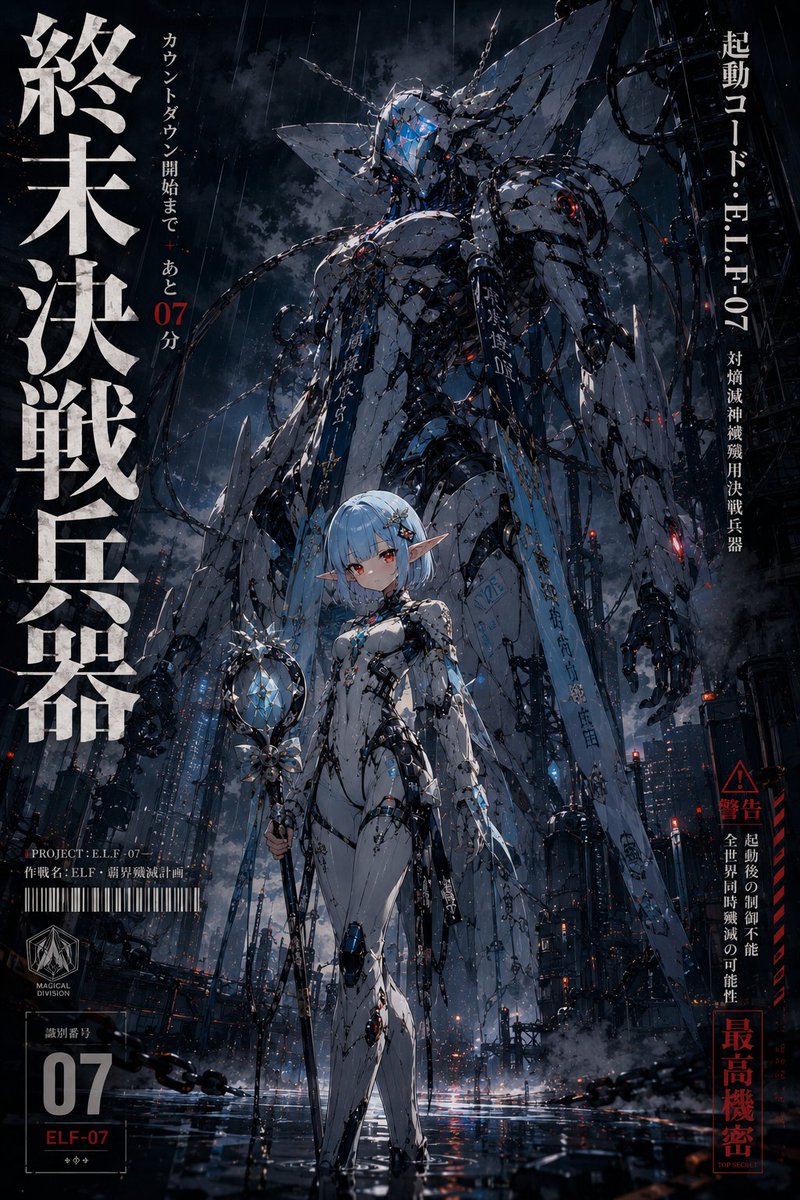
Immagine promozionale dell'anime mecha anni '90.
Immagine in immagineunknown
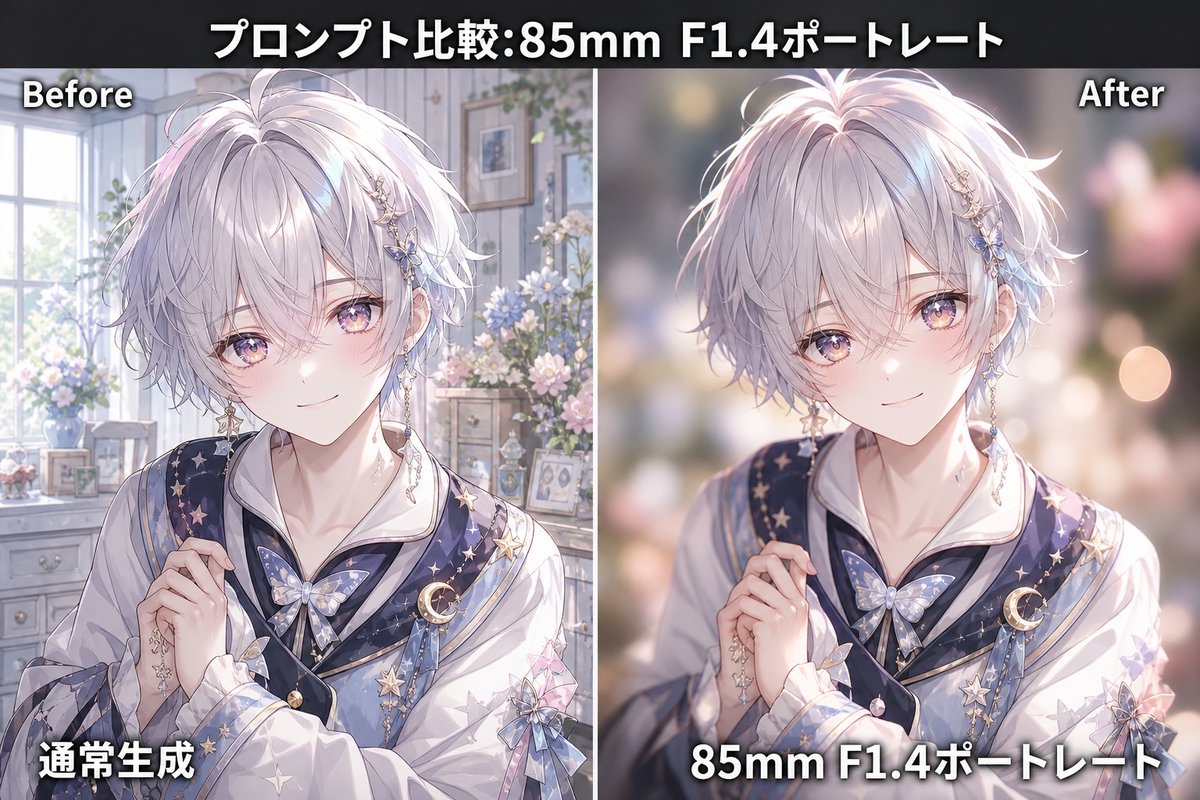
Confronto tra ritratti anime con obiettivo 85mm F1.4
Immagine in immagineunknown
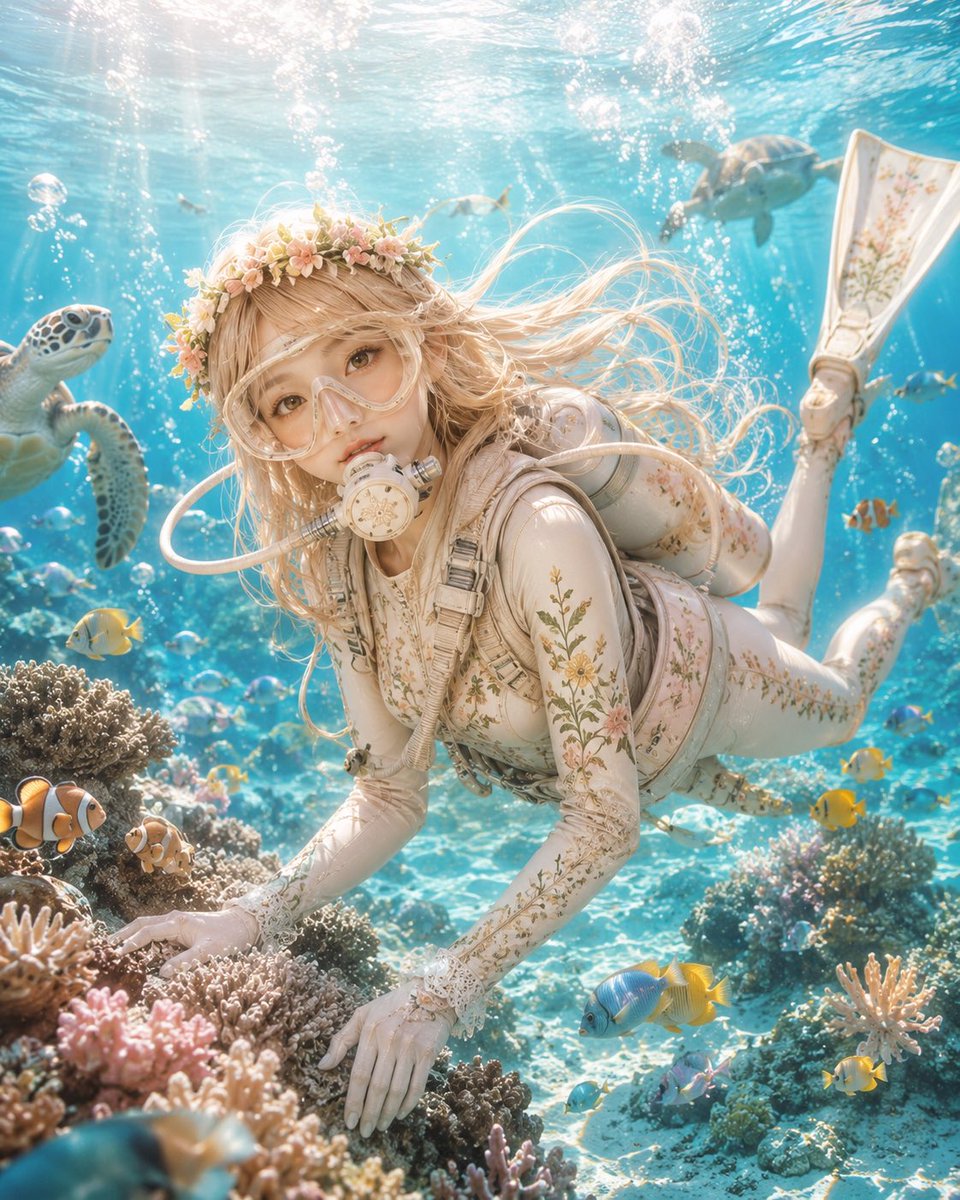
Ritratto di un personaggio anime subacqueo
Immagine in immagineunknown
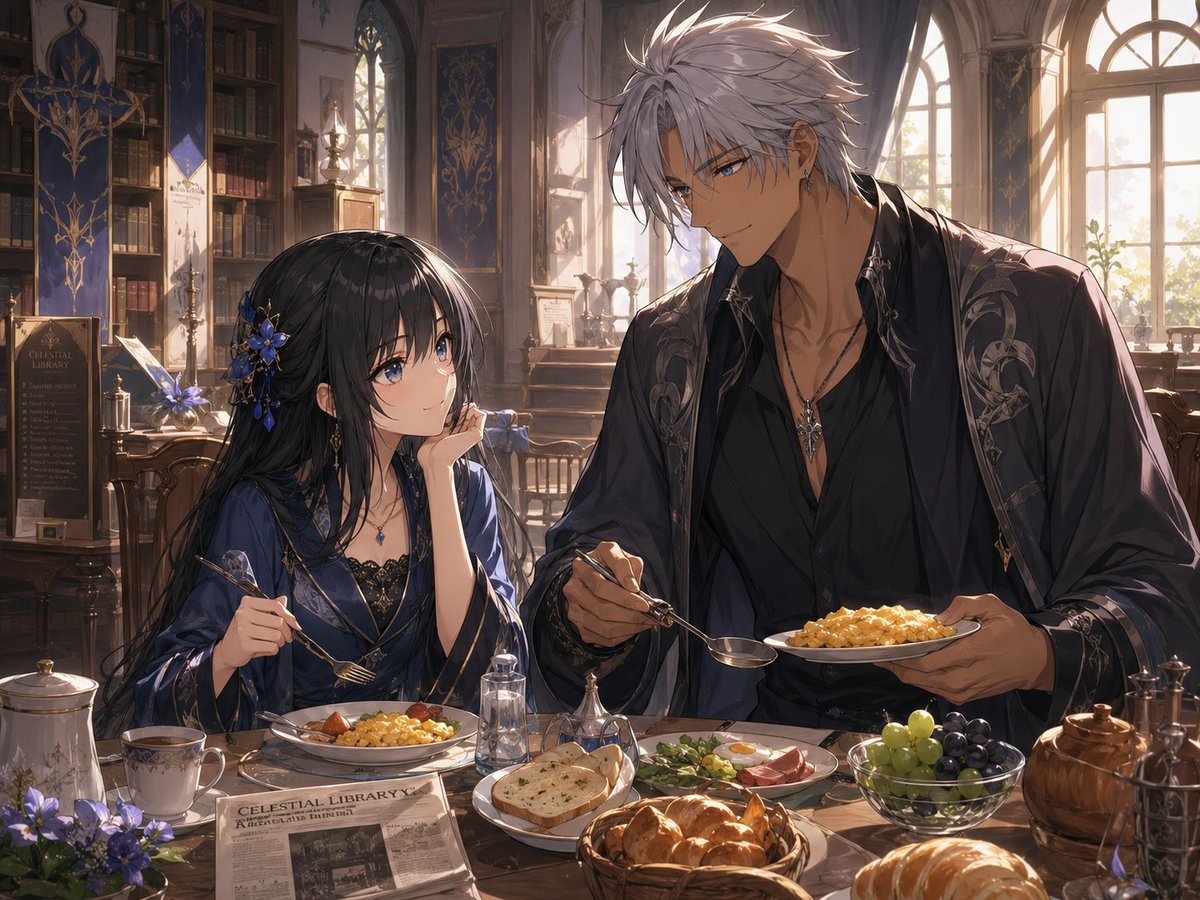
Scena della colazione nella biblioteca fantasy
Testo in immagineunknown
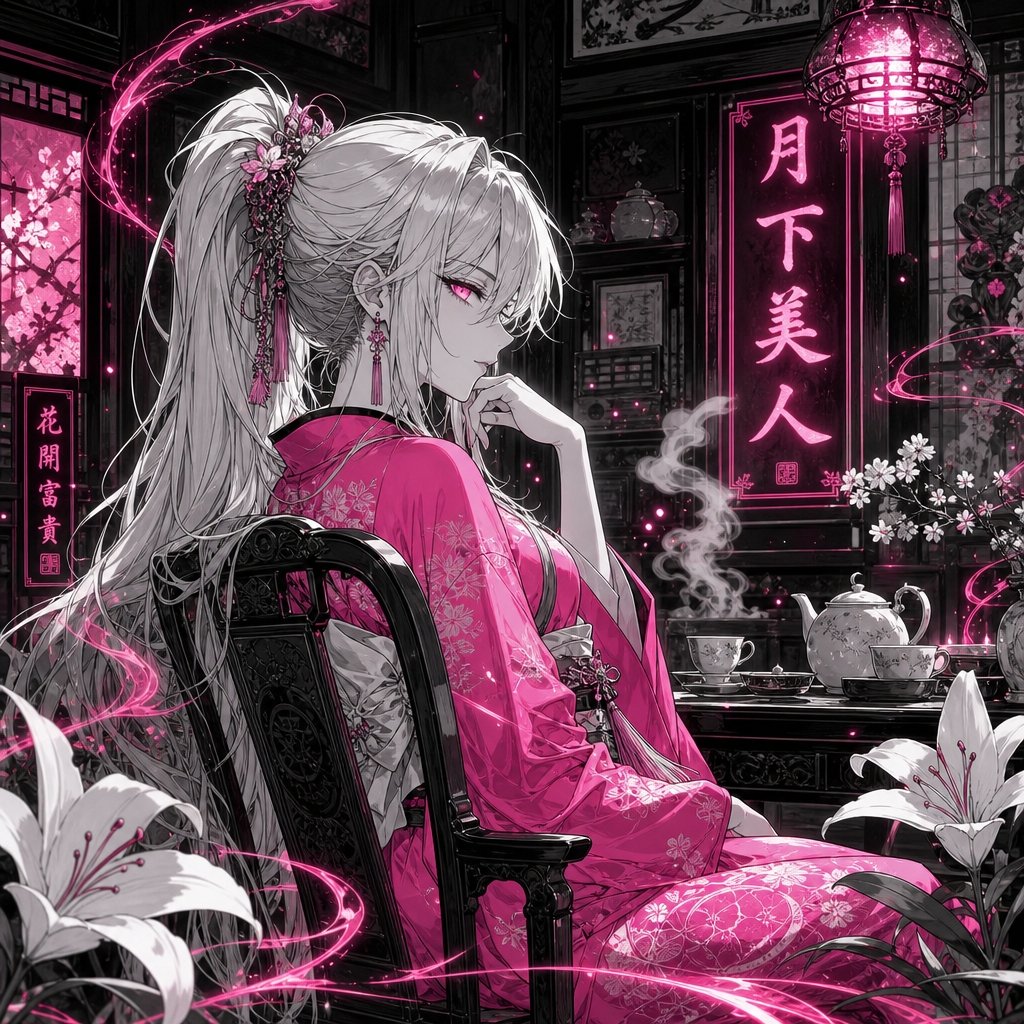
Casa da tè anime illuminata dalla luna al neon - Bellezza
Testo in immagineunknown
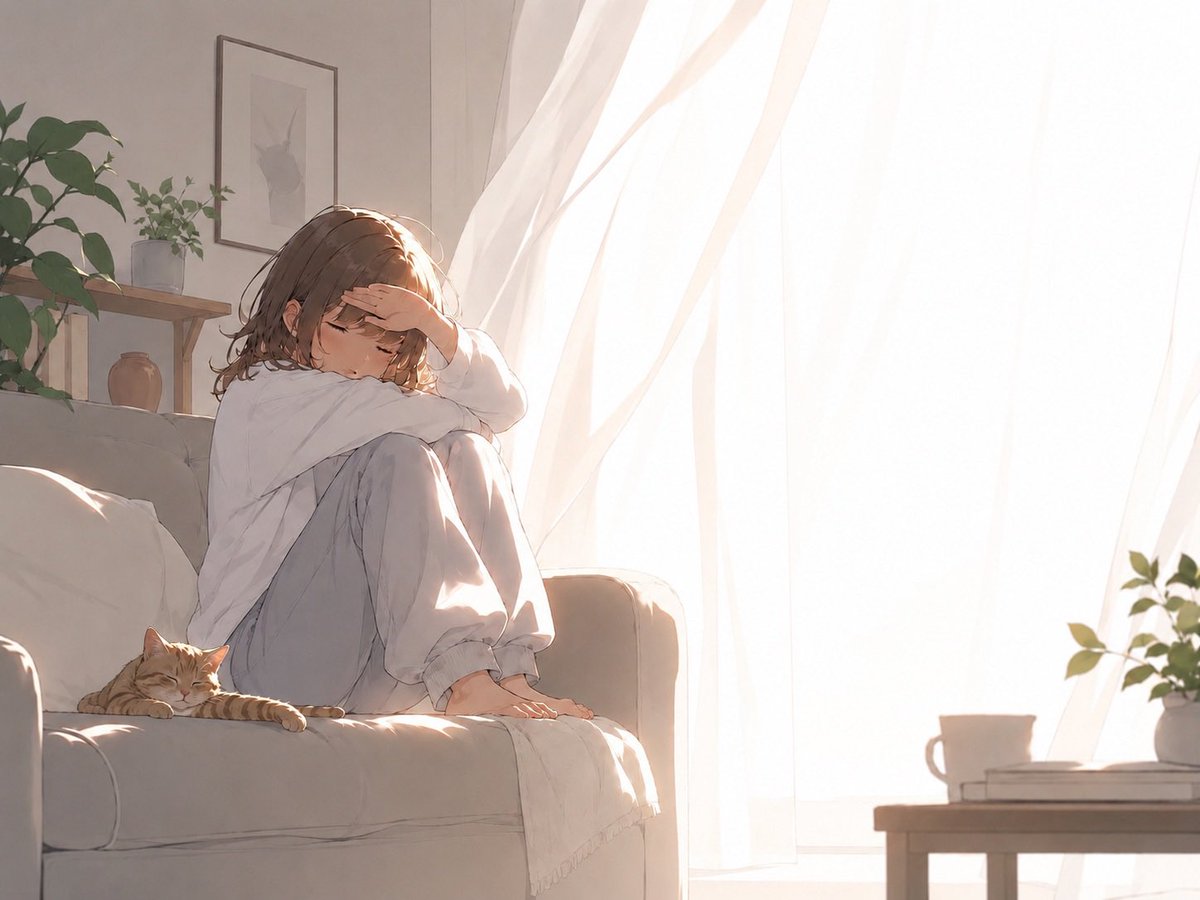
Scena anime con divano mattutino retroilluminato
Testo in immagineunknown
Note sul riutilizzo e sulla fonte
Utilizza questo prompt in tutta sicurezza dopo aver visualizzato in anteprima il caso.
- 1.Copia il prompt oppure aprilo direttamente in Dovoo tramite il pulsante di generazione.
- 2.Regola le variabili, le proporzioni e le immagini di riferimento in base alle tue esigenze.
- 3.Prima della pubblicazione o dell'utilizzo a pagamento, verificare i diritti di fonte, i requisiti di attribuzione e i rischi relativi al marchio o all'immagine.