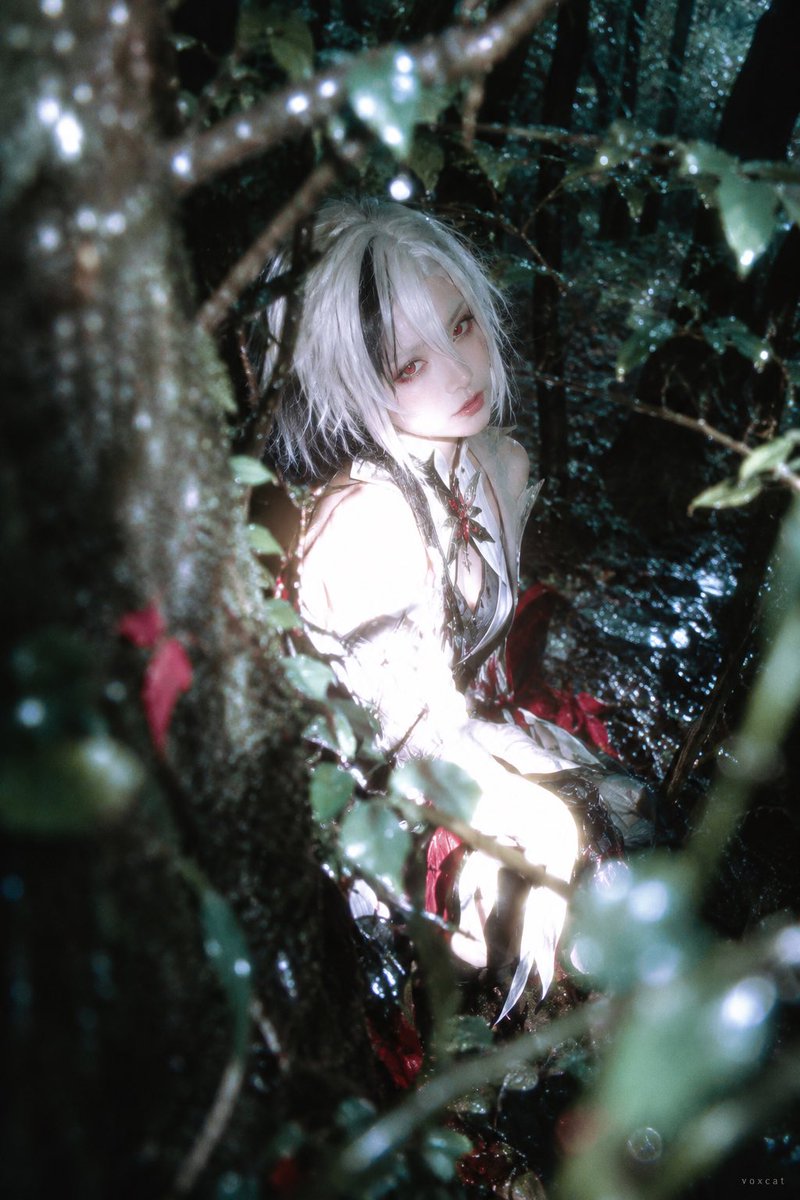
Forest Flash Photography Portrait
Prompt for a portrait in a deep green forest with flash exposure techniques.
Questo è un esempio di prompt GPT Image 2 per Ritratto e personaggio . Utilizza il prompt pronto per la copia qui sotto per generare immagini simili e verifica l'attribuzione Awesome GPT Image 2 Prompts e i diritti di utilizzo commerciale prima del riutilizzo.
Hai bisogno del set completo di prompt? Usa il Ritratto e personaggio hub tematico per ulteriori esempi correlati oppure apri il GPT Image 2 catalogo rapido per l'indice completo degli esempi, le strutture riutilizzabili e l'attribuzione delle fonti.
Free 1K preview
Generate one preview image instantly, no sign-up required.
Free text preview doesn’t preserve reference-image consistency.
1111/4000
Richiesta
prompt pronto per la copia
{argument name="character" default="[Character]"}, clearly adult photorealistic, Ilfochrome / dye-transfer high color density photography x liminal forest x private photography x partial overexposure fade-out.

Retain core character identity: hairstyle outline, hair color, eyes, clothing main color and iconic accessories.

Character placed in humid dark forest, body sideways, looking back at camera. Close-range tree trunks and branches/leaves invade from screen edges, forming foreground/background occlusion, face clearly revealed through foliage.

Partial direct flash makes face, arms and light-colored clothing approach glowing white volumes, some fabric details blending into highlights. Background maintains deep green-black and cool cyan shadows, small amount of red identity elements as high-purity color anchors. Wet leaves create fine reflections, foreground branches/leaves slightly out of focus, combined with colorful bokeh and partial motion blur, presenting private record feel of accidental night capture.

2:3 vertical format, text element is tiny "voxcat" signature in bottom right corner.
Variabili di richiesta
Segnaposto per gli argomenti modificabili presenti nel prompt, con i relativi valori predefiniti.
Variabile
character
Predefinito
[Character]
Best for
- - Ritratto e personaggio visual exploration
- - Image generation and reference-image edits
- - Reusable briefs that keep source attribution visible
Change these parts
- - Subject, product, character, or scene
- - Aspect ratio, camera, lighting, and background
- - Brand, text, color, and output constraints
Recommended model and settings
- - Model: gpt-image-2
- - Input mode: Immagine in immagine
- - Aspect ratio: source
- - Commercial status: review original source
How to use this prompt
- 1. Copy the prompt and preserve its structure for the first test.
- 2. Replace the subject, context, and publishing channel.
- 3. Change one camera, lighting, or style variable per iteration.
- 4. Inspect the output, source, text, and rights before reuse.
Limitations, source, and reuse cautions
- - Generated output is an editable draft, not factual, legal, or rights evidence.
- - Review the linked source, people, brands, logos, text, and third-party media before commercial use.
Importato da Awesome GPT Image 2 Prompts . È richiesta l'attribuzione. Lo stato di utilizzo commerciale è allowed ; verificare i diritti della fonte prima dell'utilizzo a pagamento.
Altri casi in questa categoria
Prioritizzazione in base a categoria, compatibilità della modalità di input, qualità e minor rischio.
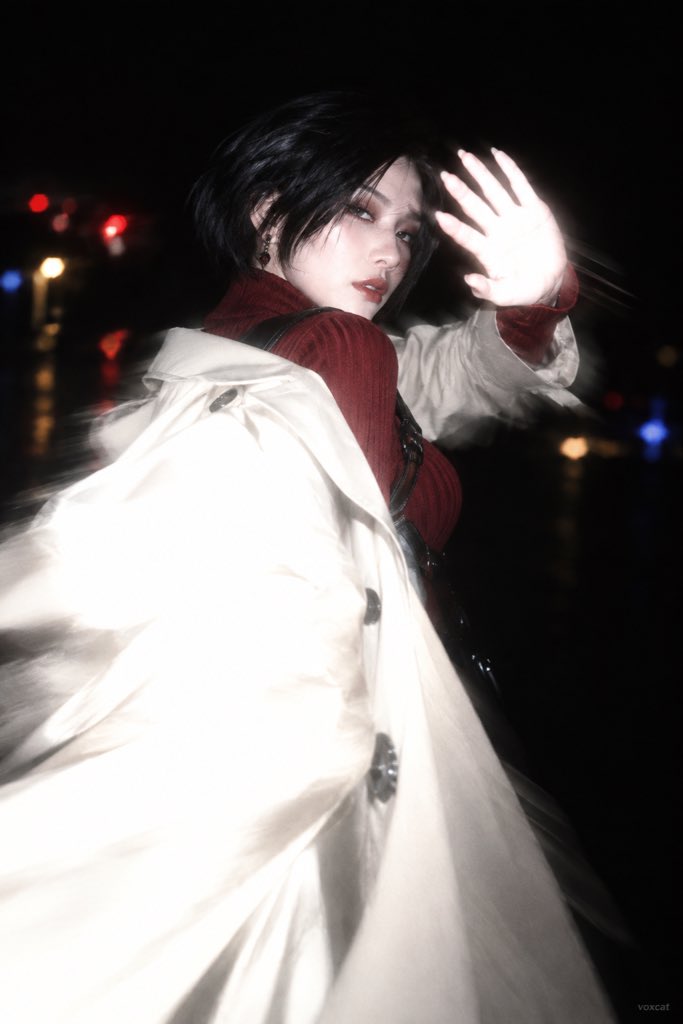
Dreamcore Night Flash Prompt
Immagine in immagine
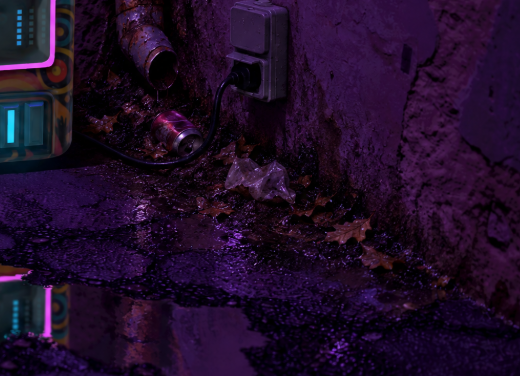
Add Trash and Dirt to Neon Arcade Scene
Immagine in immagine

Girl in Swimsuit on Orange Stairs
Testo in immagine

Nokia Photo with Handwritten Diary Doodles
Testo in immagine
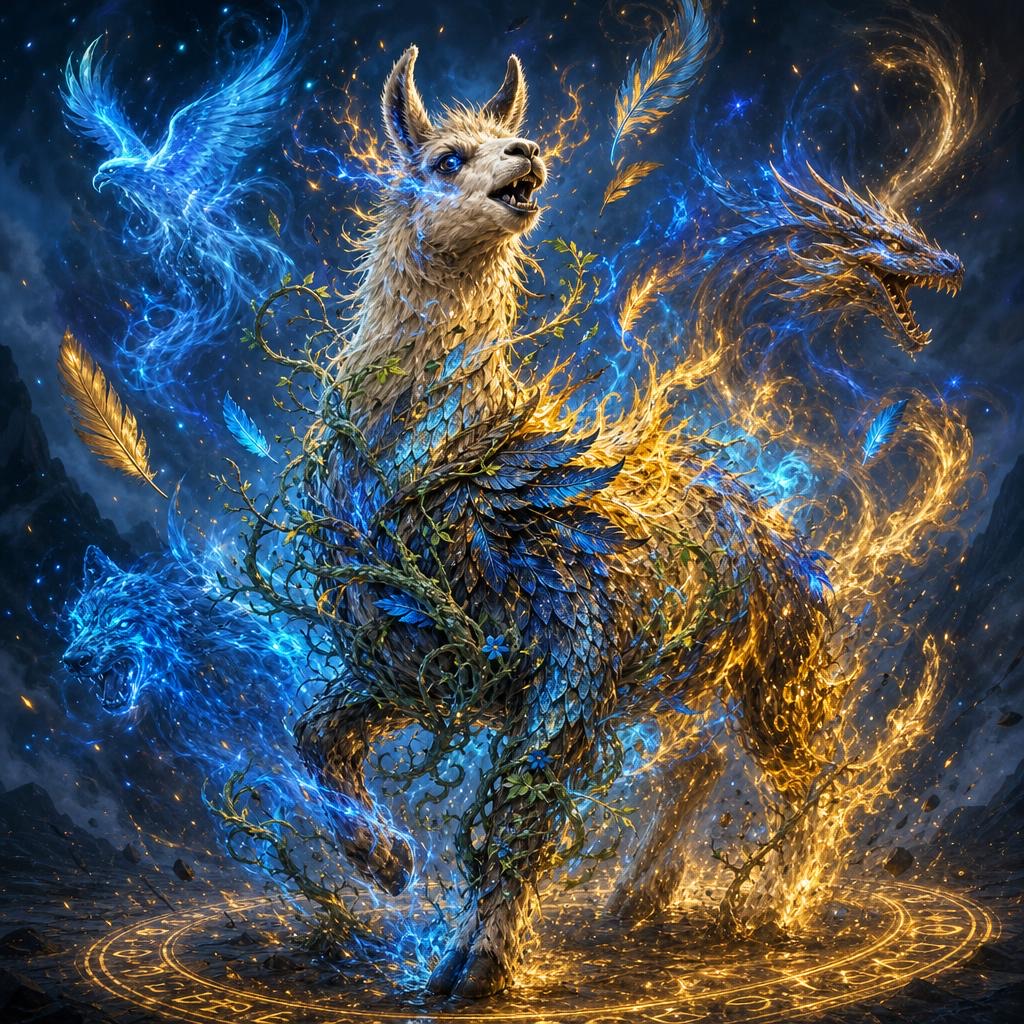
GPT Image 2 Prompt for Magical Llama Transformation
Immagine in immagine
Vintage River Angler
Testo in immagine
Note sul riutilizzo e sulla fonte
Utilizza questo prompt in tutta sicurezza dopo aver visualizzato in anteprima il caso.
- 1.Copia il prompt oppure aprilo direttamente in Dovoo tramite il pulsante di generazione.
- 2.Regola le variabili, le proporzioni e le immagini di riferimento in base alle tue esigenze.
- 3.Prima della pubblicazione o dell'utilizzo a pagamento, verificare i diritti di fonte, i requisiti di attribuzione e i rischi relativi al marchio o all'immagine.