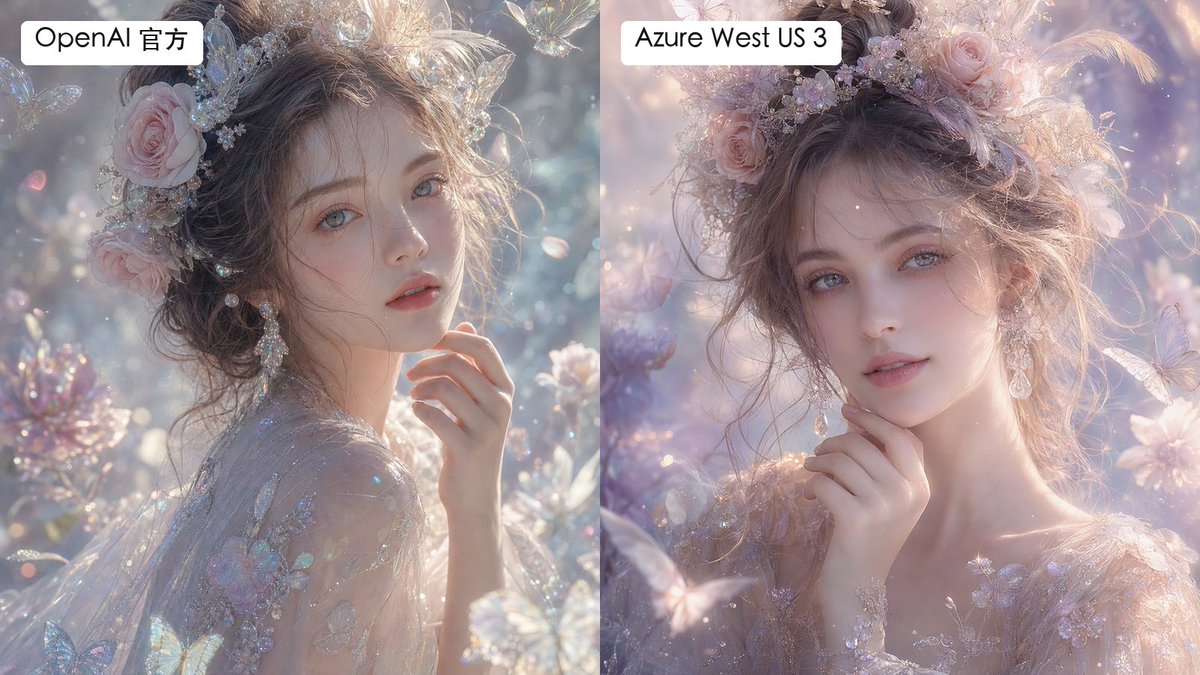
Split Fantasy Portrait Comparison
Generates a labeled two-panel comparison of dreamy fantasy portrait renders with subtle differences in texture and smoothness.
Questo è un esempio di prompt GPT Image 2 per Ritratto e personaggio . Utilizza il prompt pronto per la copia qui sotto per generare immagini simili e verifica l'attribuzione Awesome GPT Image 2 Prompts e i diritti di utilizzo commerciale prima del riutilizzo.
Hai bisogno del set completo di prompt? Usa il Ritratto e personaggio hub tematico per ulteriori esempi correlati oppure apri il GPT Image 2 catalogo rapido per l'indice completo degli esempi, le strutture riutilizzabili e l'attribuzione delle fonti.
Free 1K preview
Generate one preview image instantly, no sign-up required.
1922/4000
Richiesta
prompt pronto per la copia
Create a side-by-side comparison image showing two versions of the same dreamy fantasy portrait. Canvas is a horizontal 16:9 split-screen composition with a perfectly vertical divide down the center, no gap, left panel and right panel each occupying exactly half the image. In both panels, depict the same ethereal young woman in a luminous fairytale garden, shown as a close-up bust portrait with pale porcelain skin, soft gray-blue eyes, delicate lips, and loosely pinned wavy brown hair. She wears an ornate pastel floral crown with pink roses, tiny crystal flowers, pearls, translucent butterfly ornaments, and soft feathers, plus dangling crystal earrings and a sheer embroidered gown with iridescent floral appliqué. Her hand is raised gently near her chin, giving a calm, romantic, slightly wistful expression while looking toward the viewer. The scene is filled with pastel blossoms, sparkling bokeh, floating dust motes, translucent butterflies, crystal petals, and soft backlit haze. Use an ultra-detailed high-fashion fantasy photography style, shallow depth of field, pearly highlights, glittering refractions, delicate skin texture, and pastel lavender, blush pink, silver, and pale blue tones. Make the left panel slightly more textured, crisp, and detailed in skin and fabric microtexture; make the right panel slightly smoother and more airbrushed, with softer pastel lighting and gentler facial texture. Add exactly 2 label boxes: one white rounded rectangle at the top left of the left panel reading {argument name="left label" default="OpenAI Official"}, and one white rounded rectangle at the top left of the right panel reading {argument name="right label" default="Azure West US 3"}. Use clean black sans-serif text inside the labels. Keep both portraits similar enough to clearly compare rendering differences, but not identical; avoid watermarks, logos, extra captions, borders, or additional text.Variabili di richiesta
Segnaposto per gli argomenti modificabili presenti nel prompt, con i relativi valori predefiniti.
Variabile
left label
Predefinito
OpenAI Official
Variabile
right label
Predefinito
Azure West US 3
Best for
- - Ritratto e personaggio visual exploration
- - Image generation and reference-image edits
- - Reusable briefs that keep source attribution visible
Change these parts
- - Subject, product, character, or scene
- - Aspect ratio, camera, lighting, and background
- - Brand, text, color, and output constraints
Recommended model and settings
- - Model: gpt-image-2
- - Input mode: Testo in immagine
- - Aspect ratio: source
- - Commercial status: review original source
How to use this prompt
- 1. Copy the prompt and preserve its structure for the first test.
- 2. Replace the subject, context, and publishing channel.
- 3. Change one camera, lighting, or style variable per iteration.
- 4. Inspect the output, source, text, and rights before reuse.
Limitations, source, and reuse cautions
- - Generated output is an editable draft, not factual, legal, or rights evidence.
- - Review the linked source, people, brands, logos, text, and third-party media before commercial use.
Importato da Awesome GPT Image 2 Prompts . È richiesta l'attribuzione. Lo stato di utilizzo commerciale è allowed ; verificare i diritti della fonte prima dell'utilizzo a pagamento.
Altri casi in questa categoria
Prioritizzazione in base a categoria, compatibilità della modalità di input, qualità e minor rischio.
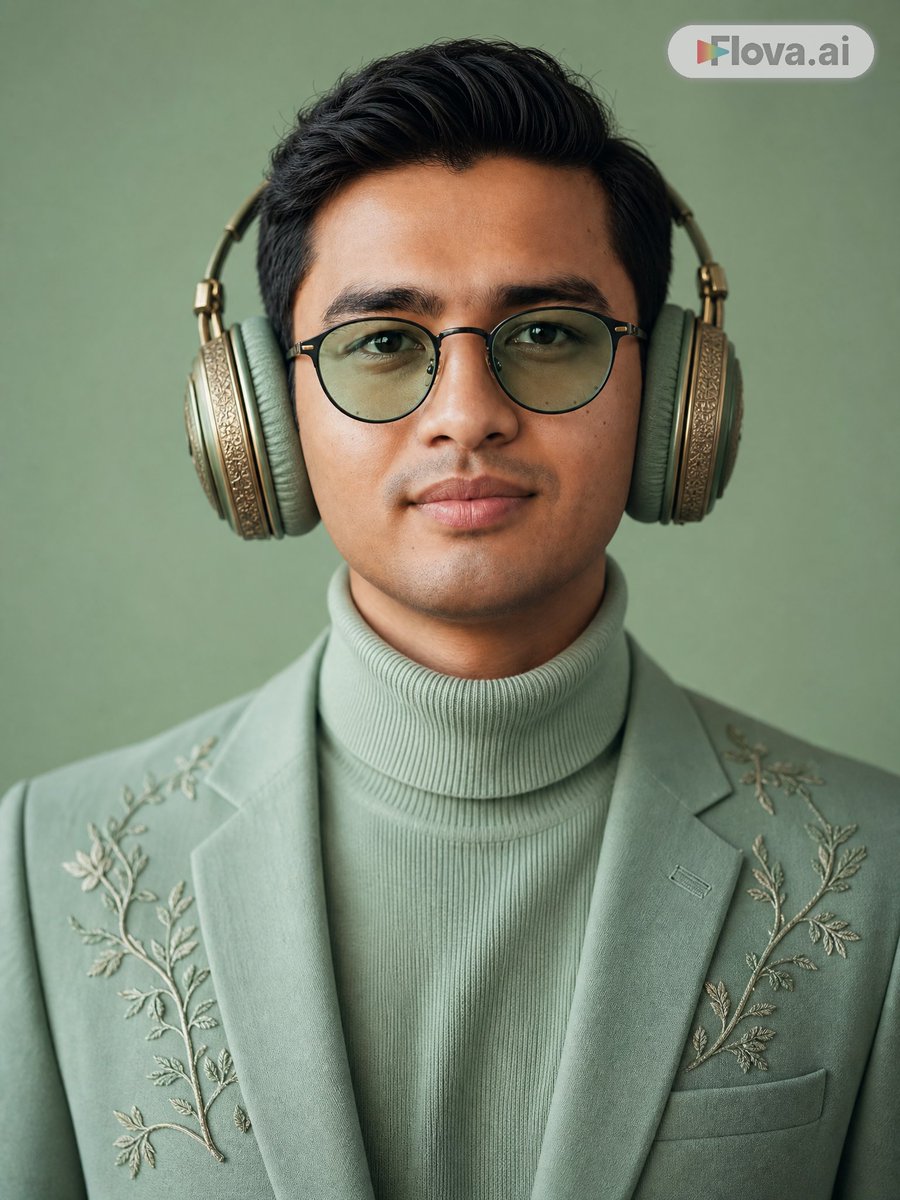
Mint Green Audiophile Portrait
Testo in immagine
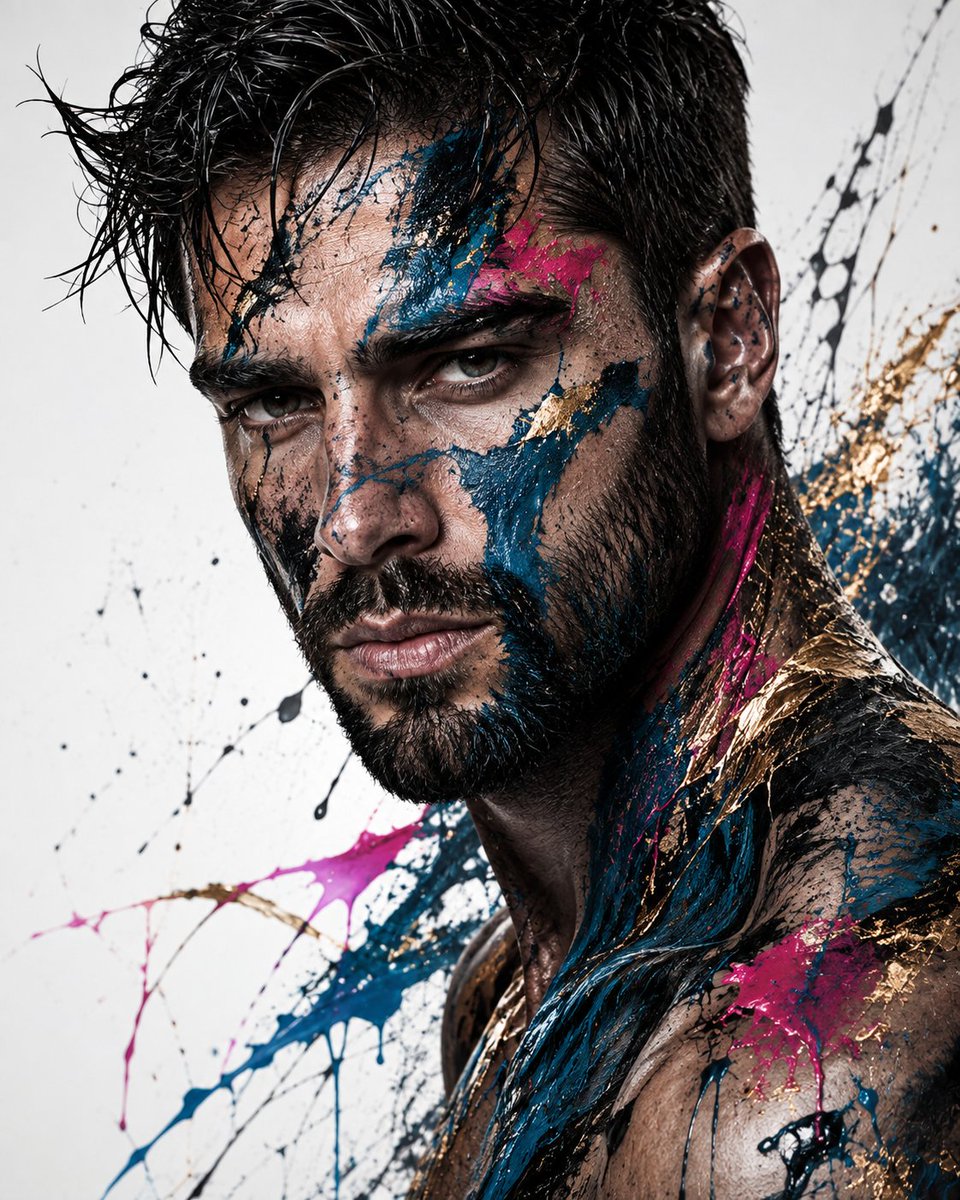
Editorial Male Portrait with Paint Splashes
Testo in immagine

Photorealistic Woman Reference Sheet
Testo in immagine
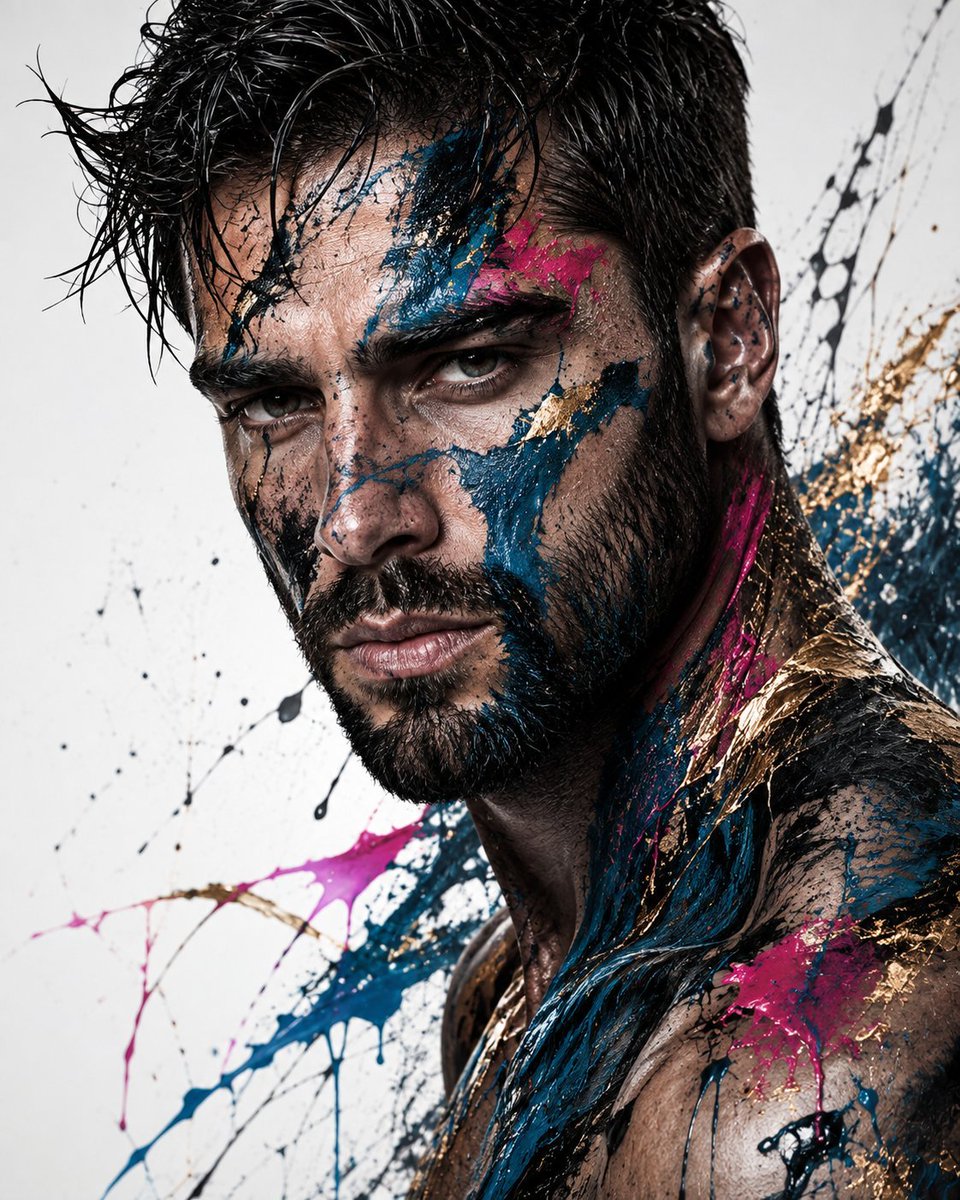
Abstract Fine-Art Editorial Portrait
Testo in immagine
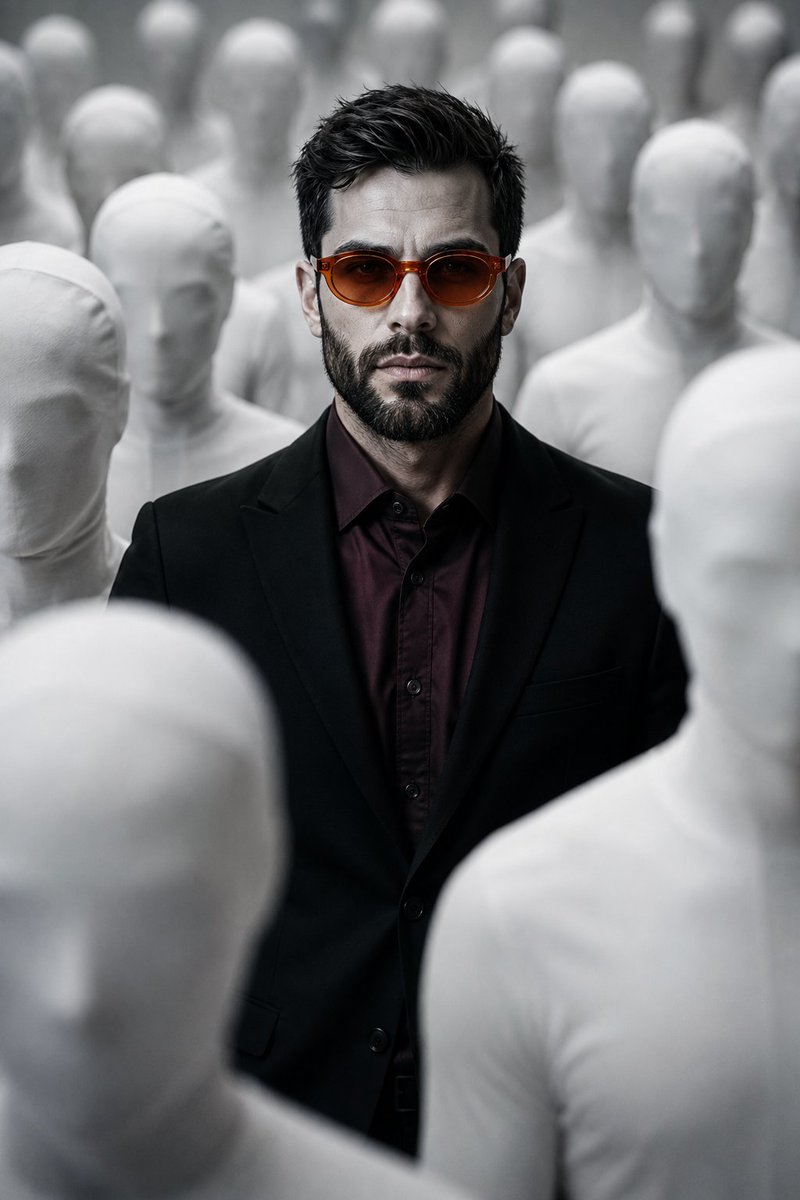
Surreal Man in Crowd of Faceless Figures
Testo in immagine
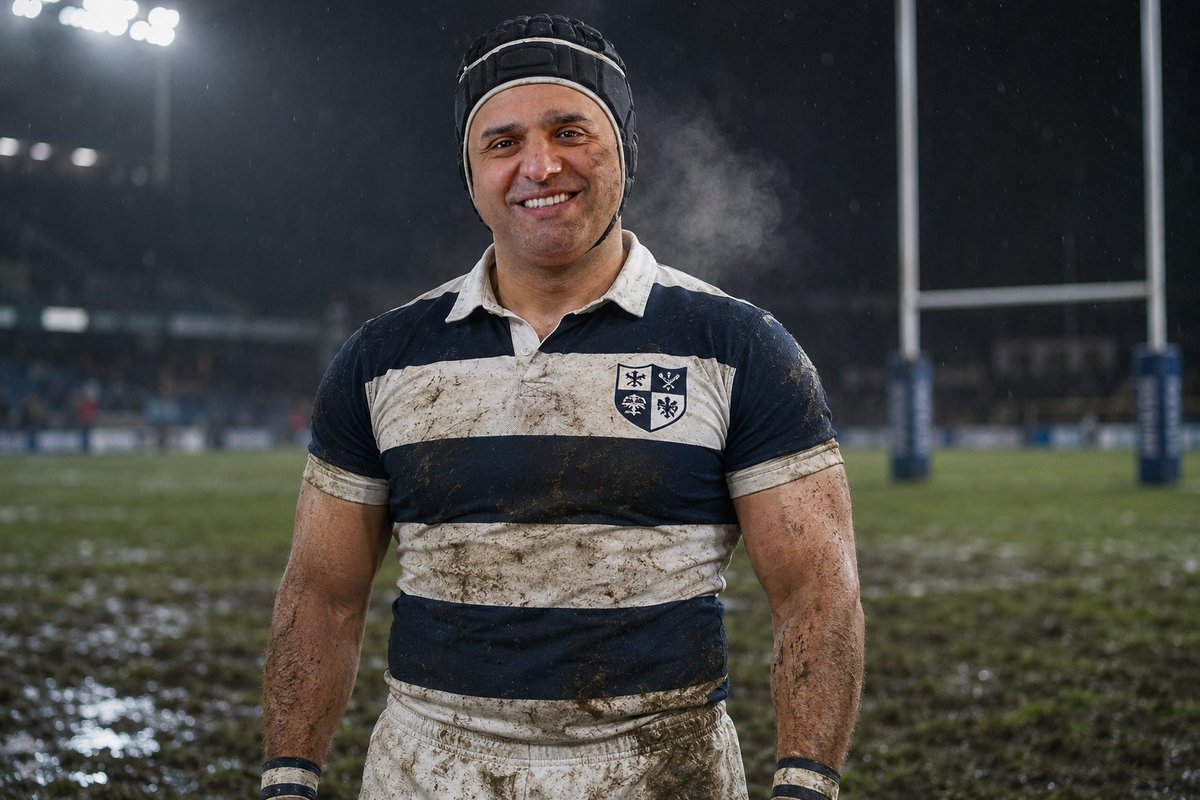
Night Rugby Player Portrait
Testo in immagine
Note sul riutilizzo e sulla fonte
Utilizza questo prompt in tutta sicurezza dopo aver visualizzato in anteprima il caso.
- 1.Copia il prompt oppure aprilo direttamente in Dovoo tramite il pulsante di generazione.
- 2.Regola le variabili, le proporzioni e le immagini di riferimento in base alle tue esigenze.
- 3.Prima della pubblicazione o dell'utilizzo a pagamento, verificare i diritti di fonte, i requisiti di attribuzione e i rischi relativi al marchio o all'immagine.