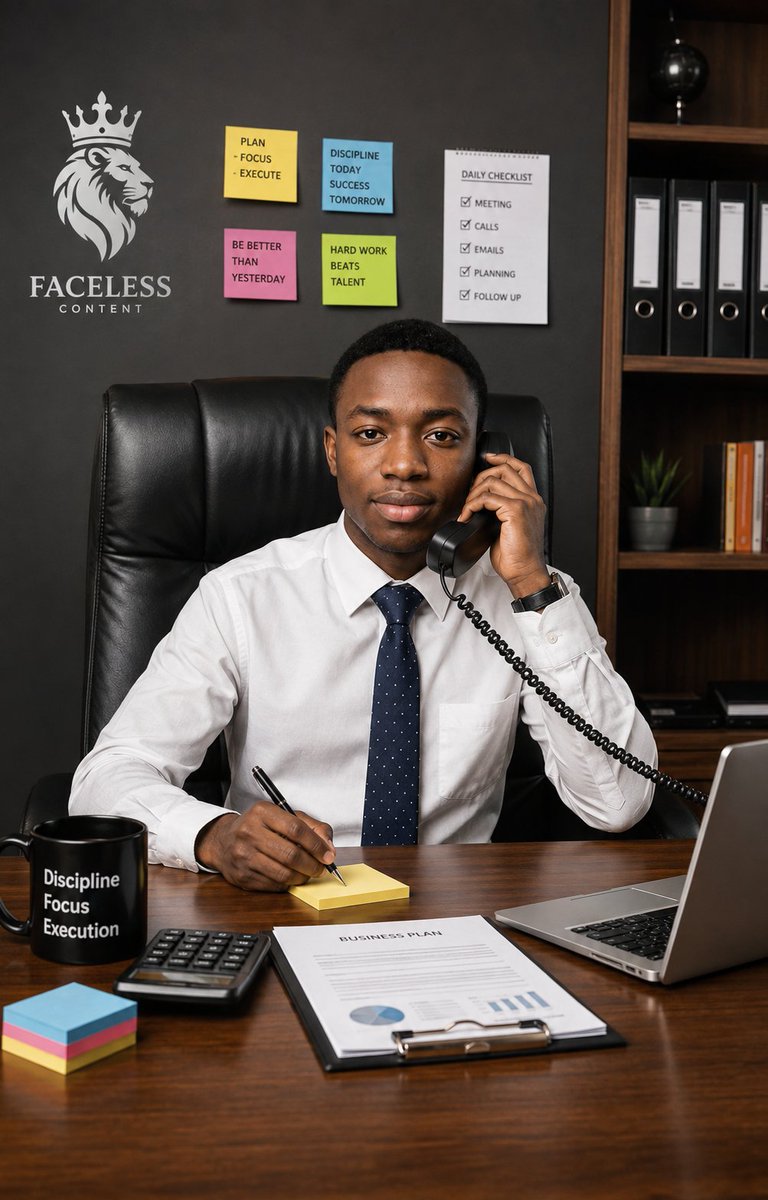
Executive Office Phone Call Portrait
An ultra-realistic portrait prompt for creating a confident young executive taking a business call at a desk in a motivational modern office.
Questo è un esempio di prompt GPT Image 2 per Ritratto e personaggio . Utilizza il prompt pronto per la copia qui sotto per generare immagini simili e verifica l'attribuzione Awesome GPT Image 2 Prompts e i diritti di utilizzo commerciale prima del riutilizzo.
Hai bisogno del set completo di prompt? Usa il Ritratto e personaggio hub tematico per ulteriori esempi correlati oppure apri il GPT Image 2 catalogo rapido per l'indice completo degli esempi, le strutture riutilizzabili e l'attribuzione delle fonti.
Free 1K preview
Generate one preview image instantly, no sign-up required.
2303/4000
Richiesta
prompt pronto per la copia
Create an ultra-realistic vertical professional lifestyle portrait of a {argument name="character description" default="young Black adult man"} seated confidently behind a polished wooden executive desk in a modern office, looking directly at the camera with a calm, focused, businesslike expression. He wears a crisp white dress shirt, a navy blue tie with tiny white dots, and a dark wristwatch, sitting in a tall black leather executive chair. His left hand holds a black corded telephone receiver to his ear, with the coiled cable leading off to the right, while his right hand writes with a black pen on a small yellow sticky note pad on the desk. The scene should feel like focus, confidence, and an important call in progress.

Use a realistic office background with a dark charcoal wall and a wooden bookshelf on the right containing exactly 4 black ring binders, a small potted plant, a row of orange-and-white books, and a black globe on an upper shelf. On the left wall, include a white crowned lion head logo above the brand text {argument name="outfit" default="FACELESS CONTENT"}. Add exactly 5 productivity notes on the wall: 4 colored sticky notes and 1 checklist sheet. The 4 sticky notes must read: yellow note “PLAN - FOCUS - EXECUTE”, blue note “DISCIPLINE TODAY SUCCESS TOMORROW”, pink note “BE BETTER THAN YESTERDAY”, and green note “HARD WORK BEATS TALENT”. The checklist sheet must be titled “DAILY CHECKLIST” and list exactly 5 checked items: “MEETING”, “CALLS”, “EMAILS”, “PLANNING”, and “FOLLOW UP”.

On the desk, include exactly 6 visible work items: a black mug printed with three stacked words {argument name="brand text" default="FACELESS CONTENT"}, a black calculator, a neat stack of multicolored sticky notes, the yellow note pad he is writing on, a clipboard document titled {argument name="checklist title" default="DAILY CHECKLIST"} with simple charts, and an open silver laptop on the right edge. Use warm realistic lighting, sharp facial detail, natural skin texture, shallow-to-moderate depth of field, polished wood reflections, and a high-end corporate editorial photography style. Frame as a vertical 2:3 portrait, waist-up composition, subject centered, desk filling the lower third, no extra people, no surreal elements, no distorted hands, and no watermark.
Variabili di richiesta
Segnaposto per gli argomenti modificabili presenti nel prompt, con i relativi valori predefiniti.
Variabile
character description
Predefinito
young Black adult man
Variabile
outfit
Predefinito
FACELESS CONTENT
Variabile
brand text
Predefinito
FACELESS CONTENT
Variabile
checklist title
Predefinito
DAILY CHECKLIST
Best for
- - Ritratto e personaggio visual exploration
- - Image generation and reference-image edits
- - Reusable briefs that keep source attribution visible
Change these parts
- - Subject, product, character, or scene
- - Aspect ratio, camera, lighting, and background
- - Brand, text, color, and output constraints
Recommended model and settings
- - Model: gpt-image-2
- - Input mode: Testo in immagine
- - Aspect ratio: source
- - Commercial status: review original source
How to use this prompt
- 1. Copy the prompt and preserve its structure for the first test.
- 2. Replace the subject, context, and publishing channel.
- 3. Change one camera, lighting, or style variable per iteration.
- 4. Inspect the output, source, text, and rights before reuse.
Limitations, source, and reuse cautions
- - Generated output is an editable draft, not factual, legal, or rights evidence.
- - Review the linked source, people, brands, logos, text, and third-party media before commercial use.
Importato da Awesome GPT Image 2 Prompts . È richiesta l'attribuzione. Lo stato di utilizzo commerciale è allowed ; verificare i diritti della fonte prima dell'utilizzo a pagamento.
Altri casi in questa categoria
Prioritizzazione in base a categoria, compatibilità della modalità di input, qualità e minor rischio.
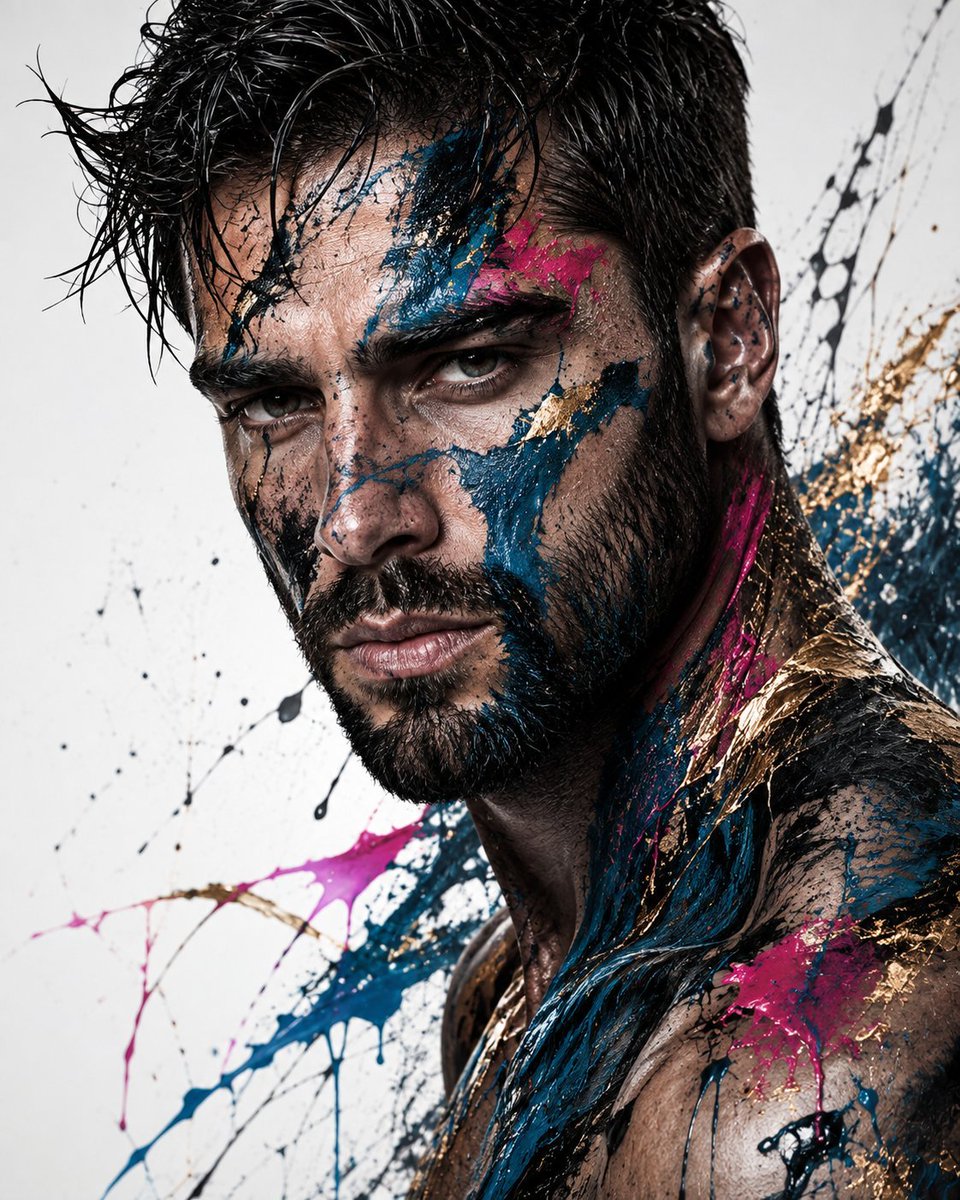
Abstract Fine-Art Editorial Portrait
Testo in immagine
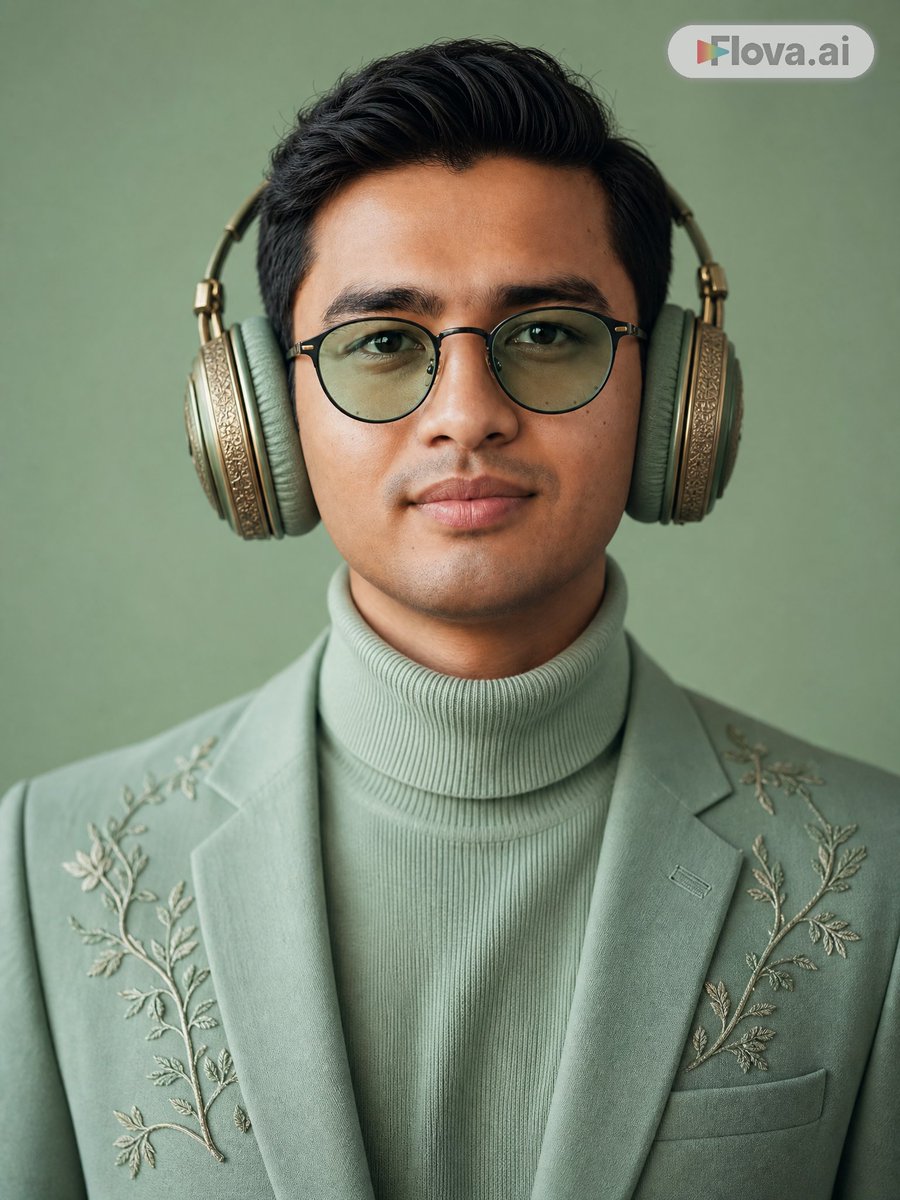
Mint Green Audiophile Portrait
Testo in immagine
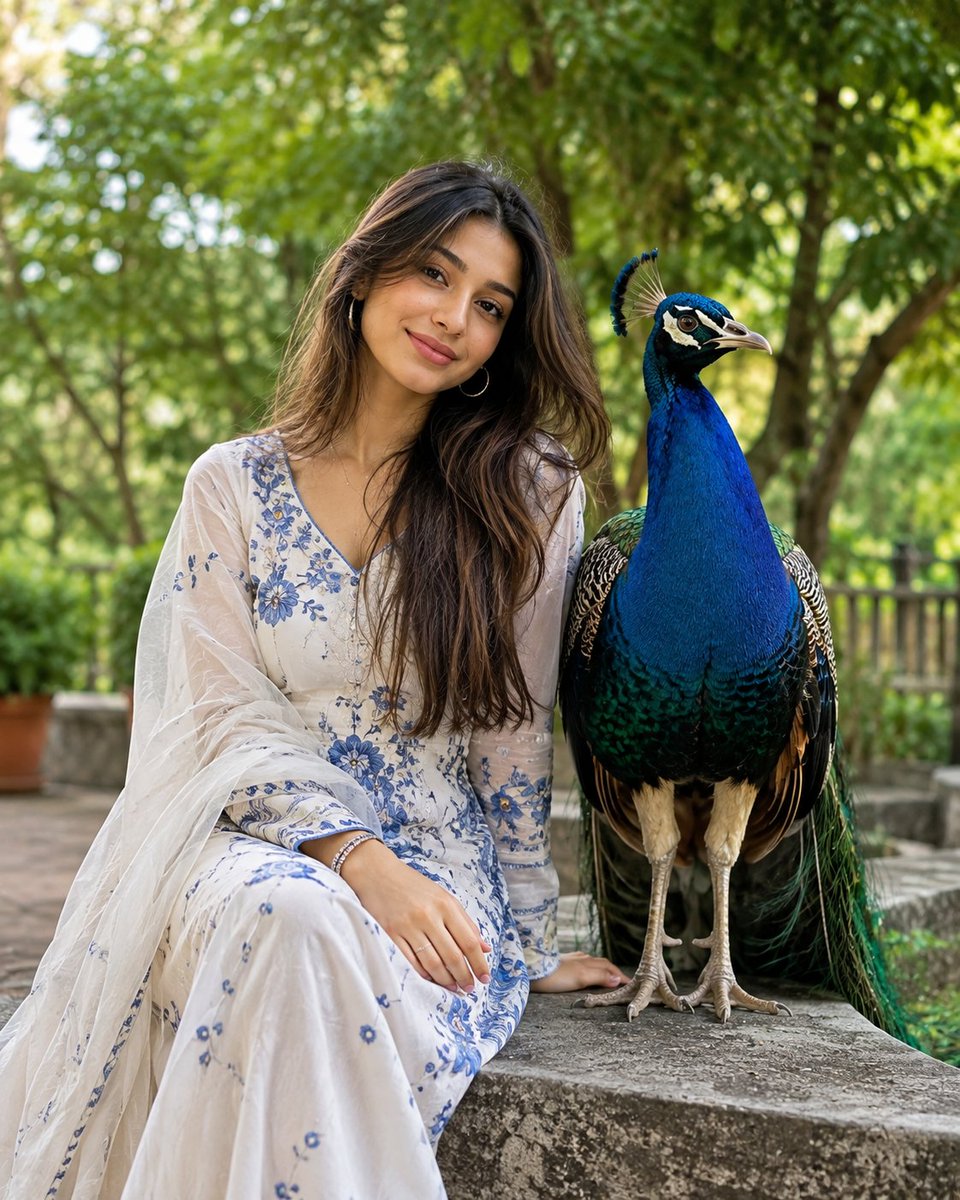
South Asian Portrait with Majestic Peacock
Testo in immagine
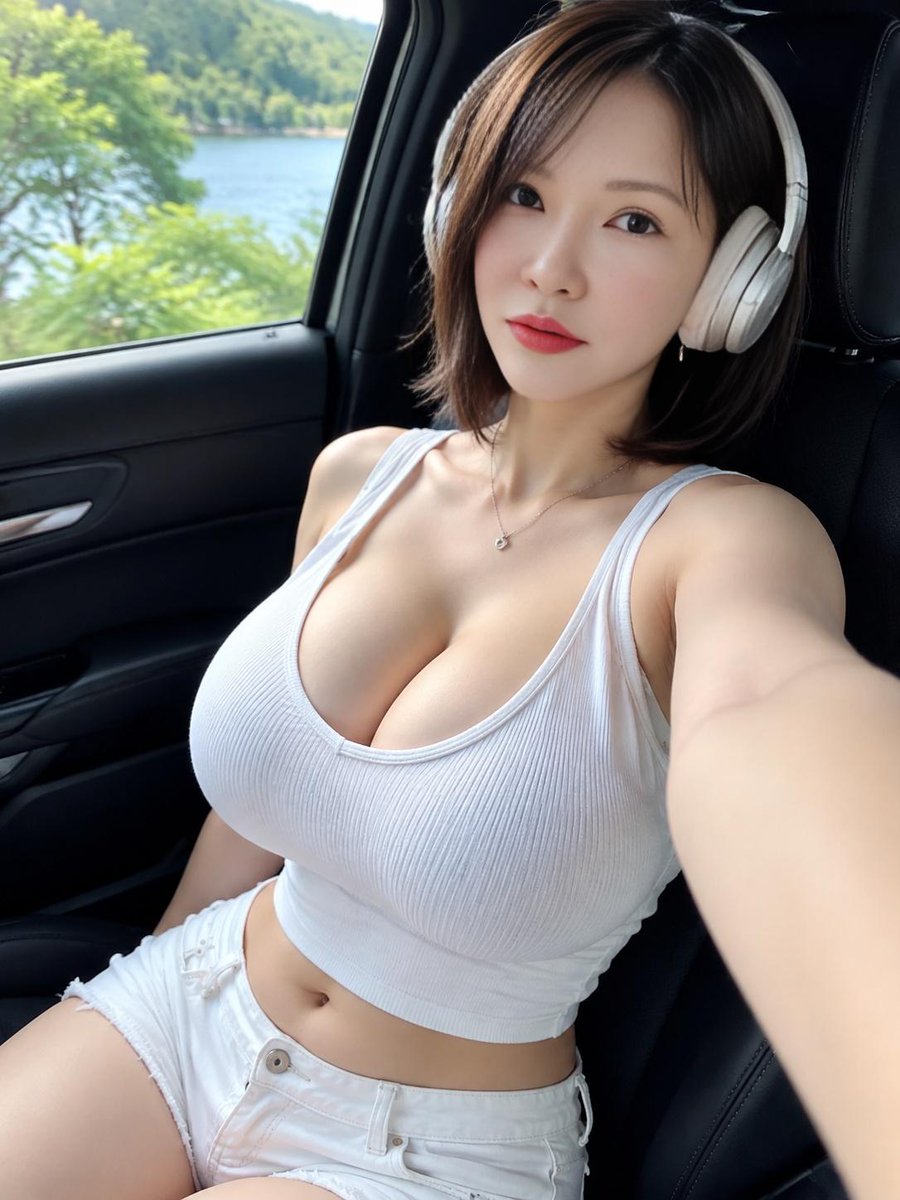
Lakeside Car Selfie with Headphones
Testo in immagine
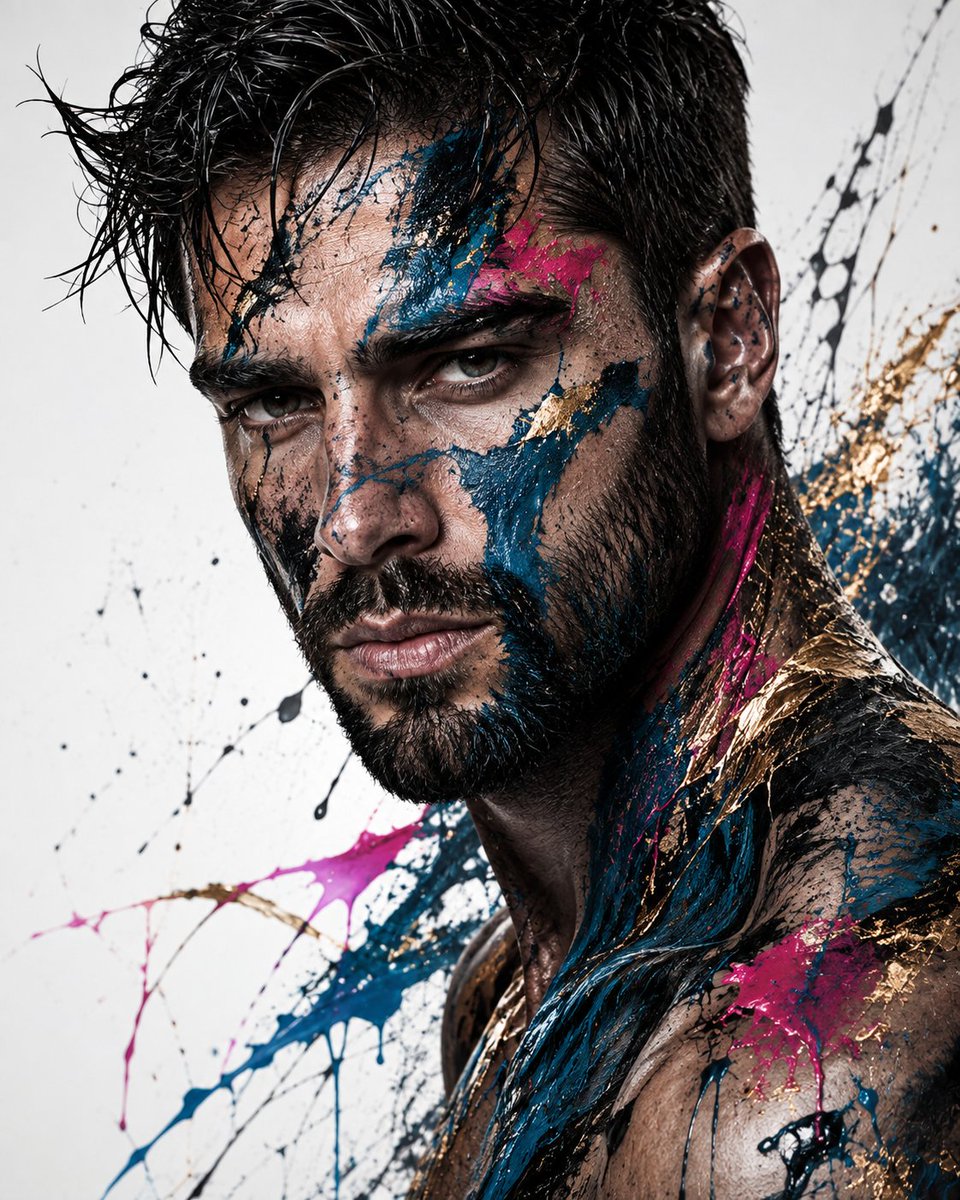
Editorial Male Portrait with Paint Splashes
Testo in immagine
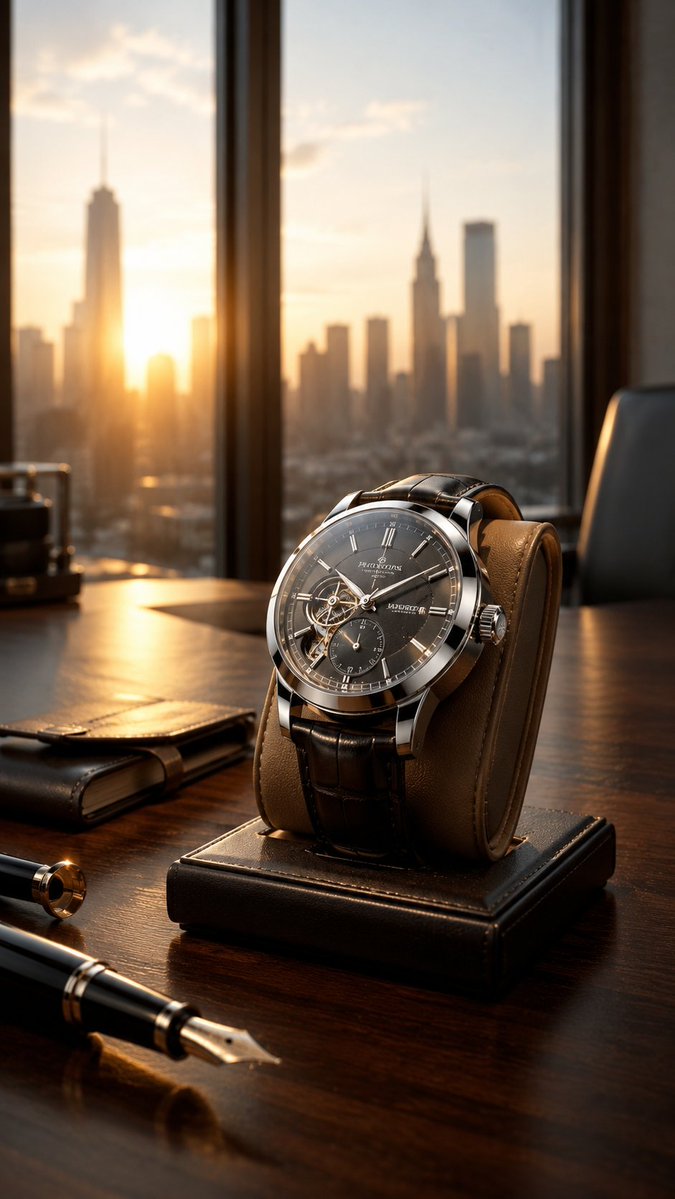
Luxury Wristwatch Commercial Ad
Testo in immagine
Note sul riutilizzo e sulla fonte
Utilizza questo prompt in tutta sicurezza dopo aver visualizzato in anteprima il caso.
- 1.Copia il prompt oppure aprilo direttamente in Dovoo tramite il pulsante di generazione.
- 2.Regola le variabili, le proporzioni e le immagini di riferimento in base alle tue esigenze.
- 3.Prima della pubblicazione o dell'utilizzo a pagamento, verificare i diritti di fonte, i requisiti di attribuzione e i rischi relativi al marchio o all'immagine.