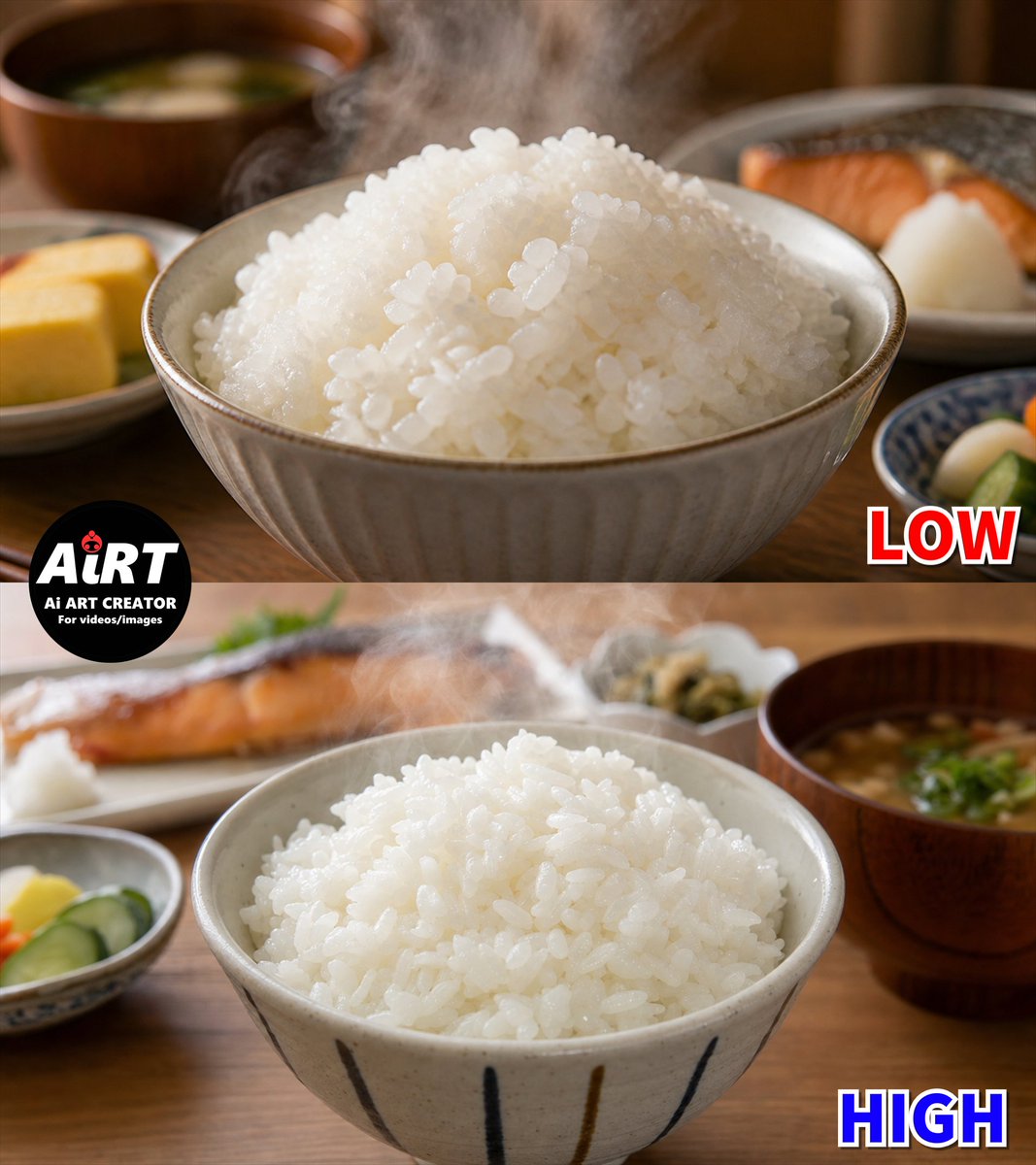
Low vs High Rice Quality Comparison
A photorealistic split-screen Japanese rice comparison image for demonstrating differences between low and high generation quality.
Ini adalah contoh kasus GPT Image 2 untuk Makanan & Minuman . Gunakan contoh siap salin di bawah ini untuk menghasilkan visual serupa, dan tinjau atribusi Awesome GPT Image 2 Prompts serta hak penggunaan komersial sebelum digunakan kembali.
Butuh seluruh rangkaian prompt? Gunakan Makanan & Minuman Untuk contoh terkait lainnya, kunjungi pusat topik, atau buka GPT Image 2 katalog cepat untuk indeks contoh lengkap, struktur yang dapat digunakan kembali, dan atribusi sumber.
Free 1K preview
Generate one preview image instantly, no sign-up required.
2605/4000
Mengingatkan
Prompt siap salin
Goal: Create a photorealistic two-panel comparison image showing generated Japanese steamed white rice quality at {argument name="quality labels" default="LOW and HIGH"}, with the top half labeled LOW and the bottom half labeled HIGH.

Canvas: Square 1:1 image, split horizontally into exactly 2 equal photographic panels. Warm indoor Japanese breakfast table setting, shallow depth of field, natural soft lighting, realistic steam.

Top panel: A close-up ceramic bowl filled with a large mound of glossy steamed white rice. The rice grains look slightly too uniform, overly shiny, and a little artificial, with many similar oval grains clustered together. Visible steam rises from the rice. Background includes exactly 4 blurred meal elements: a wooden miso soup bowl in the upper left, a small yellow tamagoyaki omelet plate at the lower left, a grilled salmon plate in the upper right, and a small blue patterned side dish at the lower right. Add a bold red outlined label reading {argument name="top label" default="LOW"} in the bottom-right corner of the top panel.

Bottom panel: A second close-up ceramic bowl of steamed white rice, more natural and appetizing, with irregular rice grain shapes, varied spacing, softer shine, and less plastic-looking texture. Steam rises subtly from the rice. The bowl has vertical dark brushstroke stripes. Background includes exactly 5 blurred meal elements: grilled salmon plate in the upper left, a small plate with grated daikon or white garnish near the salmon, a small side dish with pickles at the lower left, a small side dish near the upper center-right, and a wooden miso soup bowl on the right with green garnish. Add a bold blue outlined label reading {argument name="bottom label" default="HIGH"} in the bottom-right corner of the bottom panel.

Brand mark: Place a circular black logo overlapping the left side of the split line between panels. It reads {argument name="logo text" default="AiRT"} in large white letters with a tiny red ladybug accent, and below it smaller white text reading "Ai ART CREATOR" and "For videos/images".

Visual style: Ultra-realistic food photography, warm wooden table, creamy bokeh, high-detail ceramic bowls, authentic Japanese breakfast atmosphere, no people. Emphasize the contrast between artificial-looking glossy uniform rice in the LOW panel and more random, realistic rice texture in the HIGH panel.

Constraints: Use exactly 2 panels, exactly 2 large labels, exactly 1 circular logo, and the listed 9 blurred background meal elements total. Keep all text legible and do not add extra captions or watermarks.
Variabel perintah
Placeholder argumen yang dapat diedit ditemukan dalam prompt, beserta nilai defaultnya.
Variabel
quality labels
Bawaan
LOW and HIGH
Variabel
top label
Bawaan
LOW
Variabel
bottom label
Bawaan
HIGH
Variabel
logo text
Bawaan
AiRT
Best for
- - Makanan & Minuman visual exploration
- - Image generation and reference-image edits
- - Reusable briefs that keep source attribution visible
Change these parts
- - Subject, product, character, or scene
- - Aspect ratio, camera, lighting, and background
- - Brand, text, color, and output constraints
Recommended model and settings
- - Model: gpt-image-2
- - Input mode: Teks ke Gambar
- - Aspect ratio: source
- - Commercial status: review original source
How to use this prompt
- 1. Copy the prompt and preserve its structure for the first test.
- 2. Replace the subject, context, and publishing channel.
- 3. Change one camera, lighting, or style variable per iteration.
- 4. Inspect the output, source, text, and rights before reuse.
Limitations, source, and reuse cautions
- - Generated output is an editable draft, not factual, legal, or rights evidence.
- - Review the linked source, people, brands, logos, text, and third-party media before commercial use.
Diimpor dari Awesome GPT Image 2 Prompts . Atribusi diperlukan. Status penggunaan komersial adalah allowed ; tinjau hak sumber sebelum penggunaan berbayar.
Lebih banyak kasus dalam kategori ini
Diprioritaskan berdasarkan kategori, kompatibilitas mode input, kualitas, dan risiko yang lebih rendah.
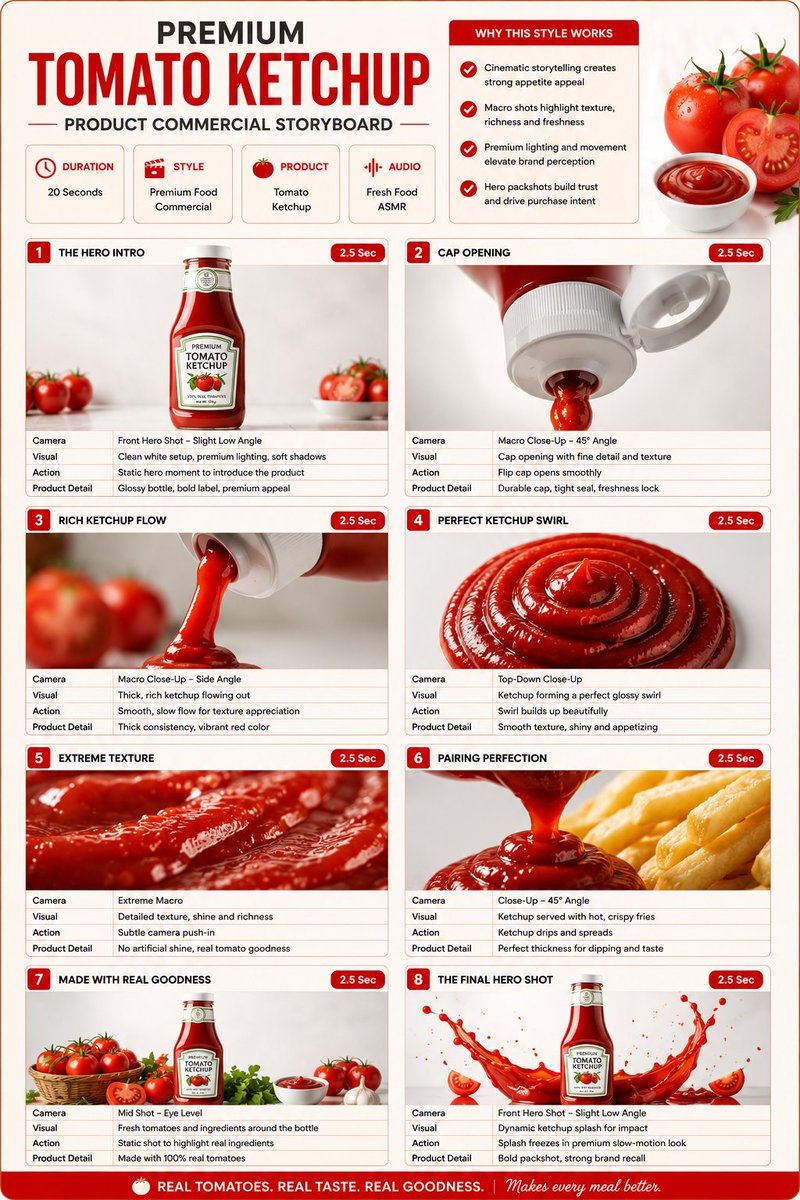
Premium Ketchup Commercial Storyboard
Teks ke Gambar
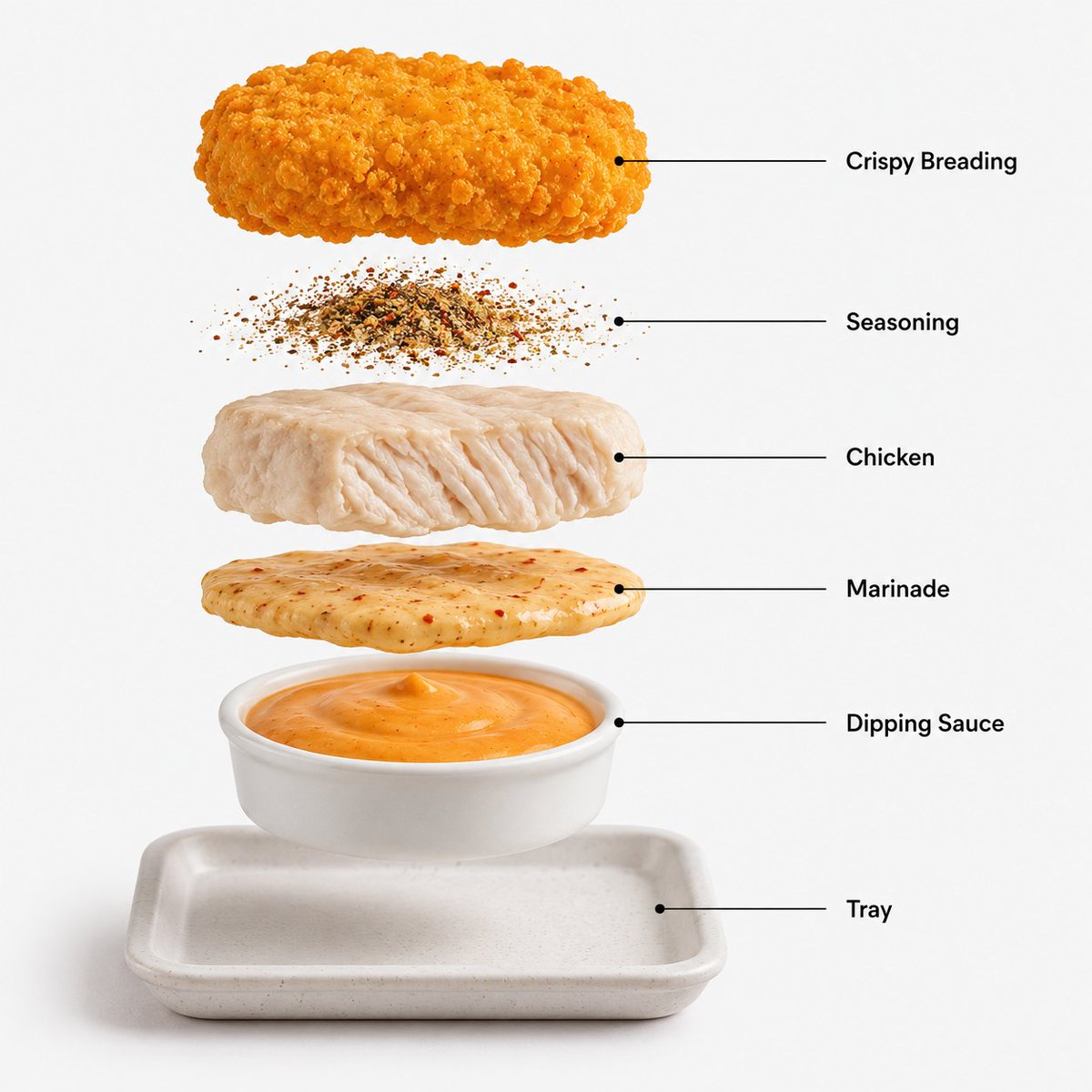
Image 2 Prompt: Create a hyper-realistic exploded
Teks ke Gambar
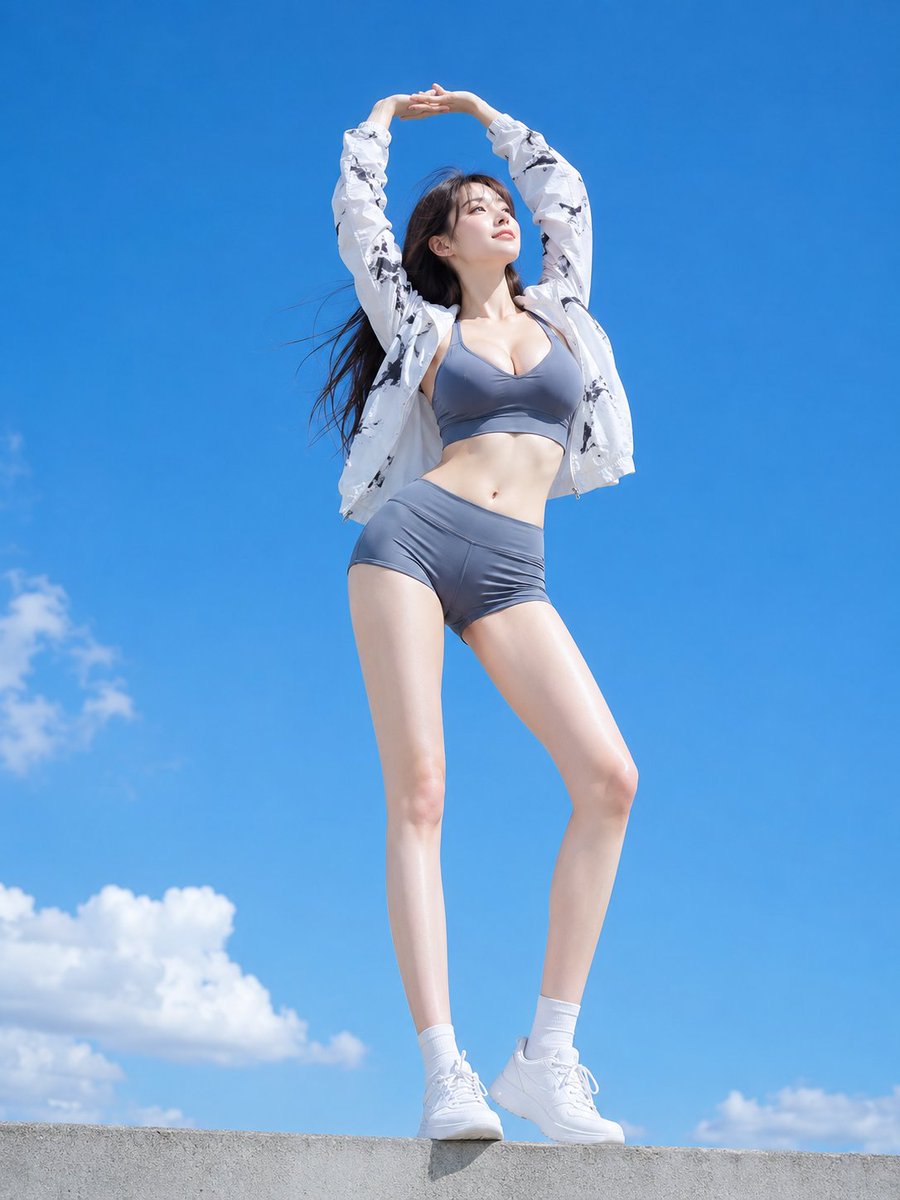
Low Angle Blue Sky Sports Outfit
Teks ke Gambar

Luxury Brand Campaign Prompt Template
Teks ke Gambar
Sleeping Woman in Nightcap
Teks ke Gambar
Luxury Product Ad Campaign Template
Teks ke Gambar
Catatan penggunaan kembali dan sumber
Gunakan perintah ini dengan aman setelah melihat pratinjau kasus.
- 1.Salin perintah tersebut atau buka langsung di Dovoo dengan tombol pembuatan.
- 2.Sesuaikan variabel, rasio aspek, dan gambar referensi untuk kebutuhan Anda sendiri.
- 3.Sebelum mempublikasikan atau menggunakan untuk tujuan berbayar, verifikasi hak sumber, persyaratan atribusi, dan risiko merek atau citra.