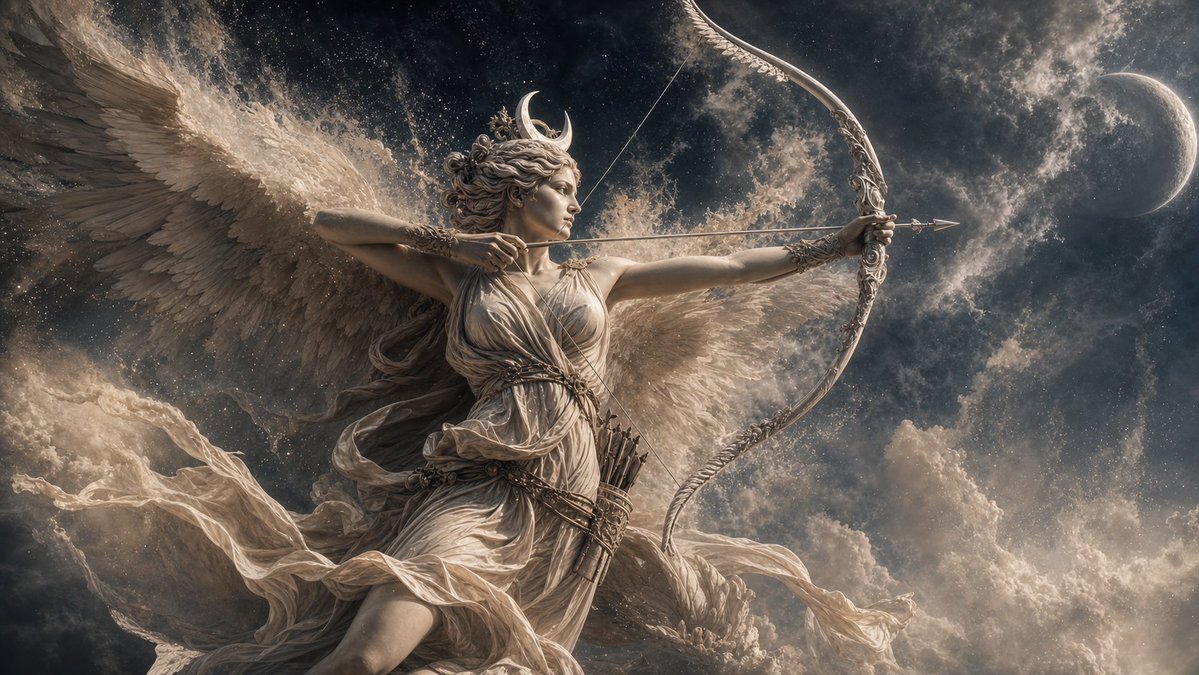
Winged Moon Goddess Archer Wallpaper
Creates a classical mythological wallpaper by transforming a winged celestial reference figure into a moonlit goddess archer scene.
Ini adalah contoh kasus GPT Image 2 untuk Ilustrasi & Seni . Gunakan contoh siap salin di bawah ini untuk menghasilkan visual serupa, dan tinjau atribusi Awesome GPT Image 2 Prompts serta hak penggunaan komersial sebelum digunakan kembali.
Butuh seluruh rangkaian prompt? Gunakan Ilustrasi & Seni Untuk contoh terkait lainnya, kunjungi pusat topik, atau buka GPT Image 2 katalog cepat untuk indeks contoh lengkap, struktur yang dapat digunakan kembali, dan atribusi sumber.
Free 1K preview
Generate one preview image instantly, no sign-up required.
Free text preview doesn’t preserve reference-image consistency.
1034/4000
Mengingatkan
Prompt siap salin
Using REFERENCE_0 as the classical mythological painting style and winged celestial figure base, transform the subject into {argument name="mythological character" default="a female moon goddess archer inspired by Artemis/Diana"}. Keep the grand Baroque/classical oil-painting treatment, dramatic clouds, monumental feathered wings, flowing pale drapery, sculptural anatomy, and cinematic wide desktop-wallpaper composition, but change the pose so she is aiming a bow in profile with one arrow drawn taut. Add exactly 5 new key details: 1 ornate crescent-shaped bow, 1 nocked arrow, 1 quiver at her waist, 1 crescent moon ornament in her hair, and 1 distant crescent moon in the sky. Shift the lighting and atmosphere from warm heavenly daylight to {argument name="atmosphere" default="dark moonlit night"}, with a starry cloud-filled sky, silver-gray highlights, glowing mist, and ethereal lunar radiance. Make the image feel like a mythological 4K desktop wallpaper: highly detailed, elegant, epic, painterly, no text, no watermark.Variabel perintah
Placeholder argumen yang dapat diedit ditemukan dalam prompt, beserta nilai defaultnya.
Variabel
mythological character
Bawaan
a female moon goddess archer inspired by Artemis/Diana
Variabel
atmosphere
Bawaan
dark moonlit night
Best for
- - Ilustrasi & Seni visual exploration
- - Image generation and reference-image edits
- - Reusable briefs that keep source attribution visible
Change these parts
- - Subject, product, character, or scene
- - Aspect ratio, camera, lighting, and background
- - Brand, text, color, and output constraints
Recommended model and settings
- - Model: gpt-image-2
- - Input mode: Gambar ke Gambar
- - Aspect ratio: source
- - Commercial status: review original source
How to use this prompt
- 1. Copy the prompt and preserve its structure for the first test.
- 2. Replace the subject, context, and publishing channel.
- 3. Change one camera, lighting, or style variable per iteration.
- 4. Inspect the output, source, text, and rights before reuse.
Limitations, source, and reuse cautions
- - Generated output is an editable draft, not factual, legal, or rights evidence.
- - Review the linked source, people, brands, logos, text, and third-party media before commercial use.
Diimpor dari Awesome GPT Image 2 Prompts . Atribusi diperlukan. Status penggunaan komersial adalah allowed ; tinjau hak sumber sebelum penggunaan berbayar.
Lebih banyak kasus dalam kategori ini
Diprioritaskan berdasarkan kategori, kompatibilitas mode input, kualitas, dan risiko yang lebih rendah.
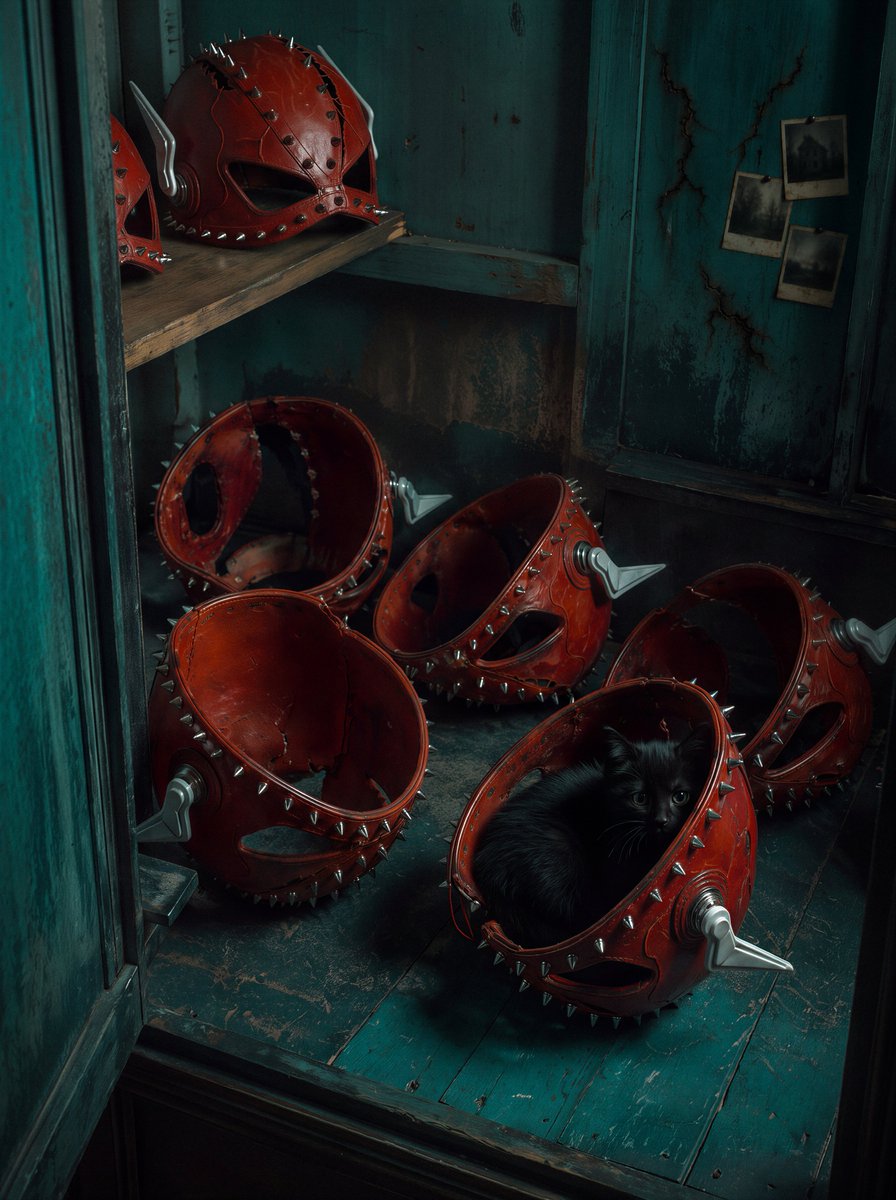
Red Spiked Mask Cabinet Still Life
Gambar ke Gambar
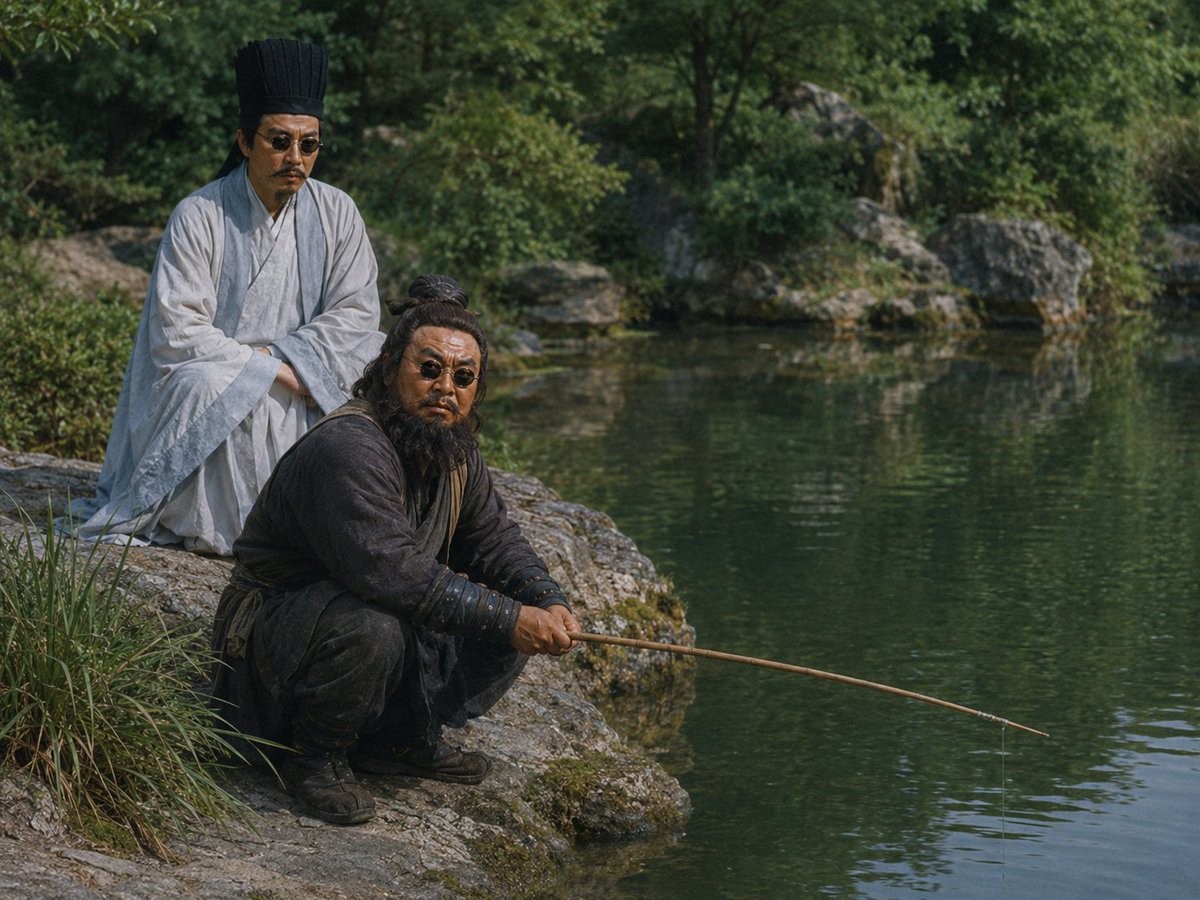
Movie Scene Character Swap Prompt
Gambar ke Gambar
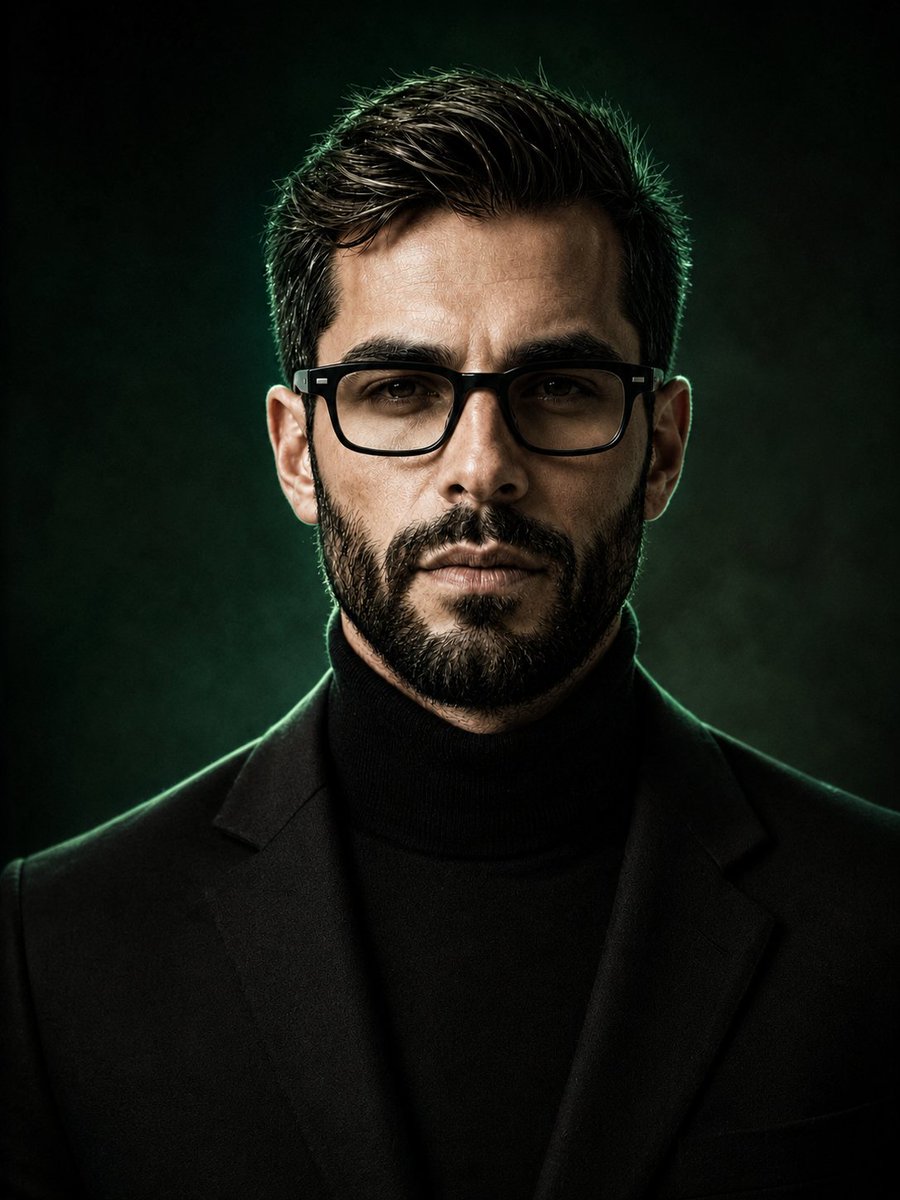
Luxury Fashion Editorial Background Replacement
Gambar ke Gambar
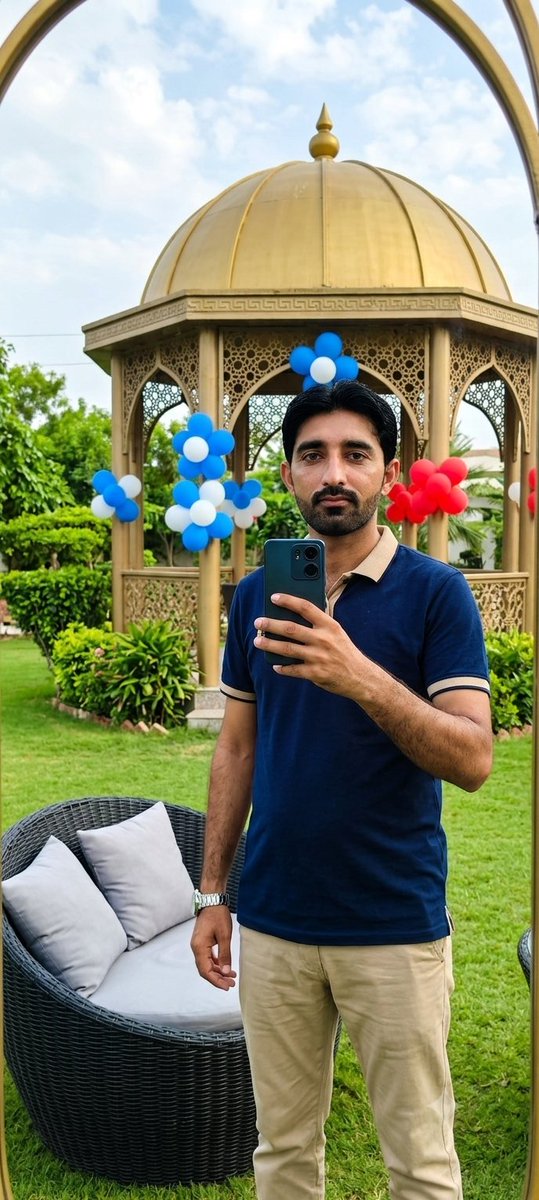
Reference-Based Identity Preservation Portrait
Gambar ke Gambar
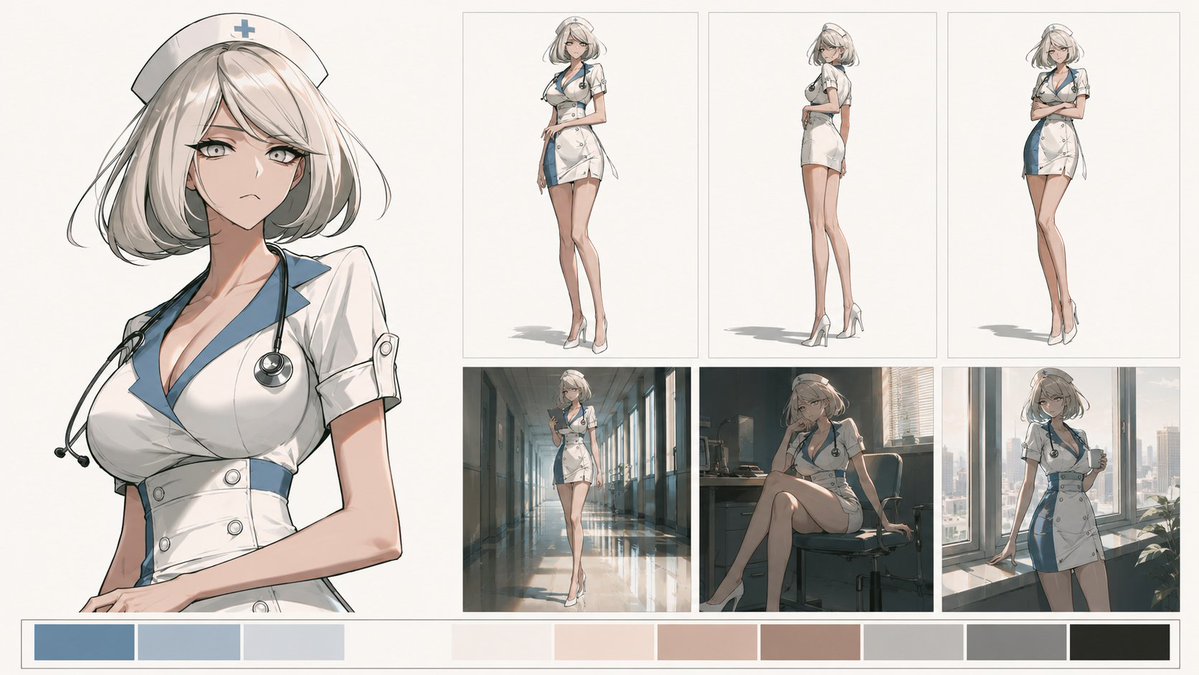
Artistic Character Reference Sheet
Gambar ke Gambar
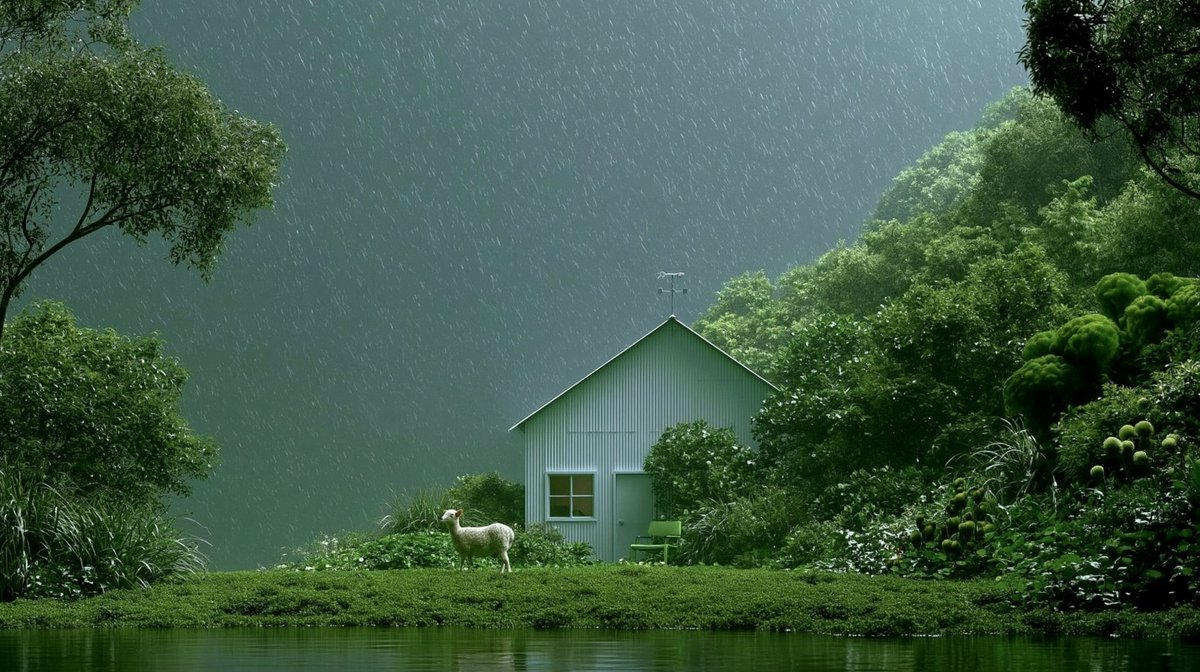
Rainy Cottage Garden With Sheep
Teks ke Gambar
Catatan penggunaan kembali dan sumber
Gunakan perintah ini dengan aman setelah melihat pratinjau kasus.
- 1.Salin perintah tersebut atau buka langsung di Dovoo dengan tombol pembuatan.
- 2.Sesuaikan variabel, rasio aspek, dan gambar referensi untuk kebutuhan Anda sendiri.
- 3.Sebelum mempublikasikan atau menggunakan untuk tujuan berbayar, verifikasi hak sumber, persyaratan atribusi, dan risiko merek atau citra.