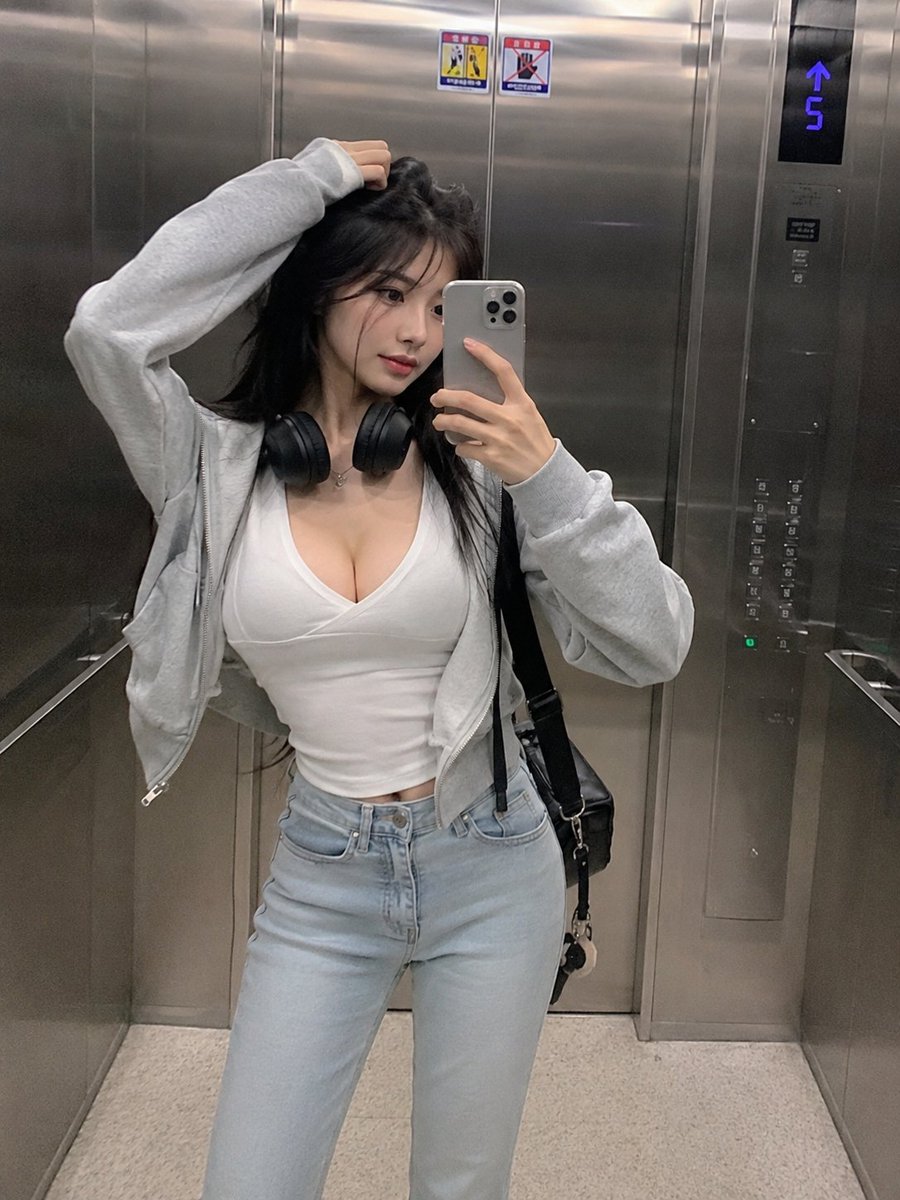
Smartphone Mirror Selfie Elevator Scene
A detailed JSON-structured prompt for generating a realistic, candid smartphone mirror selfie of a Korean woman in a modern elevator.
Ini adalah contoh kasus GPT Image 2 untuk Potret & Karakter . Gunakan contoh siap salin di bawah ini untuk menghasilkan visual serupa, dan tinjau atribusi Awesome GPT Image 2 Prompts serta hak penggunaan komersial sebelum digunakan kembali.
Butuh seluruh rangkaian prompt? Gunakan Potret & Karakter Untuk contoh terkait lainnya, kunjungi pusat topik, atau buka GPT Image 2 katalog cepat untuk indeks contoh lengkap, struktur yang dapat digunakan kembali, dan atribusi sumber.
Free 1K preview
Generate one preview image instantly, no sign-up required.
2047/4000
Mengingatkan
Prompt siap salin
{
  "objective": "Generate a realistic smartphone-style mirror selfie of an {argument name="subject" default="extremely beautiful slender Korean woman"} inside an {argument name="location" default="elevator"} with a natural, candid aesthetic.",

  "scene": {
    "location": "modern metallic elevator interior",
    "environment_details": [
      "stainless steel reflective walls",
      "visible elevator control panel with glowing floor indicator",
      "subtle reflections and fingerprints on metal surfaces",
      "tight enclosed vertical framing"
    ]
  },

  "subject": {
    "description": "extremely beautiful slender Korean woman",
    "body_type": "slim, elegant proportions",
    "hair": "long straight dark hair, slightly tousled",
    "skin": "natural skin texture, not overly polished",
    "expression": "soft confident expression, relaxed and slightly serious",
    "pose": "holding smartphone for mirror selfie, one hand lifting or touching her hair"
  },

  "outfit": {
    "top": "low-cut fitted white top",
    "outerwear": "light gray zip-up hoodie, casually worn open",
    "bottom": "light blue high-waisted jeans",
    "accessories": [
      "black over-ear headphones around neck",
      "minimal jewelry",
      "casual shoulder bag"
    ]
  },

  "camera_style": {
    "type": "smartphone front camera",
    "aesthetic": "{argument name="style" default="candid, slightly grainy, realistic"}",
    "quality": "lower resolution, subtle noise, no over-processing",
    "framing": "vertical 3:4, full body or mid-thigh crop",
    "angle": "slightly tilted natural selfie angle"
  },

  "lighting": {
    "type": "soft indoor fluorescent elevator lighting",
    "effect": "even lighting with mild metallic reflections, no dramatic shadows"
  },

  "mood": "casual everyday moment, effortless beauty, urban lifestyle",

  "negative_prompt": [
    "studio lighting",
    "overly smooth skin",
    "high fashion photoshoot",
    "fantasy elements",
    "unrealistic proportions",
    "extra limbs",
    "heavy filters"
  ]
}
Variabel perintah
Placeholder argumen yang dapat diedit ditemukan dalam prompt, beserta nilai defaultnya.
Variabel
subject
Bawaan
extremely beautiful slender Korean woman
Variabel
location
Bawaan
elevator
Variabel
style
Bawaan
candid, slightly grainy, realistic
Best for
- - Potret & Karakter visual exploration
- - Image generation and reference-image edits
- - Reusable briefs that keep source attribution visible
Change these parts
- - Subject, product, character, or scene
- - Aspect ratio, camera, lighting, and background
- - Brand, text, color, and output constraints
Recommended model and settings
- - Model: gpt-image-2
- - Input mode: Teks ke Gambar
- - Aspect ratio: source
- - Commercial status: review original source
How to use this prompt
- 1. Copy the prompt and preserve its structure for the first test.
- 2. Replace the subject, context, and publishing channel.
- 3. Change one camera, lighting, or style variable per iteration.
- 4. Inspect the output, source, text, and rights before reuse.
Limitations, source, and reuse cautions
- - Generated output is an editable draft, not factual, legal, or rights evidence.
- - Review the linked source, people, brands, logos, text, and third-party media before commercial use.
Diimpor dari Awesome GPT Image 2 Prompts . Atribusi diperlukan. Status penggunaan komersial adalah allowed ; tinjau hak sumber sebelum penggunaan berbayar.
Lebih banyak kasus dalam kategori ini
Diprioritaskan berdasarkan kategori, kompatibilitas mode input, kualitas, dan risiko yang lebih rendah.

GPT Image 2 Real-Life Character Street Snap
Teks ke Gambar

Studio Portrait of Woman with Sunglasses
Teks ke Gambar

Street Selfie with Cat in Matching Cap
Teks ke Gambar

Morning Bed Stretching Legs Prompt
Teks ke Gambar
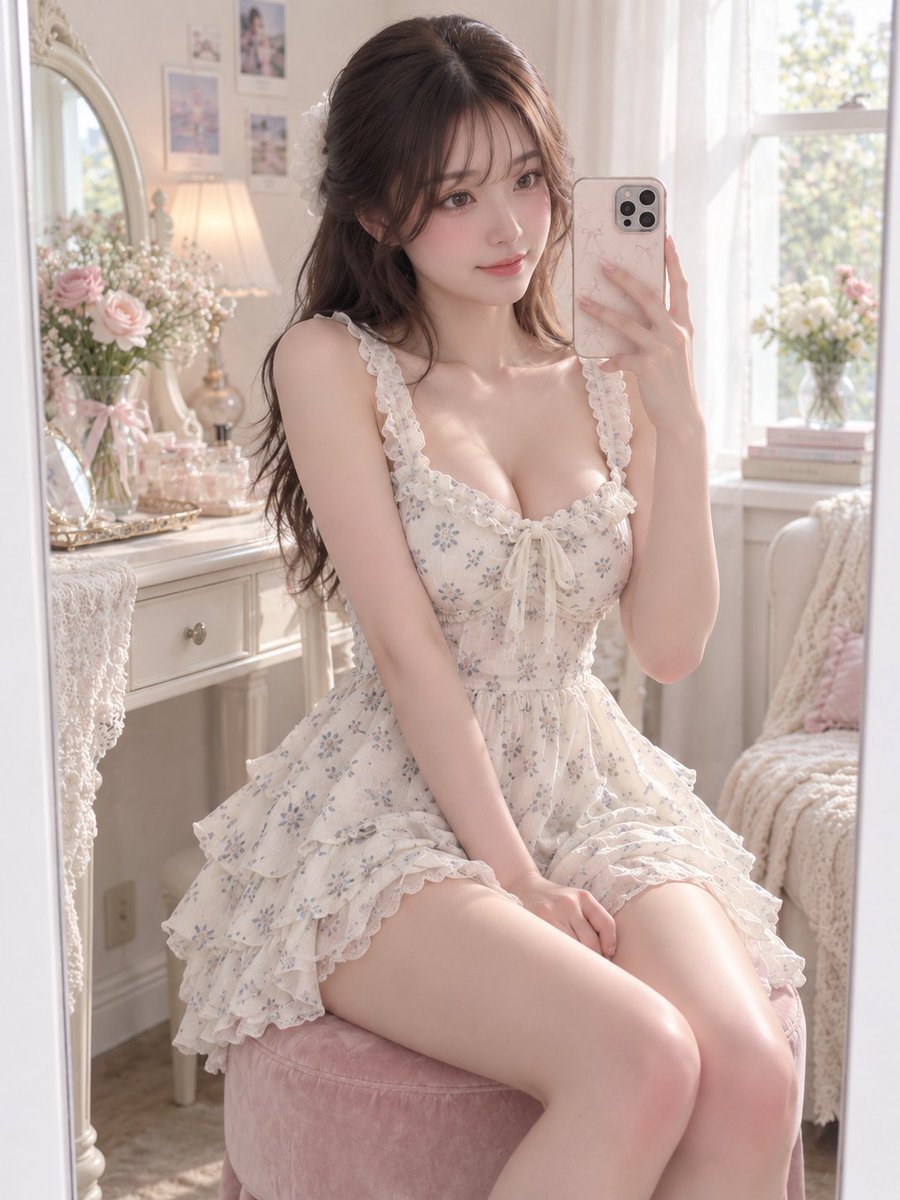
GPT Image 2 Prompt for Mirror Selfie with Flowers
Teks ke Gambar

Hiker in Red Jacket
Teks ke Gambar
Catatan penggunaan kembali dan sumber
Gunakan perintah ini dengan aman setelah melihat pratinjau kasus.
- 1.Salin perintah tersebut atau buka langsung di Dovoo dengan tombol pembuatan.
- 2.Sesuaikan variabel, rasio aspek, dan gambar referensi untuk kebutuhan Anda sendiri.
- 3.Sebelum mempublikasikan atau menggunakan untuk tujuan berbayar, verifikasi hak sumber, persyaratan atribusi, dan risiko merek atau citra.