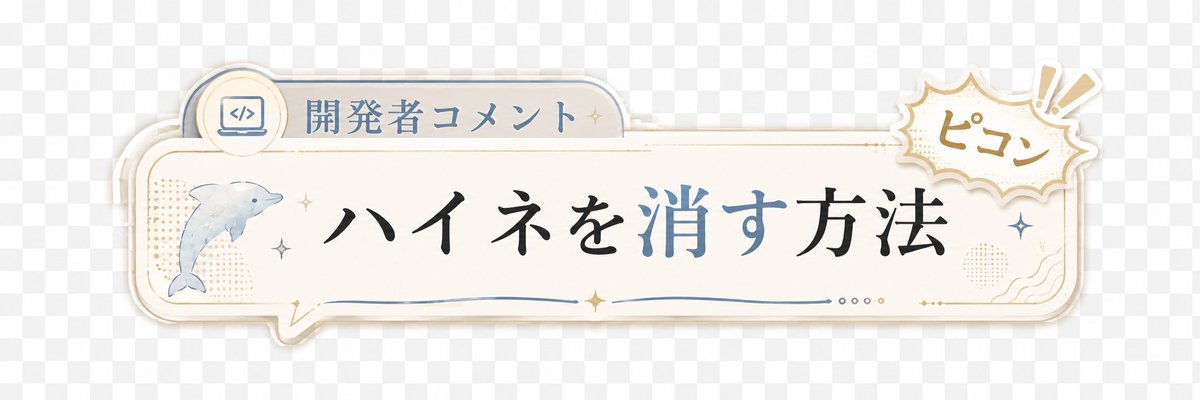
Japanese Developer Comment Banner
A decorative transparent-style Japanese lower-third banner for adding developer comments or captions to short videos.
Ini adalah contoh kasus GPT Image 2 untuk Grafis & Poster . Gunakan contoh siap salin di bawah ini untuk menghasilkan visual serupa, dan tinjau atribusi Awesome GPT Image 2 Prompts serta hak penggunaan komersial sebelum digunakan kembali.
Butuh seluruh rangkaian prompt? Gunakan Grafis & Poster Untuk contoh terkait lainnya, kunjungi pusat topik, atau buka GPT Image 2 katalog cepat untuk indeks contoh lengkap, struktur yang dapat digunakan kembali, dan atribusi sumber.
Free 1K preview
Generate one preview image instantly, no sign-up required.
1820/4000
Mengingatkan
Prompt siap salin
Create a transparent-background decorative Japanese lower-third banner for a short video overlay. Canvas: wide horizontal 3:1 ratio, about 1200×400 px, with a light gray checkerboard transparency preview behind the artwork. Main object: a cream-white rounded rectangular speech-bubble plaque spanning most of the width, with layered offset shadows and thin gold and pale blue outline strokes, slightly vintage stationery style. Layout: place a small tab on the upper left of the plaque containing a circular icon of a laptop with code brackets and the label {argument name="category label" default="開発者コメント"}; place the main headline centered in large elegant Japanese Mincho-style calligraphy reading {argument name="headline text" default="ハイネを消す方法"}, with the characters for “消す” colored muted blue while the rest is black. On the left side inside the plaque, include exactly 1 watercolor-style dolphin illustration facing right, pale blue-gray. On the upper right, overlapping the plaque, add exactly 1 comic burst sticker with scalloped edges, beige outline, and handwritten text {argument name="sound effect text" default="ピコン"}, plus exactly 2 exclamation mark rays. Decorative details: include exactly 6 small sparkle stars distributed around the dolphin, headline, and right edge; exactly 1 thin blue wavy underline beneath the headline; exactly 4 tiny dots near the lower right center; subtle beige halftone dot patches on the left and right; small gold ornamental corner flourishes. Visual style: soft pastel cream, dusty blue, muted gold, clean Japanese YouTube Shorts caption graphic, gentle drop shadows, crisp vector edges mixed with light watercolor texture. Constraints: no characters or people, no extra text, keep the banner readable with generous empty space, preserve a transparent PNG overlay feel.Variabel perintah
Placeholder argumen yang dapat diedit ditemukan dalam prompt, beserta nilai defaultnya.
Variabel
category label
Bawaan
開発者コメント
Variabel
headline text
Bawaan
ハイネを消す方法
Variabel
sound effect text
Bawaan
ピコン
Best for
- - Grafis & Poster visual exploration
- - Image generation and reference-image edits
- - Reusable briefs that keep source attribution visible
Change these parts
- - Subject, product, character, or scene
- - Aspect ratio, camera, lighting, and background
- - Brand, text, color, and output constraints
Recommended model and settings
- - Model: gpt-image-2
- - Input mode: Teks ke Gambar
- - Aspect ratio: source
- - Commercial status: review original source
How to use this prompt
- 1. Copy the prompt and preserve its structure for the first test.
- 2. Replace the subject, context, and publishing channel.
- 3. Change one camera, lighting, or style variable per iteration.
- 4. Inspect the output, source, text, and rights before reuse.
Limitations, source, and reuse cautions
- - Generated output is an editable draft, not factual, legal, or rights evidence.
- - Review the linked source, people, brands, logos, text, and third-party media before commercial use.
Diimpor dari Awesome GPT Image 2 Prompts . Atribusi diperlukan. Status penggunaan komersial adalah allowed ; tinjau hak sumber sebelum penggunaan berbayar.
Lebih banyak kasus dalam kategori ini
Diprioritaskan berdasarkan kategori, kompatibilitas mode input, kualitas, dan risiko yang lebih rendah.

Cute Focus Desk Flat Lay and Kawaii Illustration
Teks ke Gambar

Autumn Cozy Casual Outfit Prompt
Teks ke Gambar

Street Selfie with Cat in Matching Cap
Teks ke Gambar

Morning Bed Stretching Legs Prompt
Teks ke Gambar
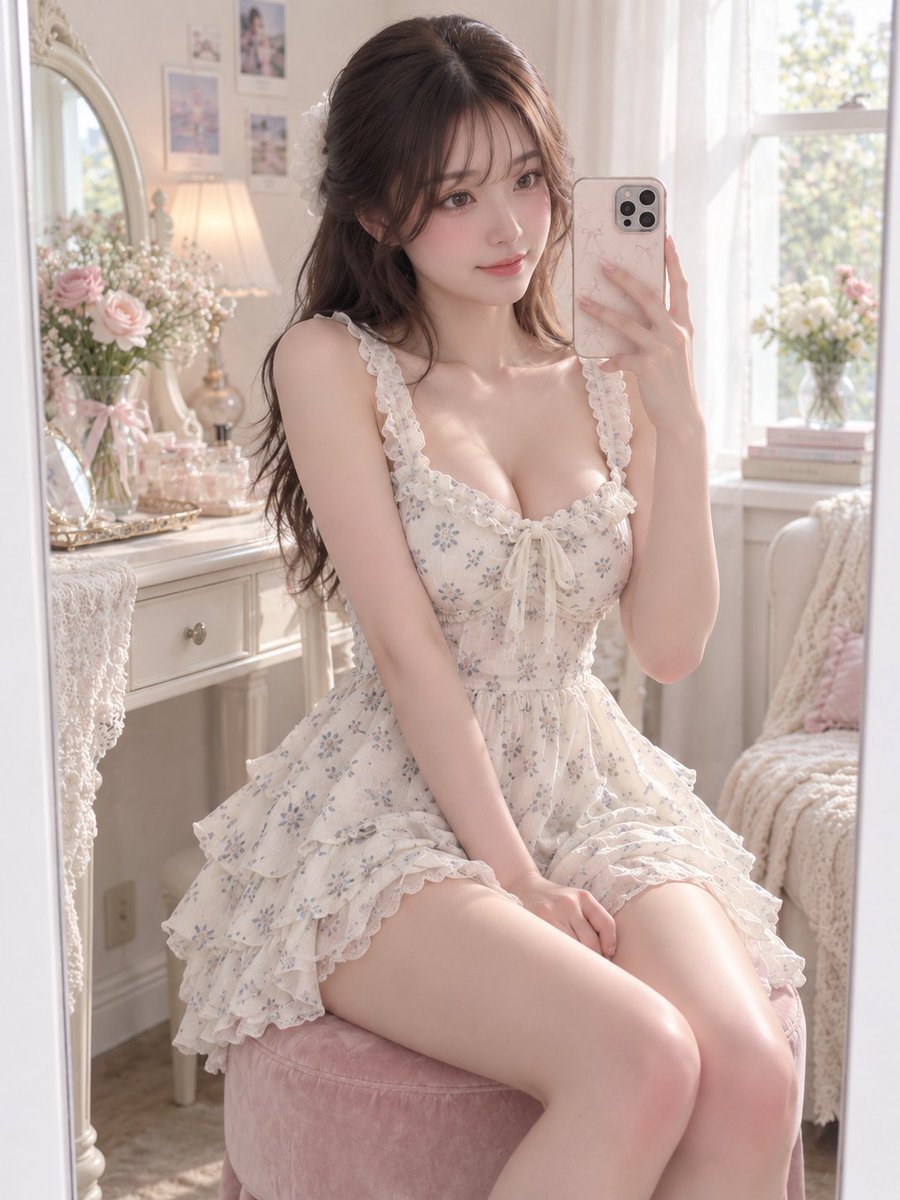
GPT Image 2 Prompt for Mirror Selfie with Flowers
Teks ke Gambar

Boisterous Shrimpers Entering Pub
Teks ke Gambar
Catatan penggunaan kembali dan sumber
Gunakan perintah ini dengan aman setelah melihat pratinjau kasus.
- 1.Salin perintah tersebut atau buka langsung di Dovoo dengan tombol pembuatan.
- 2.Sesuaikan variabel, rasio aspek, dan gambar referensi untuk kebutuhan Anda sendiri.
- 3.Sebelum mempublikasikan atau menggunakan untuk tujuan berbayar, verifikasi hak sumber, persyaratan atribusi, dan risiko merek atau citra.