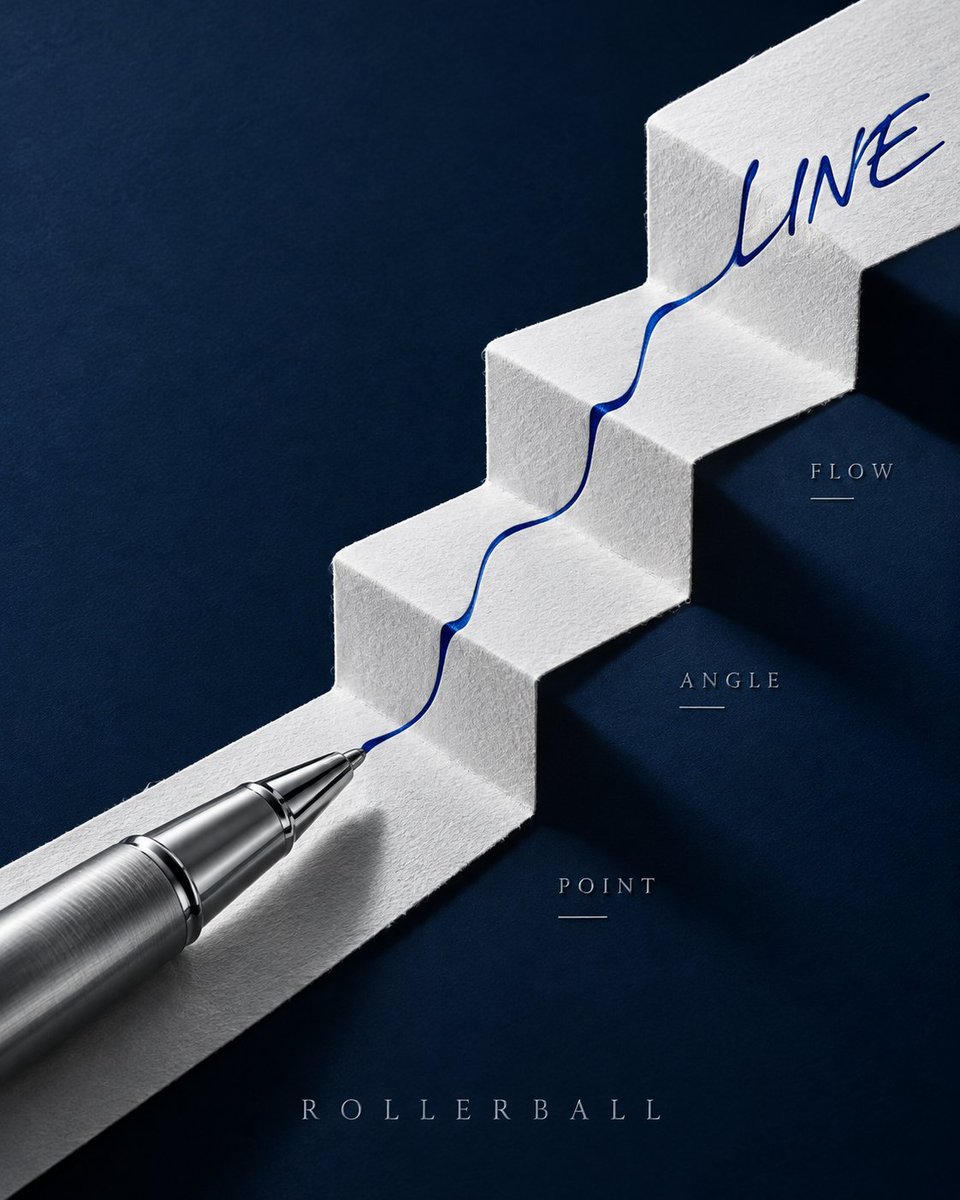
GPT Image 2 Pen Poster Prompt: Ink Fold Path
A prompt for creating a high-end fountain pen poster featuring a Z-fold paper path with ink flowing along it, using specific lighting and composition details.
Ini adalah contoh kasus GPT Image 2 untuk Produk & Komersial . Gunakan contoh siap salin di bawah ini untuk menghasilkan visual serupa, dan tinjau atribusi Awesome GPT Image 2 Prompts serta hak penggunaan komersial sebelum digunakan kembali.
Butuh seluruh rangkaian prompt? Gunakan Produk & Komersial Untuk contoh terkait lainnya, kunjungi pusat topik, atau buka GPT Image 2 katalog cepat untuk indeks contoh lengkap, struktur yang dapat digunakan kembali, dan atribusi sumber.
Free 1K preview
Generate one preview image instantly, no sign-up required.
1768/4000
Mengingatkan
Prompt siap salin
Create a 4:5 vertical premium fountain pen promotional poster, with the core composition being "Ink Fold Path." A dark ink-green metallic fountain pen is placed diagonally from the top right to the bottom left of the frame, with the cap open and parallel in the top right corner, and the gold nib positioned in the center. Below the pen is a continuous sheet of warm white cotton paper, entering from the top left and undergoing three wide folds to form a high-to-low Z-shaped paper path, with realistic fold thickness, fibers, and soft shadows.

A deep blue-black ink flow starts from the nib and moves strictly along the center of the paper path. The ink begins as a thin line in the first segment, spreads into broad strokes in the second fold, splits into several parallel dry brush marks in the third fold, and finally converges into the clear word "TRACE" in the bottom left. The text must be formed naturally by the same ink flow, without adding computer fonts. The ink accumulates realistically and slightly penetrates at the creases but does not flow off the paper.

Only three tiny embossed coordinates are added on both sides of the paper path: NIB, FLOW, PAPER; no arrows or explanatory boxes. The background is a matte dark cyan tabletop, with a color palette limited to dark cyan, warm white, blue-black ink, and a touch of gold.

Use close-up still life photography, with soft light from the top right emphasizing the metal body, nib engraving, and paper fibers, while retaining deeper shadows in the bottom left. Full opaque rectangular background covering the canvas, no transparent corners, no Alpha masks, no edge feathering. No hands, no calligraphy scrolls, no ink splatters, no Eastern decorative patterns, no existing brand logos, no watermarks.
Best for
- - Produk & Komersial visual exploration
- - Image generation and reference-image edits
- - Reusable briefs that keep source attribution visible
Change these parts
- - Subject, product, character, or scene
- - Aspect ratio, camera, lighting, and background
- - Brand, text, color, and output constraints
Recommended model and settings
- - Model: gpt-image-2
- - Input mode: Teks ke Gambar
- - Aspect ratio: source
- - Commercial status: review original source
How to use this prompt
- 1. Copy the prompt and preserve its structure for the first test.
- 2. Replace the subject, context, and publishing channel.
- 3. Change one camera, lighting, or style variable per iteration.
- 4. Inspect the output, source, text, and rights before reuse.
Limitations, source, and reuse cautions
- - Generated output is an editable draft, not factual, legal, or rights evidence.
- - Review the linked source, people, brands, logos, text, and third-party media before commercial use.
Diimpor dari Awesome GPT Image 2 Prompts . Atribusi diperlukan. Status penggunaan komersial adalah allowed ; tinjau hak sumber sebelum penggunaan berbayar.
Lebih banyak kasus dalam kategori ini
Diprioritaskan berdasarkan kategori, kompatibilitas mode input, kualitas, dan risiko yang lebih rendah.
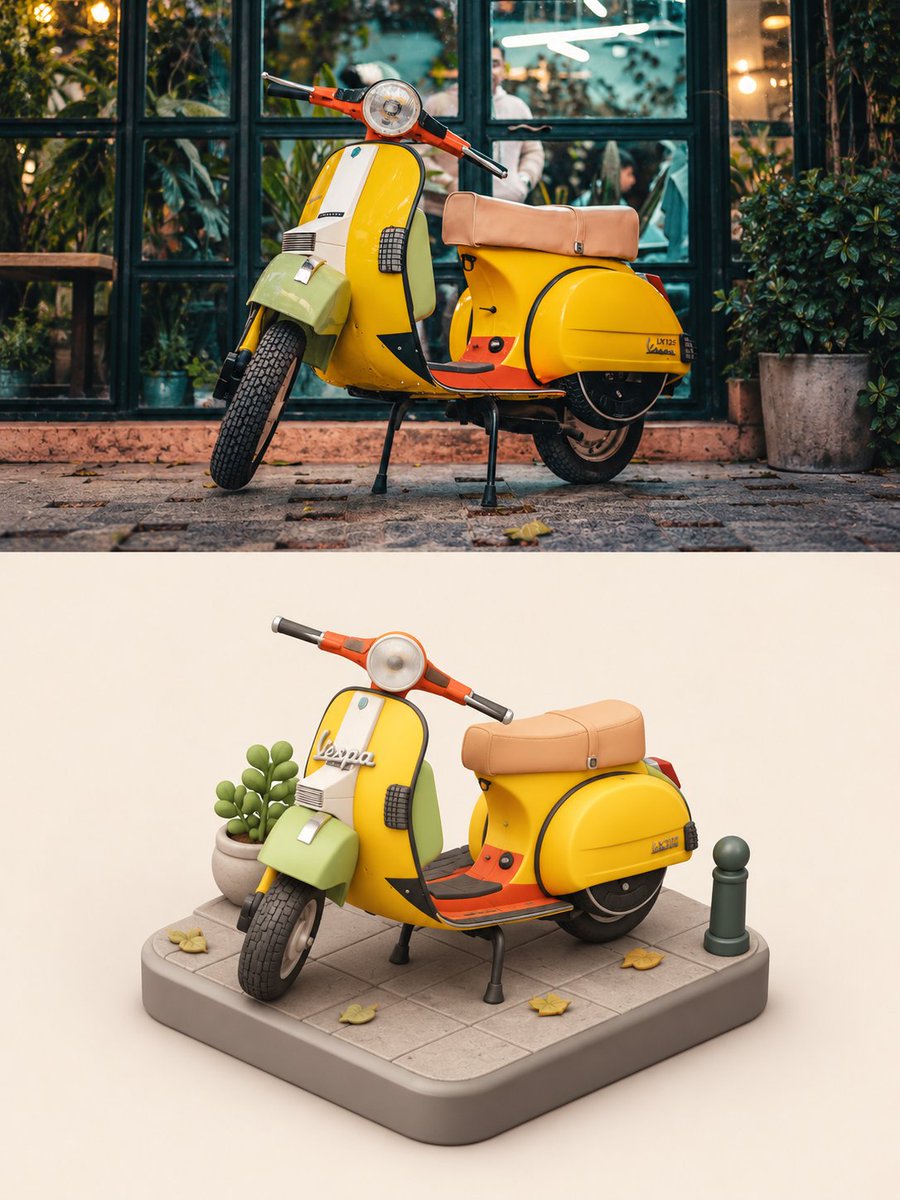
Vespa Scooter: Real vs Miniature Diorama
Teks ke Gambar
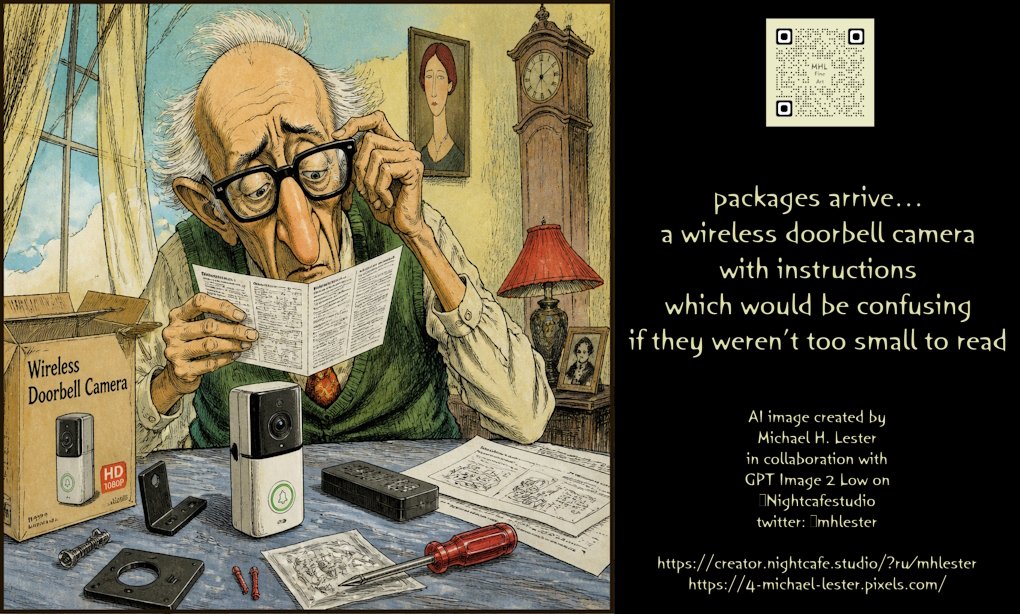
Wireless Doorbell Camera Instructions Prompt
Teks ke Gambar
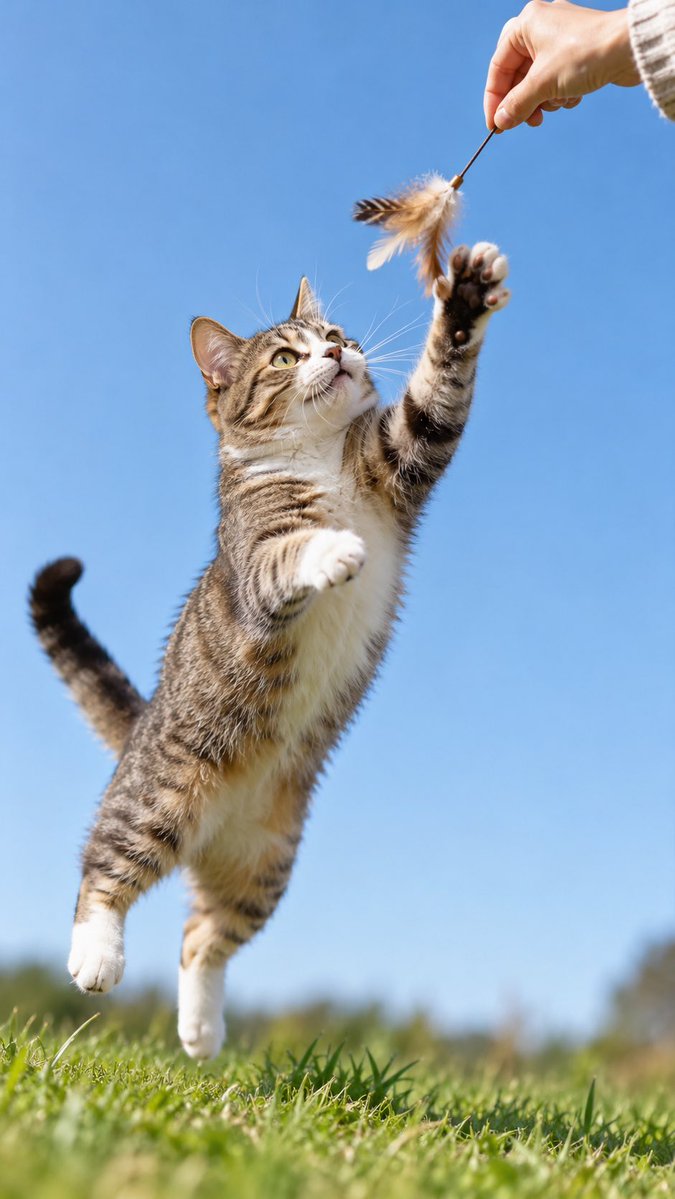
GPT-Image-2 Wildlife Photography Prompt
Teks ke Gambar
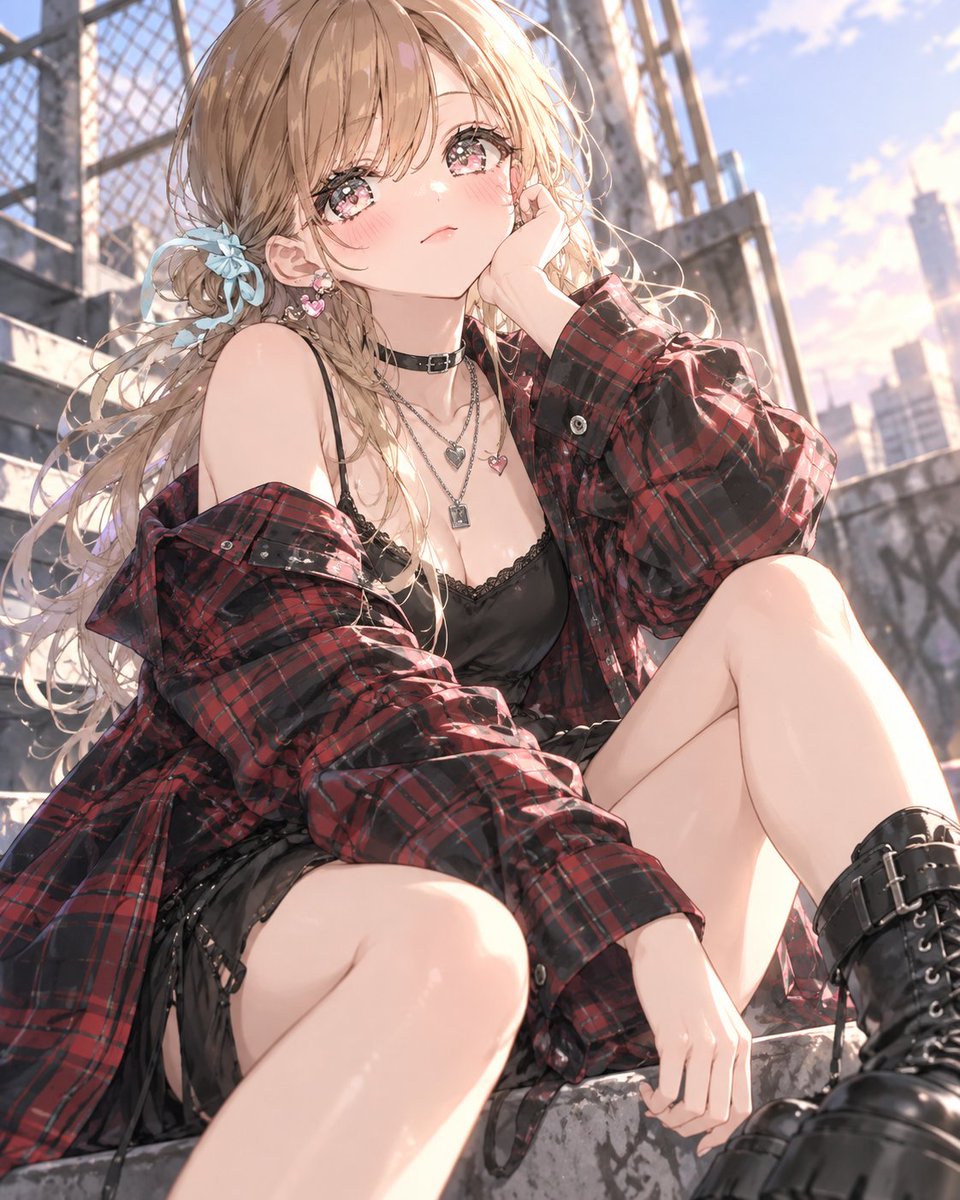
GPT Image 2 Streetwear Tartan Outfit Prompt
Teks ke Gambar
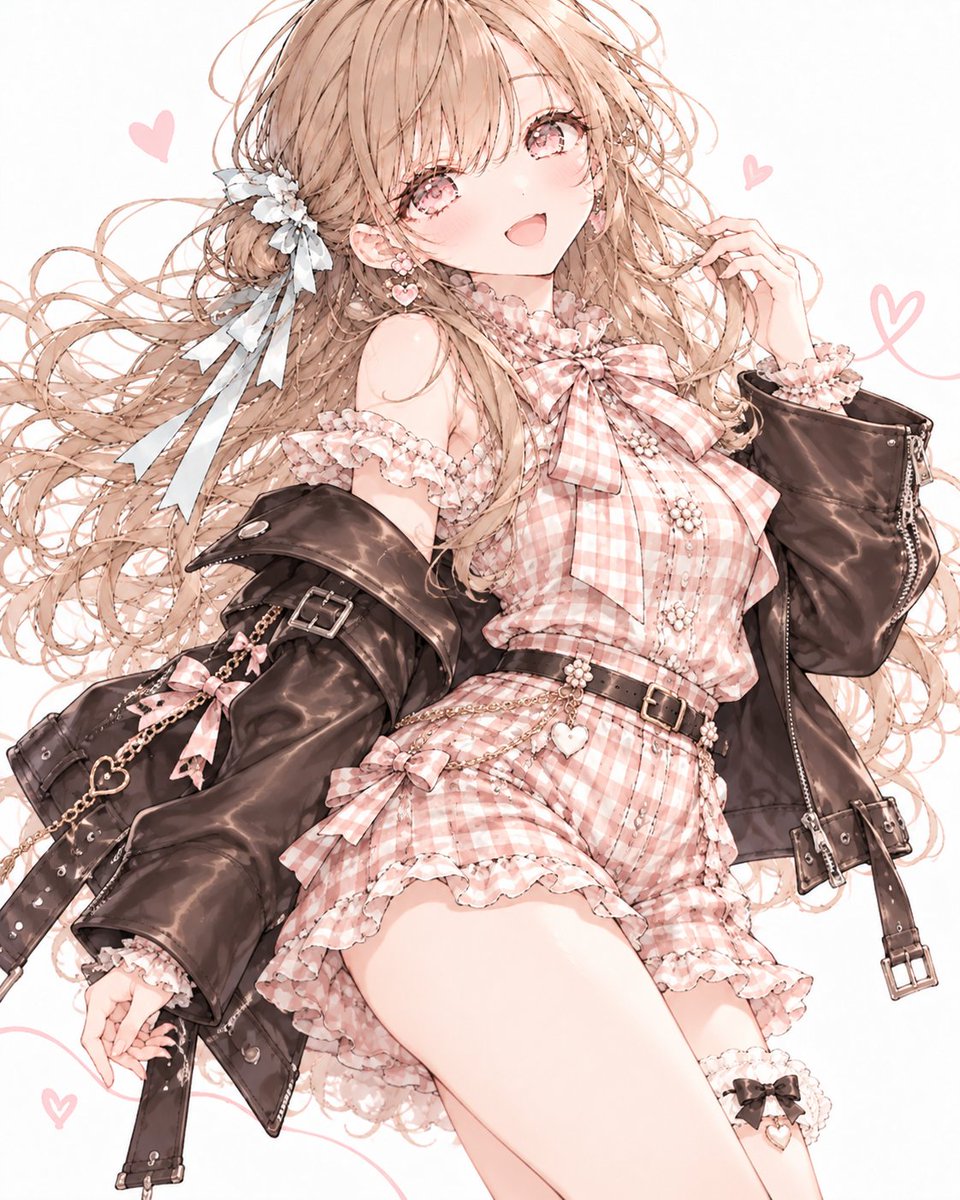
ChatGPT Image 2 Autumn Outfit Prompt
Teks ke Gambar
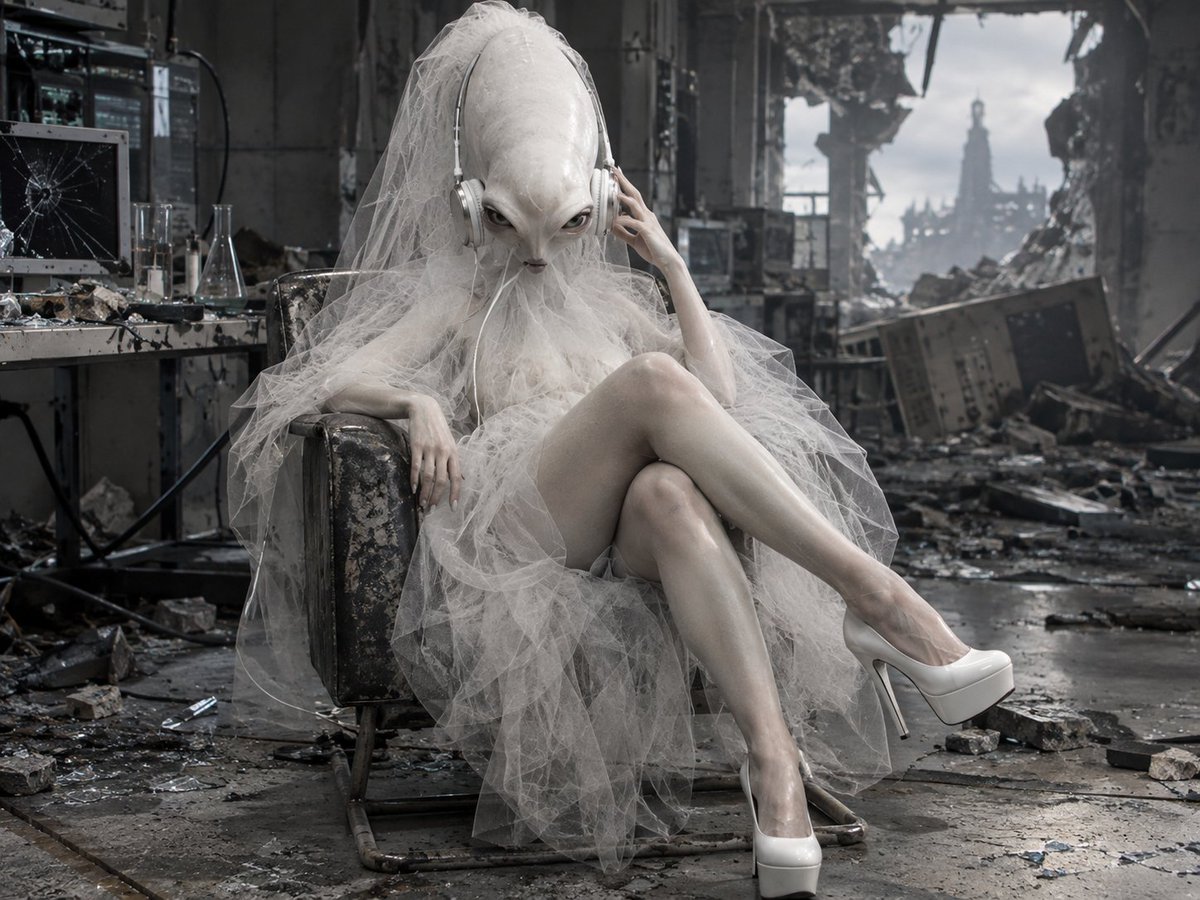
Alien Bride in Ruined Lab
Teks ke Gambar
Catatan penggunaan kembali dan sumber
Gunakan perintah ini dengan aman setelah melihat pratinjau kasus.
- 1.Salin perintah tersebut atau buka langsung di Dovoo dengan tombol pembuatan.
- 2.Sesuaikan variabel, rasio aspek, dan gambar referensi untuk kebutuhan Anda sendiri.
- 3.Sebelum mempublikasikan atau menggunakan untuk tujuan berbayar, verifikasi hak sumber, persyaratan atribusi, dan risiko merek atau citra.