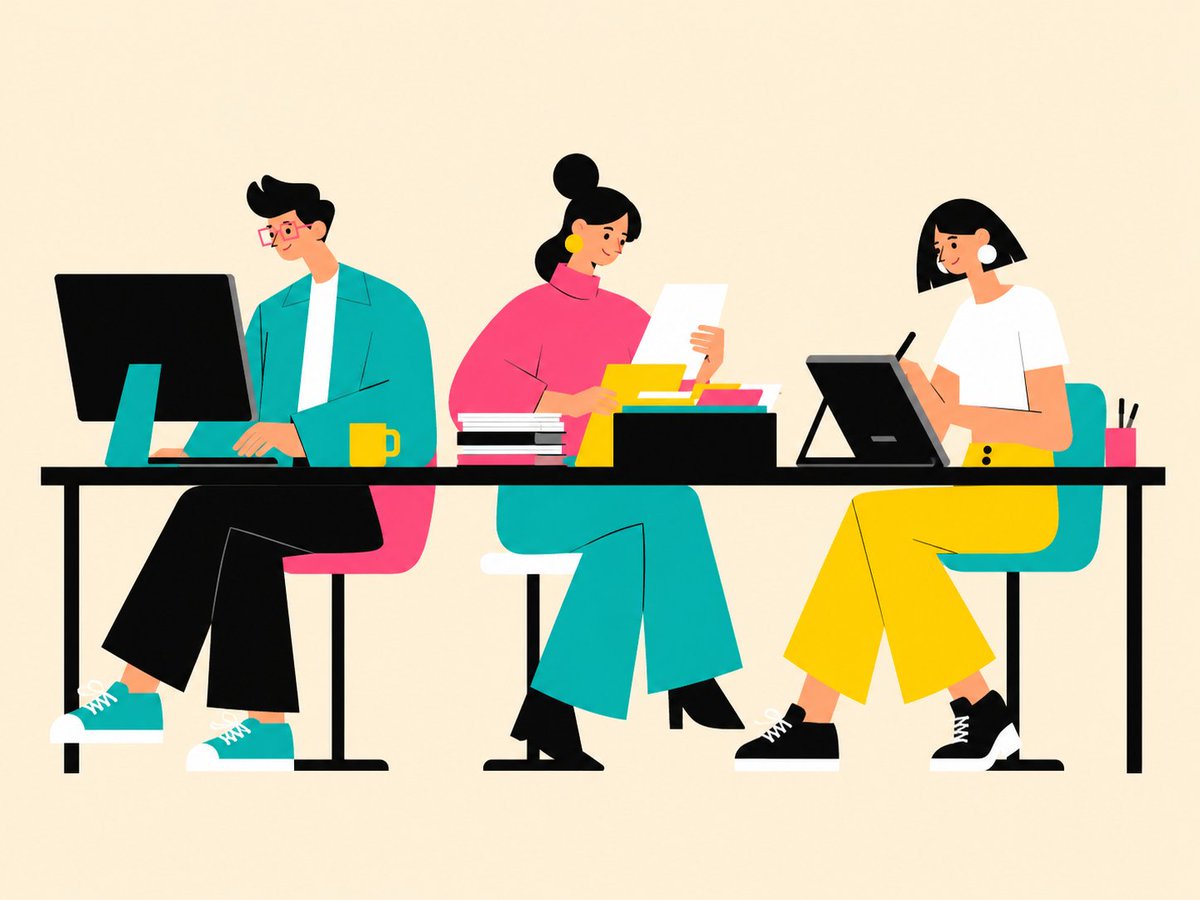
Ilustrasi Tim Kantor Vektor Datar
Sebuah adegan vektor minimalis penuh warna yang menampilkan tiga rekan kerja yang bekerja di meja bersama, berguna untuk visualisasi kantor, kerja tim, dan produktivitas.
Ini adalah contoh kasus GPT Image 2 untuk Ilustrasi & Seni . Gunakan contoh siap salin di bawah ini untuk menghasilkan visual serupa, dan tinjau atribusi Awesome GPT Image 2 Prompts serta hak penggunaan komersial sebelum digunakan kembali.
Butuh seluruh rangkaian prompt? Gunakan Ilustrasi & Seni Untuk contoh terkait lainnya, kunjungi pusat topik, atau buka GPT Image 2 katalog cepat untuk indeks contoh lengkap, struktur yang dapat digunakan kembali, dan atribusi sumber.
Free 1K preview
Generate one preview image instantly, no sign-up required.
1605/4000
Mengingatkan
Prompt siap salin
Create a clean flat vector illustration of a modern collaborative office scene on a warm cream background. Show exactly 3 seated coworkers at one long black desk, Show every face clearly with natural, detailed facial features. On the left, a slim man with {argument name="hair color" default="black"} swooped hair and red glasses sits on a pink chair, wearing a teal jacket over a white shirt, black cropped pants, teal sneakers with white soles, typing at a large black desktop monitor with a teal stand; place a yellow mug beside his keyboard. In the center, a curvy woman with black hair in a high bun sits on a teal chair, wearing a bright pink turtleneck top, large yellow circular earrings, teal wide-leg pants, and black shoes; she holds one white sheet of paper and reviews documents. On the right, a woman with a black bob haircut sits on a teal chair, wearing a white short-sleeve shirt, bright yellow wide-leg pants, and black sneakers; she draws with a stylus on a tilted black pen tablet. Include exactly 8 visible desk objects: 1 large desktop monitor, 1 yellow mug, 1 stack of black-and-white books, 1 white paper sheet held by the center coworker, 1 black document tray, 3 colorful folders inside the tray in yellow, teal, and pink, 1 tilted drawing tablet, 1 black stylus, and 1 pink pencil cup holding 2 black pens. Use a horizontal 4:3 composition, plenty of empty space above the characters, crisp edges, high-contrast colors of teal, hot pink, yellow, black, and white, and a friendly editorial illustration feel. Avoid text, logos, photorealism, shadows, gradients, and extra people.Variabel perintah
Placeholder argumen yang dapat diedit ditemukan dalam prompt, beserta nilai defaultnya.
Variabel
hair color
Bawaan
black
Best for
- - Ilustrasi & Seni visual exploration
- - Image generation and reference-image edits
- - Reusable briefs that keep source attribution visible
Change these parts
- - Subject, product, character, or scene
- - Aspect ratio, camera, lighting, and background
- - Brand, text, color, and output constraints
Recommended model and settings
- - Model: gpt-image-2
- - Input mode: Teks ke Gambar
- - Aspect ratio: source
- - Commercial status: review original source
How to use this prompt
- 1. Copy the prompt and preserve its structure for the first test.
- 2. Replace the subject, context, and publishing channel.
- 3. Change one camera, lighting, or style variable per iteration.
- 4. Inspect the output, source, text, and rights before reuse.
Limitations, source, and reuse cautions
- - Generated output is an editable draft, not factual, legal, or rights evidence.
- - Review the linked source, people, brands, logos, text, and third-party media before commercial use.
Diimpor dari Awesome GPT Image 2 Prompts . Atribusi diperlukan. Status penggunaan komersial adalah allowed ; tinjau hak sumber sebelum penggunaan berbayar.
Lebih banyak kasus dalam kategori ini
Diprioritaskan berdasarkan kategori, kompatibilitas mode input, kualitas, dan risiko yang lebih rendah.






Catatan penggunaan kembali dan sumber
Gunakan perintah ini dengan aman setelah melihat pratinjau kasus.
- 1.Salin perintah tersebut atau buka langsung di Dovoo dengan tombol pembuatan.
- 2.Sesuaikan variabel, rasio aspek, dan gambar referensi untuk kebutuhan Anda sendiri.
- 3.Sebelum mempublikasikan atau menggunakan untuk tujuan berbayar, verifikasi hak sumber, persyaratan atribusi, dan risiko merek atau citra.