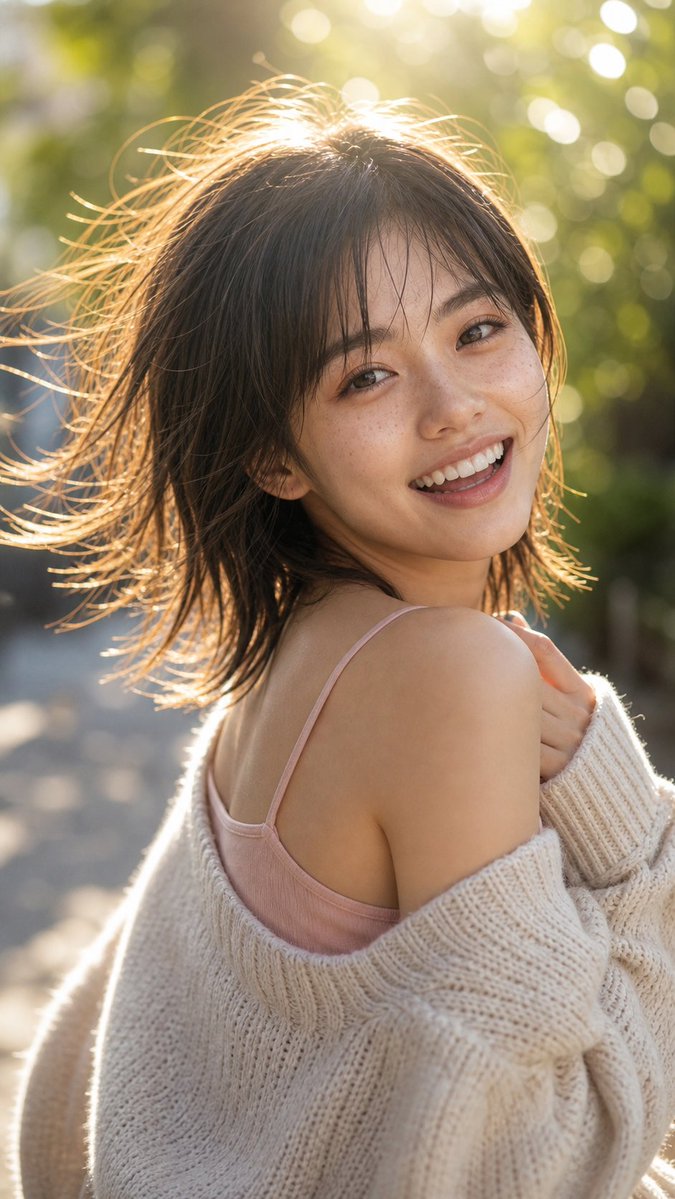
Backlit Over-Shoulder Portrait
A photorealistic golden-hour portrait prompt for creating a smiling woman turning back over her shoulder in a soft outdoor fashion-photo style.
Ini adalah contoh kasus GPT Image 2 untuk Potret & Karakter . Gunakan contoh siap salin di bawah ini untuk menghasilkan visual serupa, dan tinjau atribusi Awesome GPT Image 2 Prompts serta hak penggunaan komersial sebelum digunakan kembali.
Butuh seluruh rangkaian prompt? Gunakan Potret & Karakter Untuk contoh terkait lainnya, kunjungi pusat topik, atau buka GPT Image 2 katalog cepat untuk indeks contoh lengkap, struktur yang dapat digunakan kembali, dan atribusi sumber.
Free 1K preview
Generate one preview image instantly, no sign-up required.
1195/4000
Mengingatkan
Prompt siap salin
Create a photorealistic vertical portrait of a {argument name="subject" default="young adult Japanese woman"} outdoors on a sunlit tree-lined path, captured in a candid over-the-shoulder pose as she turns back toward the camera with a bright natural smile. She has {argument name="hair style" default="short dark brown tousled bob with wispy bangs"}, windblown strands glowing in strong golden backlight, soft freckles across her cheeks and nose, smooth natural skin texture, warm expressive eyes, and minimal makeup. She wears a pale pink camisole with thin straps and an oversized cream chunky-knit cardigan slipped off one shoulder, holding the cardigan lightly near her chest. Use a shallow depth of field with creamy green-and-gold bokeh from trees in the background, late-afternoon sunlight flaring from behind her head, rim lighting around her hair and shoulders, and a gentle lifestyle fashion photography mood. Frame as a close upper-body portrait in a {argument name="aspect ratio" default="9:16 vertical"} composition, subject slightly off-center, eye-level camera, natural color grading, high detail, realistic lens rendering, soft highlights, no text, no watermark, no extra people.Variabel perintah
Placeholder argumen yang dapat diedit ditemukan dalam prompt, beserta nilai defaultnya.
Variabel
subject
Bawaan
young adult Japanese woman
Variabel
hair style
Bawaan
short dark brown tousled bob with wispy bangs
Variabel
aspect ratio
Bawaan
9:16 vertical
Best for
- - Potret & Karakter visual exploration
- - Image generation and reference-image edits
- - Reusable briefs that keep source attribution visible
Change these parts
- - Subject, product, character, or scene
- - Aspect ratio, camera, lighting, and background
- - Brand, text, color, and output constraints
Recommended model and settings
- - Model: gpt-image-2
- - Input mode: Teks ke Gambar
- - Aspect ratio: source
- - Commercial status: review original source
How to use this prompt
- 1. Copy the prompt and preserve its structure for the first test.
- 2. Replace the subject, context, and publishing channel.
- 3. Change one camera, lighting, or style variable per iteration.
- 4. Inspect the output, source, text, and rights before reuse.
Limitations, source, and reuse cautions
- - Generated output is an editable draft, not factual, legal, or rights evidence.
- - Review the linked source, people, brands, logos, text, and third-party media before commercial use.
Diimpor dari Awesome GPT Image 2 Prompts . Atribusi diperlukan. Status penggunaan komersial adalah allowed ; tinjau hak sumber sebelum penggunaan berbayar.
Lebih banyak kasus dalam kategori ini
Diprioritaskan berdasarkan kategori, kompatibilitas mode input, kualitas, dan risiko yang lebih rendah.
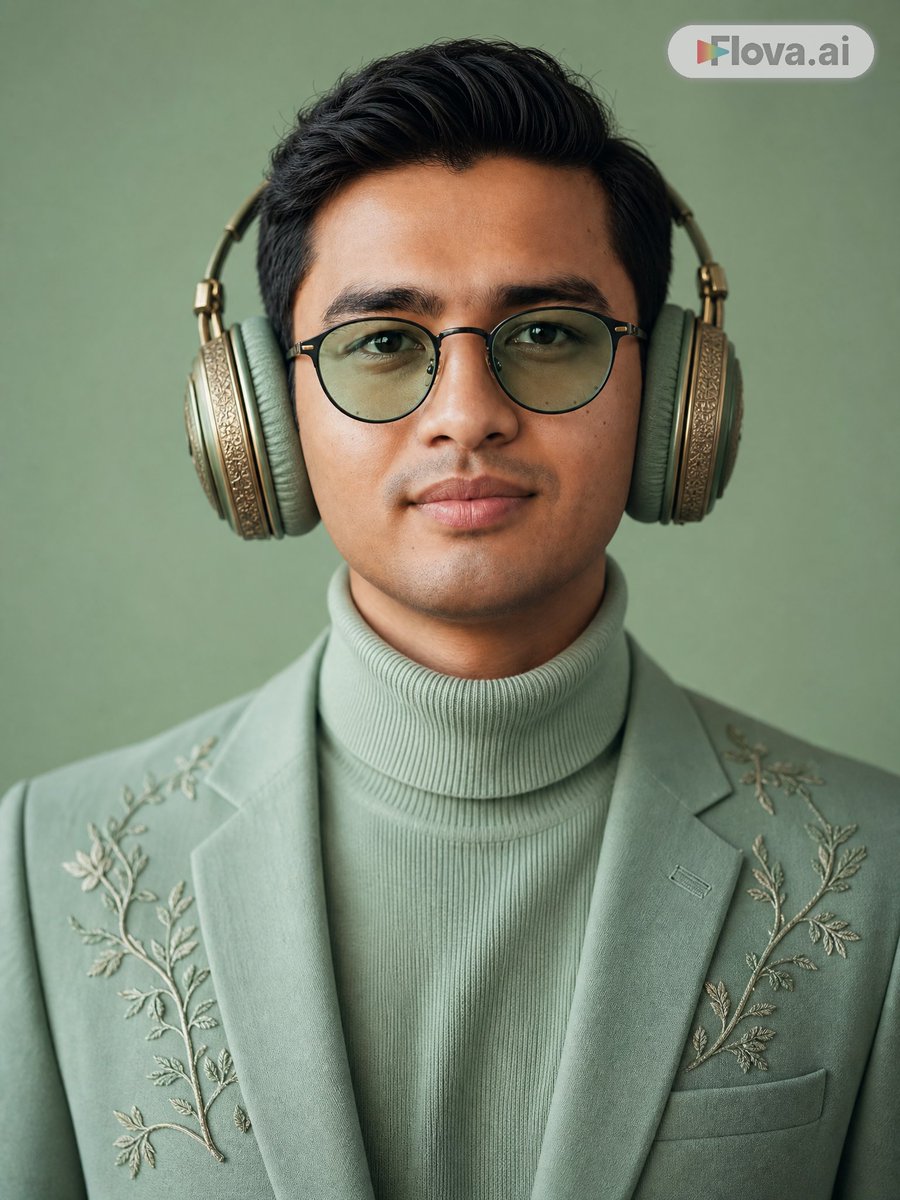
Mint Green Audiophile Portrait
Teks ke Gambar
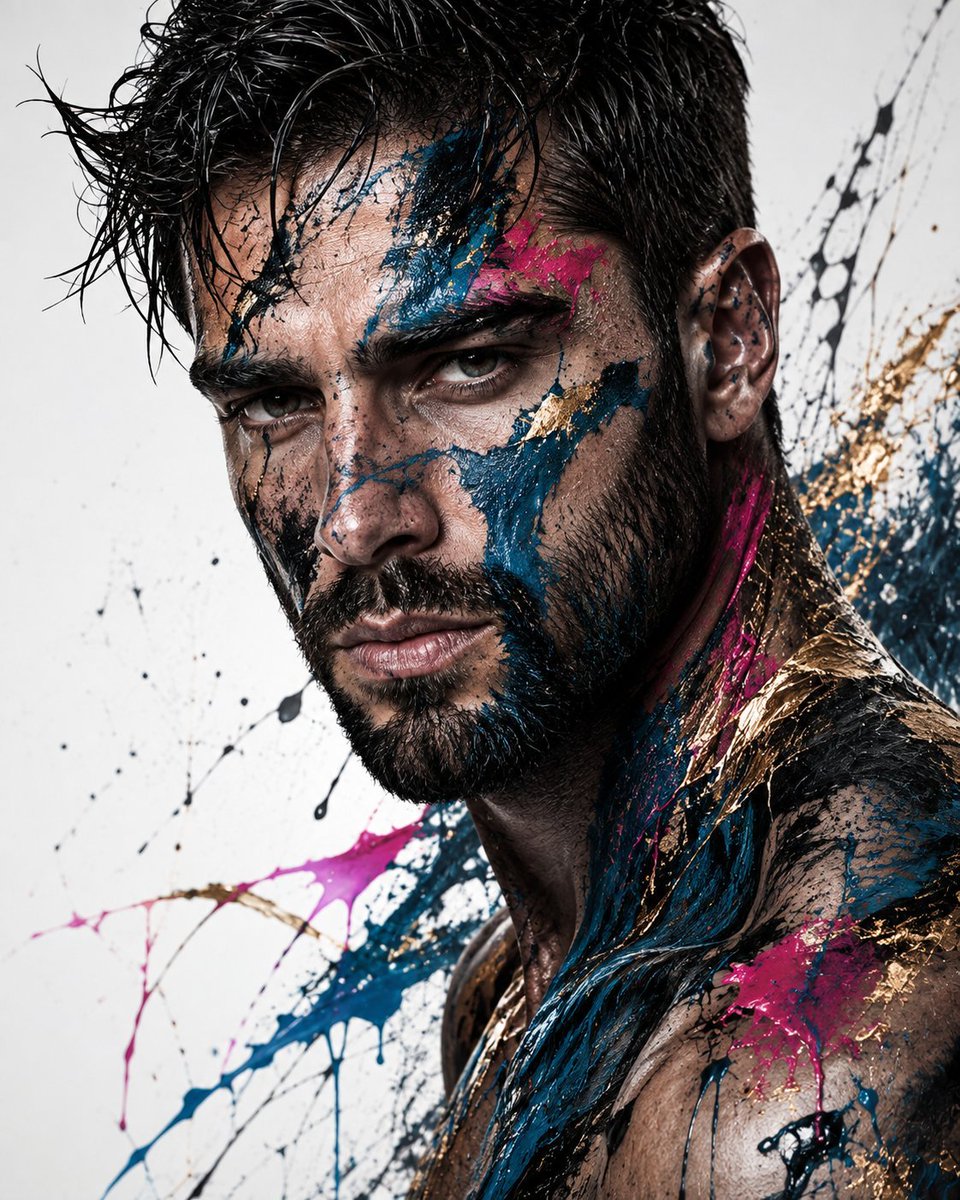
Abstract Fine-Art Editorial Portrait
Teks ke Gambar
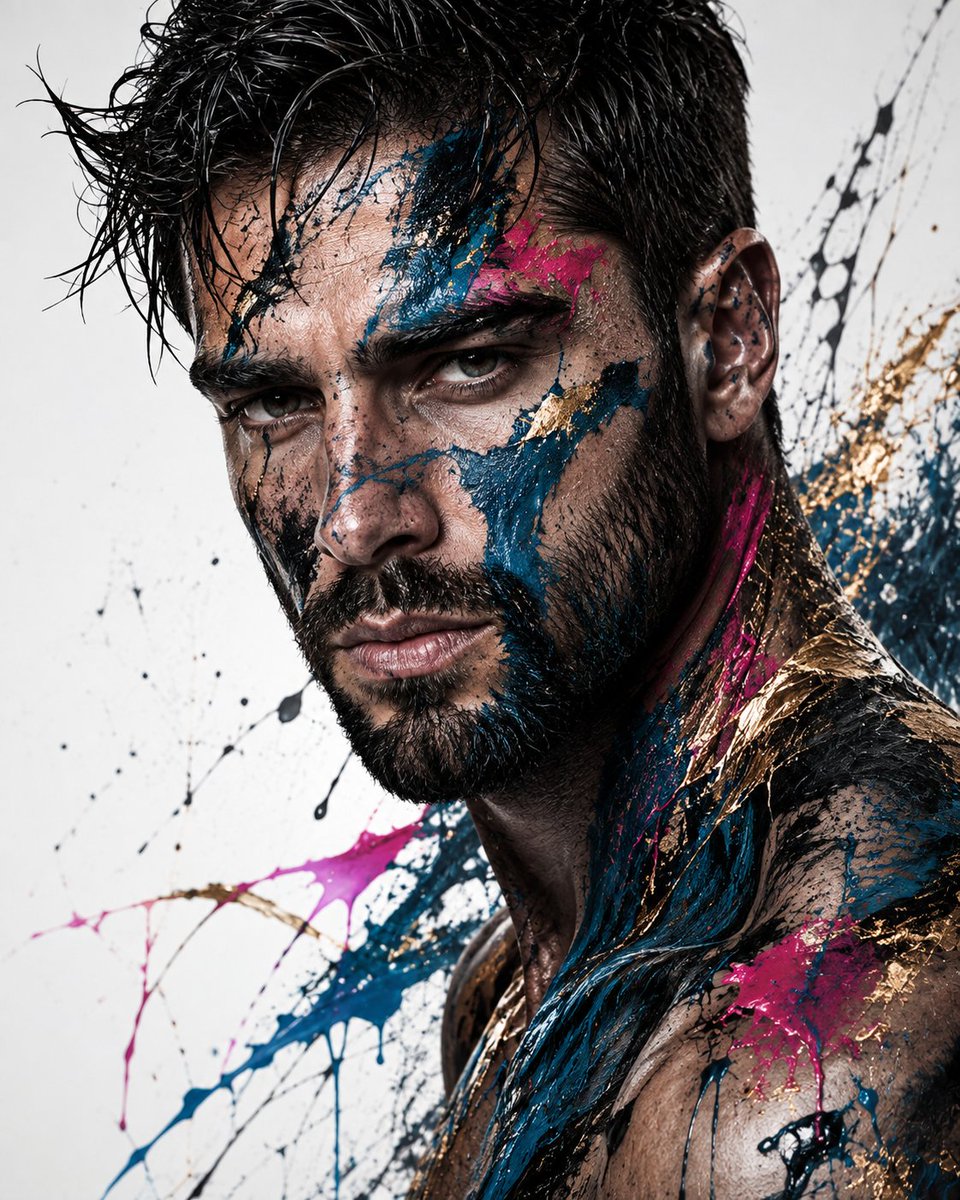
Editorial Male Portrait with Paint Splashes
Teks ke Gambar
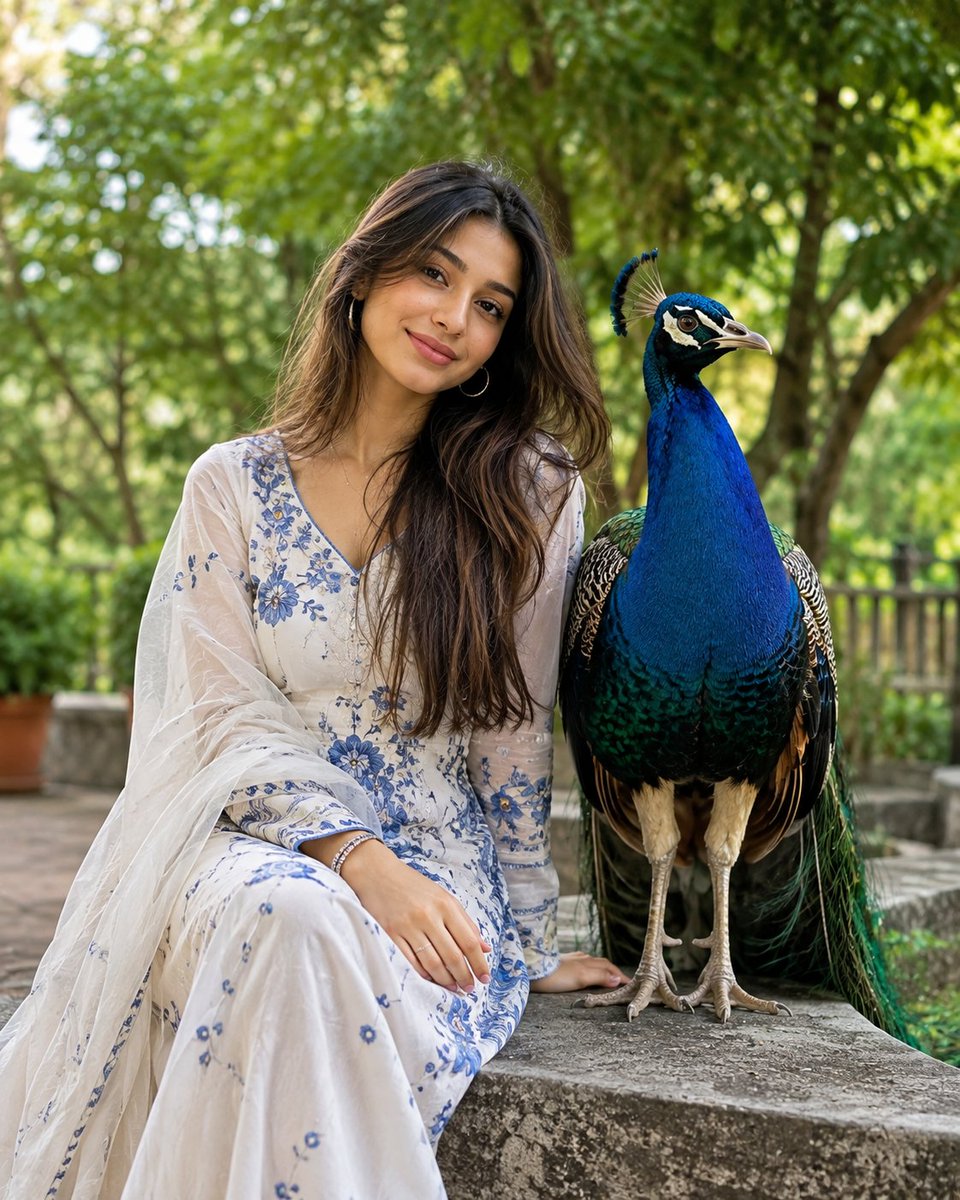
South Asian Portrait with Majestic Peacock
Teks ke Gambar
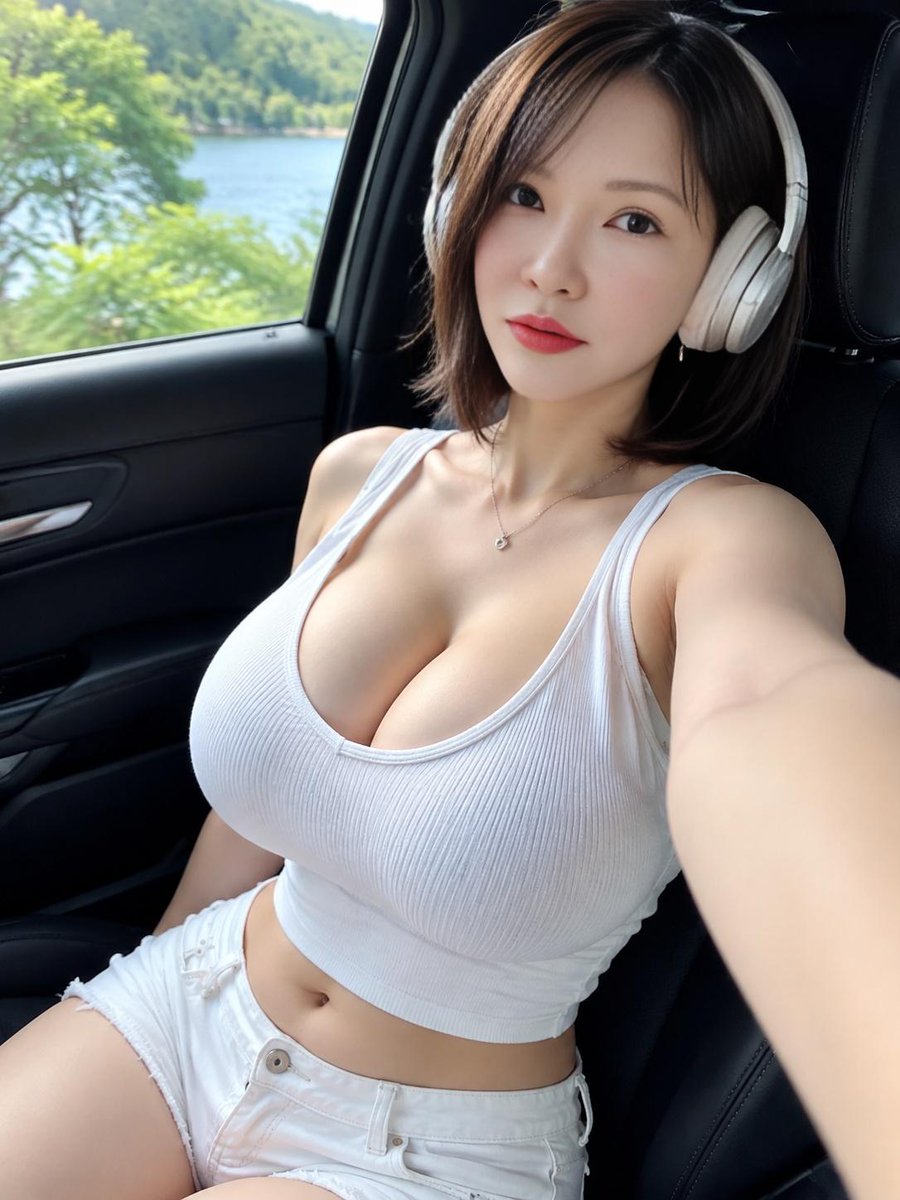
Lakeside Car Selfie with Headphones
Teks ke Gambar

Photorealistic Woman Reference Sheet
Teks ke Gambar
Catatan penggunaan kembali dan sumber
Gunakan perintah ini dengan aman setelah melihat pratinjau kasus.
- 1.Salin perintah tersebut atau buka langsung di Dovoo dengan tombol pembuatan.
- 2.Sesuaikan variabel, rasio aspek, dan gambar referensi untuk kebutuhan Anda sendiri.
- 3.Sebelum mempublikasikan atau menggunakan untuk tujuan berbayar, verifikasi hak sumber, persyaratan atribusi, dan risiko merek atau citra.