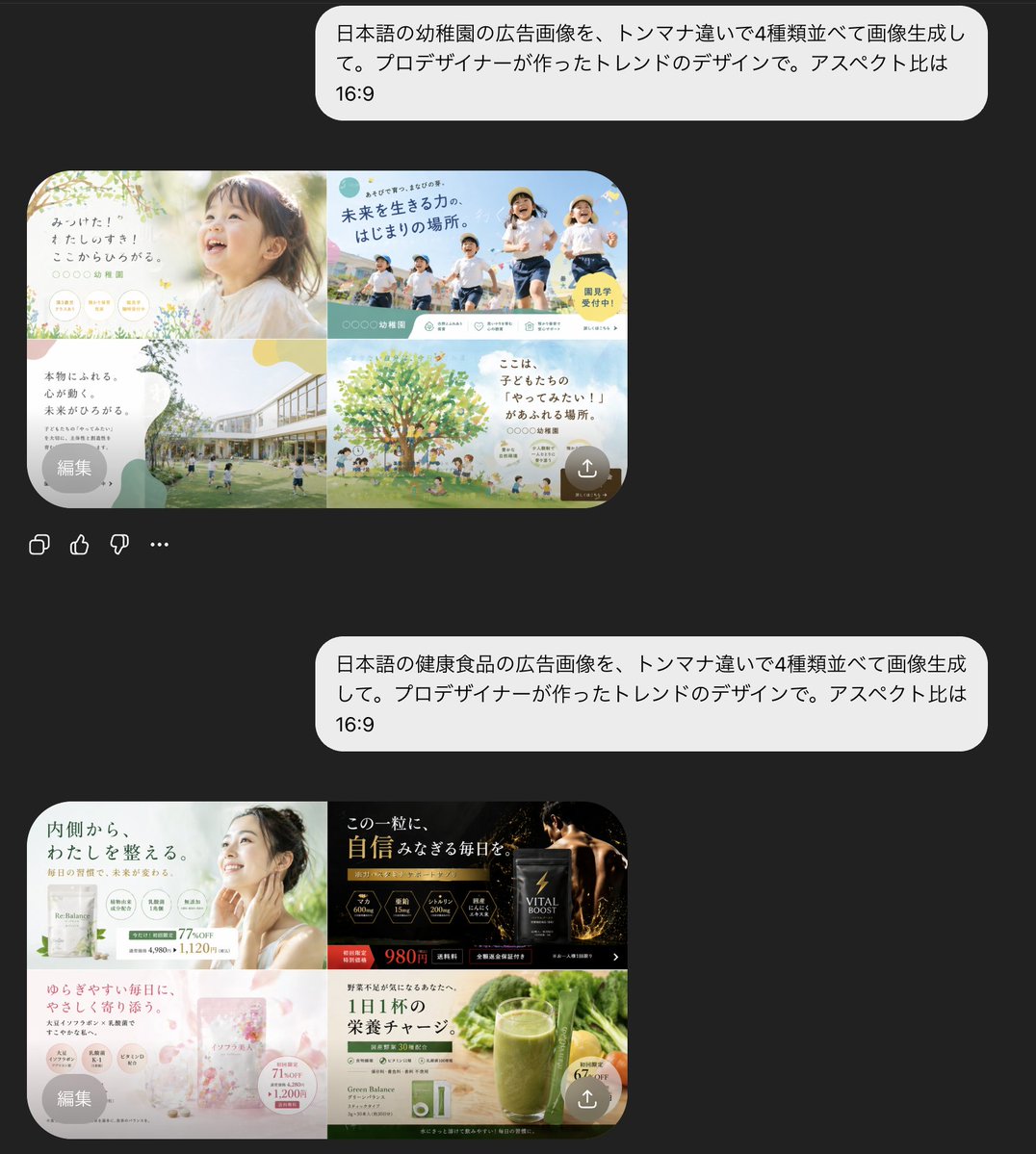
AI Chat Screenshot with Ad Design Grids
This generates a realistic dark-mode mobile chat screenshot showing two Japanese AI prompts and two 2x2 grids of polished ad design variations, useful for illustrating generative design capabilities.
Ini adalah contoh kasus gpt-image-2 untuk 其他灵感 . Gunakan contoh siap salin di bawah ini untuk menghasilkan visual serupa, dan tinjau atribusi Awesome Nano Banana Pro Prompts serta hak penggunaan komersial sebelum digunakan kembali.
Butuh seluruh rangkaian prompt? Gunakan 其他灵感 Untuk contoh terkait lainnya, kunjungi pusat topik, atau buka Perpustakaan prompt Gambar GPT 2 untuk indeks contoh lengkap, struktur yang dapat digunakan kembali, dan atribusi sumber.
Mengingatkan
Prompt siap salin
A screenshot of a mobile chat interface in dark mode shows the interaction results of two separate Japanese prompts and AI-generated ad designs. The background is almost black. Two large, rounded light gray chat bubbles are aligned on the right, each containing Japanese text. The first bubble reads: “日本語の幼稚園の広告影像を、トンマナ违いで4種并べて影像生して。プロデザイナーが作ったトレンドのデザインで。アスペクト比は16:9”. Below is a preview of the generated image, a rounded rectangle, showcasing a 2x2 kindergarten ad variation in soft pastel tones. The top-left panel displays a bright and airy advertisement, with a close-up of a toddler's profile on the right, soft sunlight, cream and light green tones, a handwritten Japanese headline on the left, and small circular badges and floral decorations at the bottom. The top-right panel displays a vibrant outdoor advertisement with four children running under a blue sky, a striking Japanese headline, cyan and yellow graphic decorations, and a yellow circular marker. The bottom-left panel shows a modern kindergarten campus with lawns and children playing, a large white bubble-shaped text area on the left, and soft green-beige abstract shapes. The bottom-right panel shows an illustrated large green tree with children and parents beneath it, a sky-blue background, warm family-oriented Japanese text, and soft circular decorative shapes. A small gray circular overlay button labeled "Edit" is added to the bottom left of this preview, and a semi-transparent small circular upload/share icon is added to the bottom right. Below this first preview are four small interface icons side-by-side: copy, like, dislike, and more options. The bottom of the screen displays a second right-aligned light gray chat bubble with the text: "Generate images of Japanese health food advertisements, 4 types combined. The advertisement was created by a designer. The ratio is 16:9." Below this is a preview of the generated image for the second rounded rectangle, showcasing a 2x2 health food advertisement variant. The top left panel displays a simple health advertisement in white and light green, featuring a woman's hand touching her neck, a Japanese headline about inner balance, multiple circular benefit icons, and price text. The top right panel displays a high-end supplement advertisement in black and gold, with dark packaging, glowing gold particles, luxurious serif Japanese text, and a striking red-orange price tag of 980 yen. The bottom left panel displays a soft pink advertisement for a beauty supplement with translucent floral or crystalline textures, pastel packaging, delicate Japanese text, a circular information badge, and a feminine cosmetic style. The bottom right panel displays an advertisement for natural green juice, accompanied by a tall green smoothie against a background of fresh vegetables, a green and white product box, concise Japanese health text, and a yellow circular label. In this second preview, add a small gray circular overlay button labeled "Edit" to the bottom left and a small translucent circular upload/share icon to the bottom right. The overall image should resemble a realistic screenshot of an AI-generated image-based chat app, with ample spacing between conversations, rounded corners, clear Japanese typography, and a high-end, modern UI.
Lebih banyak kasus dalam kategori ini
Diprioritaskan berdasarkan kategori, kompatibilitas mode input, kualitas, dan risiko yang lebih rendah.
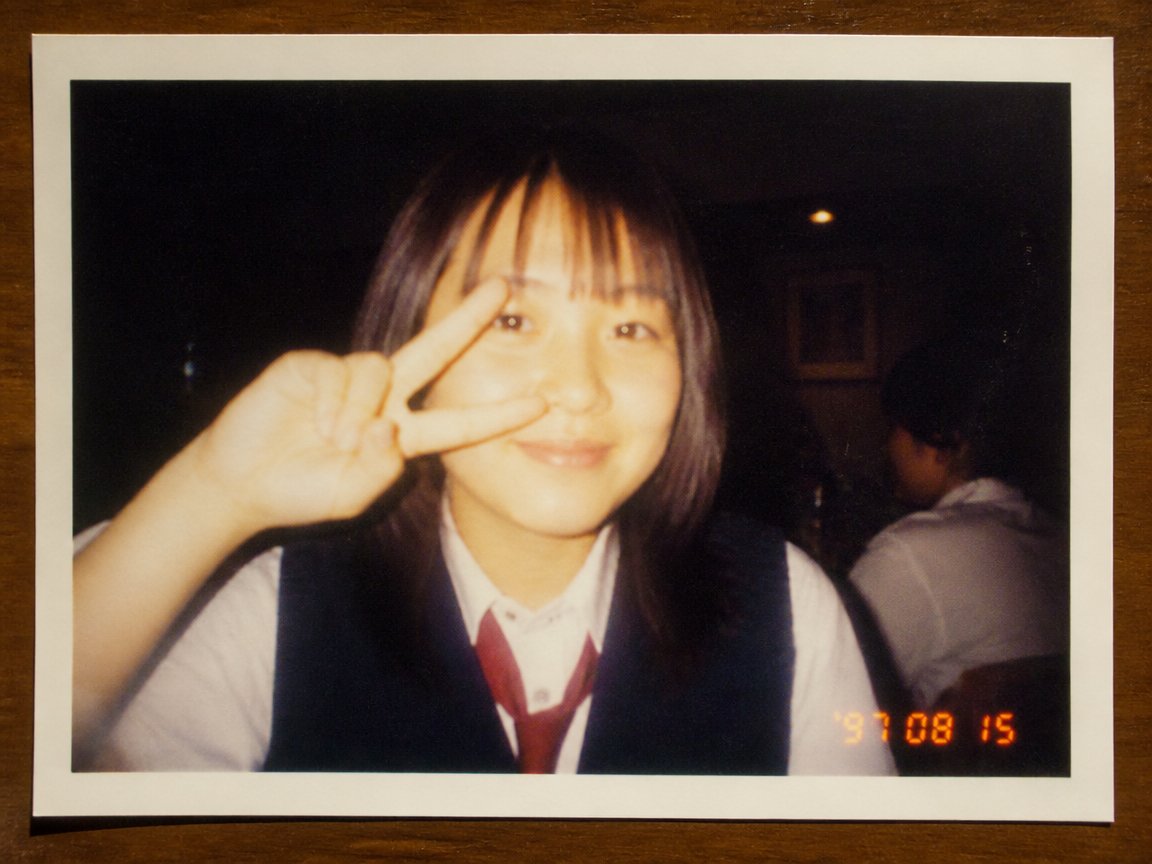
Simulasi Foto Kamera Sekali Pakai Era 90-an
Teks ke Gambarunknown
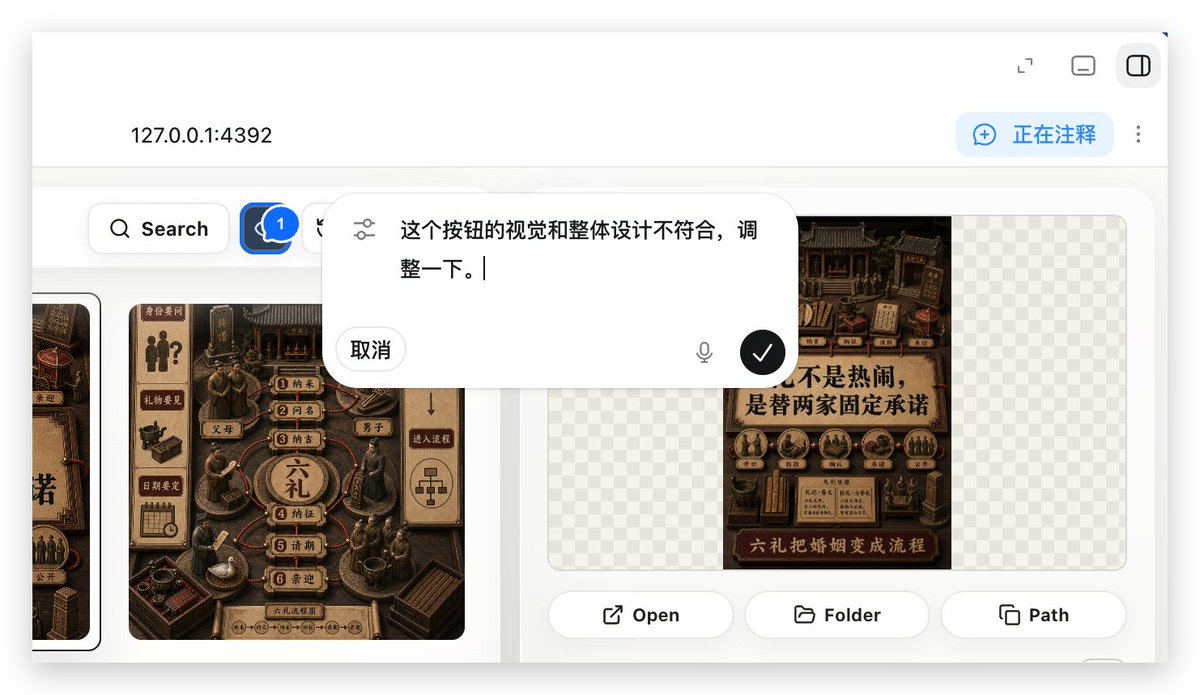
Demo Anotasi Aplikasi Web Lokal
Teks ke Gambarunknown
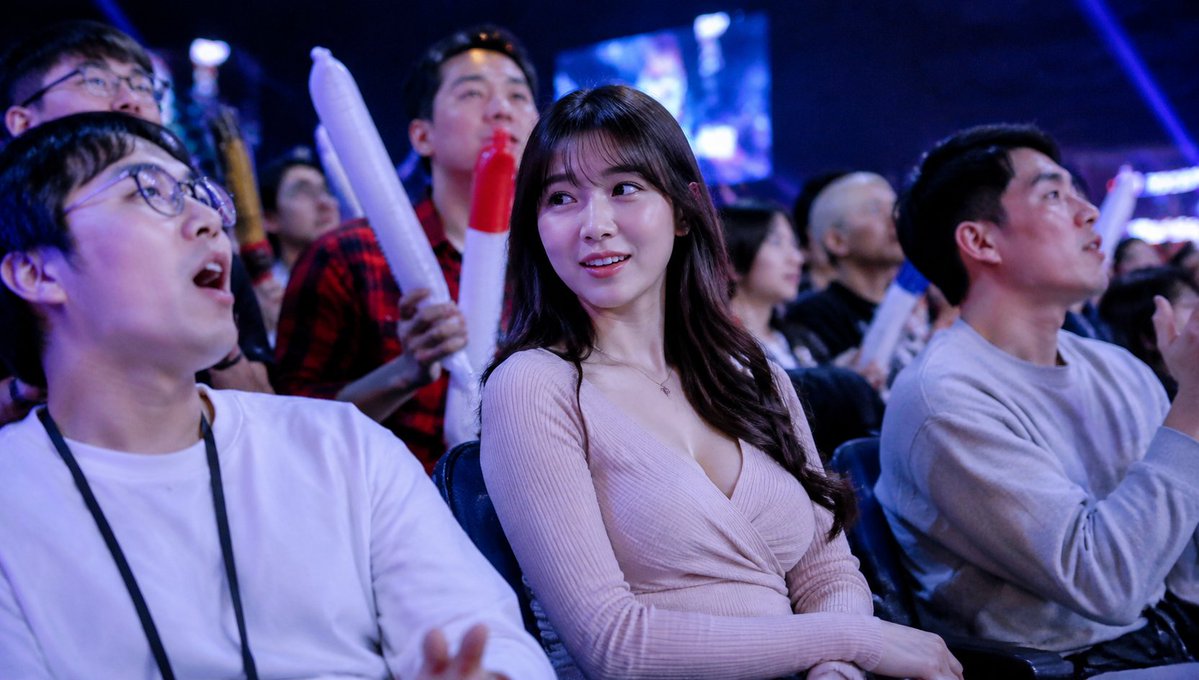
Cuplikan Kerumunan Penonton Esports yang Buram
Teks ke Gambarunknown
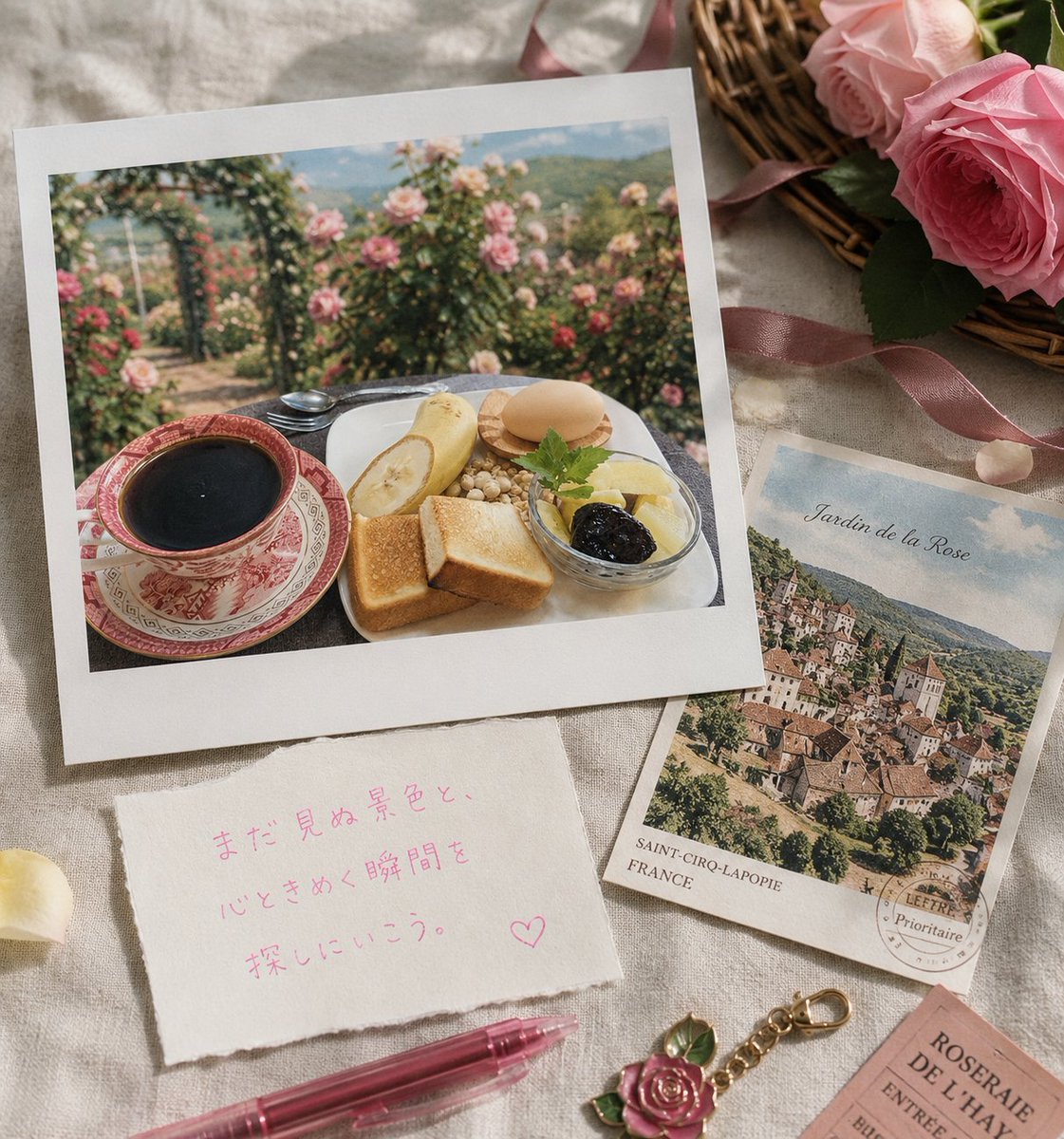
Kartu Pos Perjalanan Taman Mawar Tampilan Datar
Teks ke Gambarunknown
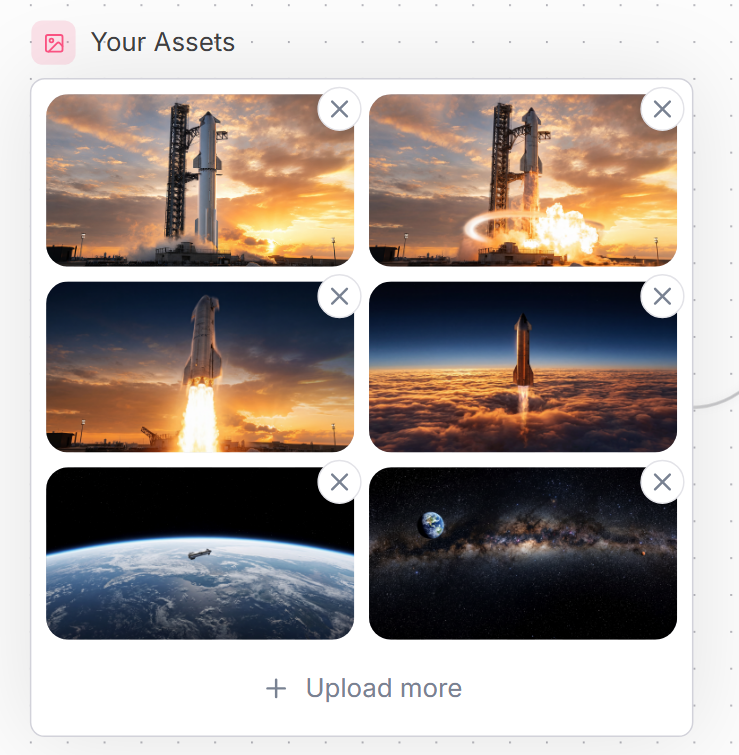
Antarmuka Pengguna Galeri Aset Luar Angkasa
Teks ke Gambarunknown
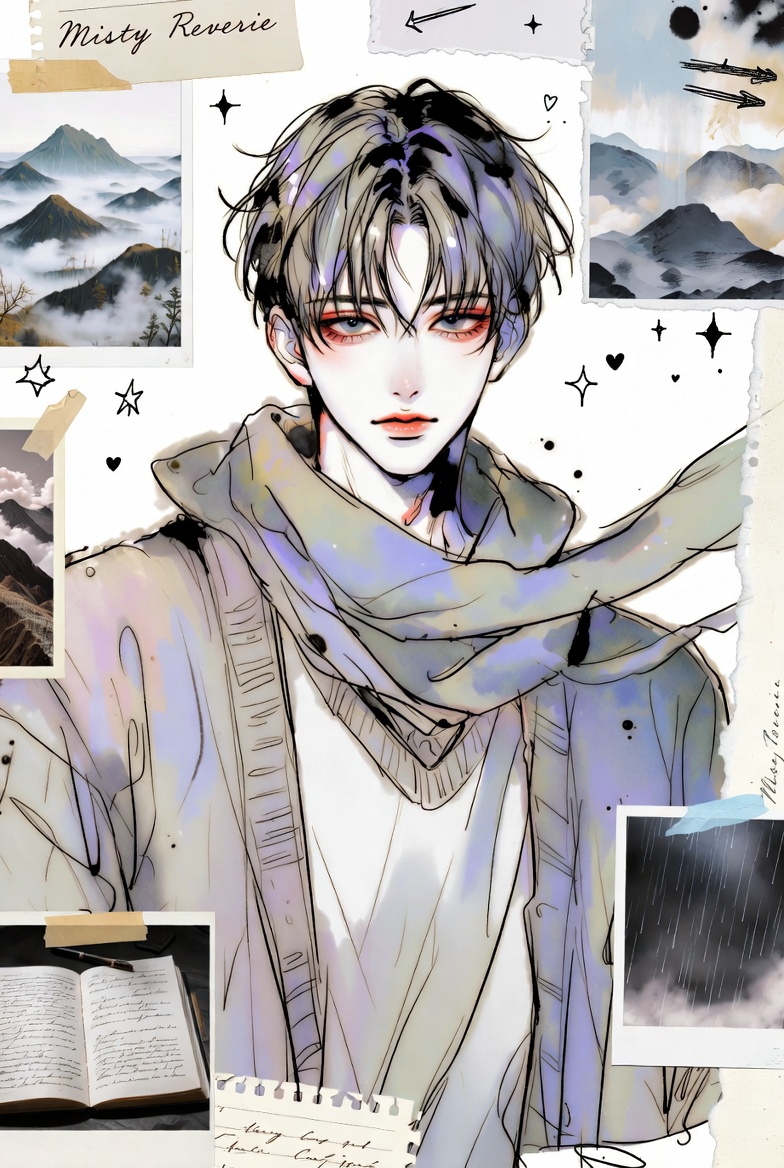
Buku Tempel Anime dan Pantai Dua Panel
Teks ke Gambarunknown
Catatan penggunaan kembali dan sumber
Gunakan perintah ini dengan aman setelah melihat pratinjau kasus.
- 1.Salin perintah tersebut atau buka langsung di Dovoo dengan tombol pembuatan.
- 2.Sesuaikan variabel, rasio aspek, dan gambar referensi untuk kebutuhan Anda sendiri.
- 3.Sebelum mempublikasikan atau menggunakan untuk tujuan berbayar, verifikasi hak sumber, persyaratan atribusi, dan risiko merek atau citra.