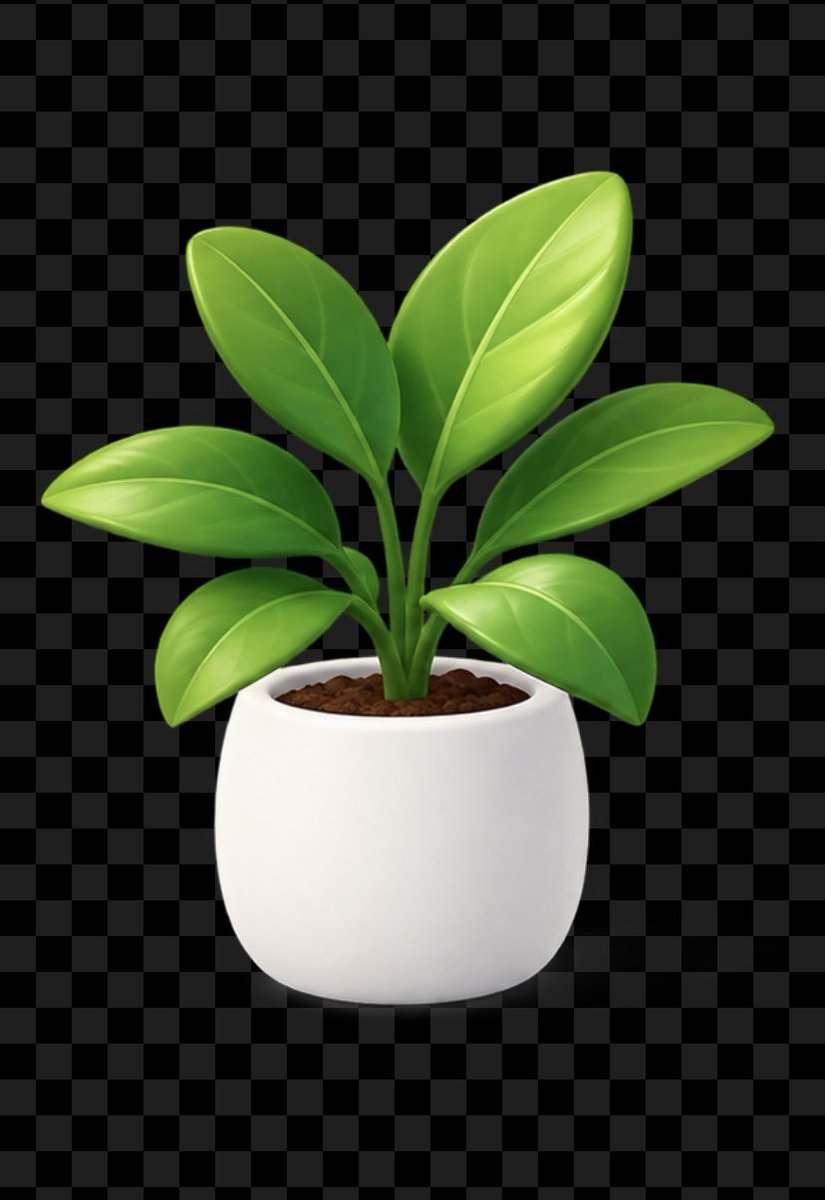
Glossy Potted Plant Asset
Generates a polished transparent-background potted plant icon suitable for product mockups, UI stickers, and marketing assets.
Il s'agit d'un exemple de visuel pour la catégorie { GPT Image 2 Produit et commercial . Utilisez le visuel ci-dessous pour générer des éléments visuels similaires et vérifiez les conditions d'utilisation (attribution Awesome GPT Image 2 Prompts et droits d'utilisation commerciale) avant toute réutilisation.
Besoin de l'ensemble complet des invites ? Utilisez le Produit et commercial Consultez le centre thématique pour plus d'exemples connexes, ou ouvrez le GPT Image 2 catalogue rapide pour l'index complet des exemples, les structures réutilisables et l'attribution des sources.
Free 1K preview
Generate one preview image instantly, no sign-up required.
1201/4000
Prompt
invite prête à être copiée
Create a clean reusable product asset of a stylized houseplant in a pot on a transparent background, previewed over a dark gray checkerboard transparency grid. Center the subject vertically and horizontally on a portrait canvas. The plant has exactly 7 visible glossy oval leaves: one large upright leaf at the top right, one medium upright leaf at the top left, one long horizontal leaf extending right, one long horizontal leaf extending left, one smaller lower-left leaf, one rounded lower-right leaf, and one small central emerging leaf partly hidden between stems. Use bright fresh green gradients with smooth highlights, subtle central veins and curved side veins, thick green stems clustered from the soil. The pot is a simple rounded white ceramic planter with a wide oval opening, soft shadows, minimal texture, and dark brown pebbly soil visible at the top. Use polished 3D icon / clay-render style, soft studio lighting from the upper left, gentle ambient occlusion under leaves and pot, crisp edges suitable for stickers or UI assets. No text, no logo, no watermark, no extra objects. Keep the background actually transparent, with the checkerboard only representing transparency if shown.
Best for
- - Produit et commercial visual exploration
- - Image generation and reference-image edits
- - Reusable briefs that keep source attribution visible
Change these parts
- - Subject, product, character, or scene
- - Aspect ratio, camera, lighting, and background
- - Brand, text, color, and output constraints
Recommended model and settings
- - Model: gpt-image-2
- - Input mode: Texte vers image
- - Aspect ratio: source
- - Commercial status: review original source
How to use this prompt
- 1. Copy the prompt and preserve its structure for the first test.
- 2. Replace the subject, context, and publishing channel.
- 3. Change one camera, lighting, or style variable per iteration.
- 4. Inspect the output, source, text, and rights before reuse.
Limitations, source, and reuse cautions
- - Generated output is an editable draft, not factual, legal, or rights evidence.
- - Review the linked source, people, brands, logos, text, and third-party media before commercial use.
Importé de Awesome GPT Image 2 Prompts . L'attribution est requise. Le statut d'utilisation commerciale est allowed ; veuillez vérifier les droits d'auteur avant toute utilisation payante.
Plus de cas dans cette catégorie
Priorisé par catégorie, compatibilité du mode d'entrée, qualité et risque moindre.

Codex Silver Token Product Shot
Texte vers image
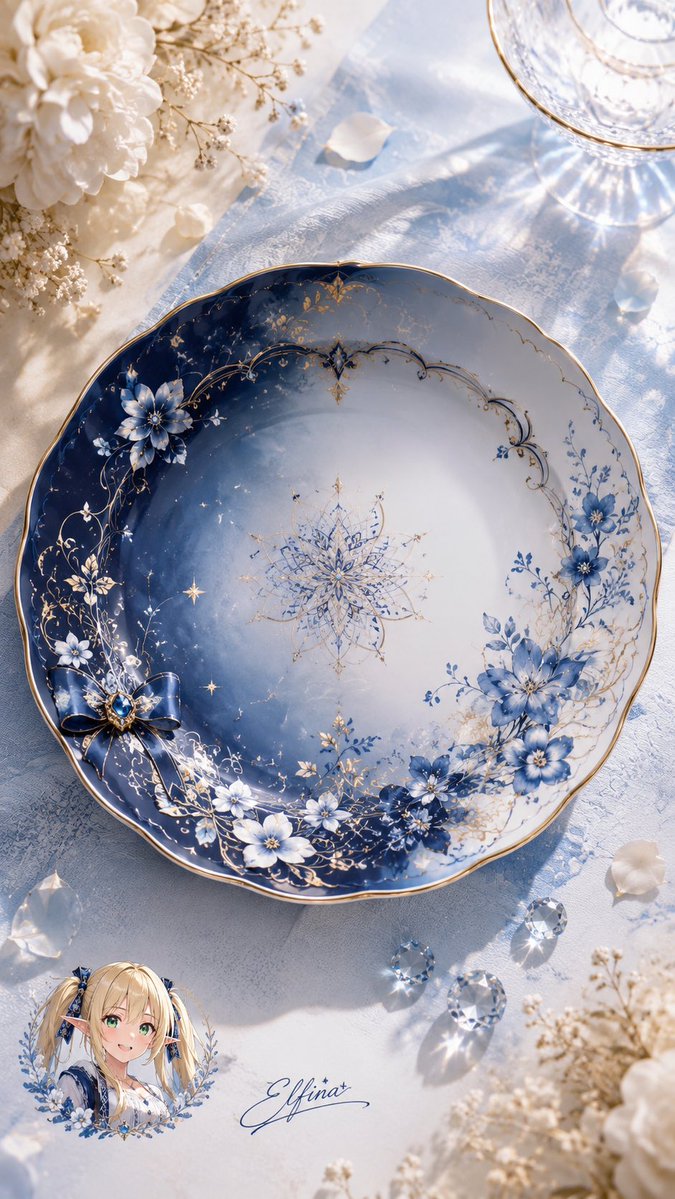
Elfina Fantasy Porcelain Plate
Texte vers image
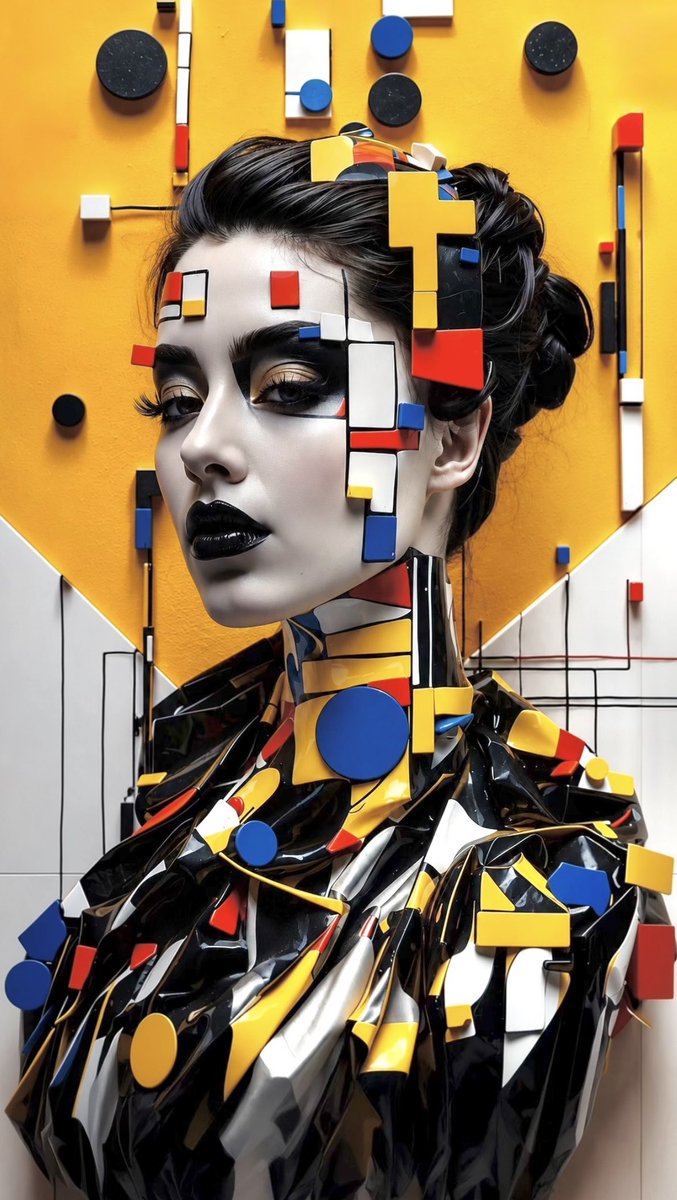
Avant-Garde Bauhaus Fashion Portrait
Texte vers image

Professional Studio Portrait in Tweed Suit
Texte vers image

Miniature London Paper-Craft Diorama
Texte vers image
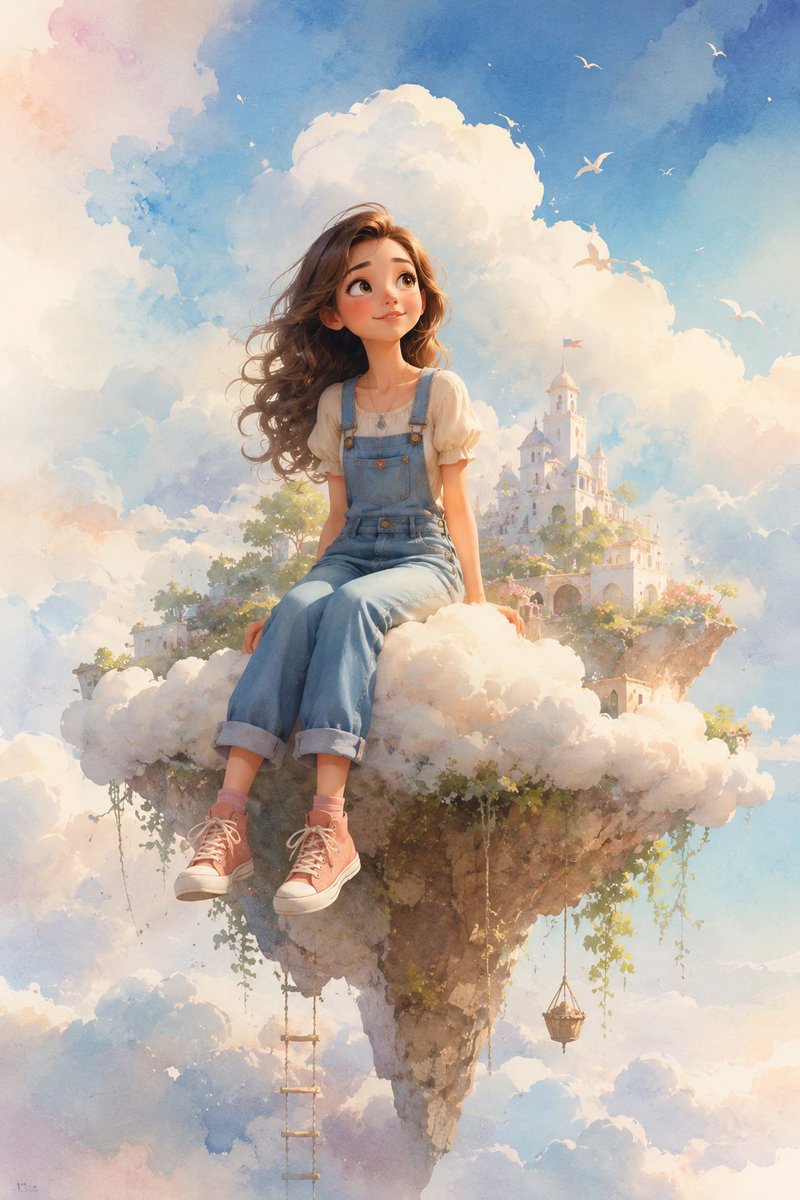
Dreamy Whimsical 3D Cartoon Render
Texte vers imageRisque moyen
Réutilisation et notes de source
Utilisez cette invite en toute sécurité après avoir prévisualisé le dossier.
- 1.Copiez l'invite ou ouvrez-la directement dans Dovoo avec le bouton de génération.
- 2.Ajustez les variables, le format d'image et les images de référence en fonction de votre cas d'utilisation.
- 3.Avant toute publication ou utilisation payante, vérifiez les droits d'auteur, les exigences d'attribution et les risques liés à la marque ou à l'image.