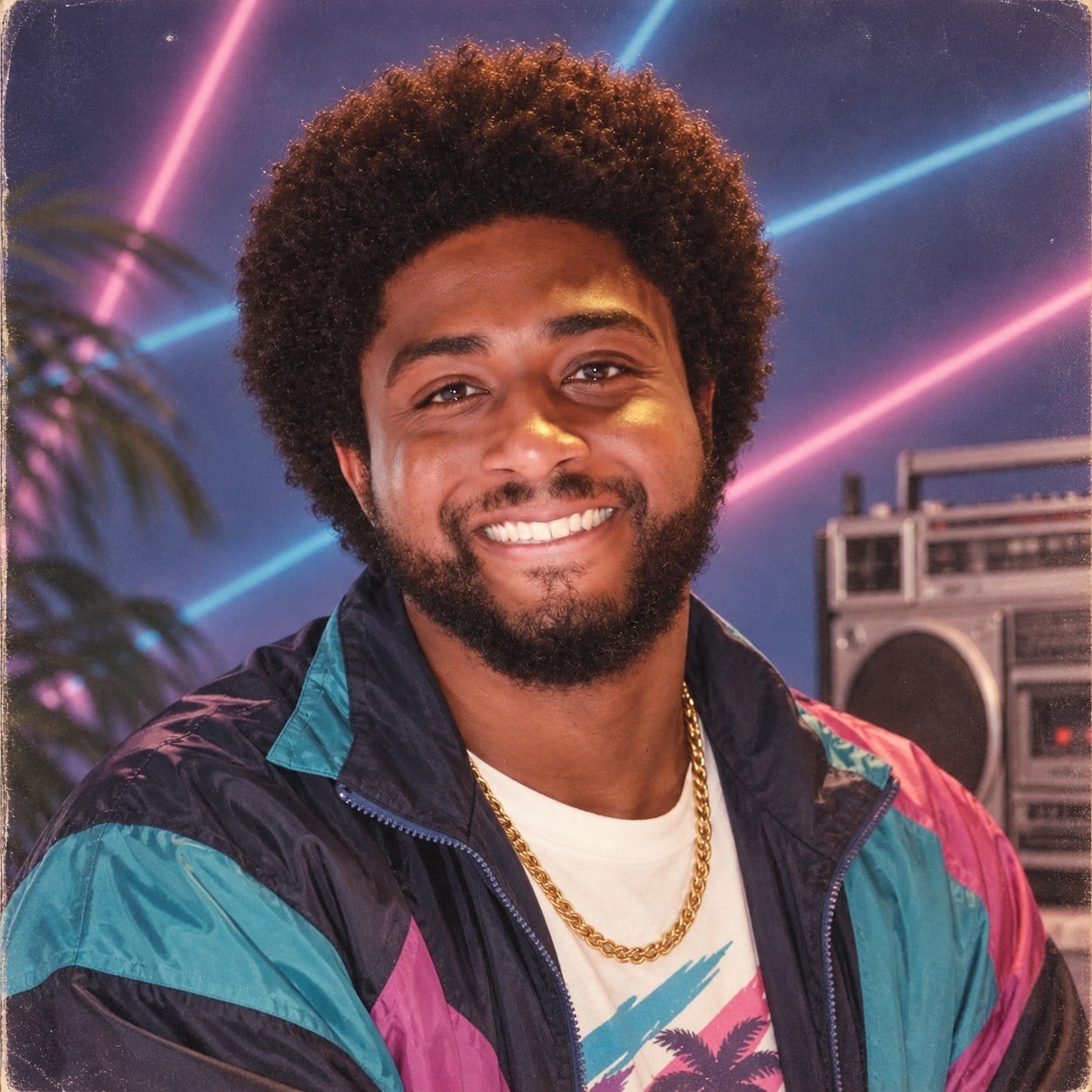
Retro Eighties Mall Portrait
Source-attributed GPT Image 2.5 image prompt from the Awesome GPT Image 2.5 Prompts repository.
Il s'agit d'un exemple de visuel pour la catégorie { GPT Image 2.5 Portrait et personnage . Utilisez le visuel ci-dessous pour générer des éléments visuels similaires et vérifiez les conditions d'utilisation (attribution Awesome GPT Image 2.5 Prompts et droits d'utilisation commerciale) avant toute réutilisation.
Besoin de l'ensemble complet des invites ? Utilisez le Portrait et personnage Consultez le centre thématique pour plus d'exemples connexes, ou ouvrez le GPT Image 2.5 catalogue rapide pour l'index complet des exemples, les structures réutilisables et l'attribution des sources.
Prompt
invite prête à être copiée
A 1980s studio portrait of a smiling Black man with an afro and beard. He wears a teal, magenta, and blue retro nylon windbreaker, a white graphic tee, and a gold chain. Medium close-up composition. Background features a classic 80s laser backdrop with neon pink and blue lines, a blurred palm tree, and a retro boombox. Captured with vintage film camera style, soft studio lighting, subtle grain, and a warm, nostalgic color palette.
Best for
- - Portrait et personnage visual exploration
- - Image generation and reference-image edits
- - Reusable briefs that keep source attribution visible
Change these parts
- - Subject, product, character, or scene
- - Aspect ratio, camera, lighting, and background
- - Brand, text, color, and output constraints
Recommended model and settings
- - Model: gpt-image-2-5
- - Input mode: Texte vers image
- - Aspect ratio: source
- - Commercial status: restricted
How to use this prompt
- 1. Copy the prompt and preserve its structure for the first test.
- 2. Replace the subject, context, and publishing channel.
- 3. Change one camera, lighting, or style variable per iteration.
- 4. Inspect the output, source, text, and rights before reuse.
Limitations, source, and reuse cautions
- - Generated output is an editable draft, not factual, legal, or rights evidence.
- - Review the linked source, people, brands, logos, text, and third-party media before commercial use.
Importé de Awesome GPT Image 2.5 Prompts . L'attribution est requise. Le statut d'utilisation commerciale est restricted ; veuillez vérifier les droits d'auteur avant toute utilisation payante.
Plus de cas dans cette catégorie
Priorisé par catégorie, compatibilité du mode d'entrée, qualité et risque moindre.
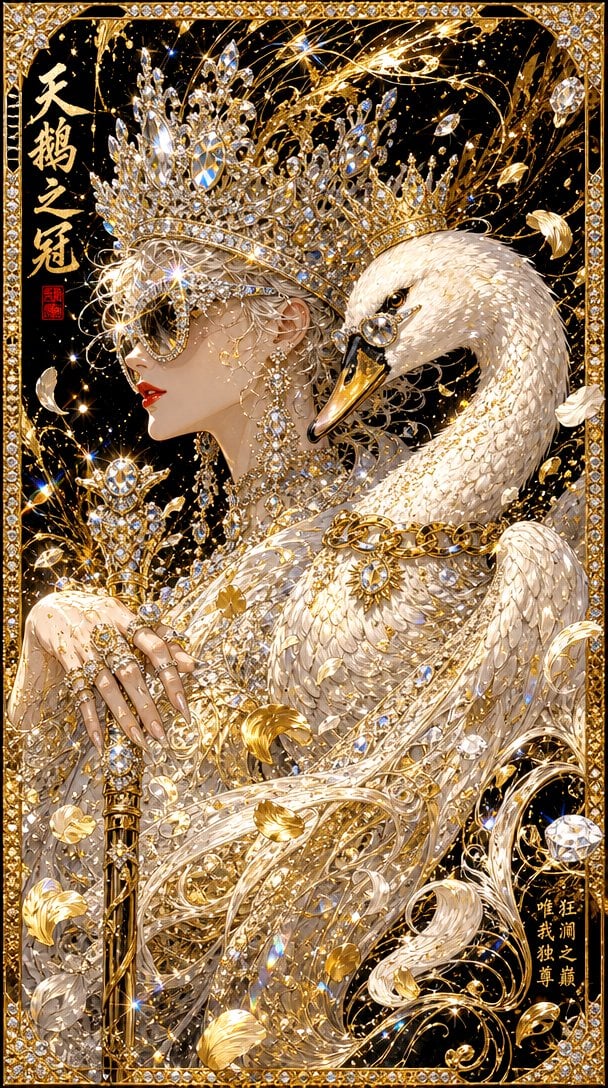
Radiant Princess with Diamond Tiara
Texte vers imageRisque faible
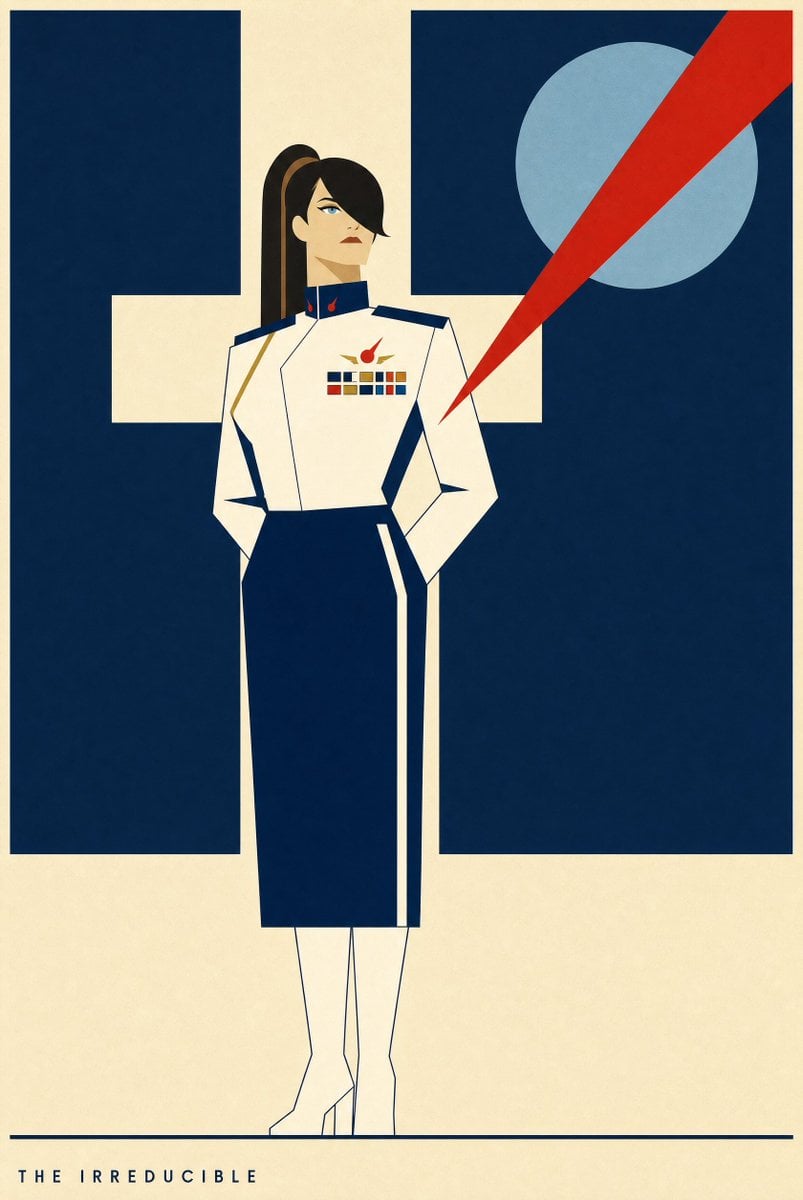
Portrait Of A Woman In Uniform
Texte vers imageRisque faible
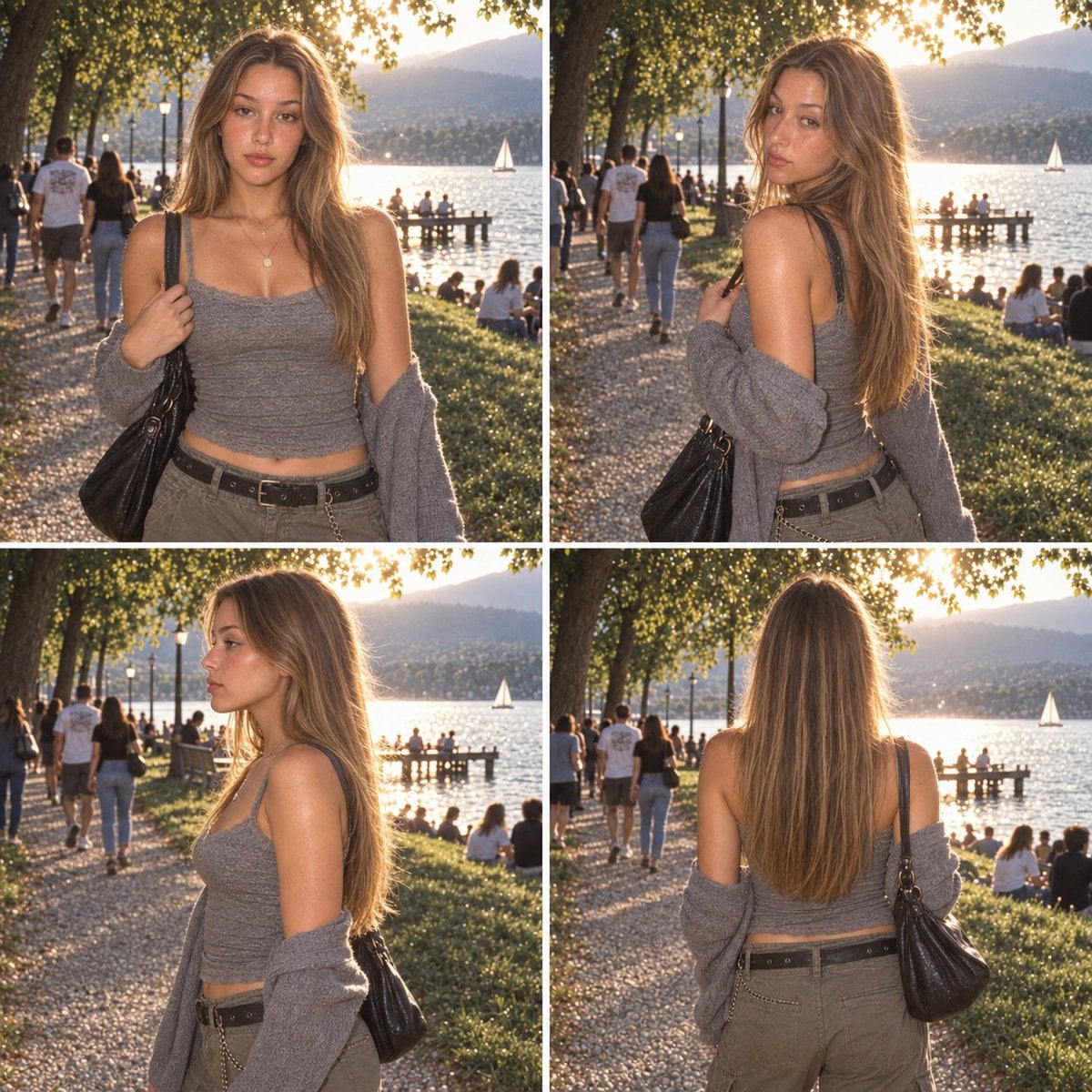
Multi-Panel Film Character Reference Sheet
Texte vers imageRisque faible
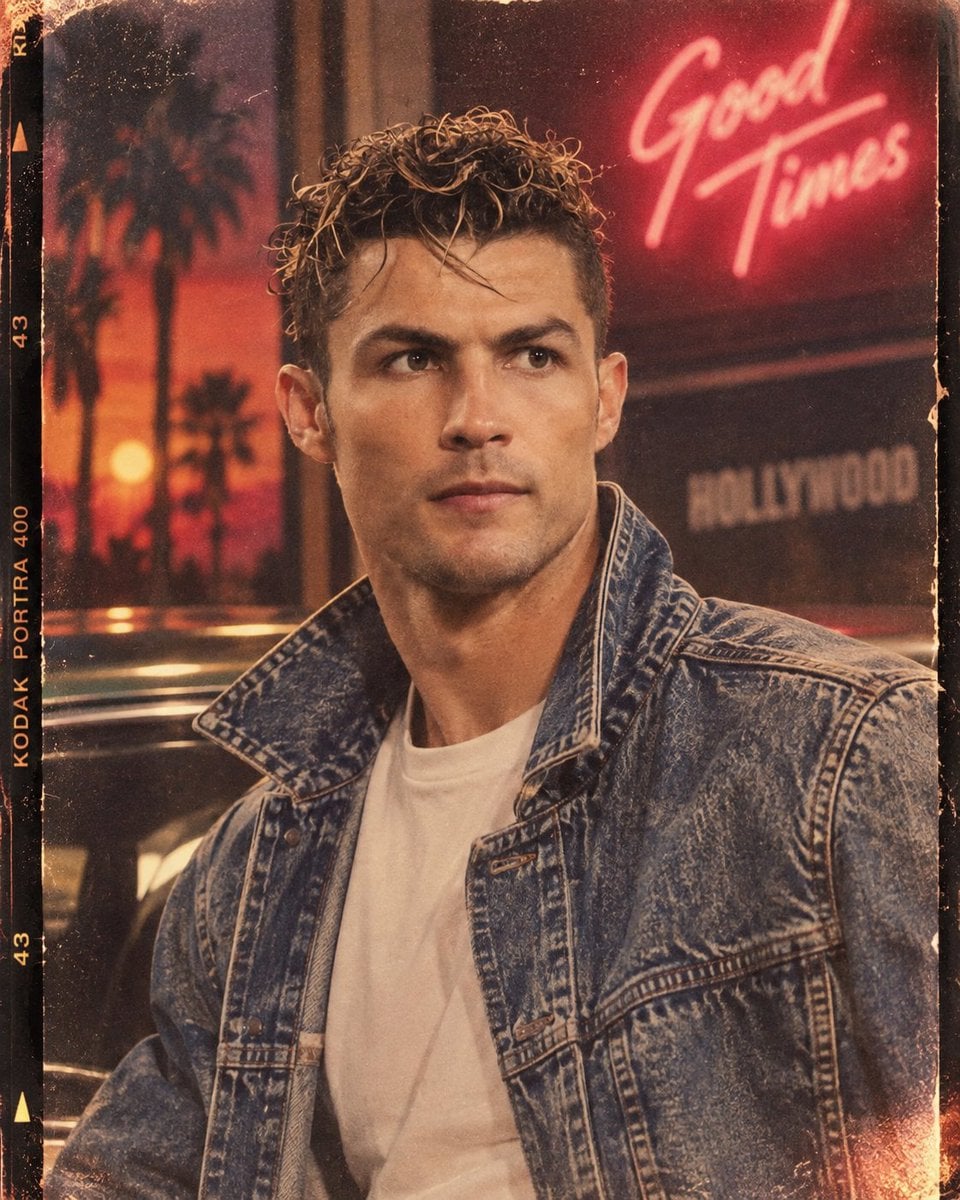
1980s Portrait from Facial Reference
Texte vers imageRisque faible
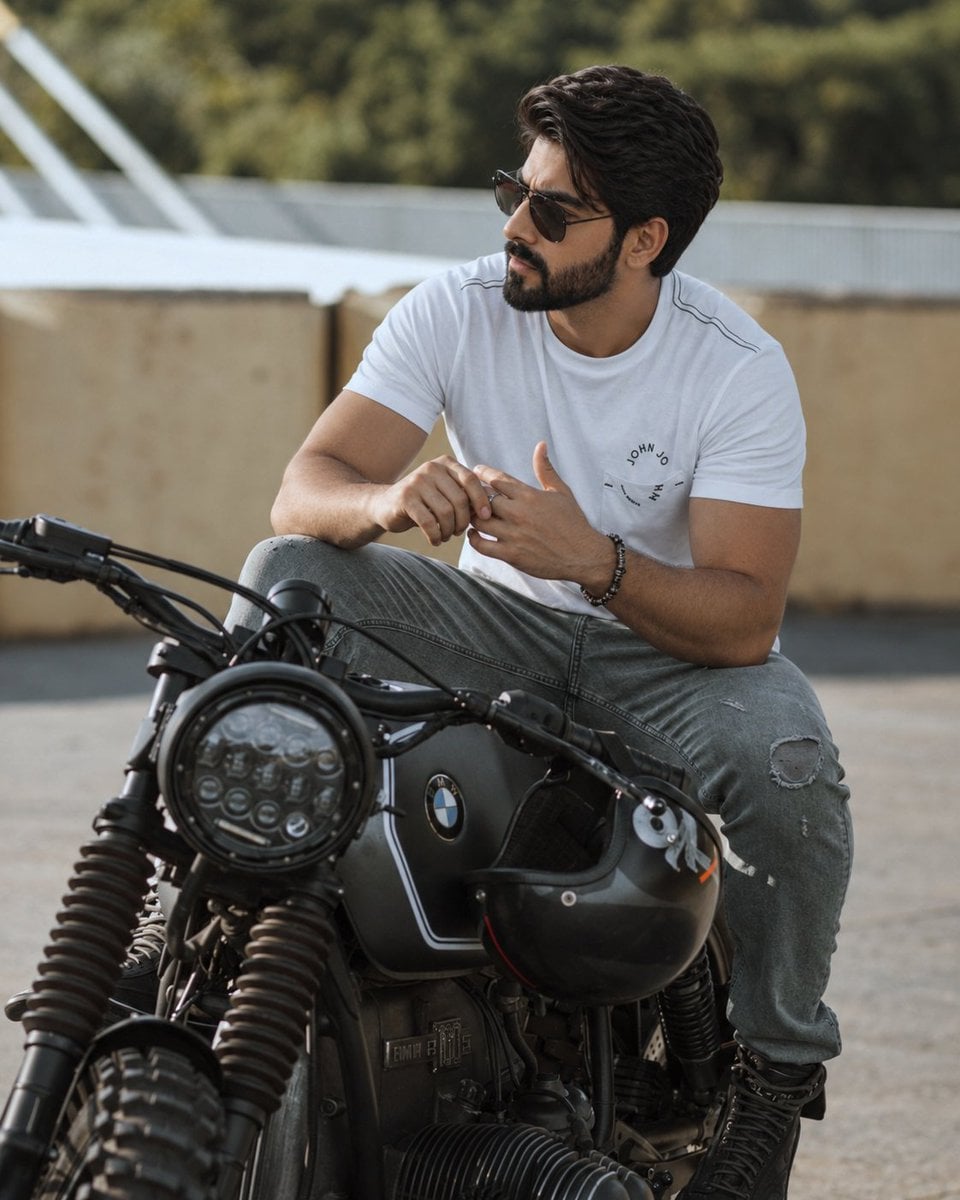
Hyper-Realistic Cinematic Portrait on a Motorcycle
Texte vers imageRisque faible
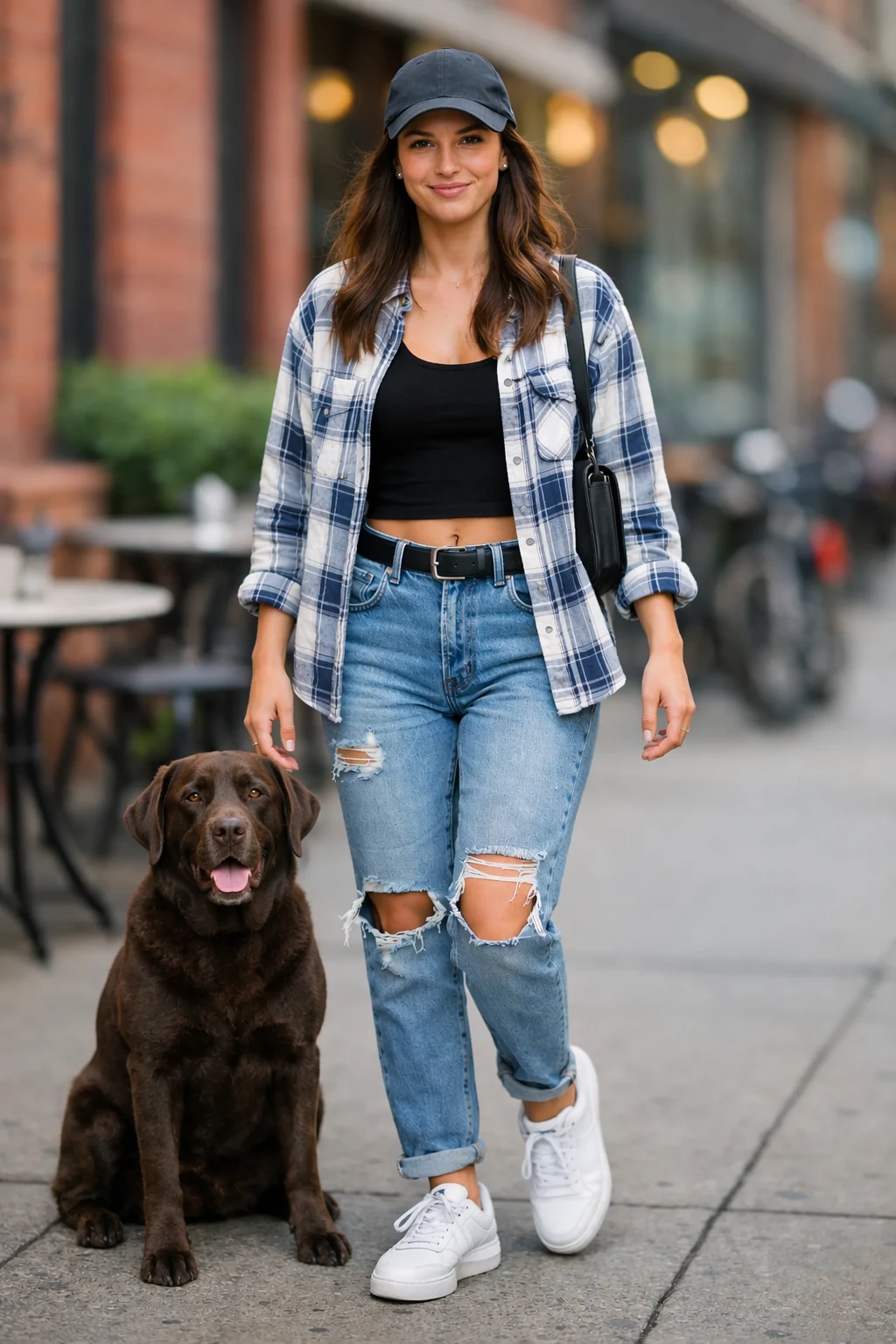
Dog Composited into a Portrait Scene
Texte vers imageRisque faible
Réutilisation et notes de source
Utilisez cette invite en toute sécurité après avoir prévisualisé le dossier.
- 1.Copiez l'invite ou ouvrez-la directement dans Dovoo avec le bouton de génération.
- 2.Ajustez les variables, le format d'image et les images de référence en fonction de votre cas d'utilisation.
- 3.Avant toute publication ou utilisation payante, vérifiez les droits d'auteur, les exigences d'attribution et les risques liés à la marque ou à l'image.