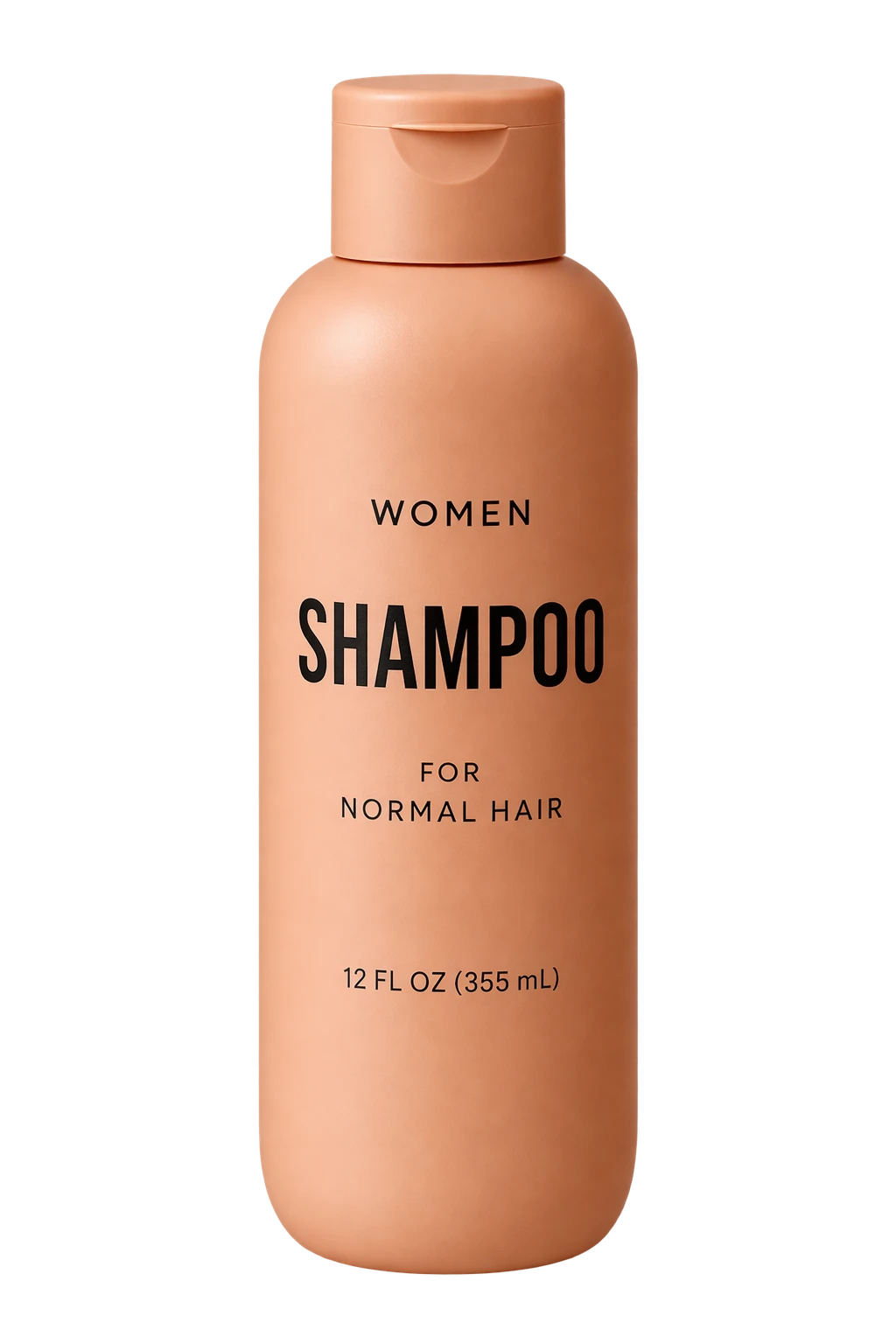
Product Cutout on Transparent Background
Source-attributed GPT Image 2.5 image prompt from the Awesome GPT Image 2.5 Prompts repository.
Il s'agit d'un exemple de visuel pour la catégorie { GPT Image 2.5 Produit et commercial . Utilisez le visuel ci-dessous pour générer des éléments visuels similaires et vérifiez les conditions d'utilisation (attribution Awesome GPT Image 2.5 Prompts et droits d'utilisation commerciale) avant toute réutilisation.
Besoin de l'ensemble complet des invites ? Utilisez le Produit et commercial Consultez le centre thématique pour plus d'exemples connexes, ou ouvrez le GPT Image 2.5 catalogue rapide pour l'index complet des exemples, les structures réutilisables et l'attribution des sources.
Prompt
invite prête à être copiée
Extract the product from the input image and isolate it on a fully transparent background. Output: centered product, crisp silhouette, no halos/fringing. Preserve product geometry and label legibility exactly. Add only light polishing. Do not add a solid backdrop, checkerboard, scenery, or shadow. Do not restyle the product; remove the background and preserve clean alpha transparency.
Best for
- - Produit et commercial visual exploration
- - Image generation and reference-image edits
- - Reusable briefs that keep source attribution visible
Change these parts
- - Subject, product, character, or scene
- - Aspect ratio, camera, lighting, and background
- - Brand, text, color, and output constraints
Recommended model and settings
- - Model: gpt-image-2-5
- - Input mode: Image vers image
- - Aspect ratio: source
- - Commercial status: restricted
How to use this prompt
- 1. Copy the prompt and preserve its structure for the first test.
- 2. Replace the subject, context, and publishing channel.
- 3. Change one camera, lighting, or style variable per iteration.
- 4. Inspect the output, source, text, and rights before reuse.
Limitations, source, and reuse cautions
- - Generated output is an editable draft, not factual, legal, or rights evidence.
- - Review the linked source, people, brands, logos, text, and third-party media before commercial use.
Importé de Awesome GPT Image 2.5 Prompts . L'attribution est requise. Le statut d'utilisation commerciale est restricted ; veuillez vérifier les droits d'auteur avant toute utilisation payante.
Plus de cas dans cette catégorie
Priorisé par catégorie, compatibilité du mode d'entrée, qualité et risque moindre.
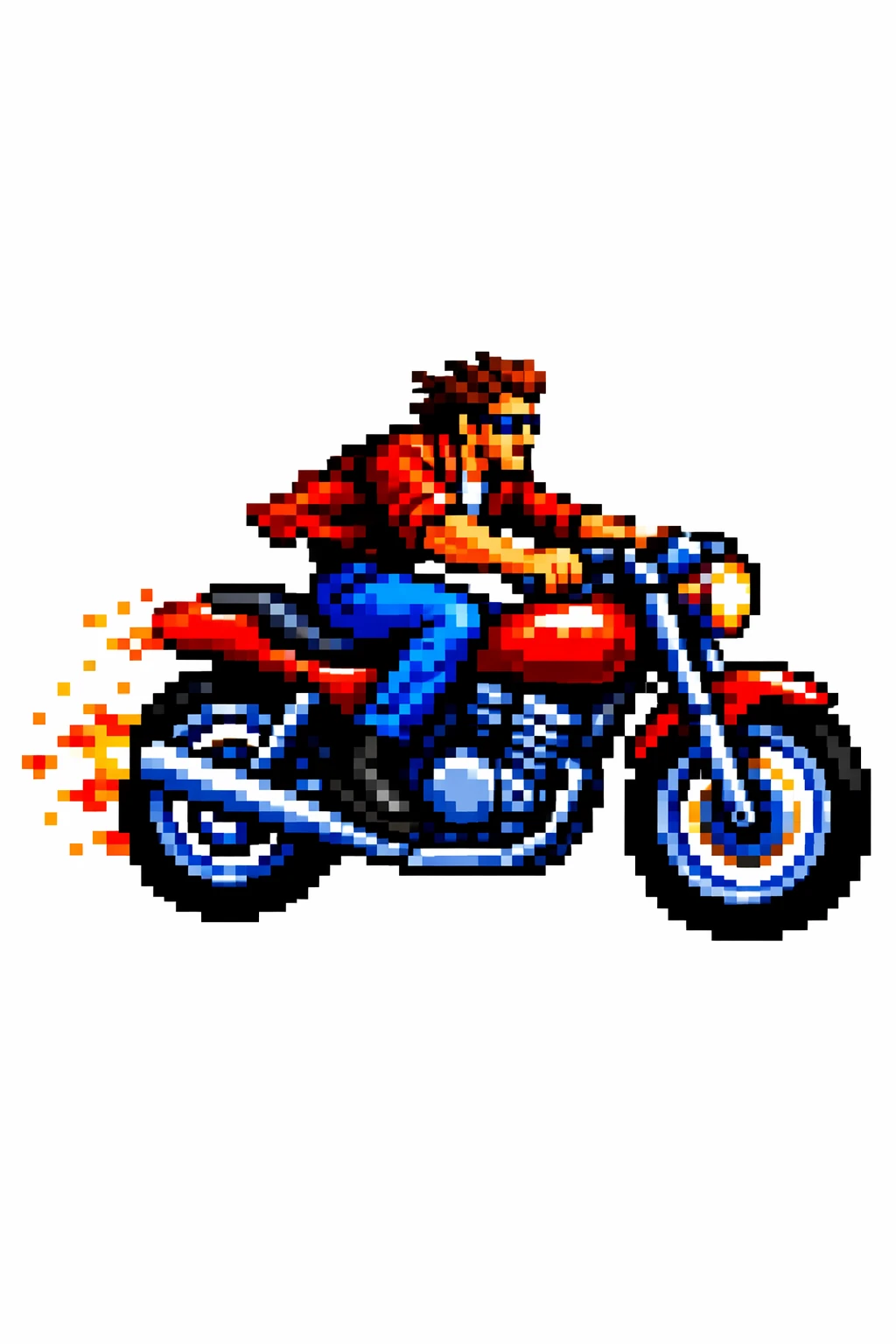
Style Transfer to a Motorcycle Rider
Image vers imageRisque faible
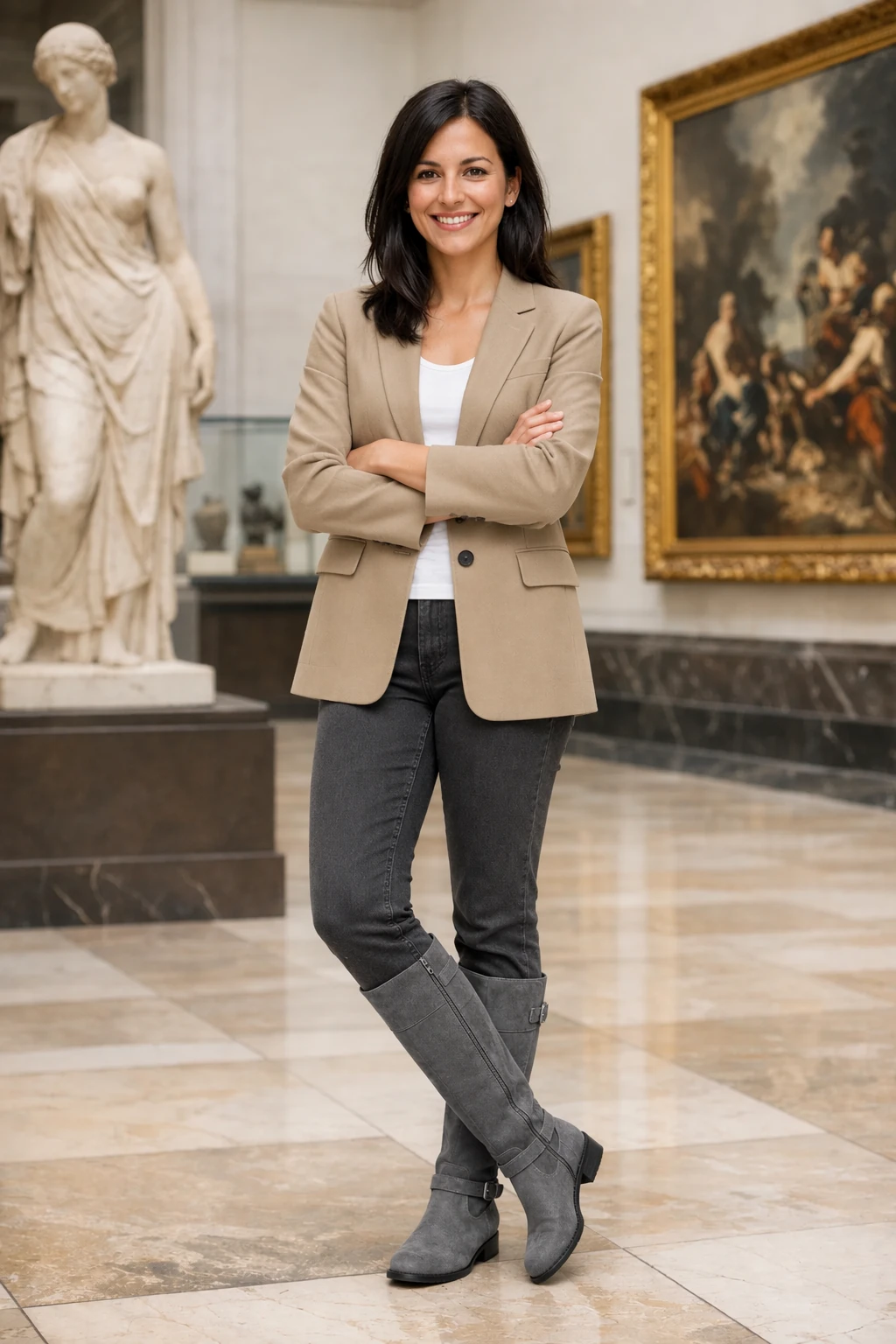
Outfit Swap Preserving Identity
Image vers imageRisque faible
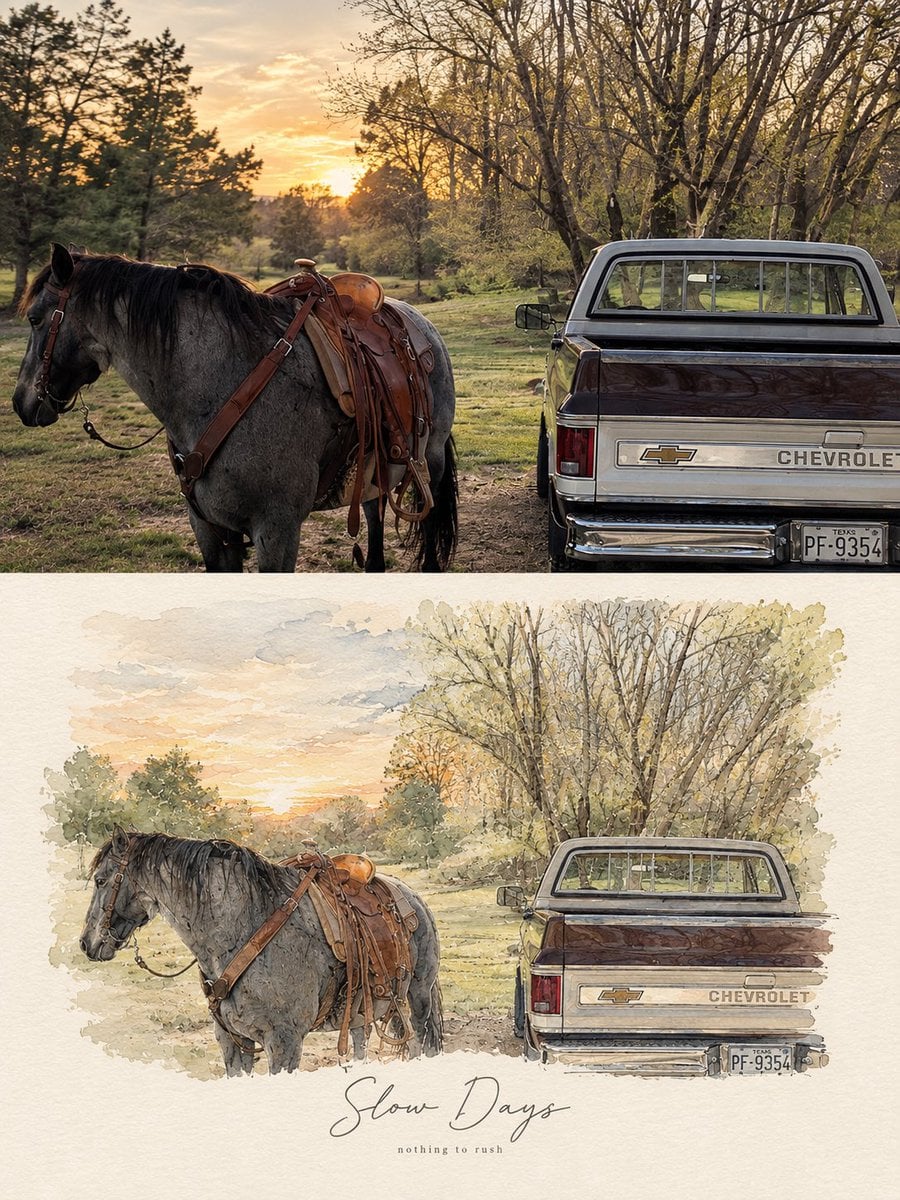
Photo-Based Minimal Watercolor Vignette Artwork
Image vers imageRisque faible
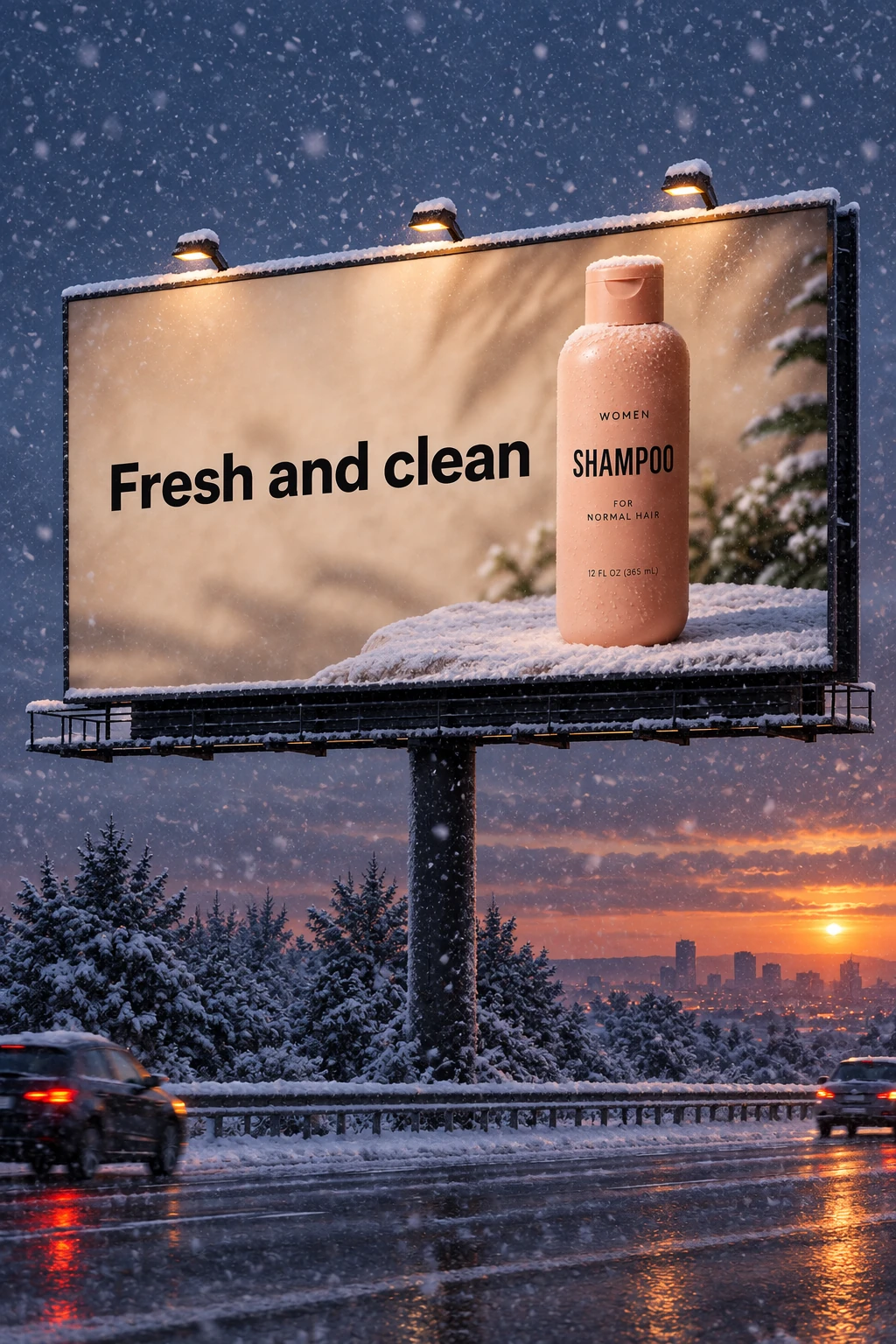
Billboard Rekindled as a Winter Evening
Image vers imageRisque faible
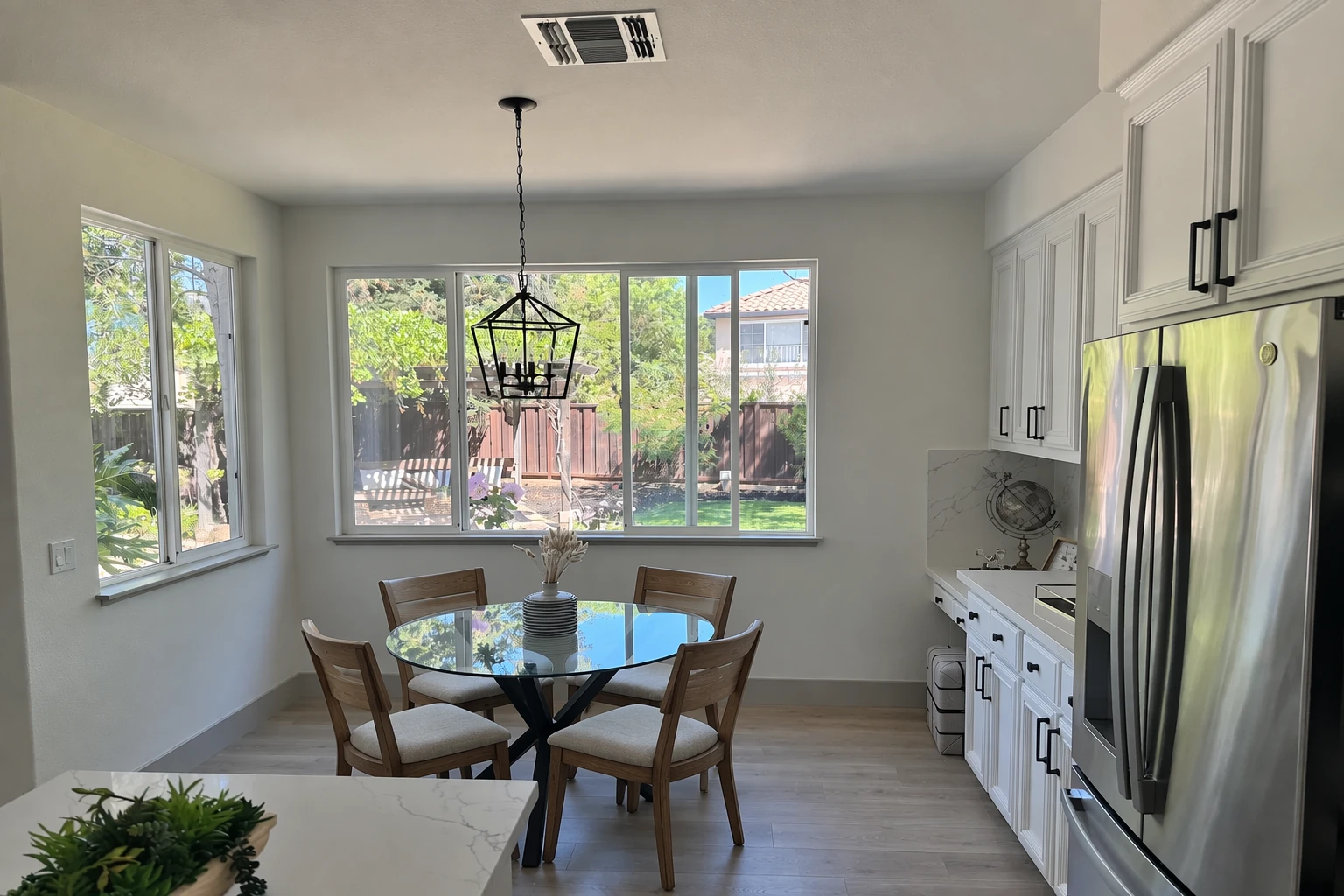
Kitchen Chairs Swapped to Wood
Image vers imageRisque faible
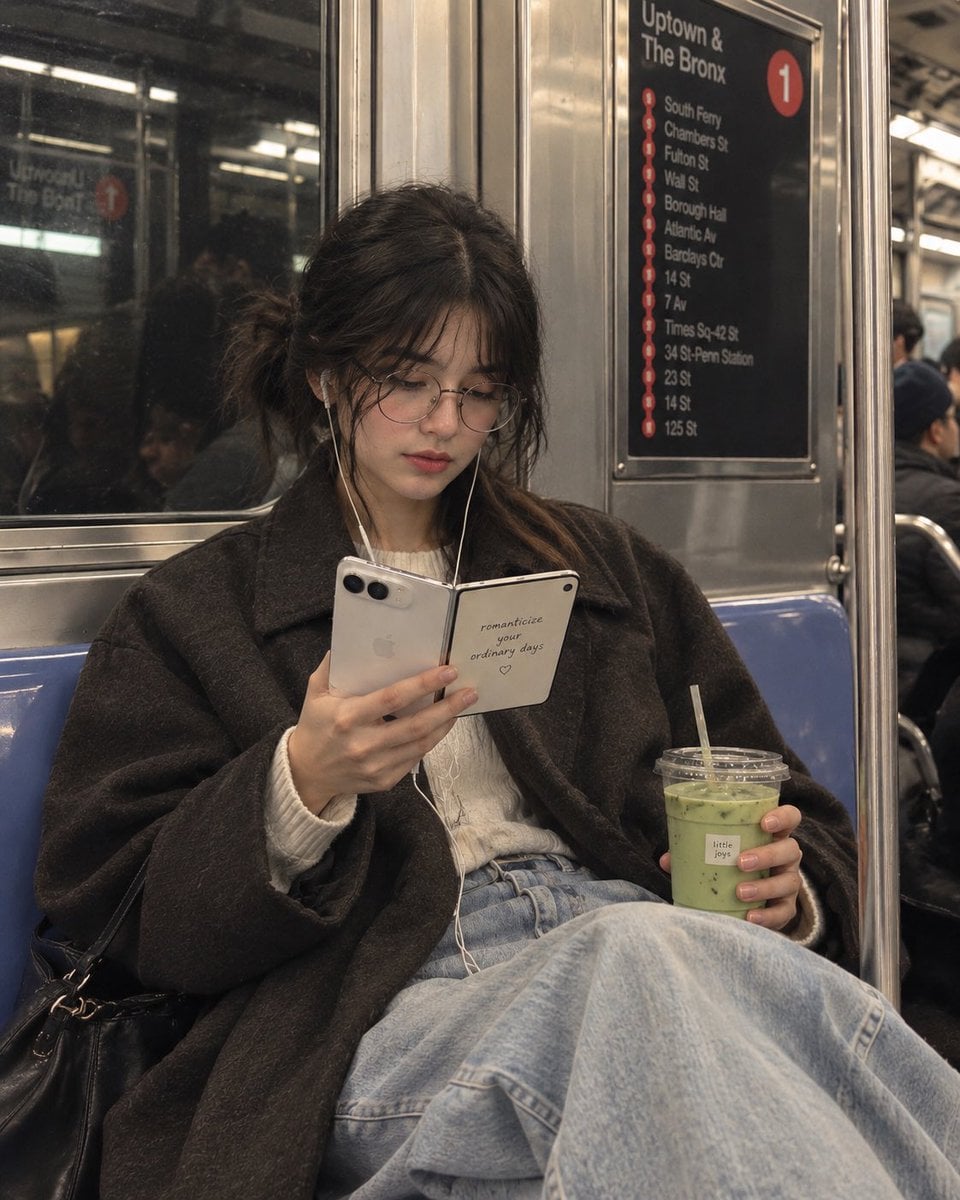
NYC Subway Candid Portrait
Image vers imageRisque faible
Réutilisation et notes de source
Utilisez cette invite en toute sécurité après avoir prévisualisé le dossier.
- 1.Copiez l'invite ou ouvrez-la directement dans Dovoo avec le bouton de génération.
- 2.Ajustez les variables, le format d'image et les images de référence en fonction de votre cas d'utilisation.
- 3.Avant toute publication ou utilisation payante, vérifiez les droits d'auteur, les exigences d'attribution et les risques liés à la marque ou à l'image.