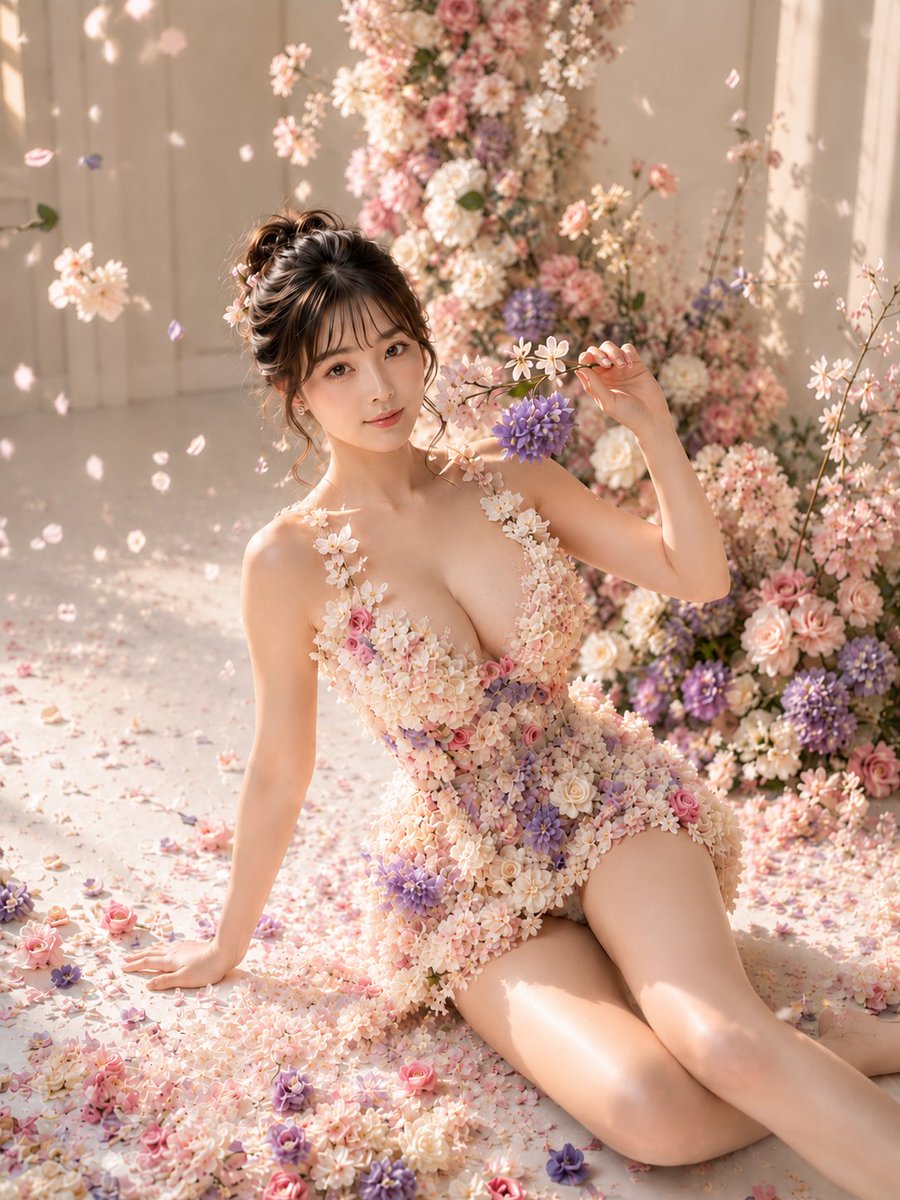
Floral Petal Dress Portrait
A highly detailed prompt for generating a woman in a dress made entirely of pink, white, and purple flowers sitting in a floral setting.
Il s'agit d'un exemple de visuel pour la catégorie { GPT Image 2 Portrait et personnage . Utilisez le visuel ci-dessous pour générer des éléments visuels similaires et vérifiez les conditions d'utilisation (attribution Awesome GPT Image 2 Prompts et droits d'utilisation commerciale) avant toute réutilisation.
Besoin de l'ensemble complet des invites ? Utilisez le Portrait et personnage Consultez le centre thématique pour plus d'exemples connexes, ou ouvrez le GPT Image 2 catalogue rapide pour l'index complet des exemples, les structures réutilisables et l'attribution des sources.
Free 1K preview
Generate one preview image instantly, no sign-up required.
2208/4000
Prompt
invite prête à être copiée
Subject:
{argument name="subject" default="Afternoon wrapped in flower clothing"}

Main Subject:
In the center of the frame, a woman in a dress made only of pink, white, and pale purple small flowers sits sideways on a floor covered in petals. Behind her, a giant wall of the same-colored flowers extends vertically, and she holds a flower twig next to her face with her right hand.

Person/Expression:
The woman turns her face to the front, looks at the camera, and smiles modestly. A round-cheeked oval face with a small chin, horizontally long bright eyes, thin loose eyebrows, a small nose tip, and pale coral lips. {argument name="flower colors" default="Dark brown hair"} is in a high braided updo, with thin bangs, curled wisps on both sides, and small flowers in the hair. Pale pink eyes and cheeks, smooth bright skin.

Clothing/Pose:
A sleeveless floral dress densely packed with small roses, star-shaped flowers, and clustered pale purple flowers. It features a deep V-neck, shoulder straps covered in flowers, a waist that follows the body, and a long floral train flowing from the left hem to the floor. Resting her left hand on the floor for support, bending both legs toward the right of the screen, and holding a flower branch to her face with her right hand.

Background/Light:
A flower wall of pink, white, and pale purple from the center to the right, a pale beige wall and floor space on the left, and a large amount of small flowers and petals in the foreground. {argument name="clothing" default="Soft direct light"} from the upper left illuminates the flowers and skin, scattering small flower shadows on the wall.

Composition/Camera:
3:4 vertical orientation, slightly high camera angle capturing from the head to above the knees. The person is large in the center, and the long flower train spreads to the lower left foreground. Focus on the person and the foreground flowers, slightly blurring the background flower wall.

Texture/Style:
A photorealistic concept photo that finely depicts realistic petals and skin. Summarizes pink, white, and pale purple in a soft pastel tone.

Negative:
Do not make the dress made only of flowers out of fabric; do not omit the long floral train
Variables d'invite
Espaces réservés aux arguments modifiables présents dans l'invite, avec leurs valeurs par défaut.
Variable
subject
Défaut
Afternoon wrapped in flower clothing
Variable
flower colors
Défaut
Dark brown hair
Variable
clothing
Défaut
Soft direct light
Best for
- - Portrait et personnage visual exploration
- - Image generation and reference-image edits
- - Reusable briefs that keep source attribution visible
Change these parts
- - Subject, product, character, or scene
- - Aspect ratio, camera, lighting, and background
- - Brand, text, color, and output constraints
Recommended model and settings
- - Model: gpt-image-2
- - Input mode: Texte vers image
- - Aspect ratio: source
- - Commercial status: review original source
How to use this prompt
- 1. Copy the prompt and preserve its structure for the first test.
- 2. Replace the subject, context, and publishing channel.
- 3. Change one camera, lighting, or style variable per iteration.
- 4. Inspect the output, source, text, and rights before reuse.
Limitations, source, and reuse cautions
- - Generated output is an editable draft, not factual, legal, or rights evidence.
- - Review the linked source, people, brands, logos, text, and third-party media before commercial use.
Importé de Awesome GPT Image 2 Prompts . L'attribution est requise. Le statut d'utilisation commerciale est allowed ; veuillez vérifier les droits d'auteur avant toute utilisation payante.
Plus de cas dans cette catégorie
Priorisé par catégorie, compatibilité du mode d'entrée, qualité et risque moindre.
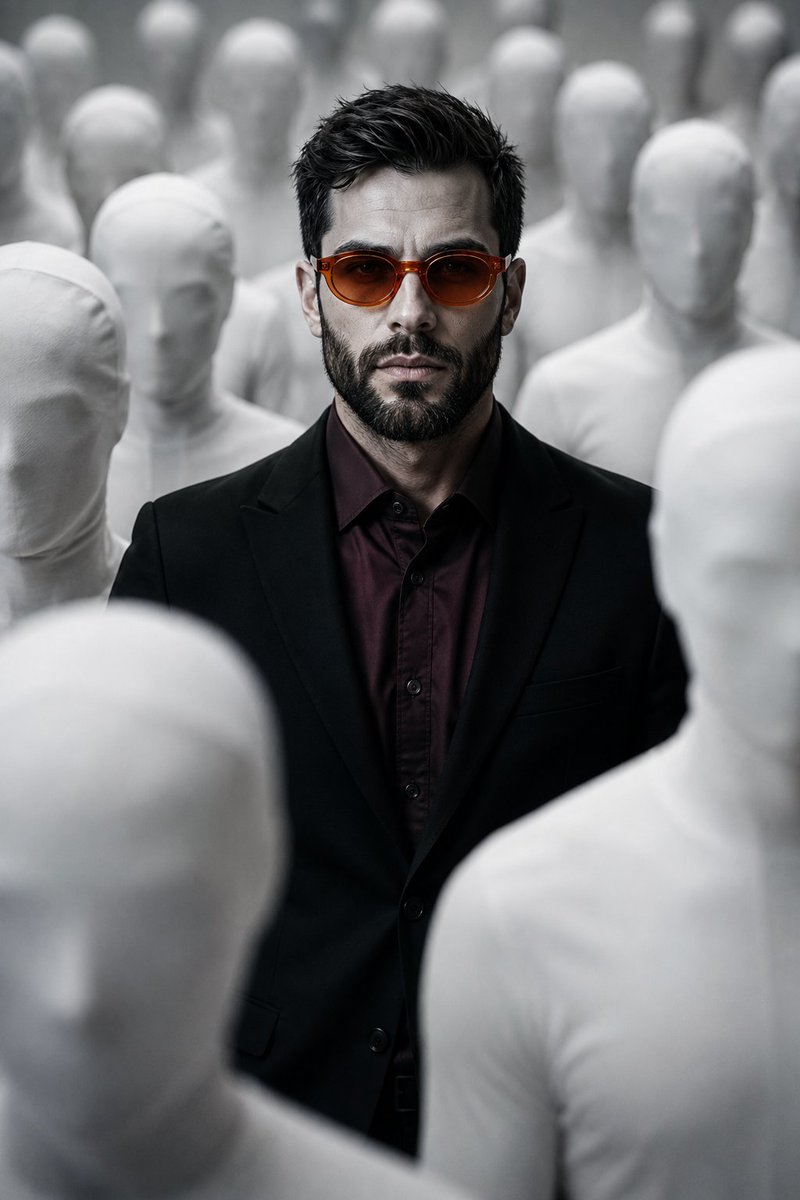
Surreal Man in Crowd of Faceless Figures
Texte vers image

Photorealistic Woman Reference Sheet
Texte vers image
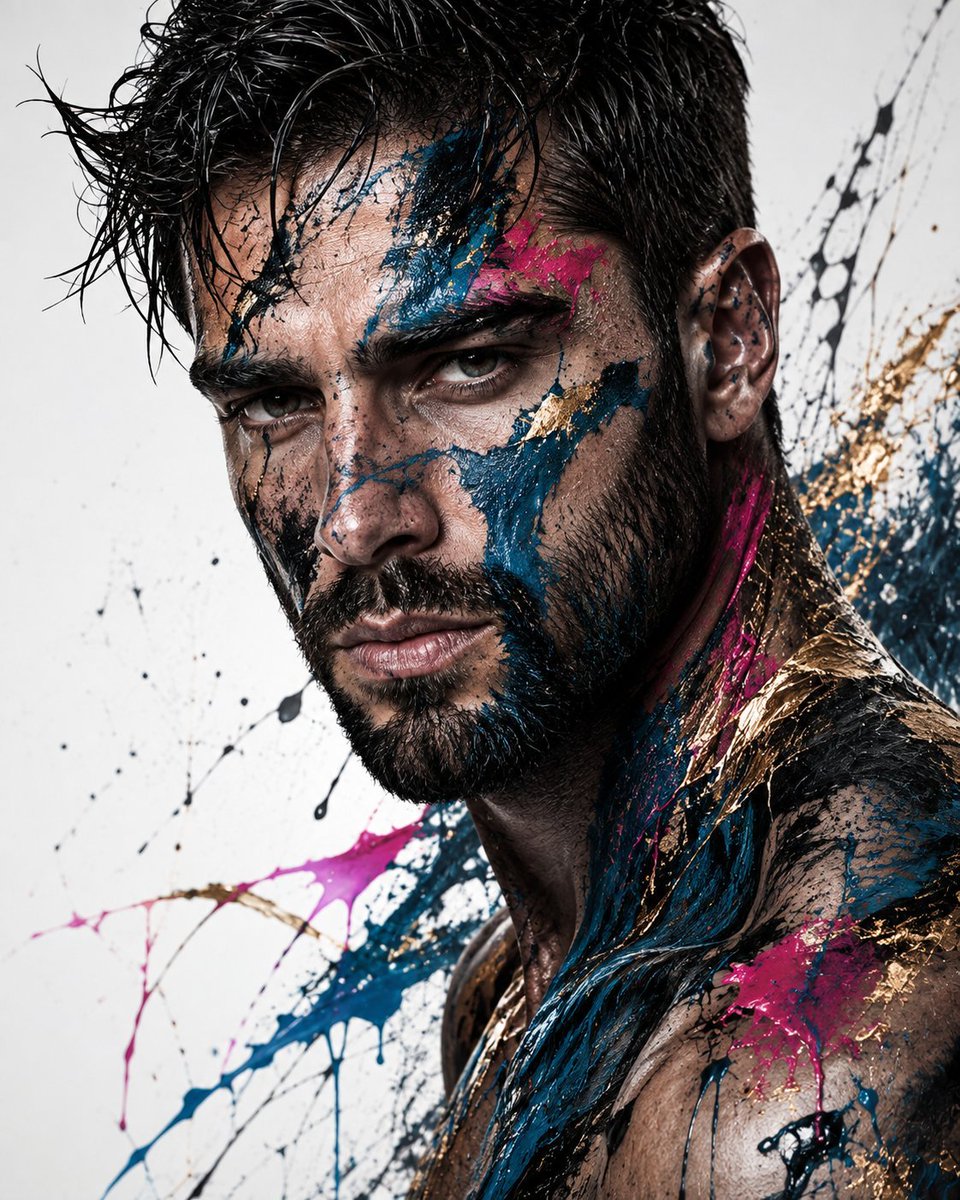
Abstract Fine-Art Editorial Portrait
Texte vers image
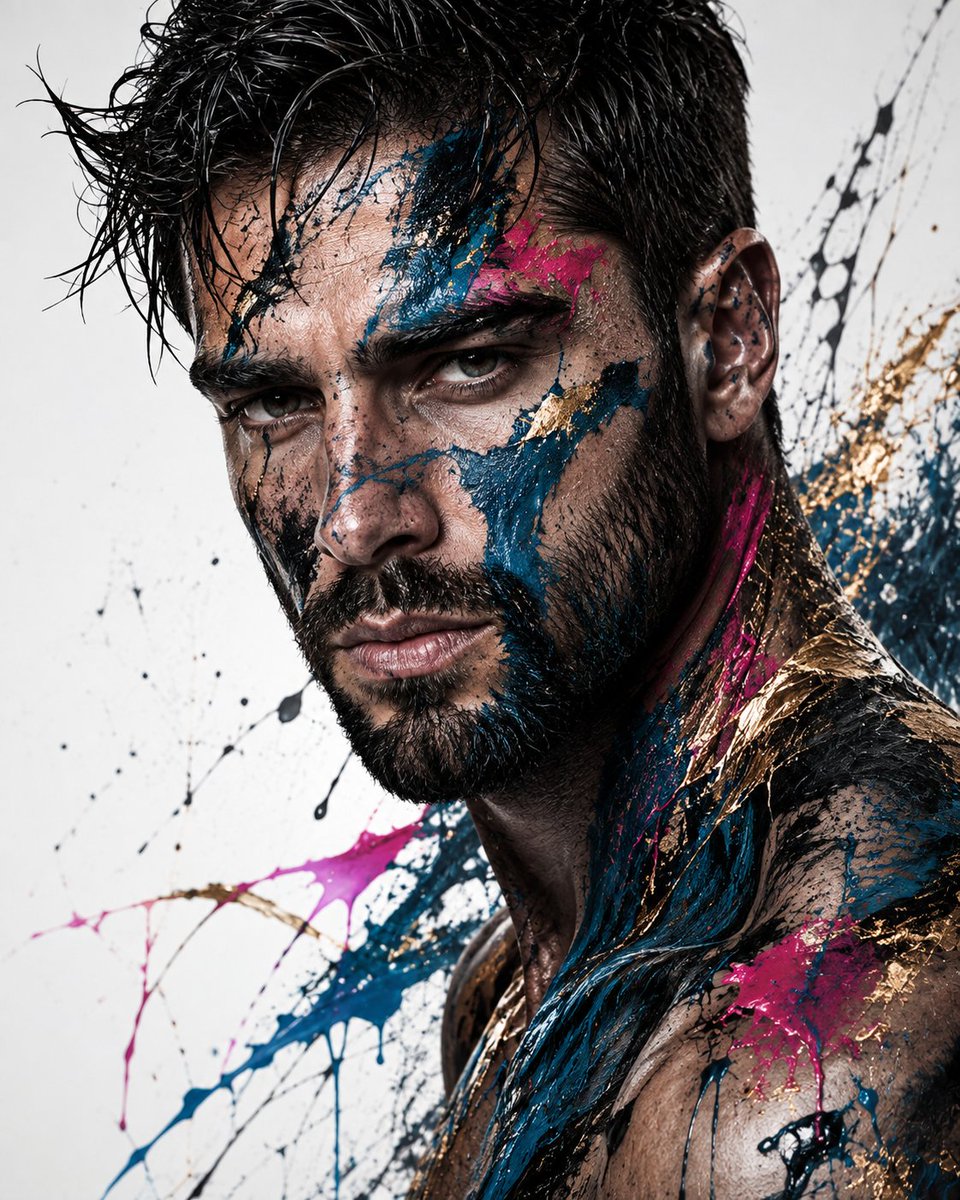
Editorial Male Portrait with Paint Splashes
Texte vers image
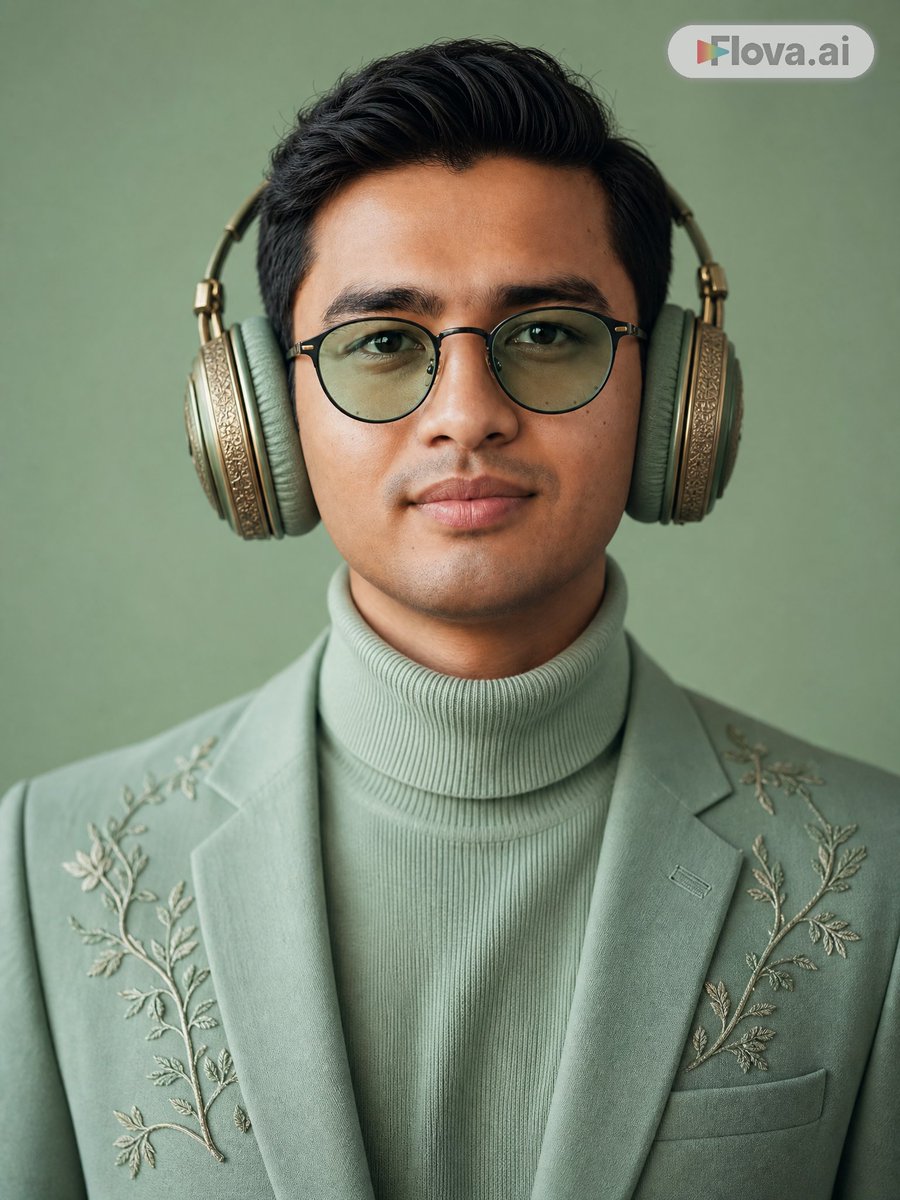
Mint Green Audiophile Portrait
Texte vers image
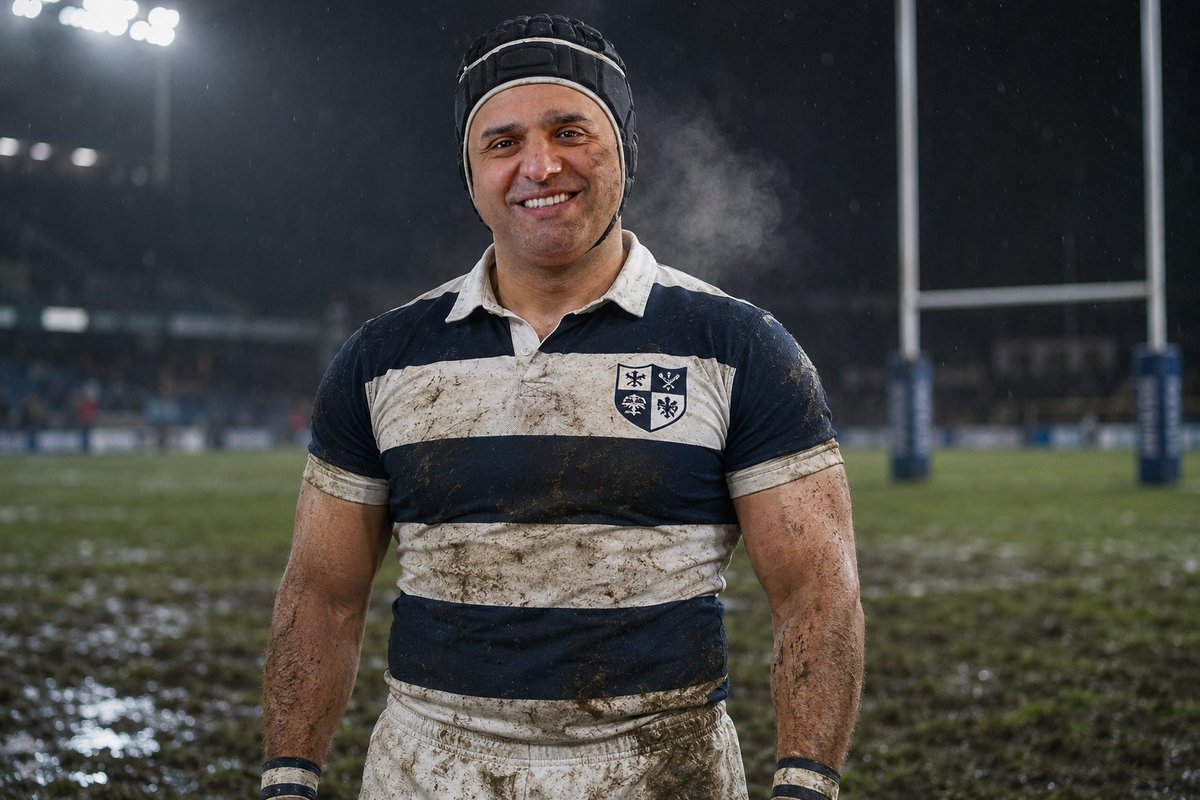
Night Rugby Player Portrait
Texte vers image
Réutilisation et notes de source
Utilisez cette invite en toute sécurité après avoir prévisualisé le dossier.
- 1.Copiez l'invite ou ouvrez-la directement dans Dovoo avec le bouton de génération.
- 2.Ajustez les variables, le format d'image et les images de référence en fonction de votre cas d'utilisation.
- 3.Avant toute publication ou utilisation payante, vérifiez les droits d'auteur, les exigences d'attribution et les risques liés à la marque ou à l'image.