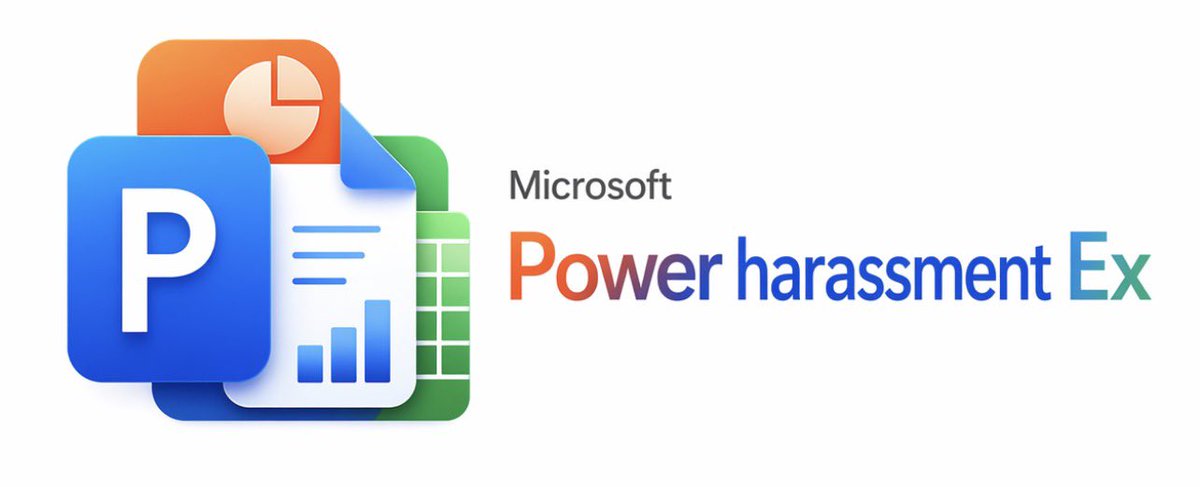
Bannière parodique de Microsoft Office
Une bannière de produit soignée, imitant le style de Microsoft, avec des icônes superposées de type Office et un titre de logiciel satirique, idéale pour les mèmes, les parodies de marques ou les publications sur les réseaux sociaux.
Il s'agit d'un exemple de visuel pour la catégorie { GPT Image 2 Graphique et affiche . Utilisez le visuel ci-dessous pour générer des éléments visuels similaires et vérifiez les conditions d'utilisation (attribution Awesome GPT Image 2 Prompts et droits d'utilisation commerciale) avant toute réutilisation.
Free 1K preview
Generate one preview image instantly, no sign-up required.
Prompt
invite prête à être copiée
A clean, minimalist white background promotional graphic in the style of official Microsoft product launches. On the left, create a layered, glossy 3D app icon cluster of 4 overlapping Office-style elements: in the foreground, a large blue rounded square tile with a bold white uppercase letter P; above and to the left, an orange rounded square tile with a light cream pie chart symbol; in the center, a white document page with the upper right corner folded, featuring 3 horizontal blue lines and 3 blue bar graphs near the bottom; and behind and to the right, a green rounded square spreadsheet tile with a white grid. Use soft shadows, subtle reflections, smooth rounded corners, and a refined modern Fluent Design aesthetic. On the right, place grey small text {argument name="brand text" default="Microsoft"} above a large rainbow gradient product title {argument name="product name" default="Power harassment Ex"}, with the gradient transitioning from orange-red to purple and blue, and finally to cyan. Maintain a wide and balanced composition, with the icon group occupying the left third, the text occupying the right two-thirds, and ample negative space. The edges should be crisp like a vector graphic, presenting a slightly humorous, fictional enterprise software parody aesthetic.Variables d'invite
Espaces réservés aux arguments modifiables présents dans l'invite, avec leurs valeurs par défaut.
Best for
- - Graphique et affiche visual exploration
- - Image generation and reference-image edits
- - Reusable briefs that keep source attribution visible
Change these parts
- - Subject, product, character, or scene
- - Aspect ratio, camera, lighting, and background
- - Brand, text, color, and output constraints
Recommended model and settings
- - Model: gpt-image-2
- - Input mode: Texte vers image
- - Aspect ratio: source
- - Commercial status: review original source
How to use this prompt
- 1. Copy the prompt and preserve its structure for the first test.
- 2. Replace the subject, context, and publishing channel.
- 3. Change one camera, lighting, or style variable per iteration.
- 4. Inspect the output, source, text, and rights before reuse.
Limitations, source, and reuse cautions
- - Generated output is an editable draft, not factual, legal, or rights evidence.
- - Review the linked source, people, brands, logos, text, and third-party media before commercial use.
Plus de cas dans cette catégorie
Priorisé par catégorie, compatibilité du mode d'entrée, qualité et risque moindre.






Réutilisation et notes de source
Utilisez cette invite en toute sécurité après avoir prévisualisé le dossier.
- 1.Copiez l'invite ou ouvrez-la directement dans Dovoo avec le bouton de génération.
- 2.Ajustez les variables, le format d'image et les images de référence en fonction de votre cas d'utilisation.
- 3.Avant toute publication ou utilisation payante, vérifiez les droits d'auteur, les exigences d'attribution et les risques liés à la marque ou à l'image.