
Kawaii AI Model Switch Machine
A cheerful square tech mascot illustration showing a robot switching an AI brain chip from Codex to GLM, useful for blog or social posts about changing AI models.
Il s'agit d'un exemple de visuel pour la catégorie { GPT Image 2 Illustration et art . Utilisez le visuel ci-dessous pour générer des éléments visuels similaires et vérifiez les conditions d'utilisation (attribution Awesome GPT Image 2 Prompts et droits d'utilisation commerciale) avant toute réutilisation.
Besoin de l'ensemble complet des invites ? Utilisez le Illustration et art Consultez le centre thématique pour plus d'exemples connexes, ou ouvrez le GPT Image 2 catalogue rapide pour l'index complet des exemples, les structures réutilisables et l'attribution des sources.
Free 1K preview
Generate one preview image instantly, no sign-up required.
1922/4000
Prompt
invite prête à être copiée
Create a cheerful square 1:1 kawaii tech illustration showing an AI model switch-over machine. The scene is a rounded beige control panel on a warm cream background. On the upper left of the panel, place a teal circuit-board chip labeled {argument name="left chip label" default="Codex"}, with a glowing cyan brain-shaped circuit icon, four visible corner screws, and a teal cable plugged into its bottom. On the upper right, place an orange/gold circuit-board chip labeled {argument name="right chip label" default="GLM"}, with a glowing yellow brain-shaped circuit icon, four visible corner screws, and a yellow cable plugged into its bottom. Between the chips, draw one orange arrow pointing from the left chip to the right chip to indicate switching. The right chip should emit warm glow rays and celebratory orange marks.

At the bottom center, show a physical lever console with the yellow cable routed into the lever slot; the lever is tilted toward the right and has an orange ball handle held by a cute small white robot on the right side. The robot has a glossy white rounded body, a black face screen with turquoise smiling eyes and mouth, teal ear-like side disks, a tiny antenna with a teal ball, dark blue joints, and a teal circular chest emblem with a simple smiling bot icon. Include exactly six round console buttons: two teal buttons on the left row, two gray buttons below them, one yellow button near the robot, and one orange button below it, plus one gray button further right. Add a potted green plant on the lower left, a teal mug with the same white smiling bot icon on the lower right, and a small teal star charm near the mug. Decorate the background with confetti strokes and sparkles in orange and teal. Use soft rounded shapes, clean outlines, gentle shadows, warm highlights, vector-like digital art, friendly startup mascot style, no photorealism, no extra text beyond the two chip labels.
Variables d'invite
Espaces réservés aux arguments modifiables présents dans l'invite, avec leurs valeurs par défaut.
Variable
left chip label
Défaut
Codex
Variable
right chip label
Défaut
GLM
Best for
- - Illustration et art visual exploration
- - Image generation and reference-image edits
- - Reusable briefs that keep source attribution visible
Change these parts
- - Subject, product, character, or scene
- - Aspect ratio, camera, lighting, and background
- - Brand, text, color, and output constraints
Recommended model and settings
- - Model: gpt-image-2
- - Input mode: Texte vers image
- - Aspect ratio: source
- - Commercial status: review original source
How to use this prompt
- 1. Copy the prompt and preserve its structure for the first test.
- 2. Replace the subject, context, and publishing channel.
- 3. Change one camera, lighting, or style variable per iteration.
- 4. Inspect the output, source, text, and rights before reuse.
Limitations, source, and reuse cautions
- - Generated output is an editable draft, not factual, legal, or rights evidence.
- - Review the linked source, people, brands, logos, text, and third-party media before commercial use.
Importé de Awesome GPT Image 2 Prompts . L'attribution est requise. Le statut d'utilisation commerciale est allowed ; veuillez vérifier les droits d'auteur avant toute utilisation payante.
Plus de cas dans cette catégorie
Priorisé par catégorie, compatibilité du mode d'entrée, qualité et risque moindre.
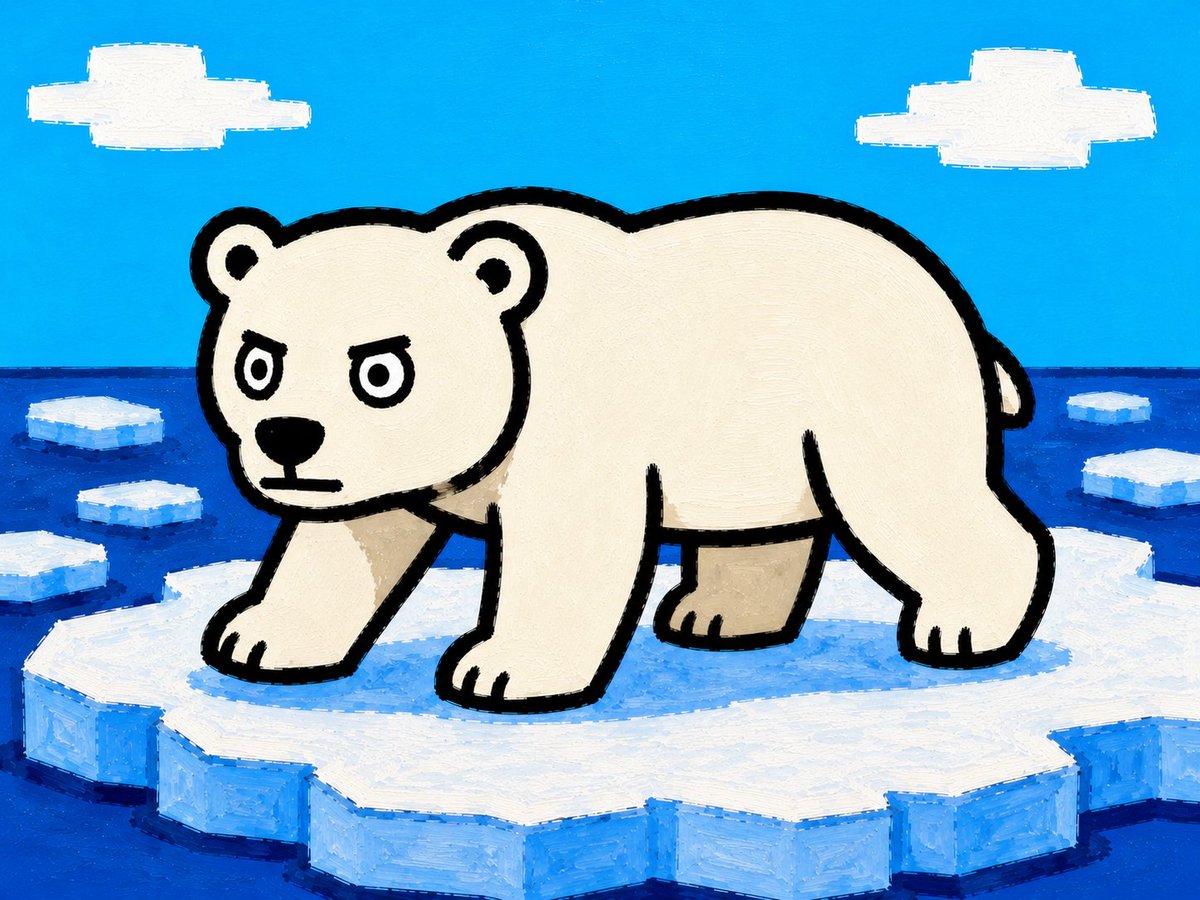
Cartoon Polar Bear on Ice Floe
Texte vers image
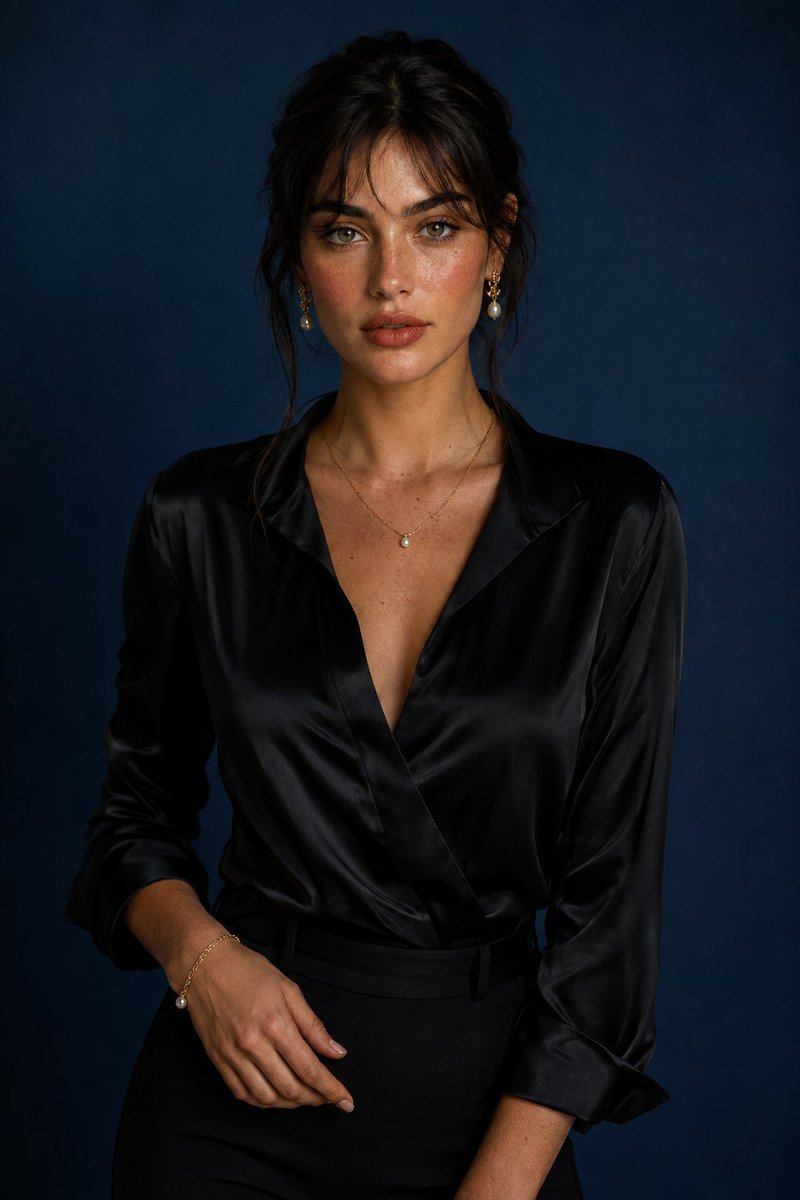
Luxury Studio Portrait with Blue Backdrop
Texte vers image
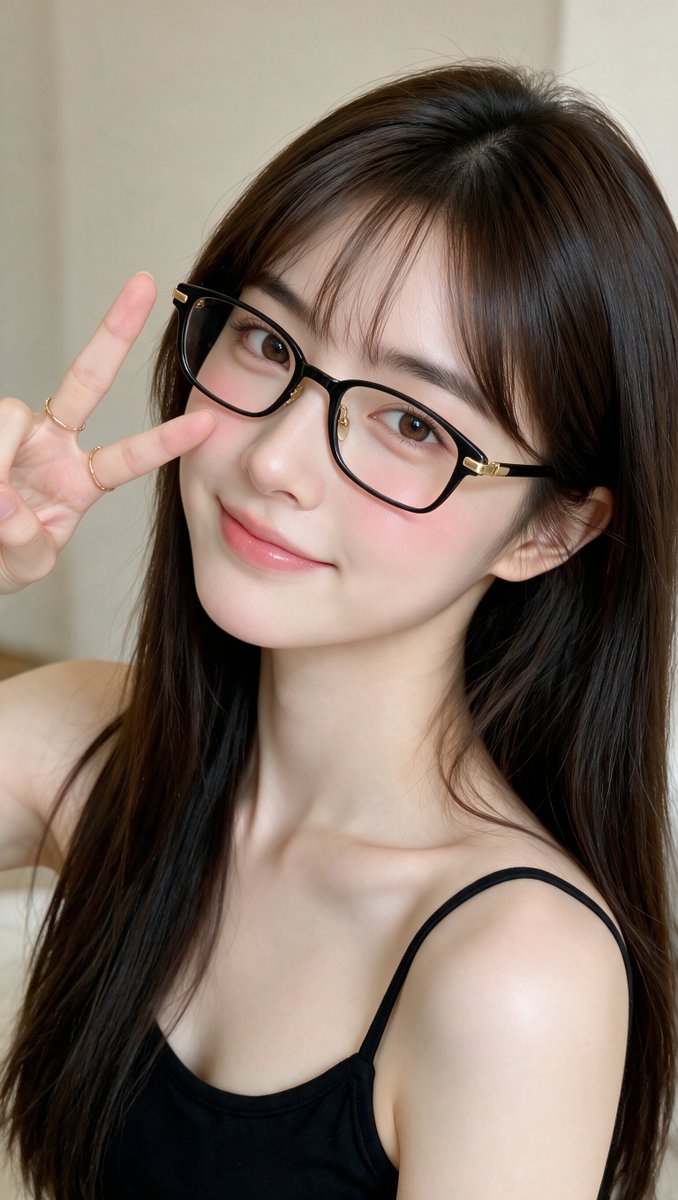
Realistic East Asian Woman Portrait
Texte vers image
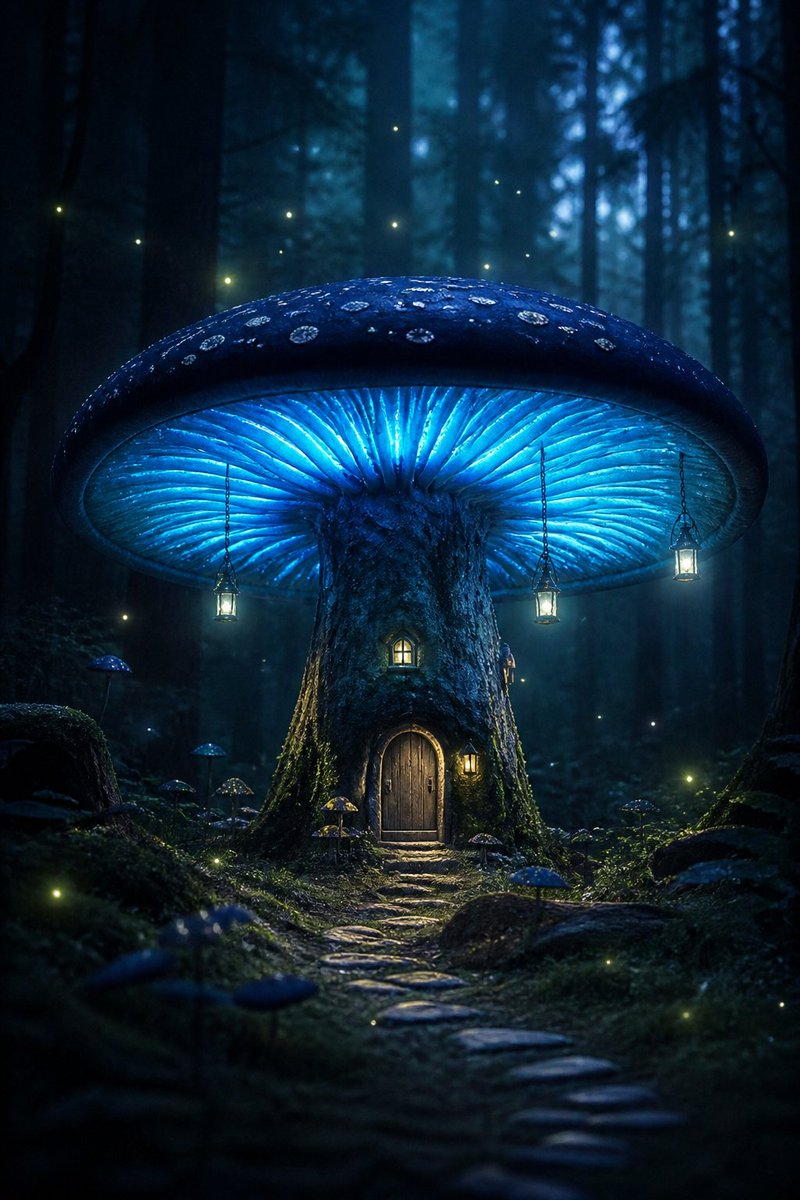
Bioluminescent Giant Mushroom in Dark Forest
Texte vers image
Surreal Action Sea Chess Knight
Texte vers image
The God Kneels Narrative Scene
Texte vers image
Réutilisation et notes de source
Utilisez cette invite en toute sécurité après avoir prévisualisé le dossier.
- 1.Copiez l'invite ou ouvrez-la directement dans Dovoo avec le bouton de génération.
- 2.Ajustez les variables, le format d'image et les images de référence en fonction de votre cas d'utilisation.
- 3.Avant toute publication ou utilisation payante, vérifiez les droits d'auteur, les exigences d'attribution et les risques liés à la marque ou à l'image.