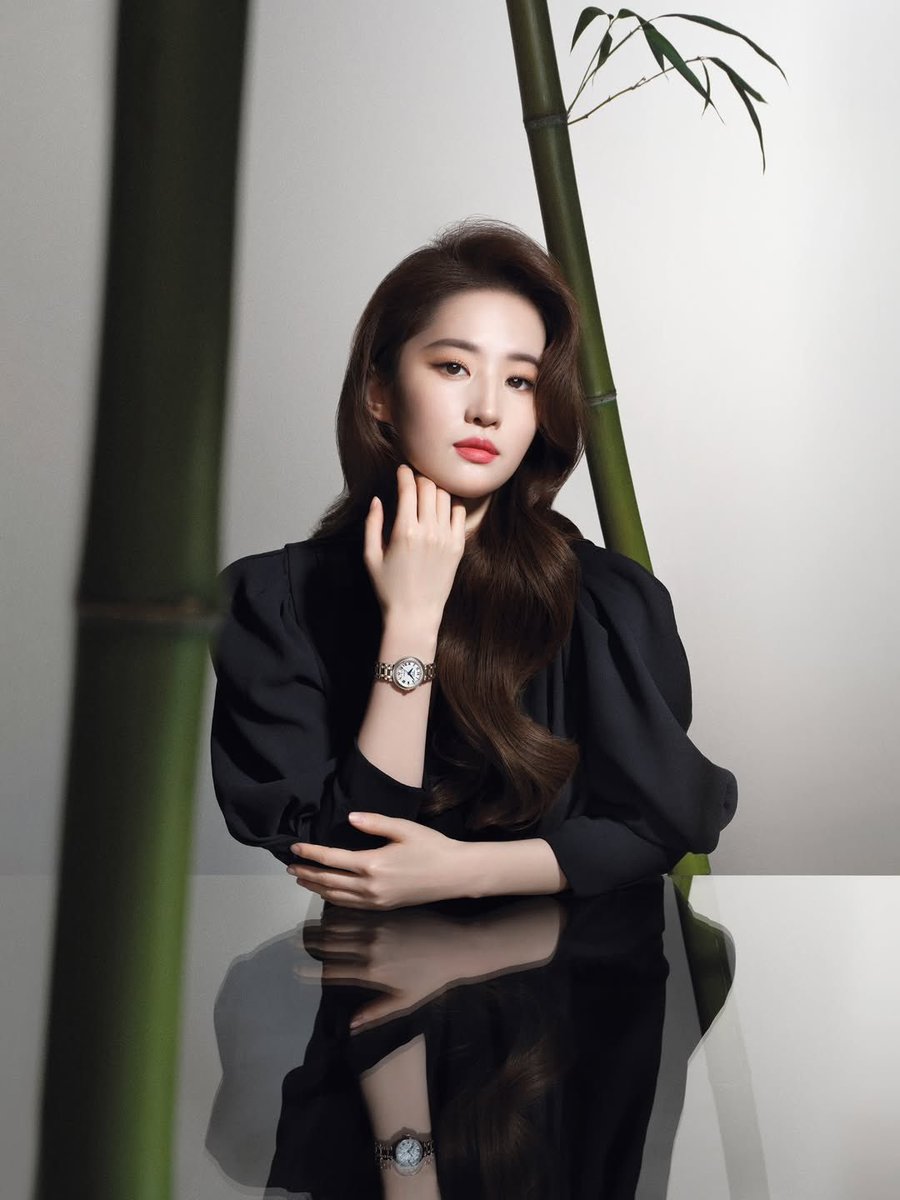
Cartoon Character GIF Sprite Sheet
A technical prompt designed for GPT Image 2.5 to generate a 4x4 sprite sheet of a character performing a continuous animation, perfect for creating smooth custom GIFs.
Il s'agit d'un exemple de visuel pour la catégorie { GPT Image 2 Illustration et art . Utilisez le visuel ci-dessous pour générer des éléments visuels similaires et vérifiez les conditions d'utilisation (attribution Awesome GPT Image 2 Prompts et droits d'utilisation commerciale) avant toute réutilisation.
Besoin de l'ensemble complet des invites ? Utilisez le Illustration et art Consultez le centre thématique pour plus d'exemples connexes, ou ouvrez le GPT Image 2 catalogue rapide pour l'index complet des exemples, les structures réutilisables et l'attribution des sources.
Free 1K preview
Generate one preview image instantly, no sign-up required.
Free text preview doesn’t preserve reference-image consistency.
737/4000
Prompt
invite prête à être copiée
Generate frames for a half-body GIF emoji pack of the character in the image in a cartoon Line style, ensuring the headwear and hairstyle are correct. Use a 4x4 layout to generate a total of 16 small images. These 16 images should depict continuous split actions of a "blowing a kiss" animation, which can be combined into a complete, smooth loop where the last frame cycles back to the first. Each of the 16 images should include the text "I love you" in a font that matches the image. Provide enough white space between the 16 images for easy cutting, ensuring each image stays within its area. Do not copy the original image exactly; only use the character. The background should be pure white without divider lines. Aspect ratio 1:1.
Best for
- - Illustration et art visual exploration
- - Image generation and reference-image edits
- - Reusable briefs that keep source attribution visible
Change these parts
- - Subject, product, character, or scene
- - Aspect ratio, camera, lighting, and background
- - Brand, text, color, and output constraints
Recommended model and settings
- - Model: gpt-image-2
- - Input mode: Image vers image
- - Aspect ratio: source
- - Commercial status: review original source
How to use this prompt
- 1. Copy the prompt and preserve its structure for the first test.
- 2. Replace the subject, context, and publishing channel.
- 3. Change one camera, lighting, or style variable per iteration.
- 4. Inspect the output, source, text, and rights before reuse.
Limitations, source, and reuse cautions
- - Generated output is an editable draft, not factual, legal, or rights evidence.
- - Review the linked source, people, brands, logos, text, and third-party media before commercial use.
Importé de Awesome GPT Image 2 Prompts . L'attribution est requise. Le statut d'utilisation commerciale est allowed ; veuillez vérifier les droits d'auteur avant toute utilisation payante.
Plus de cas dans cette catégorie
Priorisé par catégorie, compatibilité du mode d'entrée, qualité et risque moindre.

Oversized Head Cartoon Caricature Prompt
Image vers imageRisque moyen

Cute Focus Desk Flat Lay and Kawaii Illustration
Texte vers image

Sci-Fi Cyan Lighting Effect
Image vers image

Stylish Man Street Lamp Portrait
Image vers image

Cute Speech Bubble Mascot Profile Icon
Texte vers image

Boisterous Shrimpers Entering Pub
Texte vers image
Réutilisation et notes de source
Utilisez cette invite en toute sécurité après avoir prévisualisé le dossier.
- 1.Copiez l'invite ou ouvrez-la directement dans Dovoo avec le bouton de génération.
- 2.Ajustez les variables, le format d'image et les images de référence en fonction de votre cas d'utilisation.
- 3.Avant toute publication ou utilisation payante, vérifiez les droits d'auteur, les exigences d'attribution et les risques liés à la marque ou à l'image.