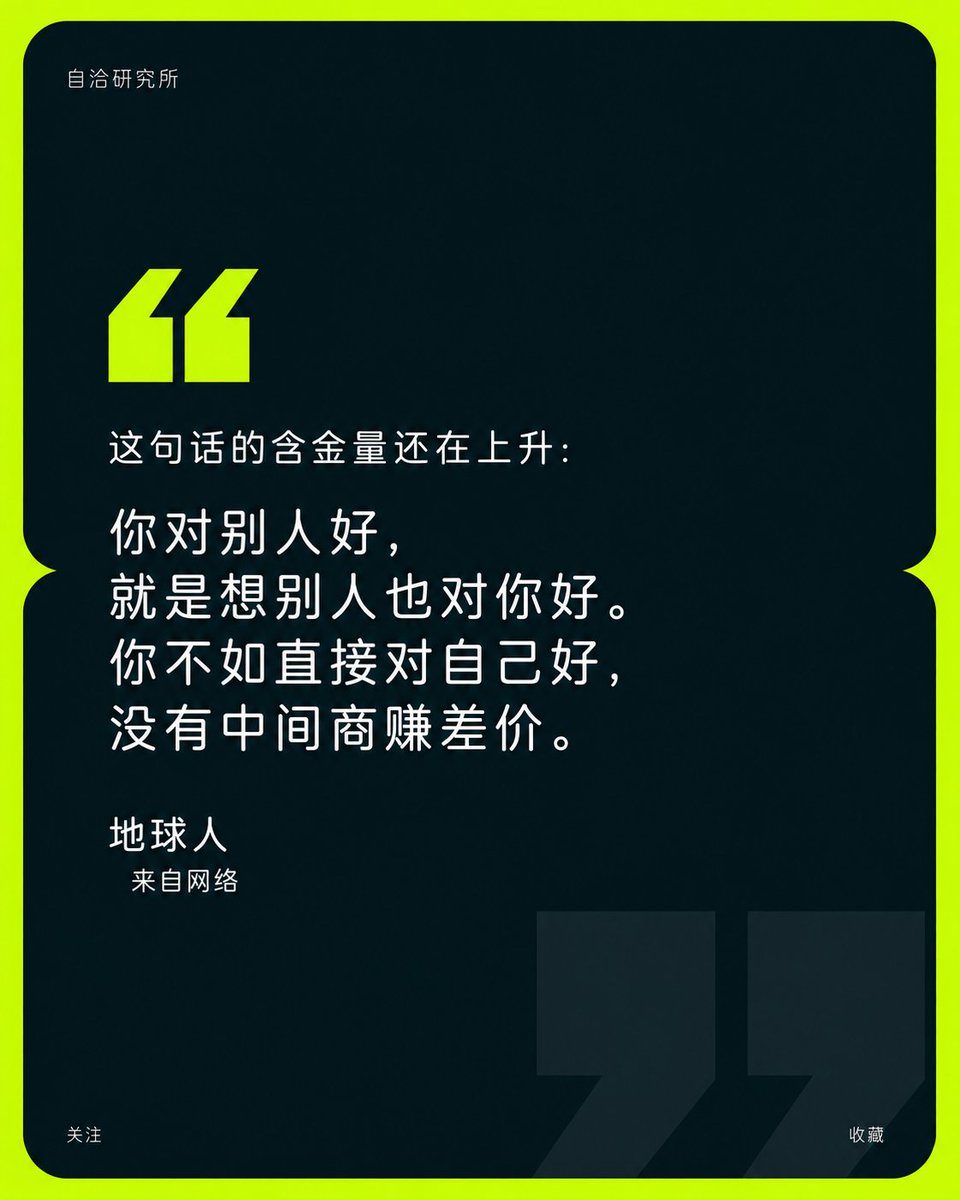
Branded Quote Quote Poster
A sophisticated poster prompt for brand quotes, featuring a dark rounded panel with oversized quotation marks and high-contrast accents.
Il s'agit d'un exemple de visuel pour la catégorie { GPT Image 2 Graphique et affiche . Utilisez le visuel ci-dessous pour générer des éléments visuels similaires et vérifiez les conditions d'utilisation (attribution Awesome GPT Image 2 Prompts et droits d'utilisation commerciale) avant toute réutilisation.
Besoin de l'ensemble complet des invites ? Utilisez le Graphique et affiche Consultez le centre thématique pour plus d'exemples connexes, ou ouvrez le GPT Image 2 catalogue rapide pour l'index complet des exemples, les structures réutilisables et l'attribution des sources.
Free 1K preview
Generate one preview image instantly, no sign-up required.
3205/4000
Prompt
invite prête à être copiée
Build a brand golden phrase poster centered on a quote based on any theme. Organize the screen into a dark rounded information panel that occupies almost the entire field of view, and use two vertically connected rounded areas in the middle to form a small recessed waist gap. The periphery retains only a circle of bright pure color, making the outer frame look like a high-energy ribbon enclosing a calm core. The upper half of the panel retains a large empty dark field, with a small brand logo near the top left inner margin; place a pair of eye-catching thick block-like starting quotation marks at the lower edge of the empty field, with diagonal upper ends and right-angled lower ends, closely aligned as a reading entry point. The main quote is placed in the left-middle section of the panel, arranged in three to four lines of loose large text in a light, geometric, and rounded sans-serif font, with varying line lengths but a stable left margin, the text carrying the main information weight; the author's name is in a medium-sized font on a separate line below, and the identity description is narrowed by another level and slightly indented, forming a clear jump in scale and reading rhythm from the quote to the signature. The panel continues with a broad dark field below, hiding a pair of extremely large ending quotation marks in the bottom right, using a solid dark shape slightly brighter than the panel, cut off by the edges at the bottom and right, echoing the small bright quotation marks above in distance, light/dark, and size, acting both as a faint watermark and stabilizing the bottom weight; the bottom corners retain only minimal follow and collect prompts to avoid competing with the center. Colors are derived from the emotions and industry semantics of the theme: select a high-brightness, high-saturation, clean, and energetic theme accent color for the peripheral base and starting quotation marks to create instant recognition with minimal but high-impact area; the interior uses a very deep low-brightness color under the same thematic warm/cool tendency to cover most of the area, the body text uses a near-white high-brightness neutral color, and the background giant quotation marks use a very low contrast deep tone, maintaining an emotional relationship of "bright periphery surrounding a restrained dark field." The whole adopts a pure digital vector surface with uniform color blocks, sharp edges, no gradients, no textures, and no 3D shadows; rounded corners, recessed connections, diagonally cut quotation marks, and strict left alignment form a geometric order. All brand names, quotes, signatures, and titles are regenerated from the current theme, with simple and credible language, retaining large sections of blank space and minimal information, preventing decorations, images, or redundant colors from weakening the cross-scale echo of the double quotes and the dominance of the golden phrase.

——————
Quote: {argument name="quote" default="You never really understand a person until you consider things from his point of view—until you climb into his skin and walk around in it."}
Signature: {argument name="signature" default="Earthling"}
From the Web
Variables d'invite
Espaces réservés aux arguments modifiables présents dans l'invite, avec leurs valeurs par défaut.
Variable
quote
Défaut
You never really understand a person until you consider things from his point of view—until you climb into his skin and walk around in it.
Variable
signature
Défaut
Earthling
Best for
- - Graphique et affiche visual exploration
- - Image generation and reference-image edits
- - Reusable briefs that keep source attribution visible
Change these parts
- - Subject, product, character, or scene
- - Aspect ratio, camera, lighting, and background
- - Brand, text, color, and output constraints
Recommended model and settings
- - Model: gpt-image-2
- - Input mode: Texte vers image
- - Aspect ratio: source
- - Commercial status: review original source
How to use this prompt
- 1. Copy the prompt and preserve its structure for the first test.
- 2. Replace the subject, context, and publishing channel.
- 3. Change one camera, lighting, or style variable per iteration.
- 4. Inspect the output, source, text, and rights before reuse.
Limitations, source, and reuse cautions
- - Generated output is an editable draft, not factual, legal, or rights evidence.
- - Review the linked source, people, brands, logos, text, and third-party media before commercial use.
Importé de Awesome GPT Image 2 Prompts . L'attribution est requise. Le statut d'utilisation commerciale est allowed ; veuillez vérifier les droits d'auteur avant toute utilisation payante.
Plus de cas dans cette catégorie
Priorisé par catégorie, compatibilité du mode d'entrée, qualité et risque moindre.

Luxury Brand Campaign Prompt Template
Texte vers image

Pink Hijab Mirror Selfie Portrait
Texte vers image

Spring Editorial Fashion Collage
Texte vers image
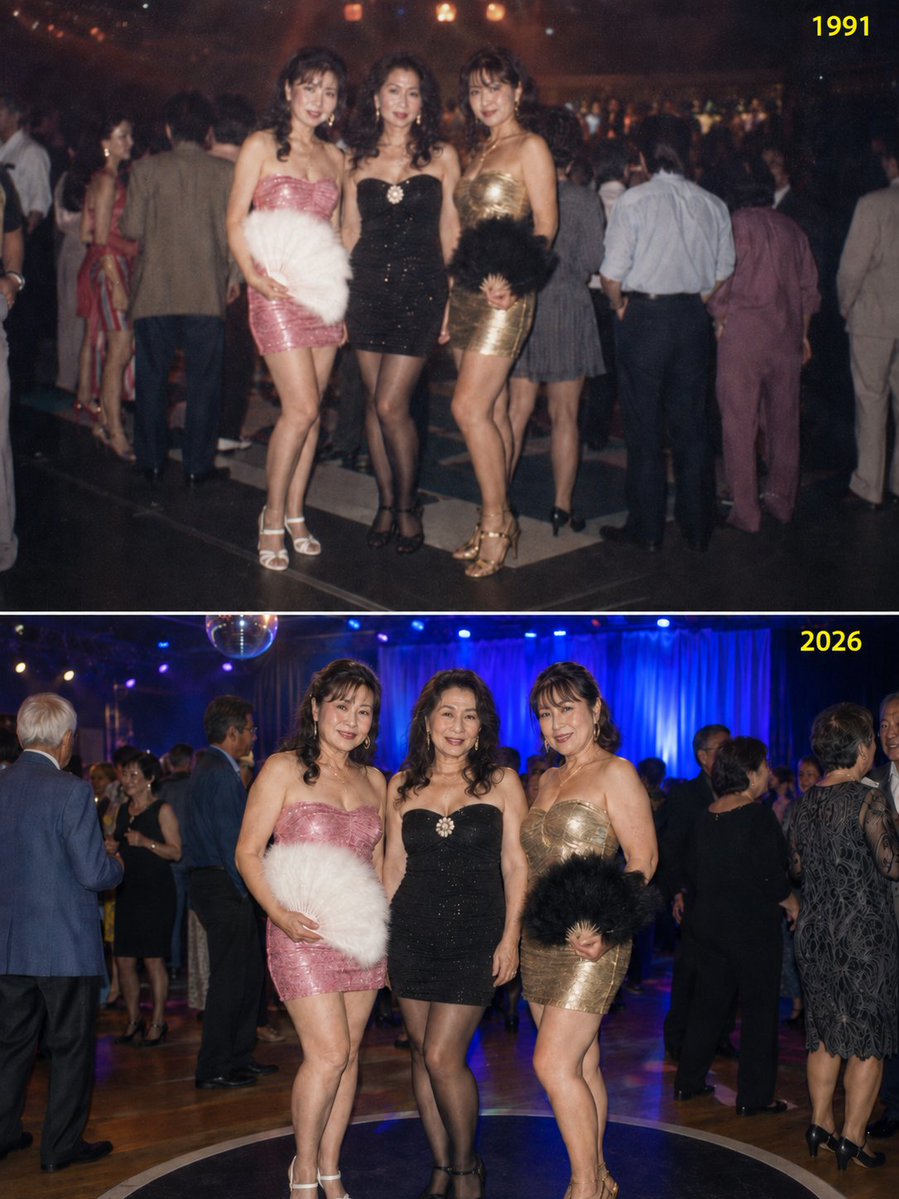
Disco Friends Reunion Comparison
Texte vers image

Fashion Studio Portrait with Blue Rim Lighting
Texte vers image
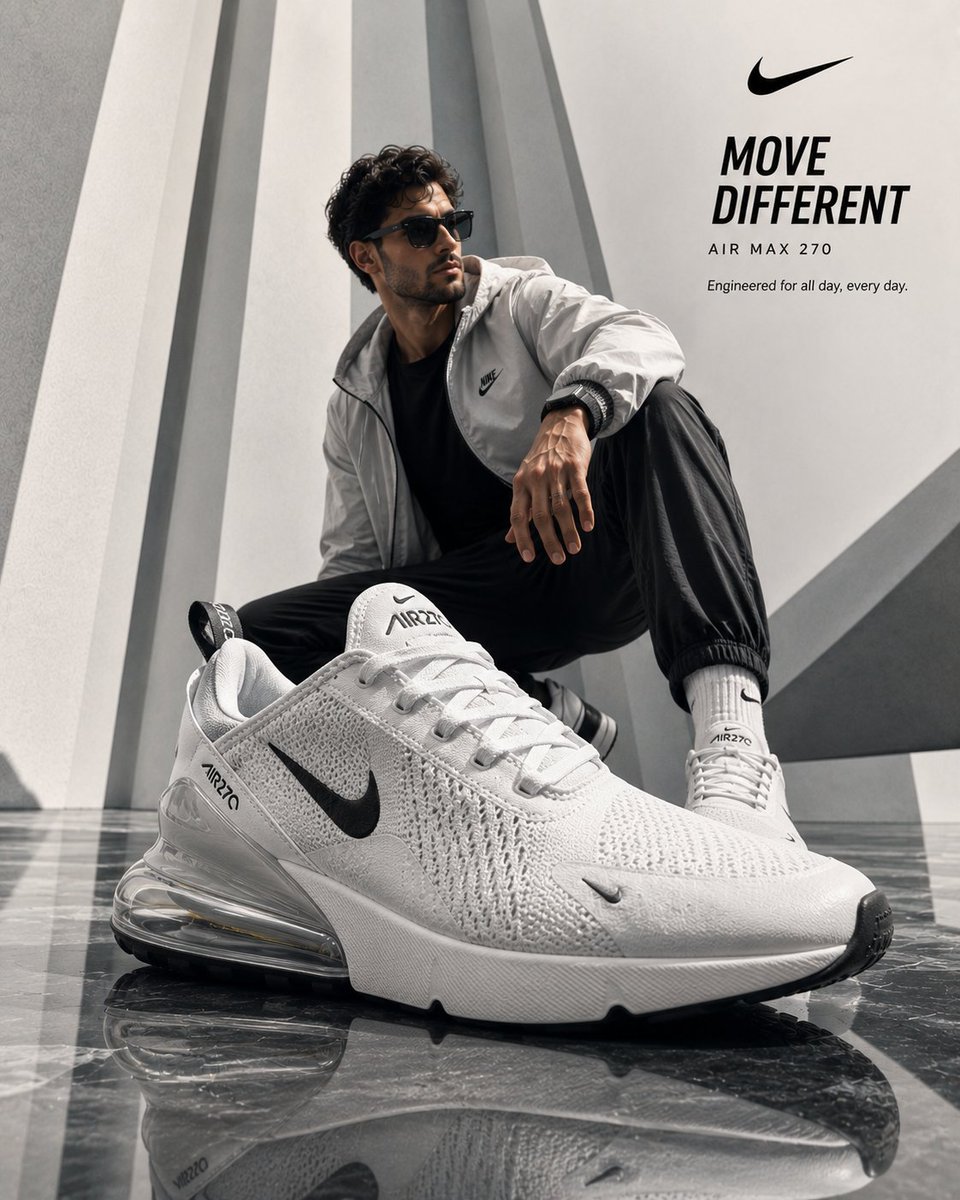
Luxury Product Ad Campaign Template
Texte vers image
Réutilisation et notes de source
Utilisez cette invite en toute sécurité après avoir prévisualisé le dossier.
- 1.Copiez l'invite ou ouvrez-la directement dans Dovoo avec le bouton de génération.
- 2.Ajustez les variables, le format d'image et les images de référence en fonction de votre cas d'utilisation.
- 3.Avant toute publication ou utilisation payante, vérifiez les droits d'auteur, les exigences d'attribution et les risques liés à la marque ou à l'image.