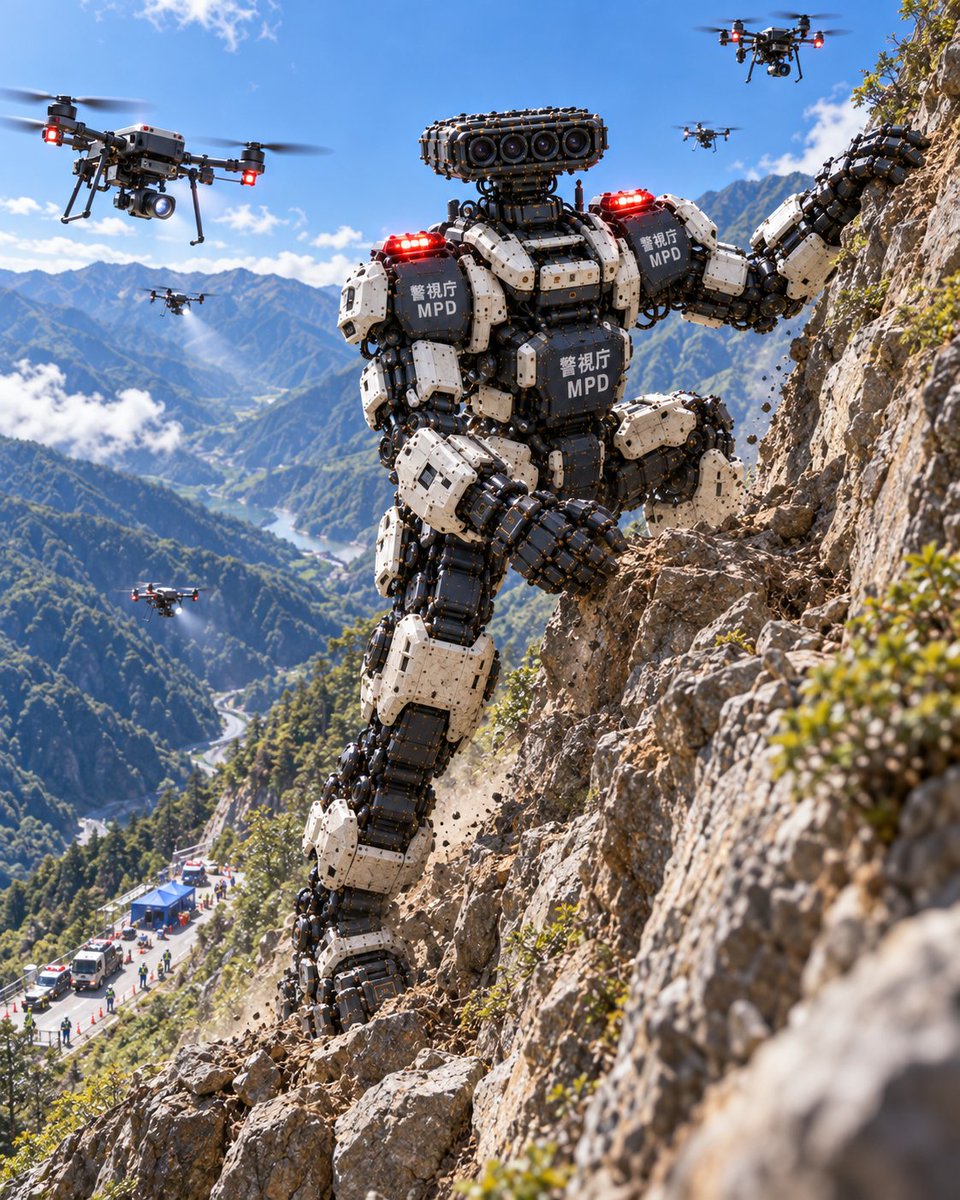
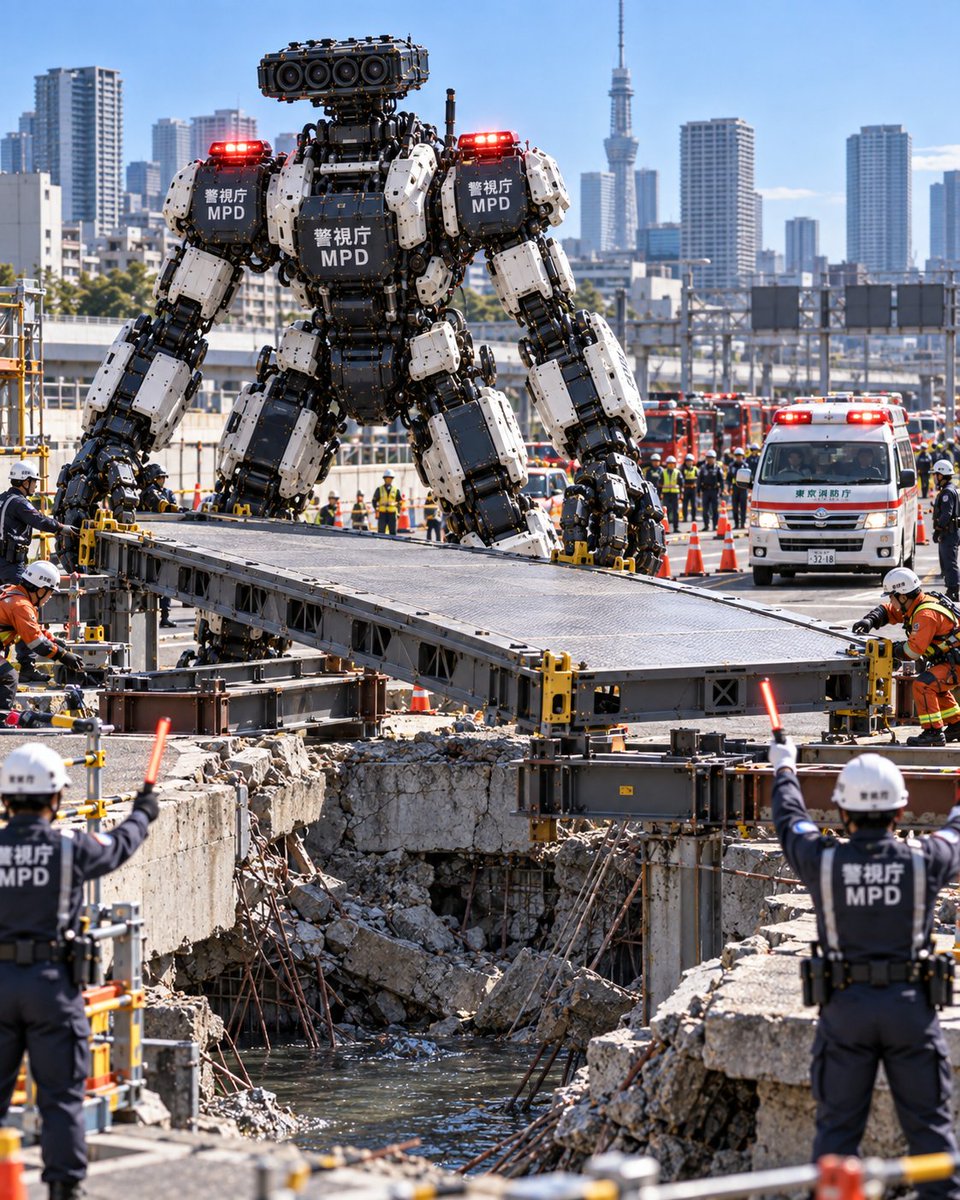
MPD Heavy Rescue Robot Climbing Mountain
A realistic depiction of a giant Metropolitan Police Department rescue robot scaling a cliff during a mountain training exercise, accompanied by support drones.
Este es un ejemplo GPT Image 2 para Retrato y personaje . Utilice la plantilla lista para copiar que aparece a continuación para generar imágenes similares y revise la atribución de Awesome GPT Image 2 Prompts y los derechos de uso comercial antes de reutilizarla.
¿Necesitas el conjunto completo de indicaciones? Usa el Retrato y personaje centro de temas para ver más ejemplos relacionados, o abra el GPT Image 2 catálogo de avisos Para ver el índice completo de ejemplos, las estructuras reutilizables y la atribución de fuentes.
Free 1K preview
Generate one preview image instantly, no sign-up required.
301/4000
Prompt
Mensaje listo para copiar
一个超写实的电影感广角镜头,展示了一台巨大的双足救援机器人正在攀登陡峭崎岖的山崖。该机器人由重型工业机械部件构成,具有黑白相间的分段装甲板,可见液压活塞和机械关节。在胸部和肩部装甲板上,清晰印有“警视厅”和粗体白色文字的“MPD”标识。其肩部有两盏红色警示灯发光。机器人的头部并非人类形态,而是安装在类似颈部结构上的传感器阵列,形似相机镜头组。机器人周围有四架大型四旋翼无人机在空中悬停,部分无人机喷出水雾或发射信号。背景中,远处下方可见蜿蜒穿过郁郁葱葱山谷的道路,以及应急车辆和蓝色指挥帐篷,表明这是一个活跃的救援作业现场。光线为明亮的日光,阴影锐利,强调了金属质感以及机器与自然地貌相比的巨大规模。
Best for
- - Retrato y personaje visual exploration
- - Image generation and reference-image edits
- - Reusable briefs that keep source attribution visible
Change these parts
- - Subject, product, character, or scene
- - Aspect ratio, camera, lighting, and background
- - Brand, text, color, and output constraints
Recommended model and settings
- - Model: gpt-image-2
- - Input mode: Texto a imagen
- - Aspect ratio: source
- - Commercial status: review original source
How to use this prompt
- 1. Copy the prompt and preserve its structure for the first test.
- 2. Replace the subject, context, and publishing channel.
- 3. Change one camera, lighting, or style variable per iteration.
- 4. Inspect the output, source, text, and rights before reuse.
Limitations, source, and reuse cautions
- - Generated output is an editable draft, not factual, legal, or rights evidence.
- - Review the linked source, people, brands, logos, text, and third-party media before commercial use.
Importado de Awesome GPT Image 2 Prompts . Se requiere atribución. El estado de uso comercial es allowed ; revise los derechos de la fuente antes de su uso comercial.
Más casos en esta categoría
Priorizados por categoría, compatibilidad con el modo de entrada, calidad y menor riesgo.


Notas sobre la reutilización y la fuente
Utilice esta opción de forma segura después de previsualizar el caso.
- 1.Copia la solicitud o ábrela directamente en Dovoo con el botón de generación.
- 2.Ajusta las variables, la relación de aspecto y las imágenes de referencia según tus necesidades.
- 3.Antes de publicar o utilizar el servicio de forma remunerada, verifique los derechos de autor, los requisitos de atribución y los riesgos relacionados con la marca o la imagen de la persona.