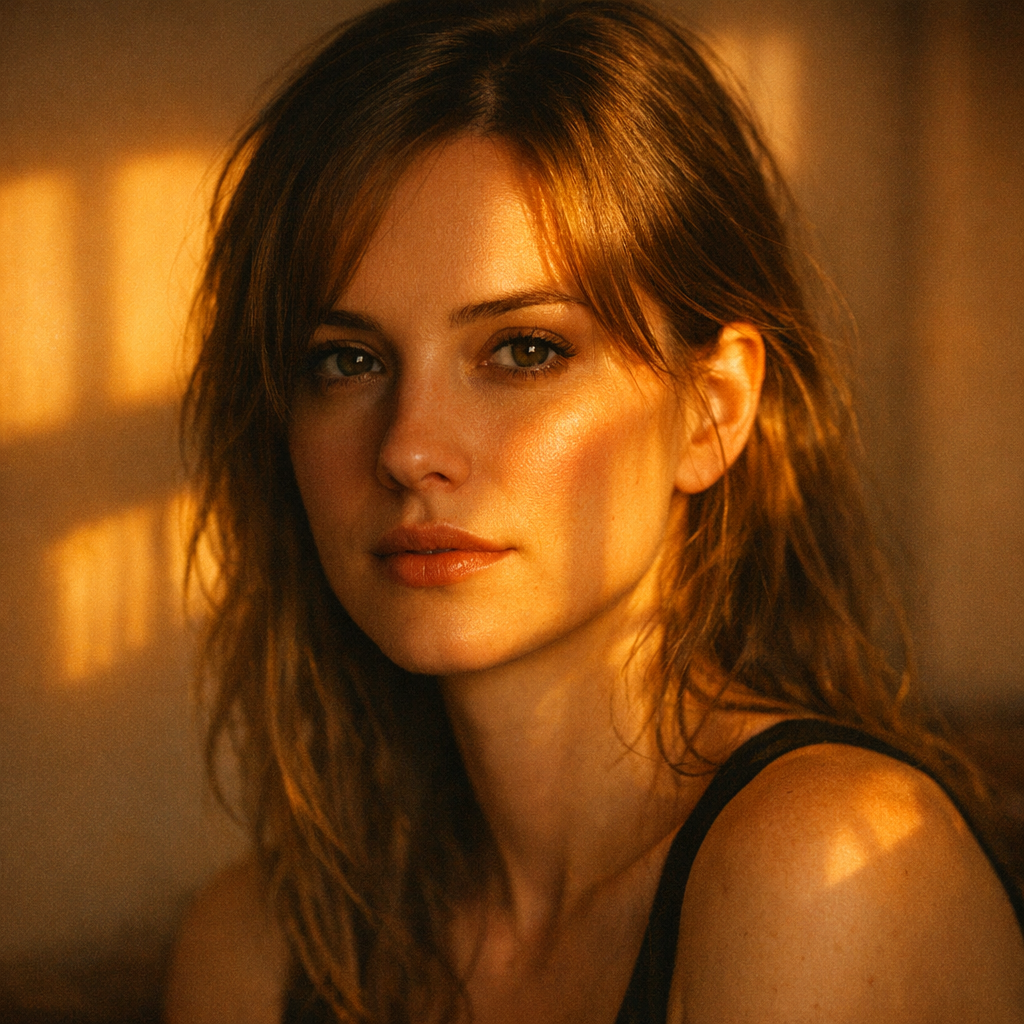
Sun filter
Source-attributed Nano Banana Pro image prompt from the Awesome Nano Banana Pro Prompts repository with preview image and reuse review notes.
Dies ist ein Nano Banana Pro -Prompt für Portrait Photography . Verwenden Sie den unten stehenden, kopierfertigen Prompt, um ähnliche Grafiken zu erstellen, und überprüfen Sie vor der Wiederverwendung Awesome Nano Banana Pro Prompts -Quellenangaben sowie die kommerziellen Nutzungsrechte.
Benötigen Sie den vollständigen Prompt-Satz? Verwenden Sie den Portrait Photography Weitere verwandte Beispiele finden Sie im Themen-Hub oder öffnen Sie die Nano Banana Pro Prompt-Katalog für das vollständige Beispielverzeichnis, wiederverwendbare Strukturen und Quellenangaben.
Eingabeaufforderung
Kopierfertige Eingabeaufforderung
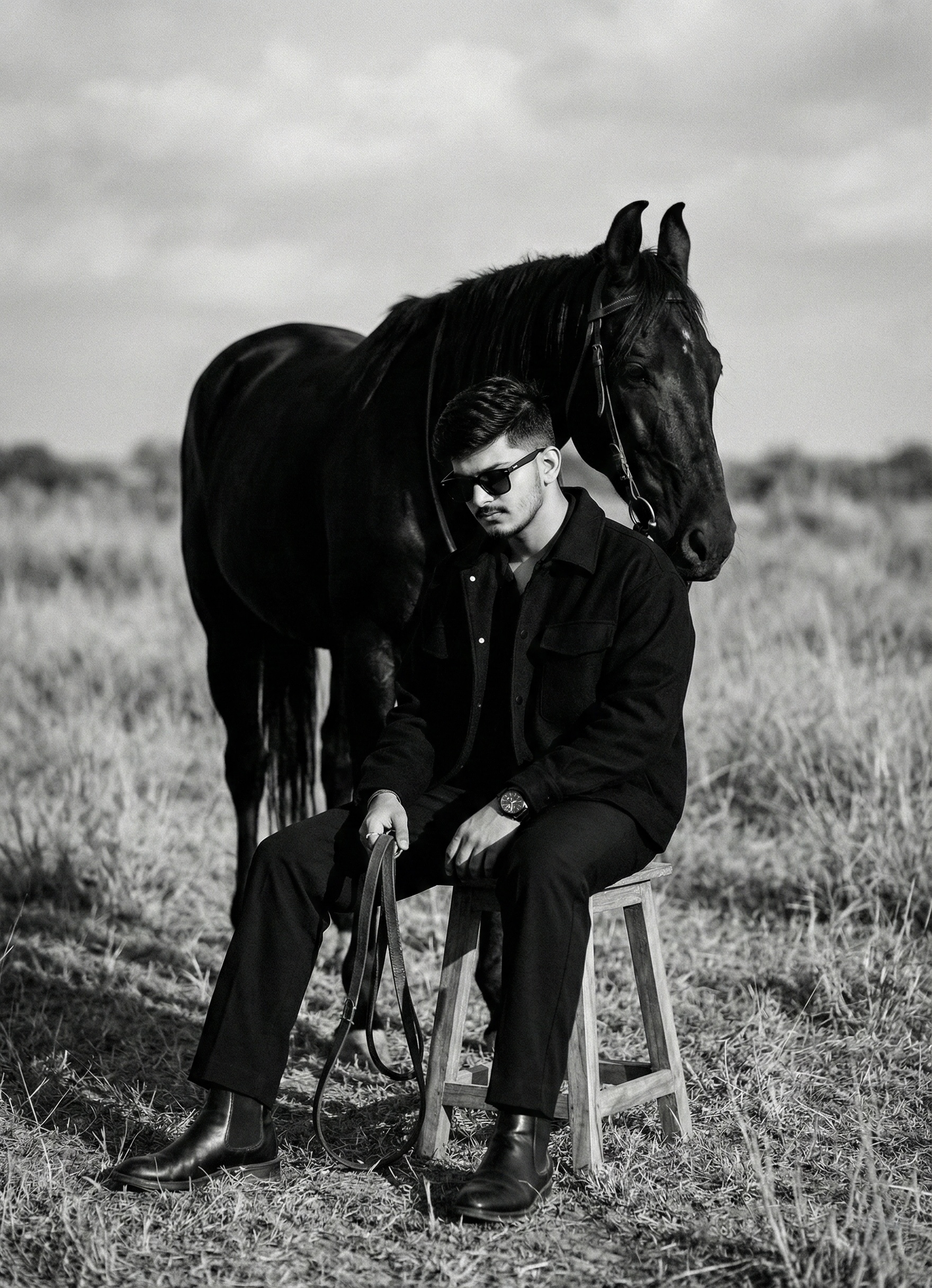
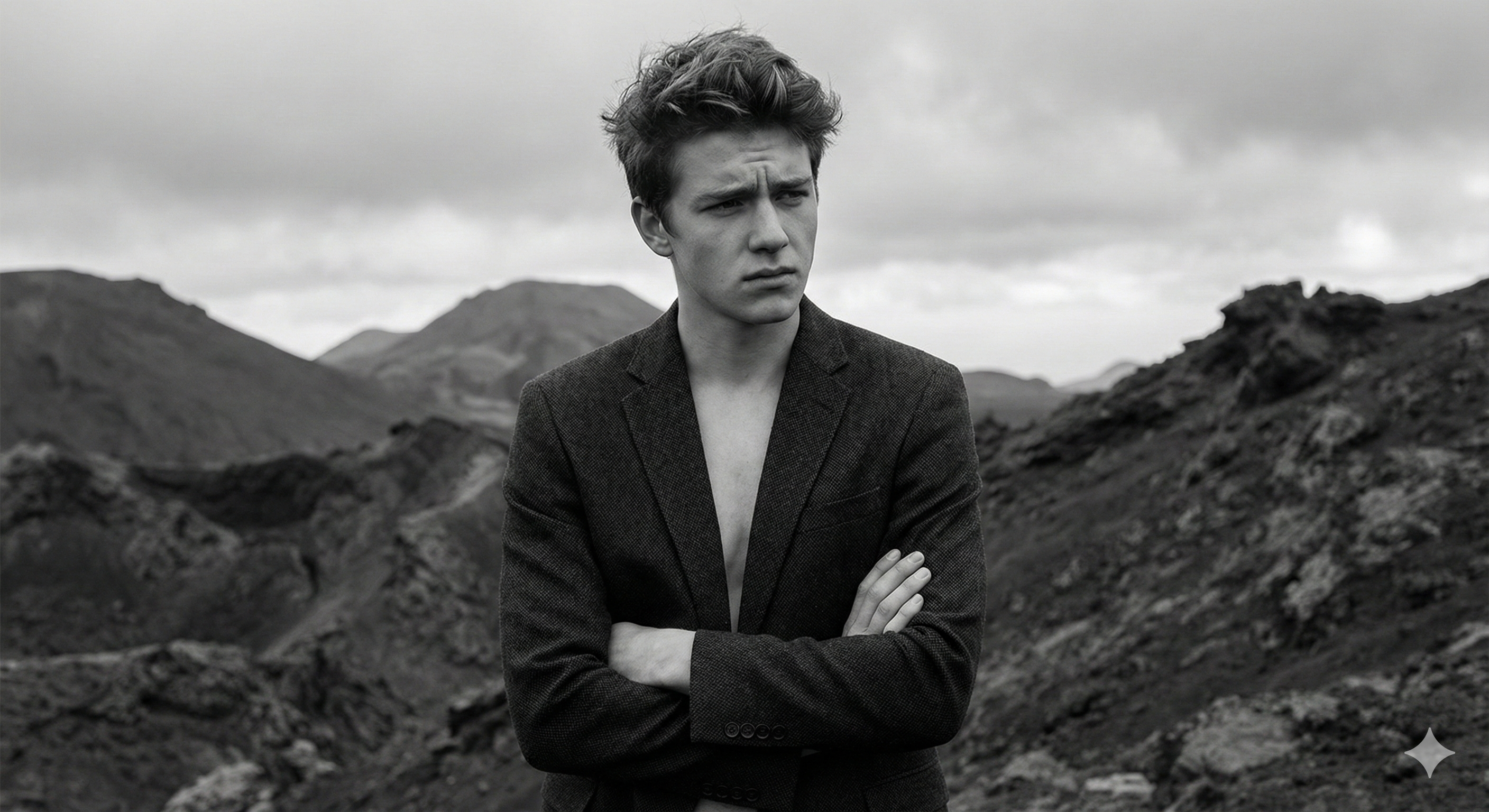
Turn this image into a cinematic indoor portrait photograph captured at golden hour, shot at eye level with a slight downward tilt. The camera is positioned close for an intimate framing, using a full-frame DSLR or mirrorless camera with an 85mm prime lens at f/1.8 for shallow depth of field. Natural sunlight streams through a window from the side, casting warm orange light and long rectangular shadows across the wall and partially across the subject’s face. The lighting creates strong contrast between illuminated and shaded areas, producing a moody, contemplative atmosphere. Soft ambient bounce light subtly fills the shadows without eliminating them.

The image has a warm color temperature (around 5200–5800K), with gentle highlights and controlled blacks. Minimal post-processing: slight contrast boost, mild clarity, subtle film grain, and a soft cinematic color grade emphasizing amber and neutral tones. No artificial lighting, no flash. Background remains softly out of focus, preserving a calm, intimate, and realistic indoor setting.
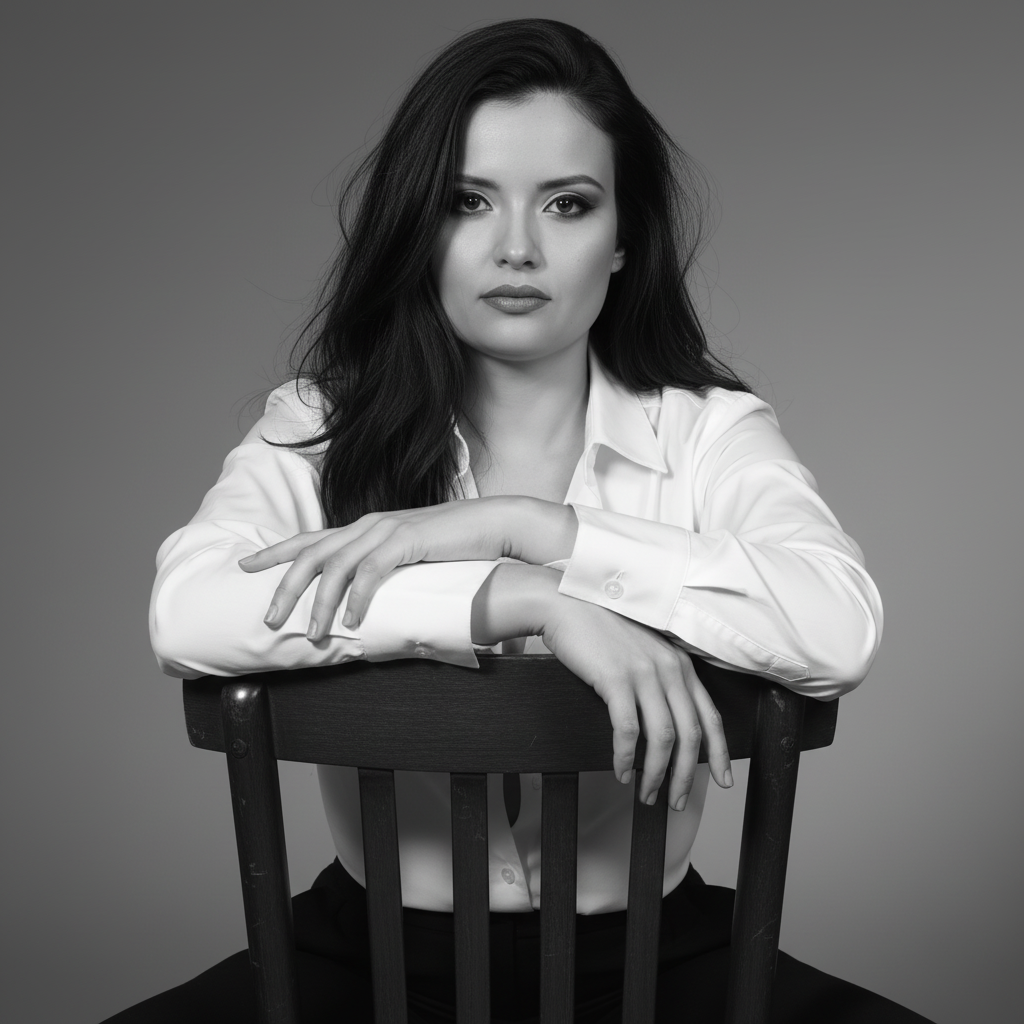
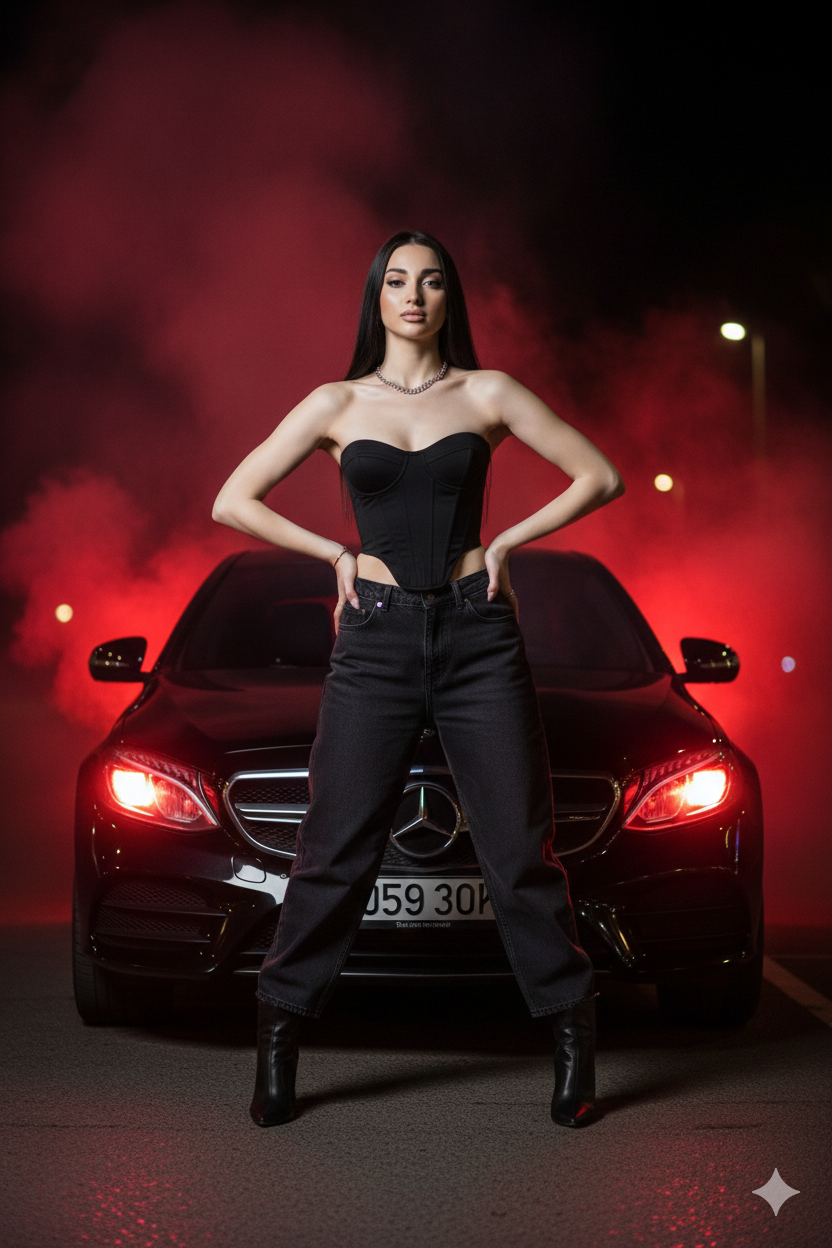
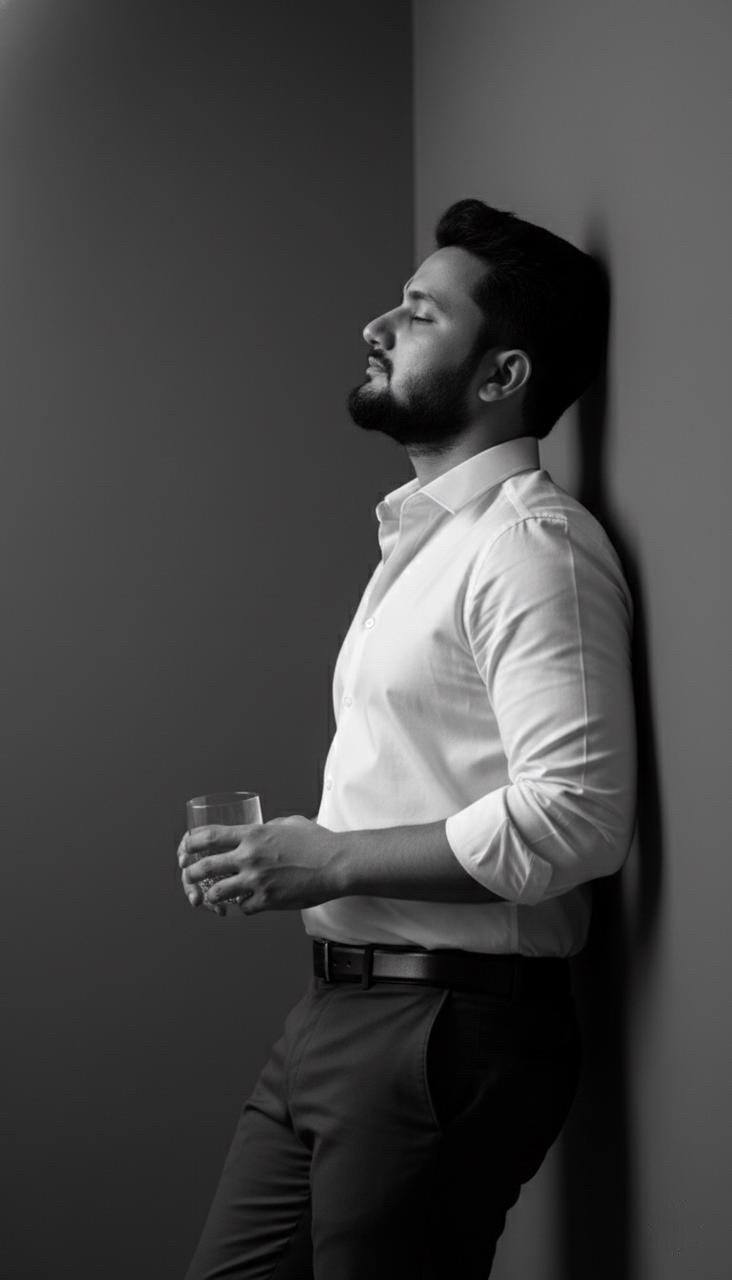
Weitere Fälle in dieser Kategorie
Priorisiert nach Kategorie, Kompatibilität der Eingabemodi, Qualität und geringerem Risiko.

Hinweise zur Wiederverwendung und Quellenangabe
Verwenden Sie diese Eingabeaufforderung sicher, nachdem Sie den Fall in der Vorschau angezeigt haben.
- 1.Kopieren Sie die Eingabeaufforderung oder öffnen Sie sie direkt in Dovoo mit der Schaltfläche „Generieren“.
- 2.Passen Sie Variablen, Seitenverhältnis und Referenzbilder an Ihren Anwendungsfall an.
- 3.Vor der Veröffentlichung oder kostenpflichtigen Nutzung sollten Sie die Rechte an der Quelle, die Anforderungen an die Namensnennung sowie die Risiken für die Marke oder das Abbild prüfen.