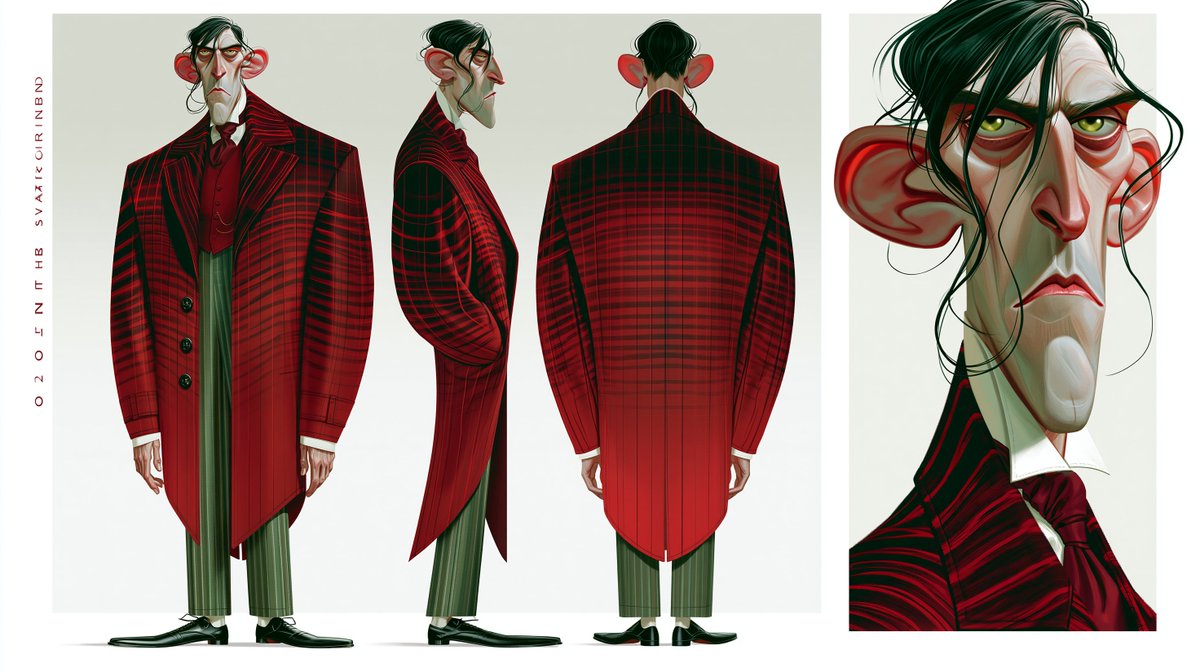
Gothic Villain Character Sheet
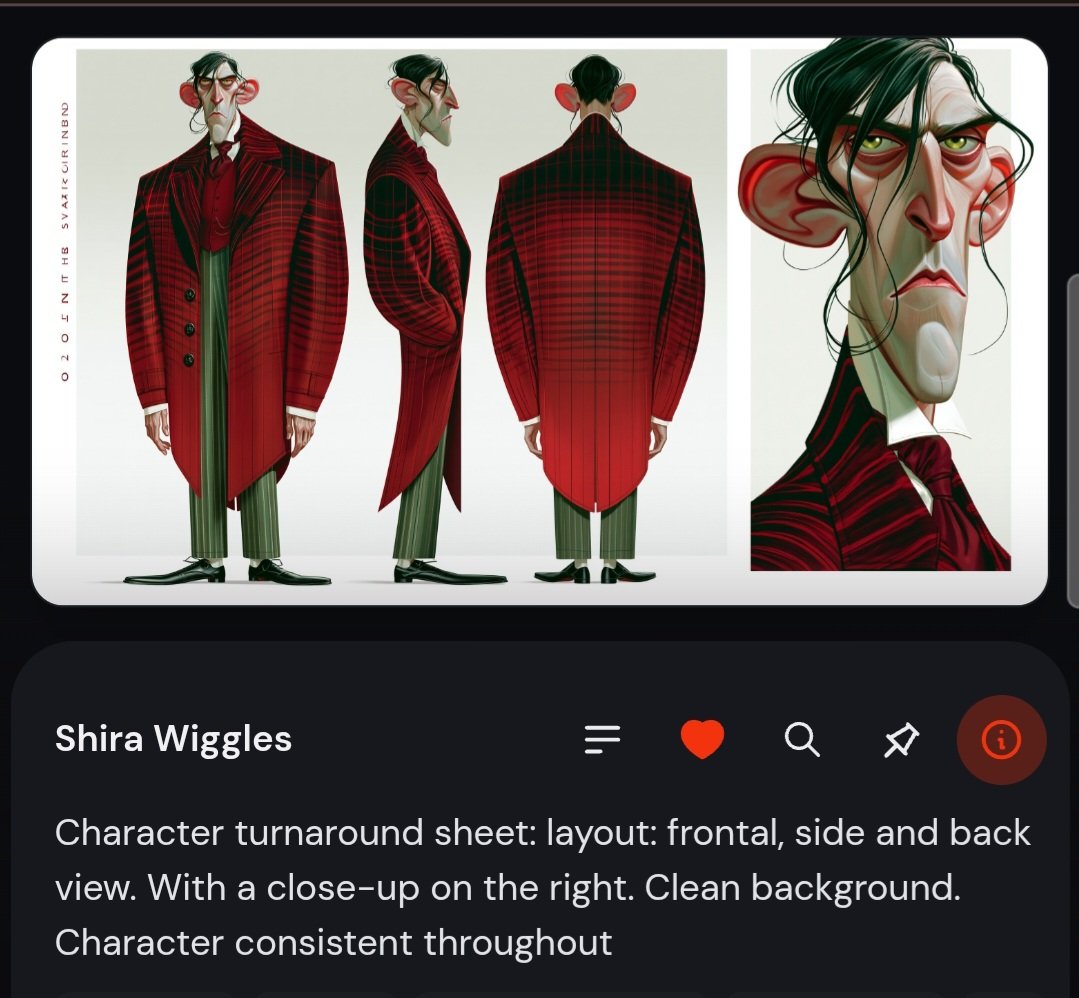
A stylized animation character turnaround sheet showing a gaunt aristocratic villain in full-body front, side, back views and a detailed portrait close-up.
Dies ist ein GPT Image 2 -Prompt für Porträt & Charakter . Verwenden Sie den unten stehenden, kopierfertigen Prompt, um ähnliche Grafiken zu erstellen, und überprüfen Sie vor der Wiederverwendung Awesome GPT Image 2 Prompts -Quellenangaben sowie die kommerziellen Nutzungsrechte.
Free 1K preview
Generate one preview image instantly, no sign-up required.
Eingabeaufforderung
Kopierfertige Eingabeaufforderung
Goal: Create a stylized animated-film character design sheet for {argument name="character name" default="a severe aristocratic villain"}, showing consistent costume and facial design from multiple angles.

Canvas: Wide horizontal character reference sheet, approximately 16:9, with an off-white studio background and clean white margins. Split the page into two main panels: a large left panel for full-body turnarounds and a narrower right panel for a dramatic portrait close-up.

Layout: Include exactly 4 character depictions total: 1 front full-body view on the left, 1 side profile full-body view in the center, 1 rear full-body view on the right side of the large panel, and 1 large close-up head-and-shoulders portrait in the separate right panel. Add a thin vertical column of small red decorative lettering along the far left margin, reading like abstract production-sheet text.

Subject details: The character is extremely tall, gaunt, and angular, with a long pale greenish-gray face, sharp hooked nose, heavy red under-eye shadows, drooping eyelids, yellow-green eyes, thin downturned lips, an elongated chin, and exaggerated large red ears. He has messy black hair swept over one eye, with loose stringy strands falling across the face. His expression is stern, tired, suspicious, and aristocratic.

Costume: Dress him in a dramatic {argument name="coat color and pattern" default="deep crimson and black plaid"} long tailcoat with broad squared shoulders, high collar, oversized lapels, black buttons, tapered waist, and long pointed tails. Under it he wears a dark red waistcoat, white shirt collar, and a large burgundy cravat. He has narrow {argument name="trouser color" default="muted olive-green striped"} trousers cropped above polished black formal shoes. The rear view should emphasize the long structured back of the coat and the plaid grid wrapping around the shoulders.

Visual style: High-end 3D animation concept art with painterly digital rendering, exaggerated caricature proportions, sharp graphic shapes, elegant gothic mood, subtle gradients, clean silhouette design, and polished studio lighting. Use saturated reds and blacks against pale skin and muted green clothing accents. The portrait close-up should be more detailed, with visible brush strokes in the hair, skin planes, eye bags, ears, and collar.

Constraints: Keep the character design identical across all 4 depictions. Do not add props, scenery, logos, or extra characters. Keep the background minimal and uncluttered, like a professional animation production turnaround sheet.
Eingabeaufforderungsvariablen
In der Eingabeaufforderung befinden sich bearbeitbare Argumentplatzhalter mit ihren Standardwerten.
Best for
- - Porträt & Charakter visual exploration
- - Image generation and reference-image edits
- - Reusable briefs that keep source attribution visible
Change these parts
- - Subject, product, character, or scene
- - Aspect ratio, camera, lighting, and background
- - Brand, text, color, and output constraints
Recommended model and settings
- - Model: gpt-image-2
- - Input mode: Text zu Bild
- - Aspect ratio: source
- - Commercial status: review original source
How to use this prompt
- 1. Copy the prompt and preserve its structure for the first test.
- 2. Replace the subject, context, and publishing channel.
- 3. Change one camera, lighting, or style variable per iteration.
- 4. Inspect the output, source, text, and rights before reuse.
Limitations, source, and reuse cautions
- - Generated output is an editable draft, not factual, legal, or rights evidence.
- - Review the linked source, people, brands, logos, text, and third-party media before commercial use.
Weitere Fälle in dieser Kategorie
Priorisiert nach Kategorie, Kompatibilität der Eingabemodi, Qualität und geringerem Risiko.

Hinweise zur Wiederverwendung und Quellenangabe
Verwenden Sie diese Eingabeaufforderung sicher, nachdem Sie den Fall in der Vorschau angezeigt haben.
- 1.Kopieren Sie die Eingabeaufforderung oder öffnen Sie sie direkt in Dovoo mit der Schaltfläche „Generieren“.
- 2.Passen Sie Variablen, Seitenverhältnis und Referenzbilder an Ihren Anwendungsfall an.
- 3.Vor der Veröffentlichung oder kostenpflichtigen Nutzung sollten Sie die Rechte an der Quelle, die Anforderungen an die Namensnennung sowie die Risiken für die Marke oder das Abbild prüfen.