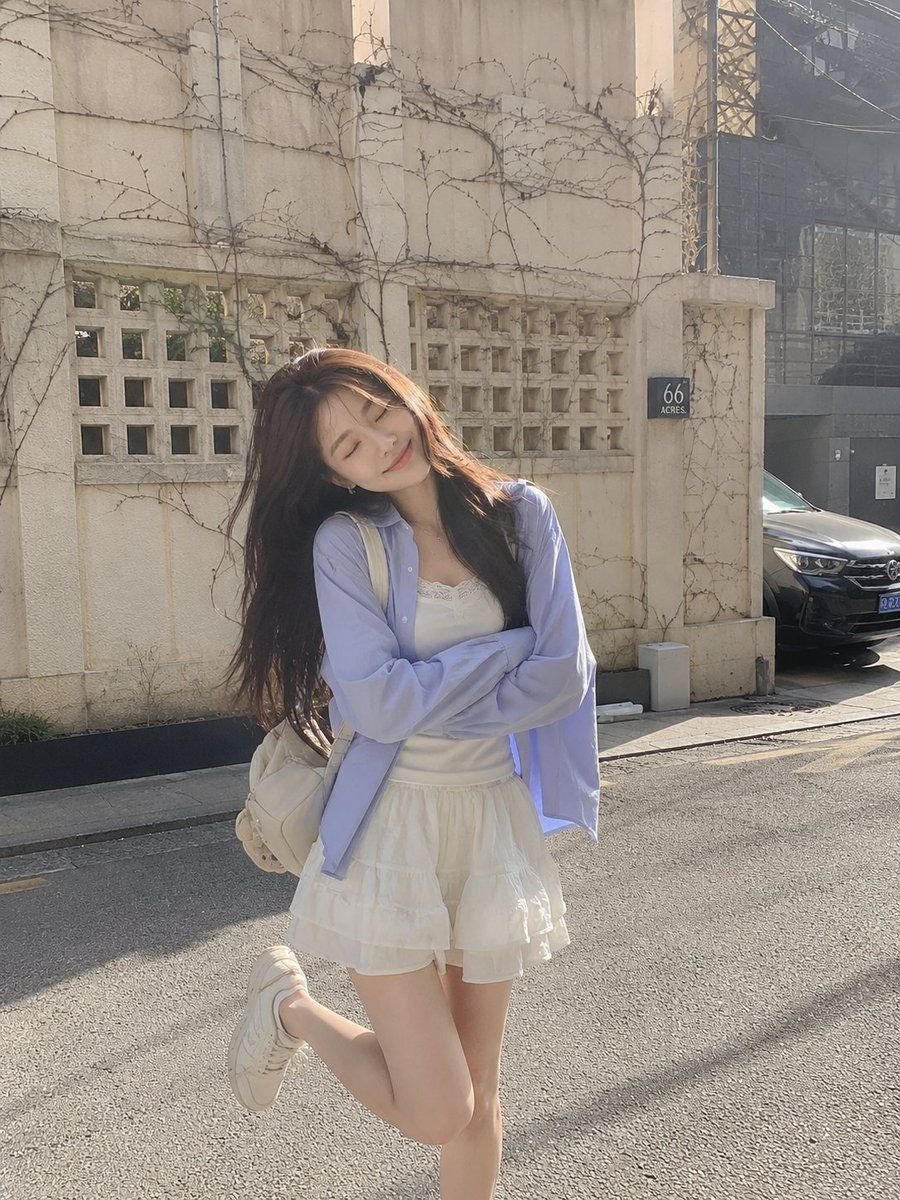
Premium Editorial Split-Canvas Poster
A sophisticated prompt that transforms uploaded photos into a split-canvas editorial poster with mixed-media artistic elements.
Dies ist ein GPT Image 2 -Prompt für Grafik & Poster . Verwenden Sie den unten stehenden, kopierfertigen Prompt, um ähnliche Grafiken zu erstellen, und überprüfen Sie vor der Wiederverwendung Awesome GPT Image 2 Prompts -Quellenangaben sowie die kommerziellen Nutzungsrechte.
Free 1K preview
Generate one preview image instantly, no sign-up required.
Free text preview doesn’t preserve reference-image consistency.
Eingabeaufforderung
Kopierfertige Eingabeaufforderung
Create a premium editorial art poster for every uploaded photograph, treating each image as its own independent composition and never merging multiple photos together. Use a strict 3:4 vertical format with the canvas split into two perfectly equal horizontal halves: the upper half should remain a faithful, photorealistic presentation of the original image, preserving the subject’s exact identity, facial features, proportions, pose, clothing, objects, composition, lighting, shadows, mood, and natural colors, enhanced only with sophisticated editorial color grading and seamless environmental extension where necessary; the lower half should transform the visual story into an entirely different artistic interpretation—a {argument name="art style" default="tiny, carefully composed handmade mixed-media artwork"} centered within expansive {argument name="background color" default="warm ivory"} negative space, occupying no more than {argument name="image scale" default="10–20%"} of the lower section, using expressive ink sketching, layered gouache-like color fields, subtle collage textures, torn-paper edges, imperfect brushwork, visible fibers, soft pigment variations, and charming human imperfections while retaining the most recognizable silhouette, colors, and core visual elements of the original photograph.Eingabeaufforderungsvariablen
In der Eingabeaufforderung befinden sich bearbeitbare Argumentplatzhalter mit ihren Standardwerten.
Best for
- - Grafik & Poster visual exploration
- - Image generation and reference-image edits
- - Reusable briefs that keep source attribution visible
Change these parts
- - Subject, product, character, or scene
- - Aspect ratio, camera, lighting, and background
- - Brand, text, color, and output constraints
Recommended model and settings
- - Model: gpt-image-2
- - Input mode: Bild zu Bild
- - Aspect ratio: source
- - Commercial status: review original source
How to use this prompt
- 1. Copy the prompt and preserve its structure for the first test.
- 2. Replace the subject, context, and publishing channel.
- 3. Change one camera, lighting, or style variable per iteration.
- 4. Inspect the output, source, text, and rights before reuse.
Limitations, source, and reuse cautions
- - Generated output is an editable draft, not factual, legal, or rights evidence.
- - Review the linked source, people, brands, logos, text, and third-party media before commercial use.
Weitere Fälle in dieser Kategorie
Priorisiert nach Kategorie, Kompatibilität der Eingabemodi, Qualität und geringerem Risiko.






Hinweise zur Wiederverwendung und Quellenangabe
Verwenden Sie diese Eingabeaufforderung sicher, nachdem Sie den Fall in der Vorschau angezeigt haben.
- 1.Kopieren Sie die Eingabeaufforderung oder öffnen Sie sie direkt in Dovoo mit der Schaltfläche „Generieren“.
- 2.Passen Sie Variablen, Seitenverhältnis und Referenzbilder an Ihren Anwendungsfall an.
- 3.Vor der Veröffentlichung oder kostenpflichtigen Nutzung sollten Sie die Rechte an der Quelle, die Anforderungen an die Namensnennung sowie die Risiken für die Marke oder das Abbild prüfen.