
Christmas couple
Source-attributed Nano Banana Pro image prompt from the Awesome Nano Banana Pro Prompts repository with preview image and reuse review notes.
Dies ist ein Nano Banana Pro -Prompt für Portrait Photography . Verwenden Sie den unten stehenden, kopierfertigen Prompt, um ähnliche Grafiken zu erstellen, und überprüfen Sie vor der Wiederverwendung Awesome Nano Banana Pro Prompts -Quellenangaben sowie die kommerziellen Nutzungsrechte.
Benötigen Sie den vollständigen Prompt-Satz? Verwenden Sie den Portrait Photography Weitere verwandte Beispiele finden Sie im Themen-Hub oder öffnen Sie die Nano Banana Pro Prompt-Katalog für das vollständige Beispielverzeichnis, wiederverwendbare Strukturen und Quellenangaben.
Eingabeaufforderung
Kopierfertige Eingabeaufforderung
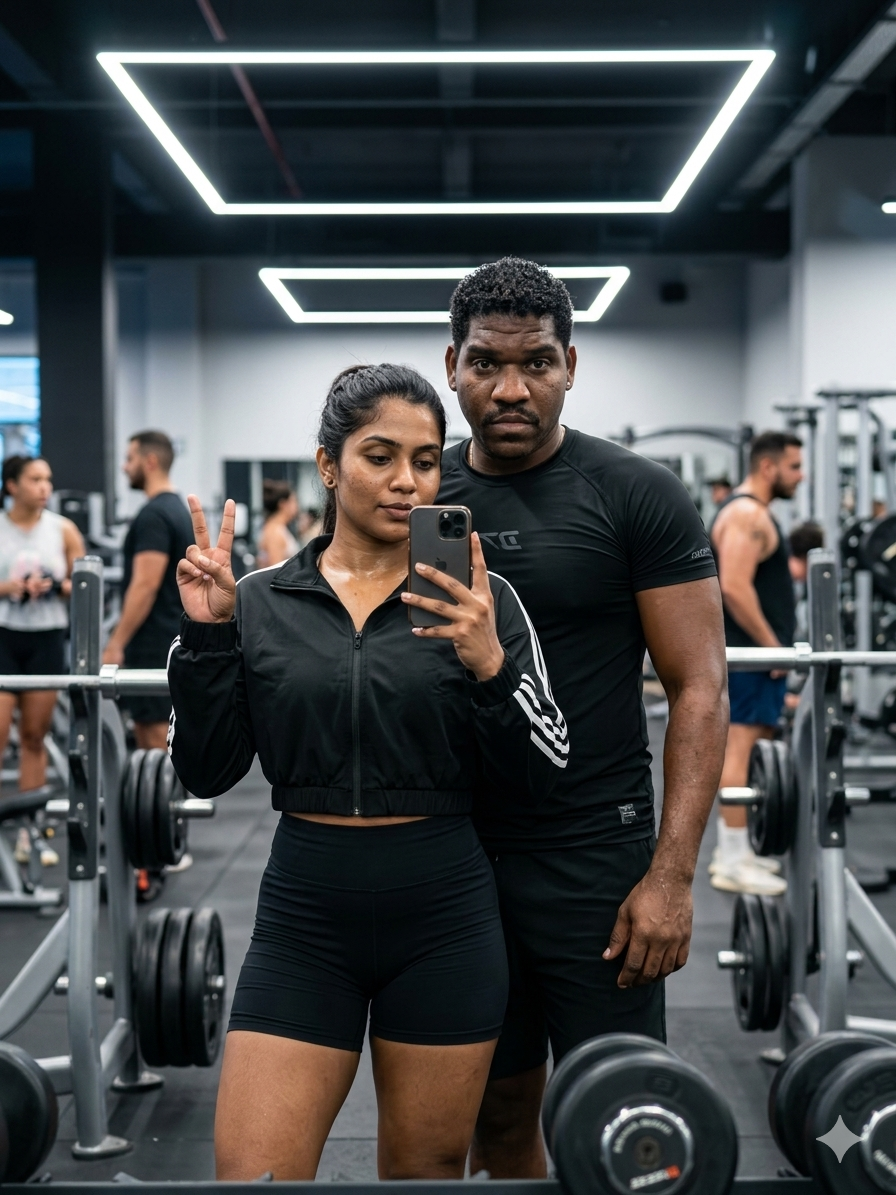
Create an ultra-realistic 9:16 Christmas couple portrait. Keep both people exactly the same as in the original image — same faces, hairstyles, outfits, body shapes, and skin tones. Only modify the environment and atmosphere.

Scene:
A warm Christmas living-room decorated with a glowing Christmas tree, soft golden fairy lights, red-and-green holiday accents, and a cozy winter ambience.

Pose & Interaction:
The couple stands close together, gently holding each other, sharing a warm smile. Their expressions look genuinely happy and comfortable. Add subtle cold breath mist from winter air entering the room.

Atmosphere:
Soft falling snow outside the window, warm bokeh lights, gentle rim light from the tree, delicate glowing particles in the air. Add mild lens flare and cinematic lighting.

Details:
• Add a soft “Merry Christmas” typography title above, elegant script style
• Slight sparkle effects around the tree
• Rich cozy shadows, warm tones, high contrast holiday glow
• Ultra-detailed skin texture, clean color grading, high-end US Christmas photoshoot style
• UHD 4K quality, ultra cinematic winter mood
Weitere Fälle in dieser Kategorie
Priorisiert nach Kategorie, Kompatibilität der Eingabemodi, Qualität und geringerem Risiko.



Hinweise zur Wiederverwendung und Quellenangabe
Verwenden Sie diese Eingabeaufforderung sicher, nachdem Sie den Fall in der Vorschau angezeigt haben.
- 1.Kopieren Sie die Eingabeaufforderung oder öffnen Sie sie direkt in Dovoo mit der Schaltfläche „Generieren“.
- 2.Passen Sie Variablen, Seitenverhältnis und Referenzbilder an Ihren Anwendungsfall an.
- 3.Vor der Veröffentlichung oder kostenpflichtigen Nutzung sollten Sie die Rechte an der Quelle, die Anforderungen an die Namensnennung sowie die Risiken für die Marke oder das Abbild prüfen.