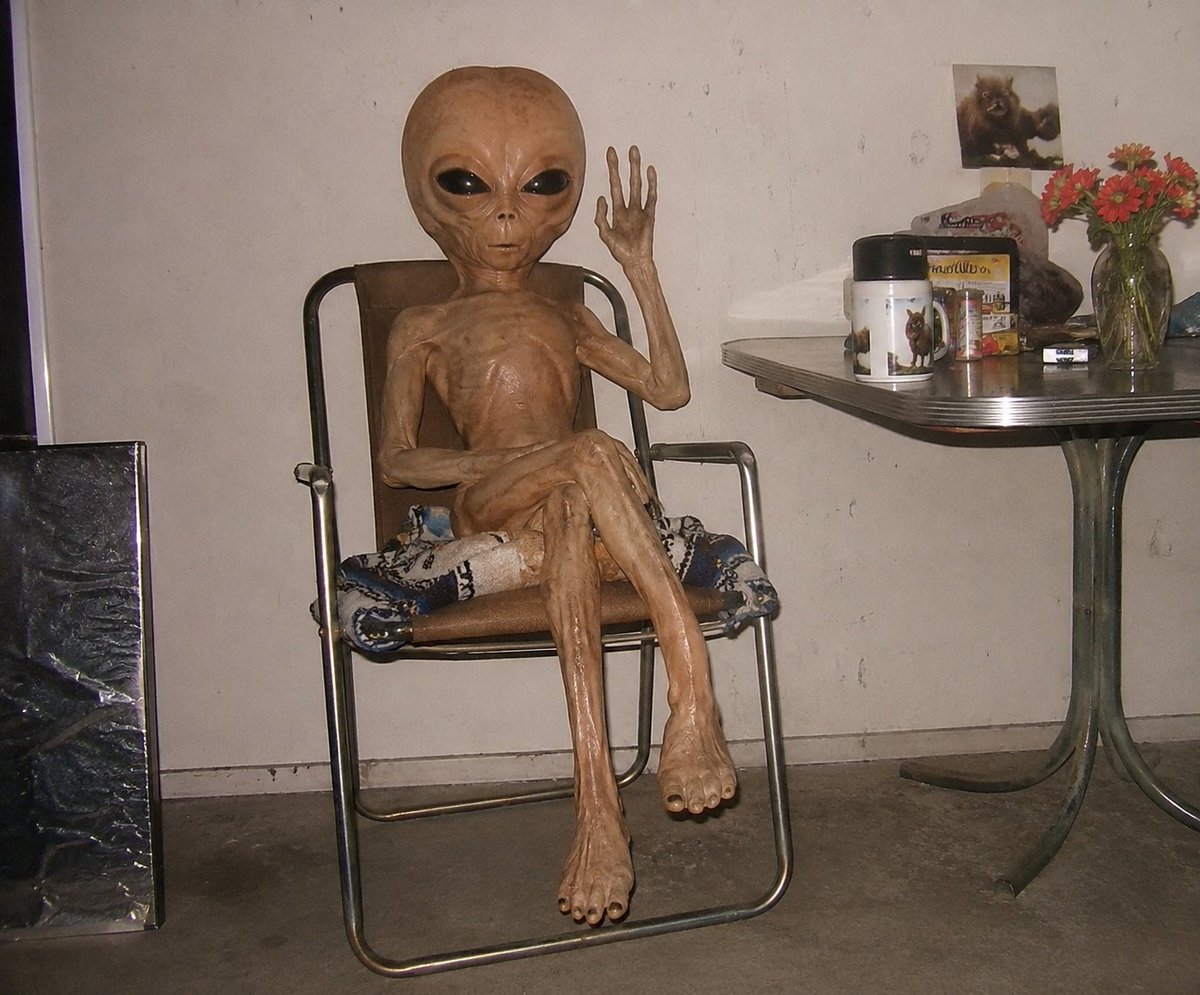
Censored Humanoid Snapshot
Generates a gritty flash-photo style scene of a gaunt humanoid figure seated in a cluttered ordinary room.
Dies ist ein GPT Image 2 -Prompt für Porträt & Charakter . Verwenden Sie den unten stehenden, kopierfertigen Prompt, um ähnliche Grafiken zu erstellen, und überprüfen Sie vor der Wiederverwendung Awesome GPT Image 2 Prompts -Quellenangaben sowie die kommerziellen Nutzungsrechte.
Benötigen Sie den vollständigen Prompt-Satz? Verwenden Sie den Porträt & Charakter Weitere verwandte Beispiele finden Sie im Themen-Hub oder öffnen Sie die GPT Image 2 Prompt-Katalog für das vollständige Beispielverzeichnis, wiederverwendbare Strukturen und Quellenangaben.
Free 1K preview
Generate one preview image instantly, no sign-up required.
1716/4000
Eingabeaufforderung
Kopierfertige Eingabeaufforderung
Create a candid flash-photography snapshot in a dim, cluttered indoor room, styled like an early-2000s digital camera photo. The scene shows one extremely thin, hairless, elderly-looking humanoid figure with glossy tan-brown leathery skin sitting in one metal-framed folding lounge chair with a brown backrest and patterned cushion. The figure has an oversized oval head but Show every face clearly with natural, detailed facial features; its ribcage, tendons, bony arms, long legs, large feet, and wrinkled texture are highly visible. Pose: seated casually with one leg crossed over the other, the left arm resting across the torso, and the right arm raised beside the head with an open hand as if waving. The setting is a plain off-white stained wall and gray concrete floor, with harsh direct flash, strong shadows, low contrast, and slightly grainy amateur realism. Include exactly one black reflective rectangular panel leaning on the floor at the far left. On the right, include exactly one small retro dinette table with a gray metal edge and greenish pedestal legs. On the tabletop show exactly seven visible objects: one white cylindrical container with an animal illustration, one colorful box behind it, one small framed or propped animal photo at the back, one dark rock-like object, one small dark rectangular object, one clear glass vase, and one bouquet of red-orange flowers in the vase. Keep the composition horizontal, centered on the seated figure, with the table cropped at the right edge. Do not add text, logos, extra people, or additional furniture. Use {argument name="photo style" default="harsh on-camera flash amateur snapshot"} and make the room feel mundane, unsettling, and documentary.Eingabeaufforderungsvariablen
In der Eingabeaufforderung befinden sich bearbeitbare Argumentplatzhalter mit ihren Standardwerten.
Variable
censor block color
Standard
medium brown
Variable
photo style
Standard
harsh on-camera flash amateur snapshot
Best for
- - Porträt & Charakter visual exploration
- - Image generation and reference-image edits
- - Reusable briefs that keep source attribution visible
Change these parts
- - Subject, product, character, or scene
- - Aspect ratio, camera, lighting, and background
- - Brand, text, color, and output constraints
Recommended model and settings
- - Model: gpt-image-2
- - Input mode: Text zu Bild
- - Aspect ratio: source
- - Commercial status: review original source
How to use this prompt
- 1. Copy the prompt and preserve its structure for the first test.
- 2. Replace the subject, context, and publishing channel.
- 3. Change one camera, lighting, or style variable per iteration.
- 4. Inspect the output, source, text, and rights before reuse.
Limitations, source, and reuse cautions
- - Generated output is an editable draft, not factual, legal, or rights evidence.
- - Review the linked source, people, brands, logos, text, and third-party media before commercial use.
Importiert von Awesome GPT Image 2 Prompts . Quellenangabe erforderlich. Status der kommerziellen Nutzung: allowed ; Rechte an der Quelle vor kostenpflichtiger Nutzung prüfen.
Weitere Fälle in dieser Kategorie
Priorisiert nach Kategorie, Kompatibilität der Eingabemodi, Qualität und geringerem Risiko.

GPT Image 2 Real-Life Character Street Snap
Text zu Bild

Morning Bed Stretching Legs Prompt
Text zu Bild
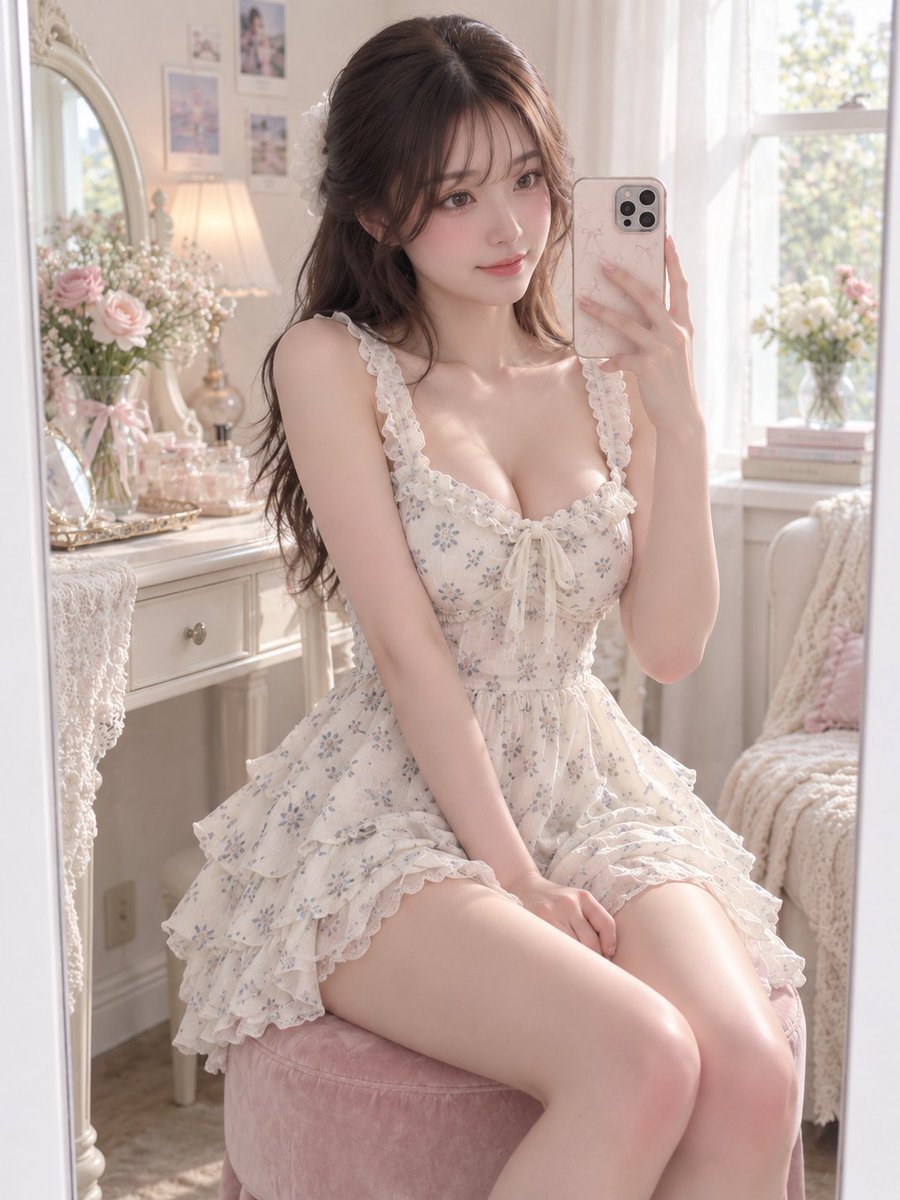
GPT Image 2 Prompt for Mirror Selfie with Flowers
Text zu Bild

Hell Hound Character Sheet Infographic
Text zu Bild

Playful Morning Selfie Portrait
Text zu Bild

Studio Portrait of Woman with Sunglasses
Text zu Bild
Hinweise zur Wiederverwendung und Quellenangabe
Verwenden Sie diese Eingabeaufforderung sicher, nachdem Sie den Fall in der Vorschau angezeigt haben.
- 1.Kopieren Sie die Eingabeaufforderung oder öffnen Sie sie direkt in Dovoo mit der Schaltfläche „Generieren“.
- 2.Passen Sie Variablen, Seitenverhältnis und Referenzbilder an Ihren Anwendungsfall an.
- 3.Vor der Veröffentlichung oder kostenpflichtigen Nutzung sollten Sie die Rechte an der Quelle, die Anforderungen an die Namensnennung sowie die Risiken für die Marke oder das Abbild prüfen.