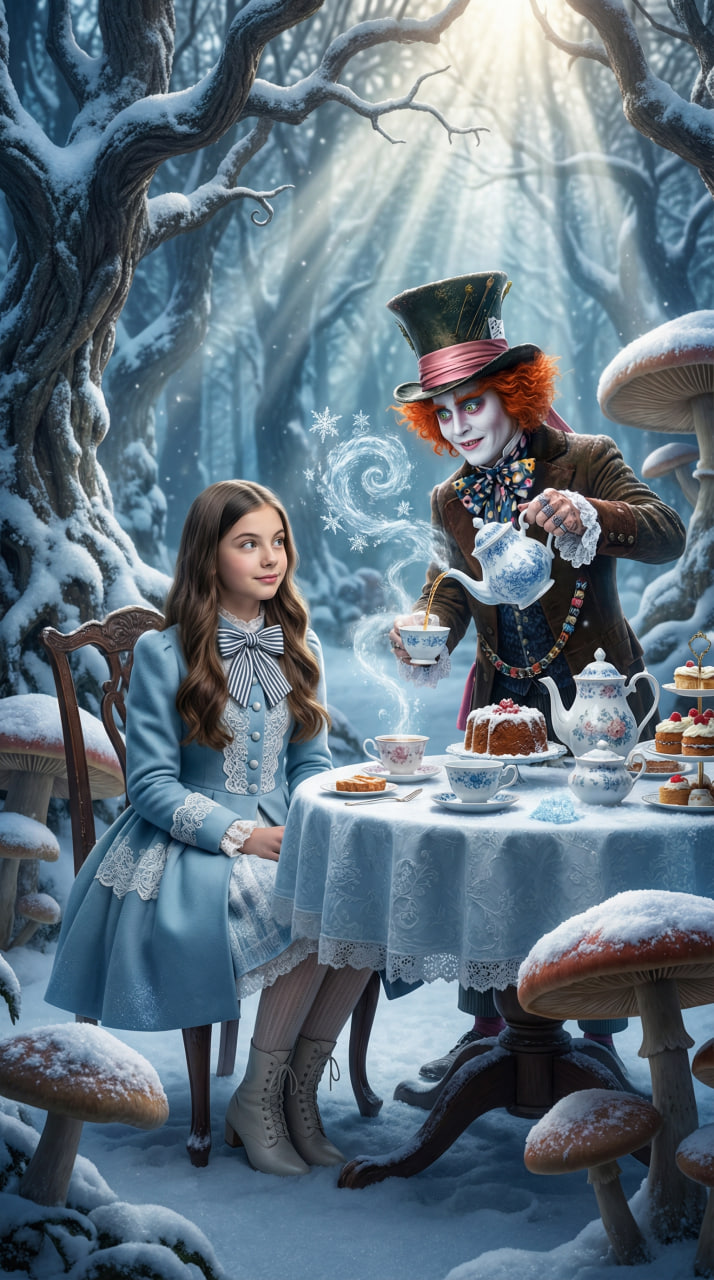
Alice's Adventures in Wonderland
Source-attributed Nano Banana Pro image prompt from the Awesome Nano Banana Pro Prompts repository with preview image and reuse review notes.
Dies ist ein Nano Banana Pro -Prompt für Portrait Photography . Verwenden Sie den unten stehenden, kopierfertigen Prompt, um ähnliche Grafiken zu erstellen, und überprüfen Sie vor der Wiederverwendung Awesome Nano Banana Pro Prompts -Quellenangaben sowie die kommerziellen Nutzungsrechte.
Benötigen Sie den vollständigen Prompt-Satz? Verwenden Sie den Portrait Photography Weitere verwandte Beispiele finden Sie im Themen-Hub oder öffnen Sie die Nano Banana Pro Prompt-Katalog für das vollständige Beispielverzeichnis, wiederverwendbare Strukturen und Quellenangaben.
Eingabeaufforderung
Kopierfertige Eingabeaufforderung
Using the provided image of the girl, create a whimsical and realistic winter scene inspired by “Alice in Wonderland”. The girl must look like the reference: same facial features, hair, age, and skin tone. Her expression should be curious and slightly amused, natural and not exaggerated. Change only her clothing: dress her in a Victorian-inspired winter wonderland outfit — a pale blue coat with white lace details, a striped bow, warm stockings, and elegant boots. She is sitting or standing at a long, lavishly set tea party table placed right in the middle of a snowy forest. The table is piled with teapots, cakes, and cups, all dusted with fresh snow. Next to her is a realistic (Tim Burton style) Mad Hatter, pouring tea that turns into steam or ice crystals. The trees around them are twisted and covered in thick white snow. A few oversized mushrooms peek through the snowdrifts. Lighting: magical daytime light, slightly surreal, with shafts of sunlight breaking through the trees (god rays) illuminating the table and the girl. Colors should be vibrant but cold-toned. Render this as a high-end fantasy visual: hyper realistic textures of porcelain, cake, snow, and fabric, strong depth of field, 8k resolution.
Weitere Fälle in dieser Kategorie
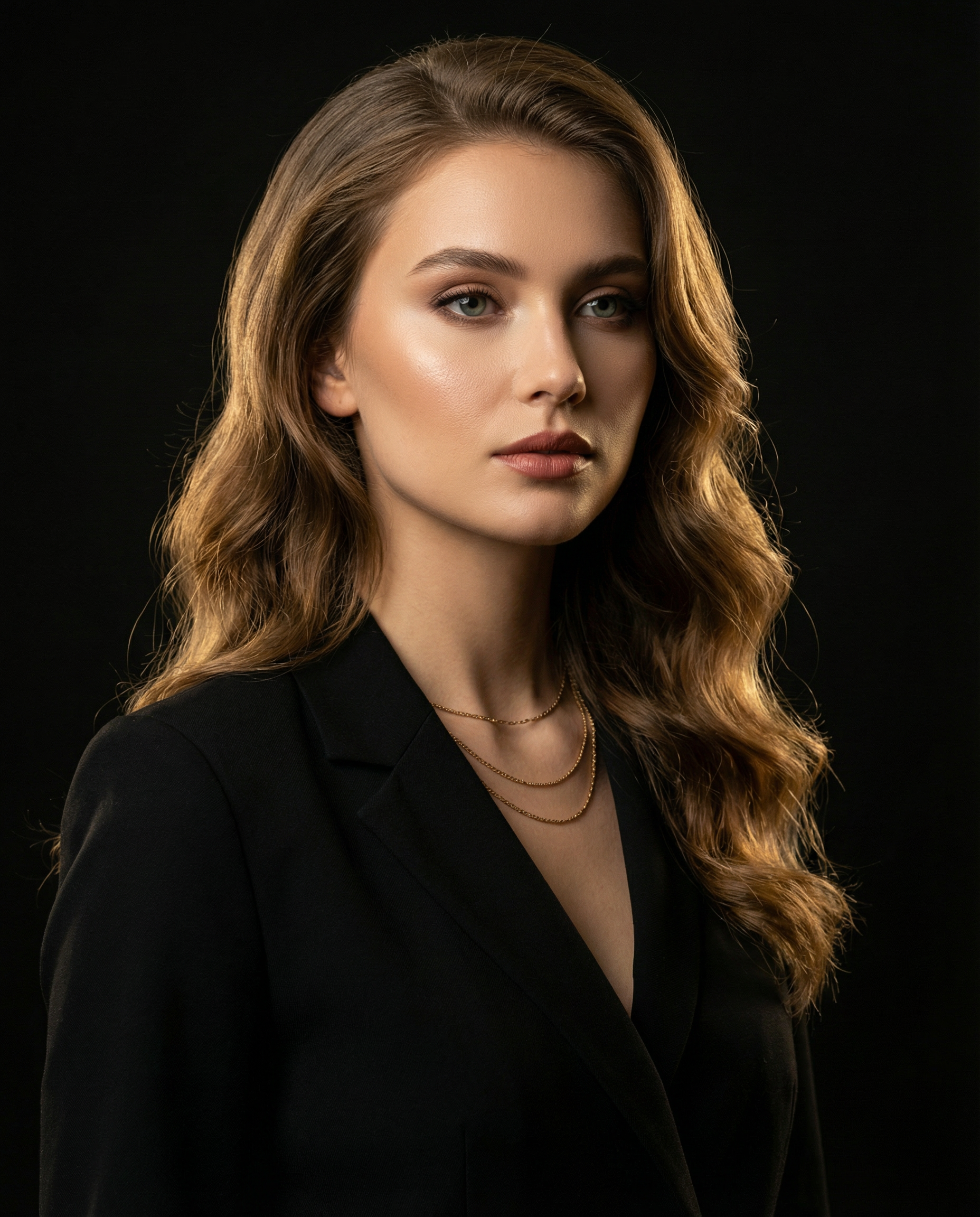
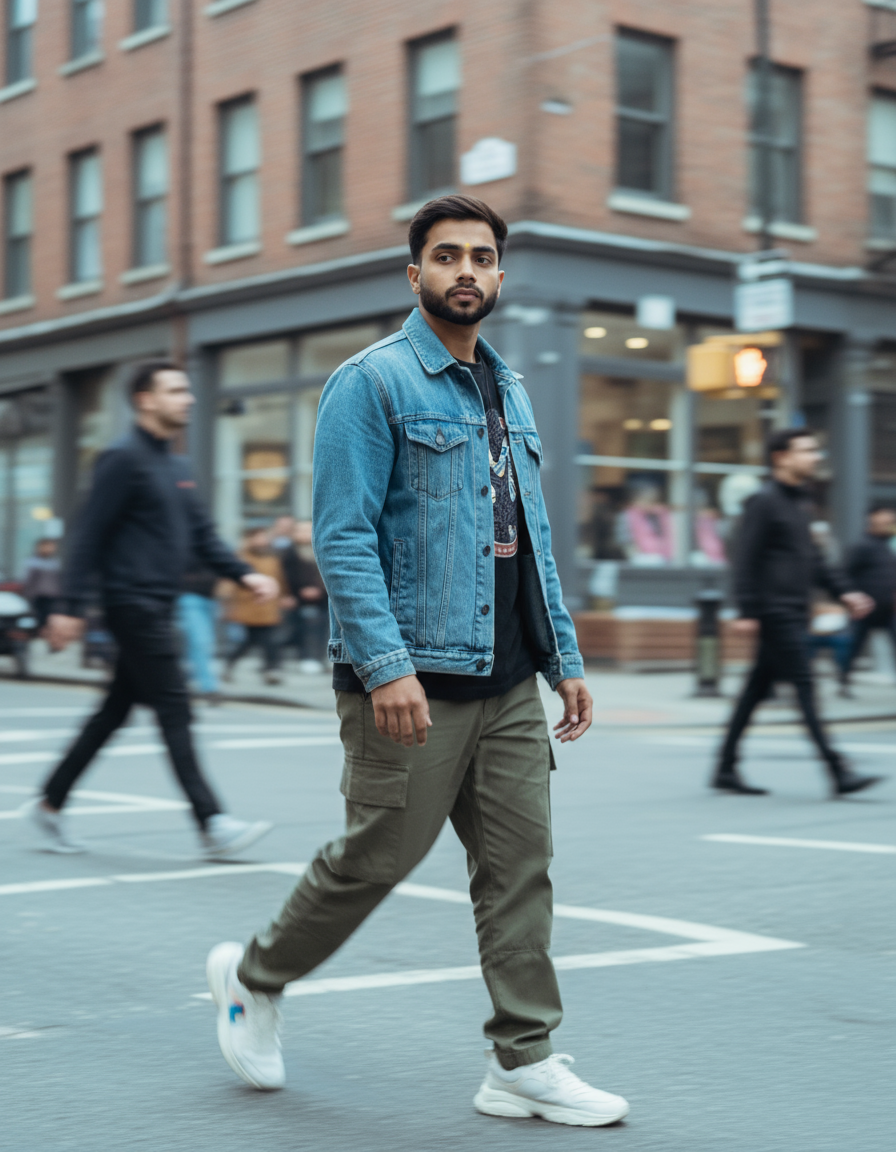
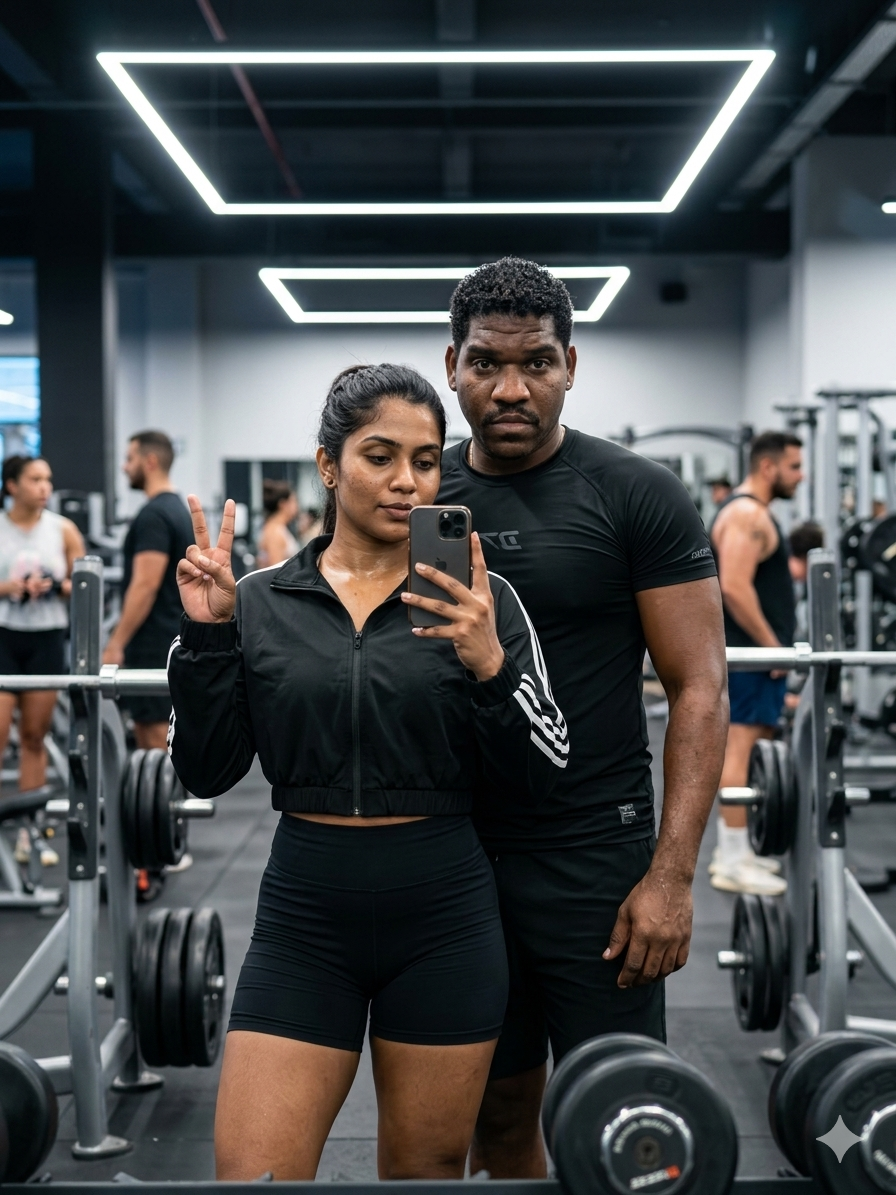
Priorisiert nach Kategorie, Kompatibilität der Eingabemodi, Qualität und geringerem Risiko.

Hinweise zur Wiederverwendung und Quellenangabe
Verwenden Sie diese Eingabeaufforderung sicher, nachdem Sie den Fall in der Vorschau angezeigt haben.
- 1.Kopieren Sie die Eingabeaufforderung oder öffnen Sie sie direkt in Dovoo mit der Schaltfläche „Generieren“.
- 2.Passen Sie Variablen, Seitenverhältnis und Referenzbilder an Ihren Anwendungsfall an.
- 3.Vor der Veröffentlichung oder kostenpflichtigen Nutzung sollten Sie die Rechte an der Quelle, die Anforderungen an die Namensnennung sowie die Risiken für die Marke oder das Abbild prüfen.