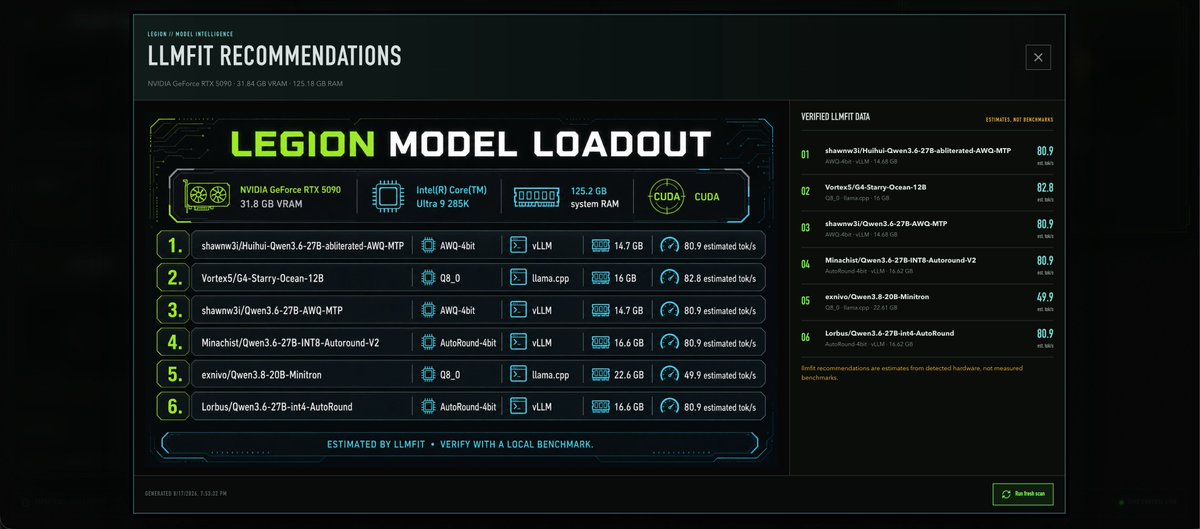
Cyberpunk LLMFit Model Dashboard
Generates a dark sci-fi dashboard infographic showing local hardware and six recommended LLM model loadouts for a machine-learning control panel.
Dette er et GPT Image 2 -eksempel på en prompt for Grafik og plakat . Brug den kopieringsklare prompt nedenfor til at generere lignende visuelle elementer, og gennemgå Awesome GPT Image 2 Prompts -kreditering samt kommercielle brugsrettigheder før genbrug.
Har du brug for det fulde promptsæt? Brug Grafik og plakat emnehub for flere relaterede eksempler, eller åbn GPT Image 2 hurtig katalog for det fulde eksempelindeks, genanvendelige strukturer og kildeattribution.
Free 1K preview
Generate one preview image instantly, no sign-up required.
4000/4000
Hurtig
Klar til kopiering
Goal: Create a dark futuristic dashboard infographic for local AI model recommendations titled {argument name="headline text" default="LLMFIT RECOMMENDATIONS"}, with a large central panel reading {argument name="main title" default="LEGION MODEL LOADOUT"}. The design should look like a cyberpunk hardware-analysis UI generated on demand for a local machine, not a marketing poster.

Canvas: Wide 21:9 landscape image, approximately 1200x560, black and deep teal background with subtle glow, thin cyan grid lines, faint circuit traces, and a bordered application-window frame. Add a small close-box icon in the top right of the window. Use sharp sci-fi typography, condensed uppercase headings, neon lime accents, cyan outlines, and small amber annotation text.

Top header: At upper left, small label "LEGION / MODEL INTELLIGENCE" above the headline. Under the headline, show hardware summary text: {argument name="hardware summary" default="NVIDIA GeForce RTX 5090 · 31.84 GB VRAM · 125.18 GB RAM"}.

Main layout: Split the dashboard into two main columns. The left column takes about 70% width and contains the primary loadout card. The right column takes about 30% width and contains a compact verified-data list.

Left primary card: Create a large neon-framed panel with the big title "LEGION MODEL LOADOUT" in lime green and white. Beneath it, show exactly 4 hardware capability badges in a single row: 1) NVIDIA GeForce RTX 5090, 31.8 GB VRAM with a GPU fan icon; 2) Intel(R) Core(TM) Ultra 9 285K with a CPU chip icon; 3) 125.2 GB system RAM with a memory module icon; 4) CUDA with a circular CUDA icon. Use lime for the GPU badge and cyan for the others.

Loadout table: Below the badges, show exactly 6 ranked recommendation rows with large lime row numbers in rounded boxes and thin cyan separators. Each row should include model name, quantization, runtime, memory, and estimated speed. The 6 rows are: 1) "shawnw3j/Huihui-Qwen3.6-27B-abliterated-AWQ-MTP", quantization "AWQ-4bit", runtime "vLLM", memory "14.7 GB", speed "80.9 estimated tok/s"; 2) "Vortex5/G4-Starry-Ocean-12B", quantization "Q8_0", runtime "llama.cpp", memory "16 GB", speed "82.8 estimated tok/s"; 3) "shawnw3j/Qwen3.6-27B-AWQ-MTP", quantization "AWQ-4bit", runtime "vLLM", memory "14.7 GB", speed "80.9 estimated tok/s"; 4) "Minachist/Qwen3.6-27B-INT8-Autoround-V2", quantization "AutoRound-4bit", runtime "vLLM", memory "16.6 GB", speed "80.9 estimated tok/s"; 5) "exnivo/Qwen3.8-20B-Minitron", quantization "Q8_0", runtime "llama.cpp", memory "22.6 GB", speed "49.9 estimated tok/s"; 6) "Lorbus/Qwen3.6-27B-int4-AutoRound", quantization "AutoRound-4bit", runtime "vLLM", memory "16.6 GB", speed "80.9 estimated tok/s". Add tiny icons for chip, terminal/runtime, memory, and speedometer in the metric columns.

Footer strip in the main card: Centered text in cyan: "ESTIMATED BY LLMFIT · VERIFY WITH A LOCAL BENCHMARK." Add angular brackets and thin decorative circuit segments around it.

Right sidebar: Header "VERIFIED LLMFIT DATA" on the left and small amber text "ESTIMATES, NOT BENCHMARKS" on the right. Show exactly 6 compact verified-data rows matching the 6 recommendations, numbered 01 through 06 in lime. Each row should show a shortened model name, a small second line with quant/runtime/memory, and a large right-aligned score: 80.9, 82.8, 80.9, 80.9, 49.9, 80.9. At the bottom, add a small amber note: "llmfit recommendations are estimates from detected hardware, not measured benchmarks."

Bottom window bar: Add tiny timestamp text at bottom left, "GENERATED 8/17/2026, 7:35:32 PM". Add a small rectangular neon green button at bottom right labeled {argument name="button label" default="Refresh scan"} with a refresh icon.

Visual constraints: Keep all text in English, crisp and legible, with no extra rows beyond the specified 6 recommendations and no extra hardware badges beyond the specified 4. Use a dark transparent-glass UI style, subtle bloom, no people, no logos other than the textual hardware/model labels, and no watermark.
Promptvariabler
Redigerbare argumentpladsholdere fundet i prompten med deres standardværdier.
Variabel
headline text
Misligholdelse
LLMFIT RECOMMENDATIONS
Variabel
main title
Misligholdelse
LEGION MODEL LOADOUT
Variabel
hardware summary
Misligholdelse
NVIDIA GeForce RTX 5090 · 31.84 GB VRAM · 125.18 GB RAM
Variabel
button label
Misligholdelse
Refresh scan
Best for
- - Grafik og plakat visual exploration
- - Image generation and reference-image edits
- - Reusable briefs that keep source attribution visible
Change these parts
- - Subject, product, character, or scene
- - Aspect ratio, camera, lighting, and background
- - Brand, text, color, and output constraints
Recommended model and settings
- - Model: gpt-image-2
- - Input mode: Tekst til billede
- - Aspect ratio: source
- - Commercial status: review original source
How to use this prompt
- 1. Copy the prompt and preserve its structure for the first test.
- 2. Replace the subject, context, and publishing channel.
- 3. Change one camera, lighting, or style variable per iteration.
- 4. Inspect the output, source, text, and rights before reuse.
Limitations, source, and reuse cautions
- - Generated output is an editable draft, not factual, legal, or rights evidence.
- - Review the linked source, people, brands, logos, text, and third-party media before commercial use.
Importeret fra Awesome GPT Image 2 Prompts . Kreditering er påkrævet. Status for kommerciel brug er allowed ; gennemgå kilderettighederne før betalt brug.
Flere sager i denne kategori
Prioriteret efter kategori, kompatibilitet med inputtilstande, kvalitet og lavere risiko.

Female Clown Cyborg Portrait
Tekst til billede

Imperial Research Bunker on Volcanic Planet
Tekst til billede

Android Quantum Lab Workstation
Tekst til billede

Greyscale Puzzle Portrait with Color Accent
Tekst til billede
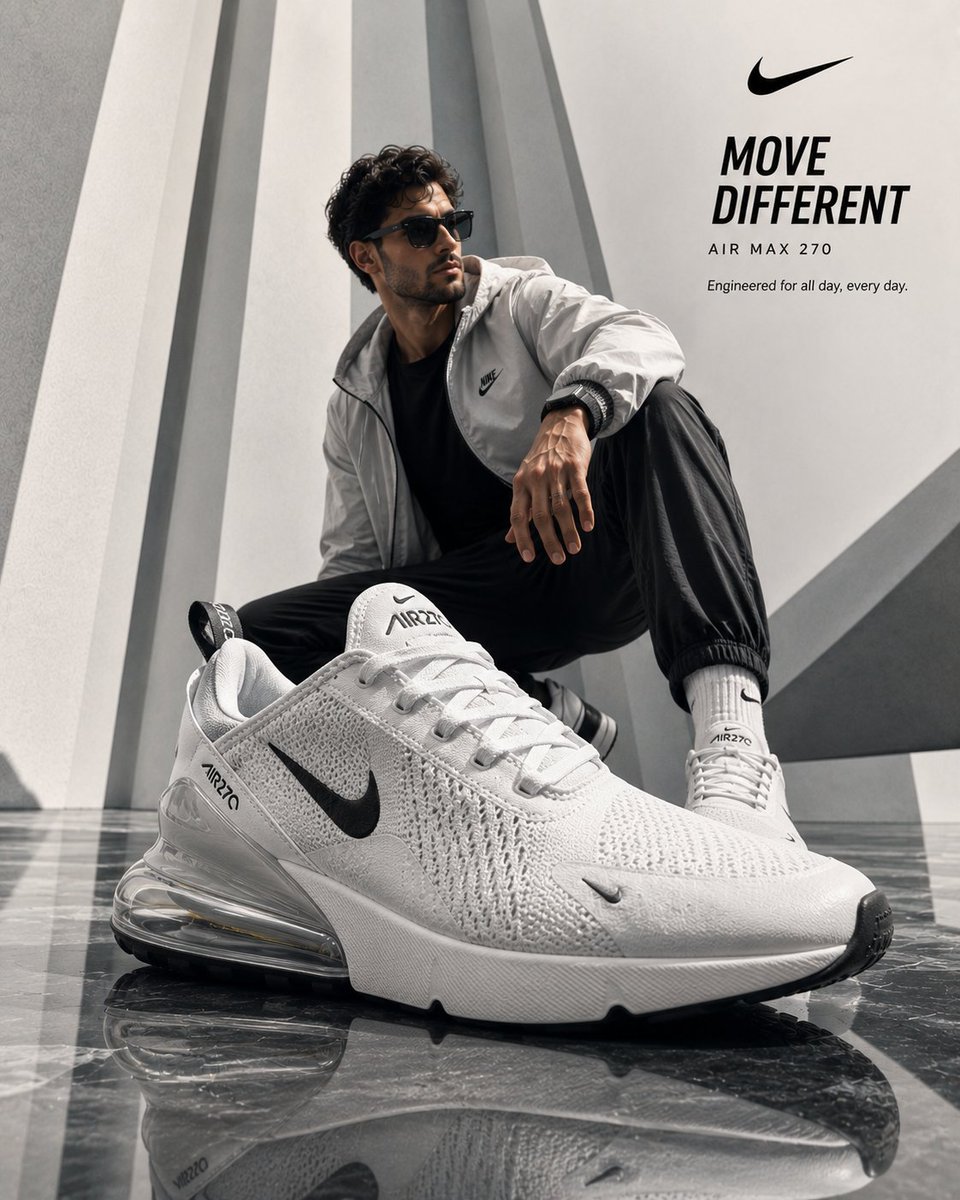
Luxury Product Ad Campaign Template
Tekst til billede
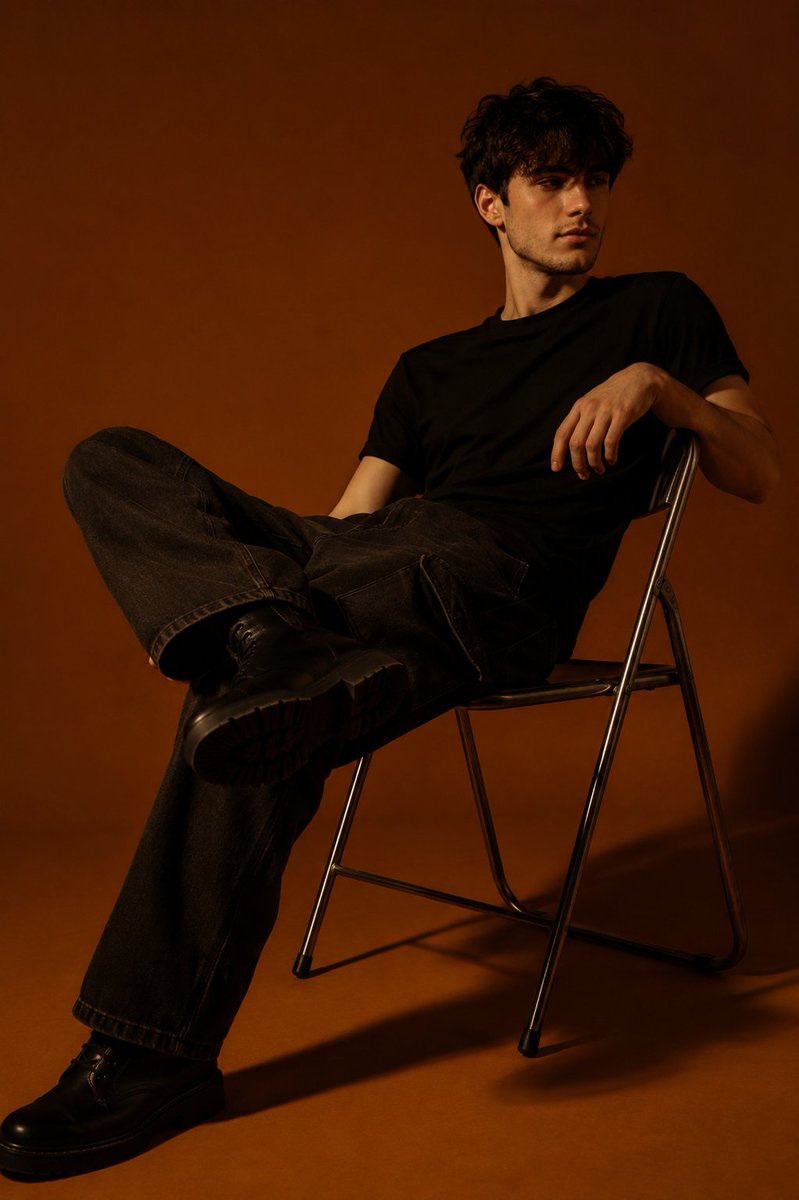
Moody Orange Studio Portrait
Tekst til billede
Genbrug og kildenoter
Brug denne prompt sikkert efter at have gennemgået sagen.
- 1.Kopier prompten, eller åbn den direkte i Dovoo med genereringsknappen.
- 2.Juster variabler, billedformat og referencebilleder til din egen brug.
- 3.Før udgivelse eller betalt brug skal du verificere kilderettigheder, krav til kreditering og risici forbundet med branding eller lighed.