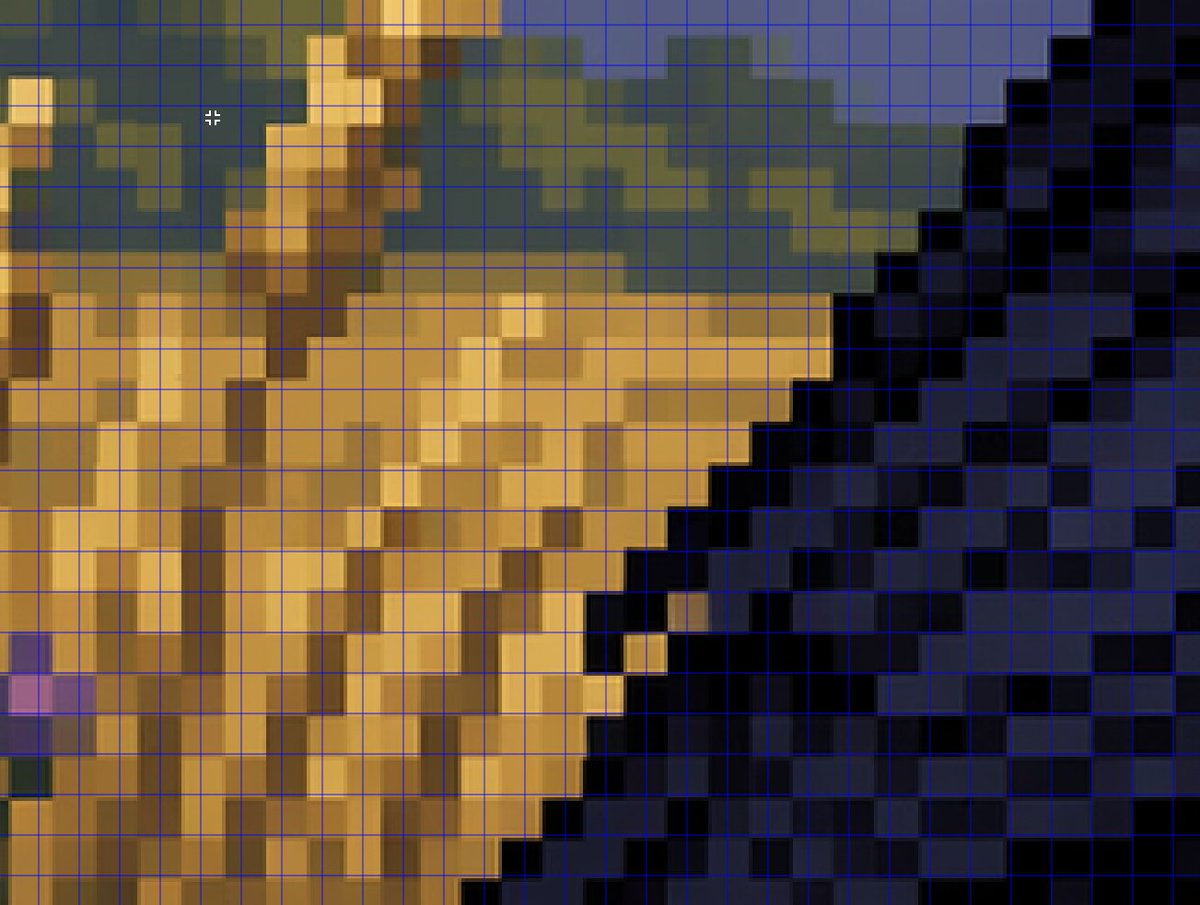
Analyse af zoomet falsk pixelkunstgitter
Denne prompt genererer et nærbillede i analysestil, der bruges til at illustrere, hvordan AI-fremstillede pixelkunst-lignende billeder ikke formår at justere sig præcist i forhold til et ægte pixelgitter.
Dette er et GPT Image 2 -eksempel på en prompt for Anden Inspiration . Brug den kopieringsklare prompt nedenfor til at generere lignende visuelle elementer, og gennemgå Awesome GPT Image 2 Prompts -kreditering samt kommercielle brugsrettigheder før genbrug.
Har du brug for det fulde promptsæt? Brug Anden Inspiration emnehub for flere relaterede eksempler, eller åbn GPT Image 2 hurtig katalog for det fulde eksempelindeks, genanvendelige strukturer og kildeattribution.
Free 1K preview
Generate one preview image instantly, no sign-up required.
1075/4000
Hurtig
Klar til kopiering
A tightly zoomed-in comparison image demonstrating fake pixel-art rendering, showing a low-resolution-looking scene enlarged on screen with a thin bright blue square grid overlay across the entire frame. The composition is an abstract close crop of a pixel-art-style environment: sandy tan and ochre blocky forms on the left and center, a dark navy and black stepped diagonal mass on the right, muted olive-green and slate-blue shapes along the upper background, and a few lighter golden highlights. Every edge looks staircase-like and blocky at first glance, but the colors softly blur and blend within the apparent squares instead of aligning perfectly to the grid, creating the impression of pixel art that breaks down under inspection. Include a small white crosshair cursor near the upper left quadrant to suggest image analysis in an editor. The overall look should feel like a screenshot from a graphics program or social media demonstration about how AI can imitate retro game art aesthetics without producing true grid-perfect pixel art, with no text labels visible.
Best for
- - Anden Inspiration visual exploration
- - Image generation and reference-image edits
- - Reusable briefs that keep source attribution visible
Change these parts
- - Subject, product, character, or scene
- - Aspect ratio, camera, lighting, and background
- - Brand, text, color, and output constraints
Recommended model and settings
- - Model: gpt-image-2
- - Input mode: Tekst til billede
- - Aspect ratio: source
- - Commercial status: review original source
How to use this prompt
- 1. Copy the prompt and preserve its structure for the first test.
- 2. Replace the subject, context, and publishing channel.
- 3. Change one camera, lighting, or style variable per iteration.
- 4. Inspect the output, source, text, and rights before reuse.
Limitations, source, and reuse cautions
- - Generated output is an editable draft, not factual, legal, or rights evidence.
- - Review the linked source, people, brands, logos, text, and third-party media before commercial use.
Importeret fra Awesome GPT Image 2 Prompts . Kreditering er påkrævet. Status for kommerciel brug er allowed ; gennemgå kilderettighederne før betalt brug.
Flere sager i denne kategori
Prioriteret efter kategori, kompatibilitet med inputtilstande, kvalitet og lavere risiko.

MotoGP POV Cornering Shot
Tekst til billede

Cute Focus Desk Flat Lay and Kawaii Illustration
Tekst til billede

Studio Portrait of Woman with Sunglasses
Tekst til billede

Street Selfie with Cat in Matching Cap
Tekst til billede

Cute Speech Bubble Mascot Profile Icon
Tekst til billede

Tuxedo Cat Photo and Line Art Diptych
Tekst til billede
Genbrug og kildenoter
Brug denne prompt sikkert efter at have gennemgået sagen.
- 1.Kopier prompten, eller åbn den direkte i Dovoo med genereringsknappen.
- 2.Juster variabler, billedformat og referencebilleder til din egen brug.
- 3.Før udgivelse eller betalt brug skal du verificere kilderettigheder, krav til kreditering og risici forbundet med branding eller lighed.