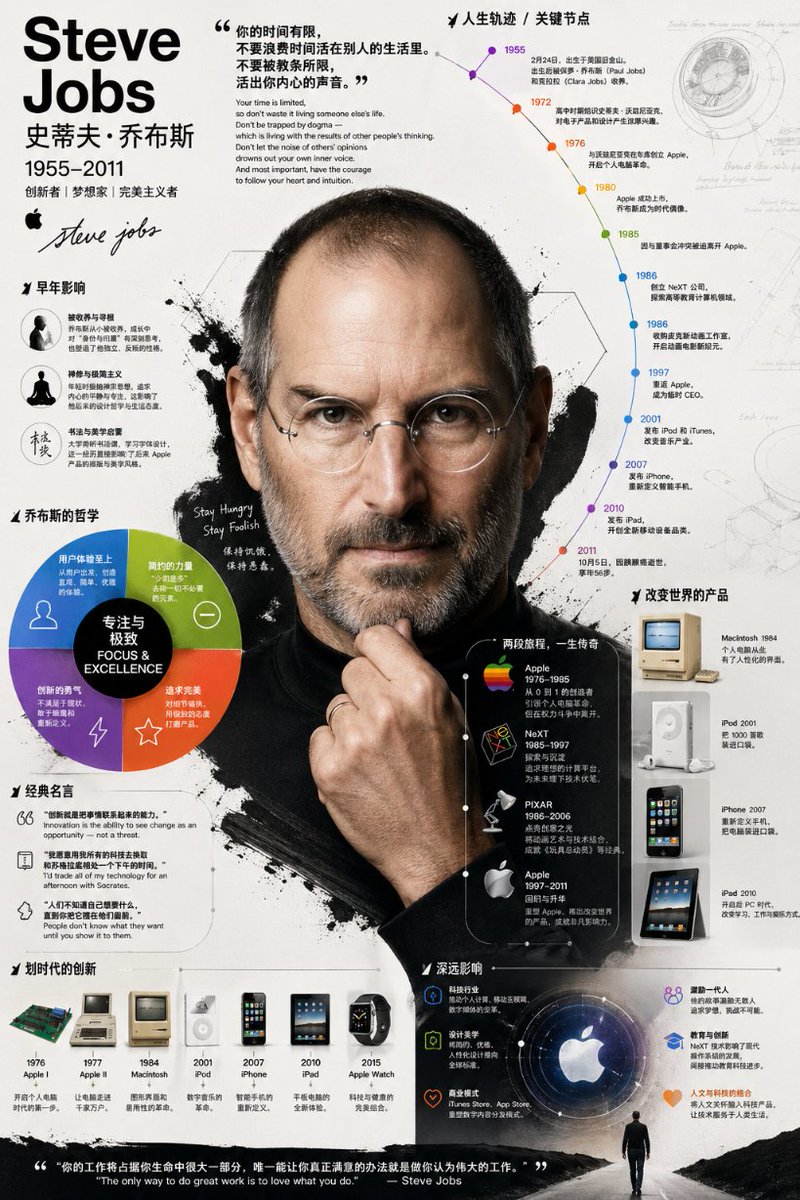
Detaljeret biografisk infografisk plakat
En sofistikeret prompt til at skabe en righoldig biografisk infografik, der kombinerer et realistisk portræt med grafiske diagrammer, tidslinjer og annoteringer i en professionel illustrationsstil.
Dette er et GPT Image 2 -eksempel på en prompt for Grafik og plakat . Brug den kopieringsklare prompt nedenfor til at generere lignende visuelle elementer, og gennemgå Awesome GPT Image 2 Prompts -kreditering samt kommercielle brugsrettigheder før genbrug.
Free 1K preview
Generate one preview image instantly, no sign-up required.
Free text preview doesn’t preserve reference-image consistency.
Hurtig
Klar til kopiering
Please create an infographic about {argument name="subject name" default="[Name]"} with very rich and deep visual effects. It shouldn't just list information: I need you to dig deep into their life, major achievements, key career milestones, philosophical thoughts, and their unique impact on technology and design. Avoid a rigid block-by-block layout; use diagrams, annotations, and lead lines to organically combine this information. Visual style: Go for a bold, strong, and highly graphical illustration style. Specifically, it should look like this: the central focus is a highly realistic, photo-like portrait of the person. Surrounding this core are elements like timelines, analytical charts, classic products, famous quotes, and concise text. Composition: Keep the background clean. Use layered composition to perfectly mix the realistic portrait with strong graphical elements (like various shapes, icons, large color blocks). The entire image should look full of content, textured, and very professional.Promptvariabler
Redigerbare argumentpladsholdere fundet i prompten med deres standardværdier.
Best for
- - Grafik og plakat visual exploration
- - Image generation and reference-image edits
- - Reusable briefs that keep source attribution visible
Change these parts
- - Subject, product, character, or scene
- - Aspect ratio, camera, lighting, and background
- - Brand, text, color, and output constraints
Recommended model and settings
- - Model: gpt-image-2
- - Input mode: Billede til billede
- - Aspect ratio: source
- - Commercial status: review original source
How to use this prompt
- 1. Copy the prompt and preserve its structure for the first test.
- 2. Replace the subject, context, and publishing channel.
- 3. Change one camera, lighting, or style variable per iteration.
- 4. Inspect the output, source, text, and rights before reuse.
Limitations, source, and reuse cautions
- - Generated output is an editable draft, not factual, legal, or rights evidence.
- - Review the linked source, people, brands, logos, text, and third-party media before commercial use.
Flere sager i denne kategori
Prioriteret efter kategori, kompatibilitet med inputtilstande, kvalitet og lavere risiko.






Genbrug og kildenoter
Brug denne prompt sikkert efter at have gennemgået sagen.
- 1.Kopier prompten, eller åbn den direkte i Dovoo med genereringsknappen.
- 2.Juster variabler, billedformat og referencebilleder til din egen brug.
- 3.Før udgivelse eller betalt brug skal du verificere kilderettigheder, krav til kreditering og risici forbundet med branding eller lighed.