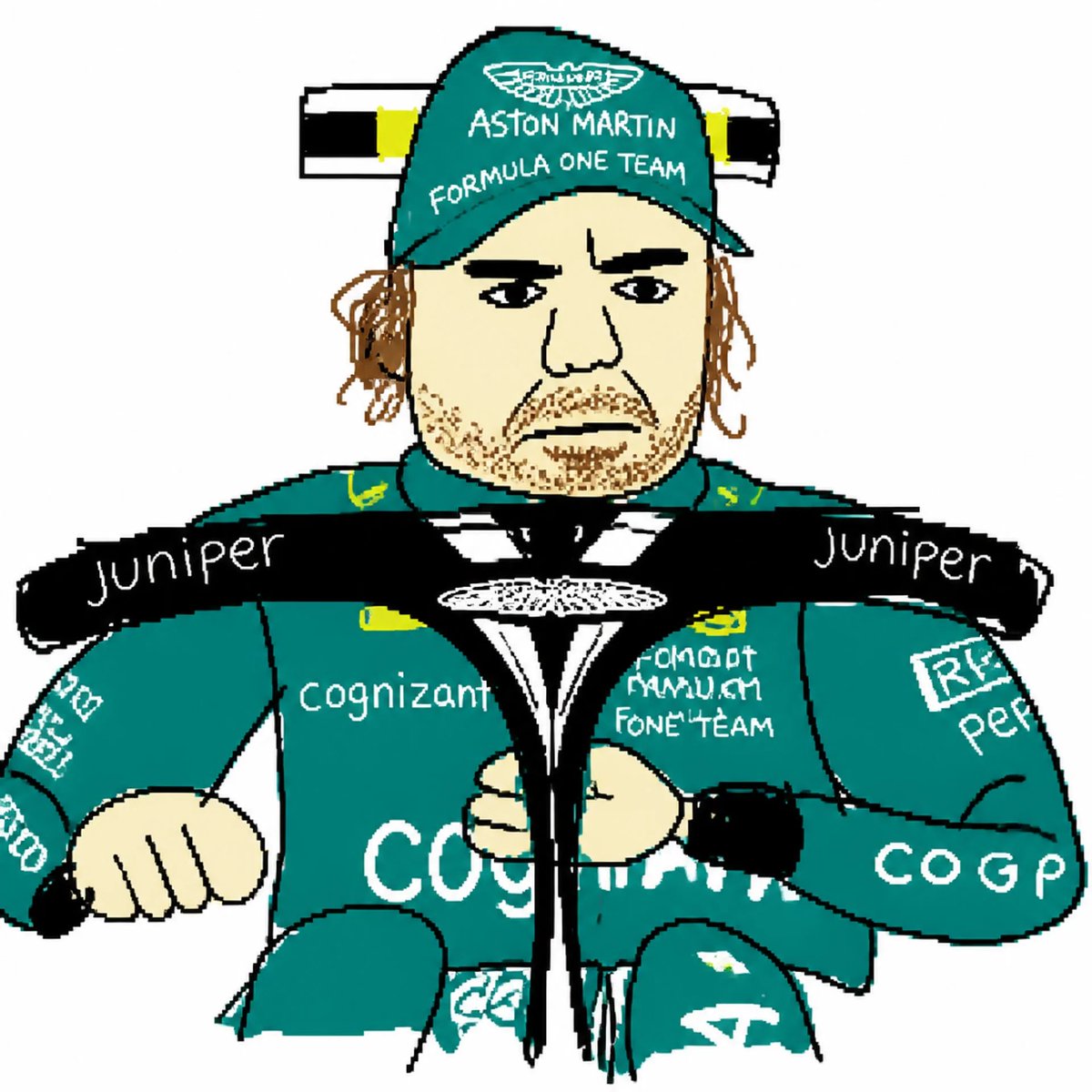
MS Paint Style Redraw
A humorous prompt designed to recreate an image in a clumsy, low-quality MS Paint aesthetic with scribbly textures and awkward proportions.
Prompt
Copy-ready prompt
Redraw the attached image in the most {argument name="style description" default="clumsy, scribbly, and utterly pathetic"} way possible. Use a {argument name="background" default="white background"}, and make it look like it was drawn in {argument name="software" default="MS Paint with a mouse"}. It should be vaguely similar but also not really, kind of matching but also off in a confusing, awkward way, with that low-quality pixel-by-pixel feel that really emphasizes how ridiculously bad it is. Actually, you know what, whatever, just draw it however you want.Prompt variables
Editable argument placeholders found in the prompt, with their default values.
Variable
style description
Default
clumsy, scribbly, and utterly pathetic
Variable
background
Default
white background
Variable
software
Default
MS Paint with a mouse
More cases in this category
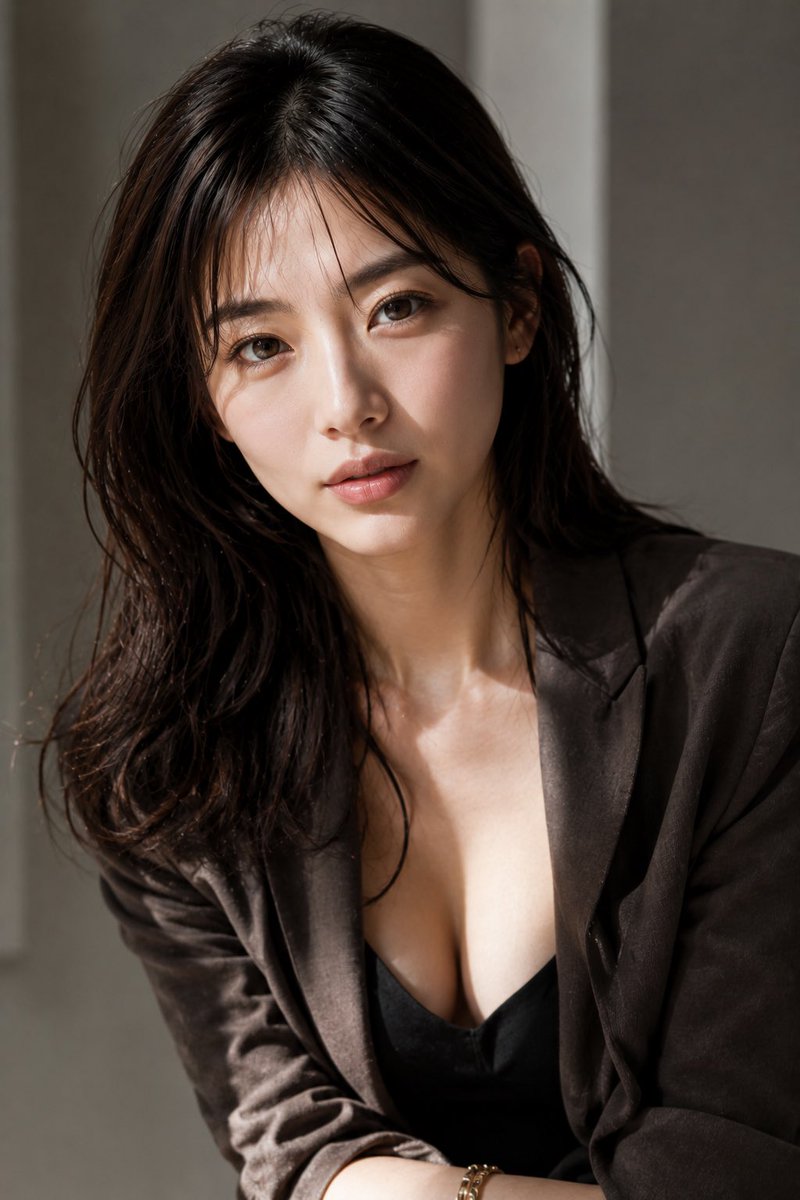
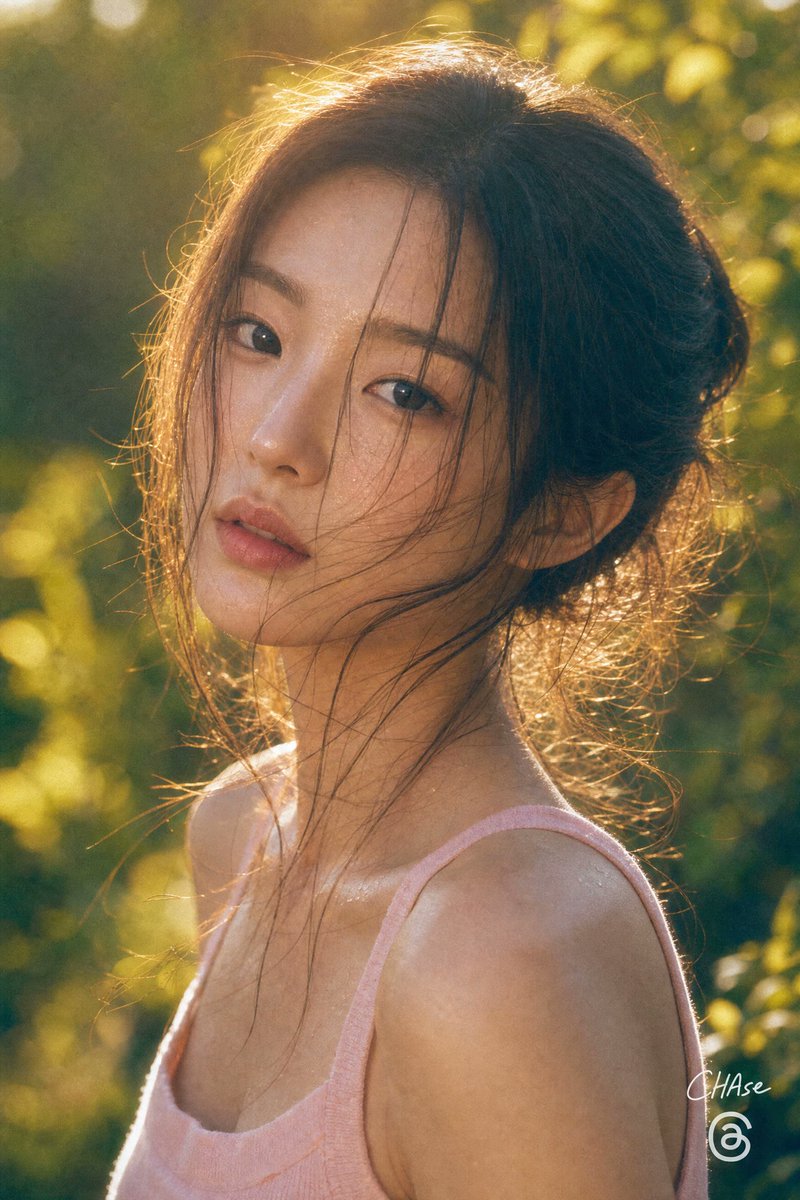
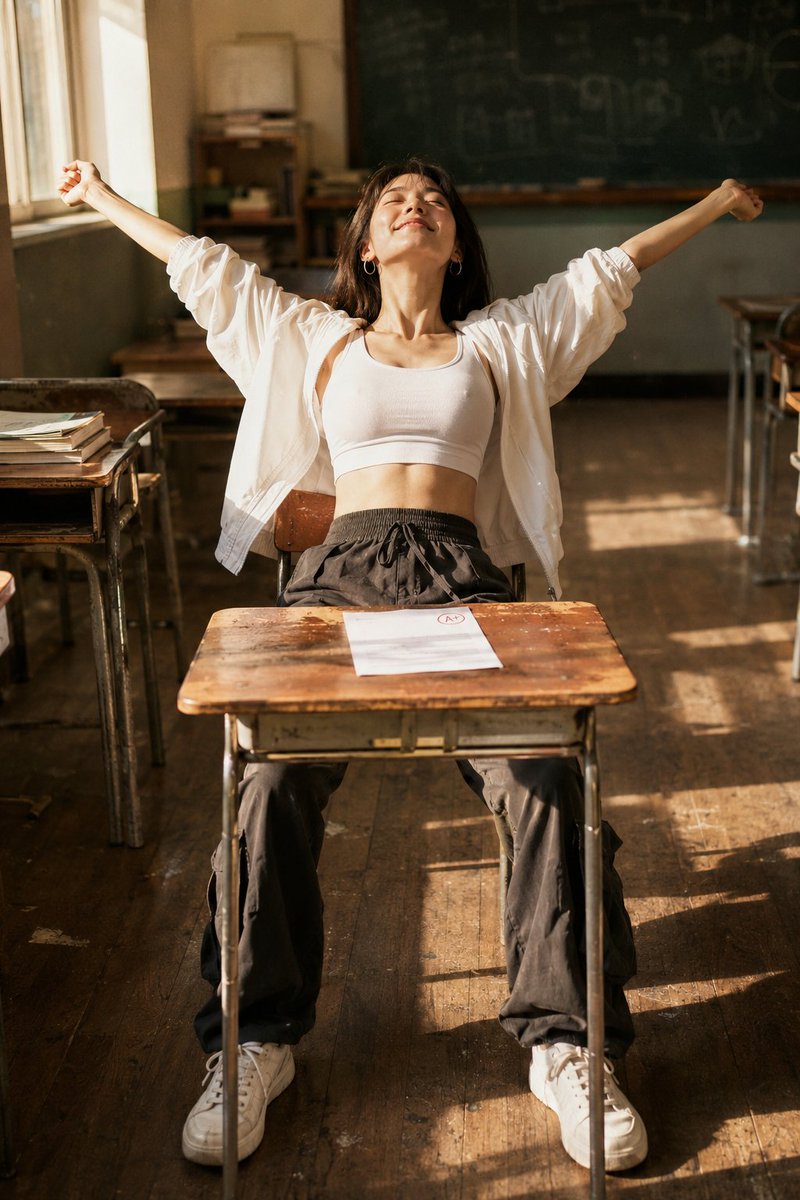
Prioritized by category, input mode compatibility, quality, and lower risk.
Reuse and source notes
Use this prompt safely after previewing the case.
- 1.Copy the prompt or open it directly in Dovoo with the generation button.
- 2.Adjust variables, aspect ratio, and reference images for your own use case.
- 3.Before publishing or paid usage, verify source rights, attribution requirements, and brand or likeness risks.
Can I use this prompt commercially?
Commercial-use status is unknown. Review the original source, license, brand constraints, and legal requirements before paid usage.
Where does this case come from?
This case is imported from GPT Image 2 OpenLab gpt-image-2-prompts; keep attribution visible and check the source URL before reuse.