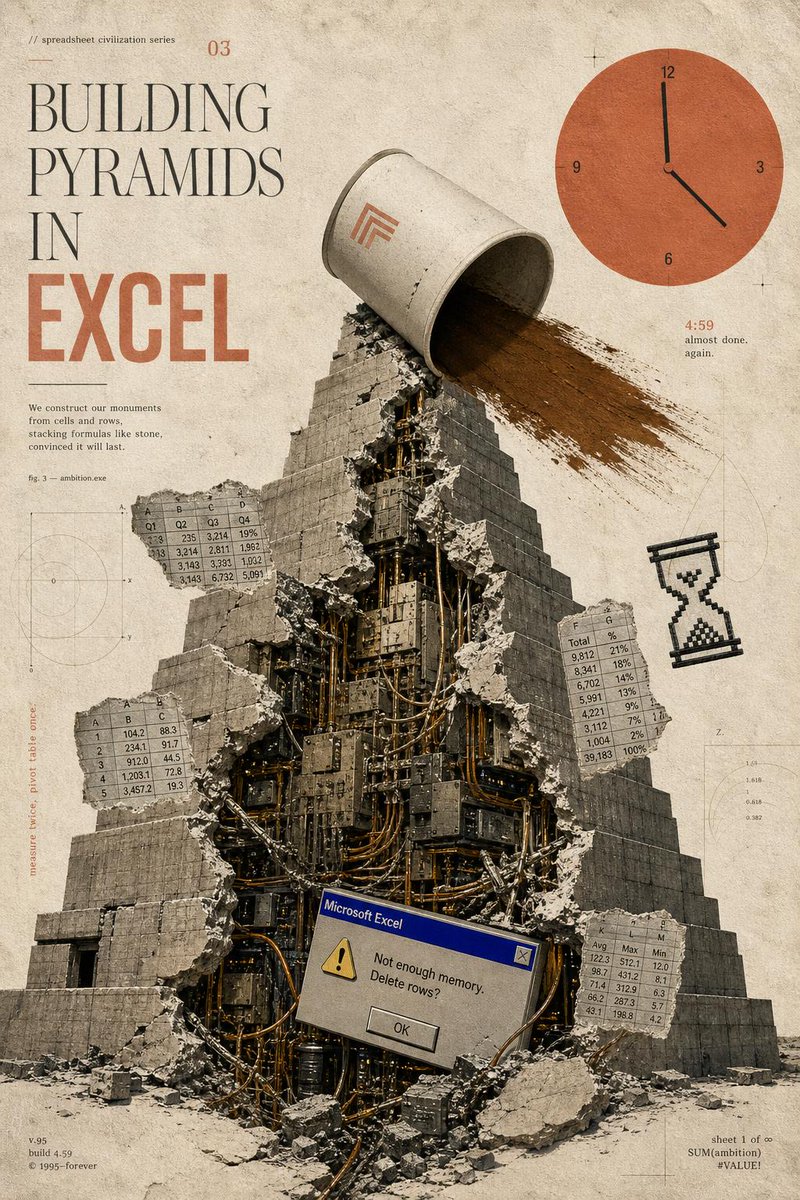
Building Pyramids in Excel Poster
A surreal vintage poster prompt depicting a cracked mechanical pyramid built from spreadsheet culture, ideal for editorial art or satirical tech prints.
Prompt
Copy-ready prompt
Objective: To create a surrealist retro editing poster for the fictional "Spreadsheet Civilization Series," with the theme of {argument name="headline concept" default="BUILDING PYRAMIDS IN EXCEL"} This work combines ancient monumental architecture with the anxieties of outdated office software. Canvas: A vertical poster, 2:3 aspect ratio, with an aged beige paper background, stained, dusty, scratched, blurred technical drawing marks, tiny registration marks, and soft dark brown tones. It uses the texture of an old-fashioned printed magazine, like a combination of an archival science manual and Brutalist collage art. Layout: A large typography occupies the upper left quadrant. A massive step pyramid occupies the center and lower half, viewed from below, with rubble at its base. The upper right quadrant contains a large, flat, orange clock graphic. Small spreadsheets, charts, and margin notes float around the pyramid like technical annotations. Subject: A massive gray stone step pyramid, its front vertically split open. The crack reveals a dense mechanical interior composed of dark metal plates, cables, pipes, servers, wires, and industrial machinery. Concrete blocks and debris are scattered outwards. At the top of the pyramid, a huge, overturned gray-white bucket or cylindrical container is pouring a large stream of brown sand or soil to the right side of the pyramid. Place a minimalist orange geometric sign on the bucket. Typography and visible text: The top left corner features small print reading "// spreadsheet civilization series" and a small issue number "03". The main title uses a tall, elegant stacked serif font: "BUILDING" followed by "PYRAMIDS" followed by "IN", below which is a large, bold, compressed orange block of text reading "EXCEL". Below the title, add a small text: "We build our monument with cells and rows, stacking formulas like stones, believing it will last forever." Nearby, add "fig. 3 — ambition.exe". The bottom left footer includes text: "v.95", "build 4.59", "© 1995–forever". The bottom right footer includes text: "sheet 1 of ∞", "SUM (ambition)", "#VALUE!". Near the clock, include orange "4:59" and the tiny caption "almost done. again." Add a vertical margin note on the left: "measure twice, pivot table once." The required discrete elements are: a pyramid with a broken center; a bucket dumping sand; an orange clock in the upper right corner with the numbers 12, 3, 6, and 9, and a black hand pointing to approximately 4:59; a pixelated black hourglass icon on the right; a Microsoft Excel-style error dialog box near the center of the pyramid's lower part; and four floating spreadsheet fragments. These four fragments are: the upper left fragment, labeled with columns A, B, C, and D and rows of decimal values; the middle left fragment, labeled with columns A, B, and C and rows 1–5; the middle right fragment, labeled with columns F and G and rows labeled "Total" and percentages; and the lower right fragment, labeled with columns K, L, and M and labels Avg, Max, and Min. Error dialog box details: The dialog box resembles an old Windows 95 Microsoft Excel warning box, with a blue title bar that reads "Microsoft Excel," a yellow warning triangle, the message "Not enough memory. Delete rows?", and a centered "OK" button. Visual style: Simulated collage, realistic stones and gravel mixed with flat vector UI elements, a soft beige-grey-black color palette with burnt orange accents, high graininess, slight ink misregistration, soft shadows, a worn paper texture, fine drawing lines, and blurred circular charts in the background.Prompt variables
Editable argument placeholders found in the prompt, with their default values.
Variable
headline concept
Default
BUILDING PYRAMIDS IN EXCEL
More cases in this category
Prioritized by category, input mode compatibility, quality, and lower risk.

Premium Sports Editorial Poster
Text to Imageunknown

Hyper Realistic FIFA Football Poster
Text to Imageunknown
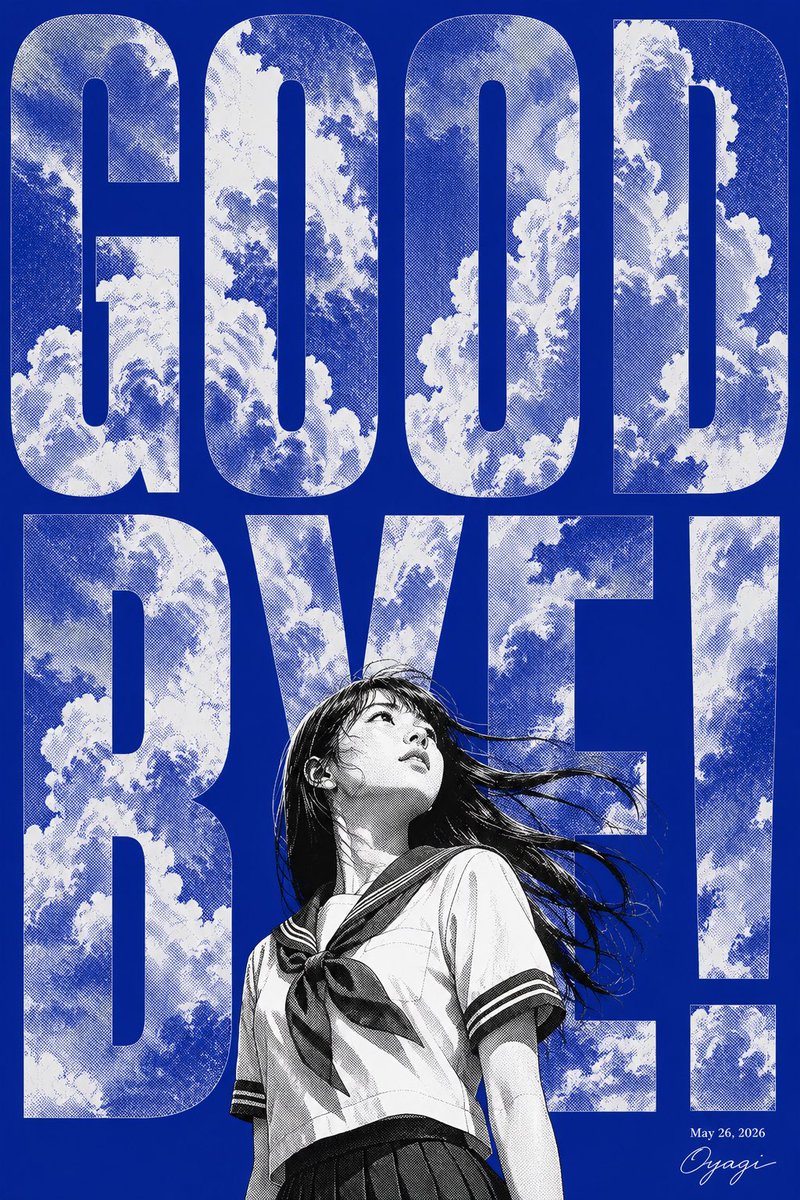
Manga Goodbye Typography Poster
Text to Imageunknown

Tropical Beer Party Poster
Text to Imageunknown
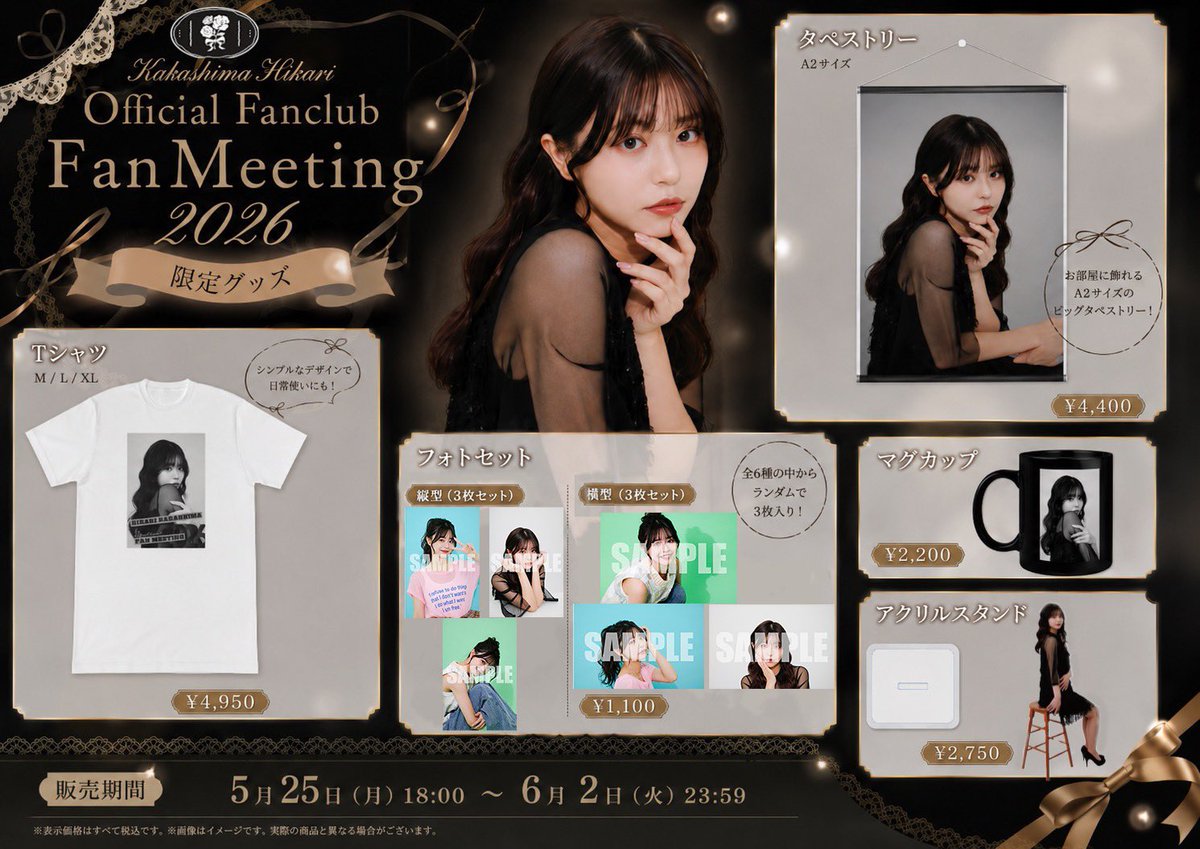
Elegant Fan Meeting Goods Flyer
Text to Imageunknown

Ultra-Realistic Zodiac Editorial Poster
Text to Imageunknown
Reuse and source notes
Use this prompt safely after previewing the case.
- 1.Copy the prompt or open it directly in Dovoo with the generation button.
- 2.Adjust variables, aspect ratio, and reference images for your own use case.
- 3.Before publishing or paid usage, verify source rights, attribution requirements, and brand or likeness risks.
Can I use this prompt commercially?
Commercial-use status is allowed. Review the original source, license, brand constraints, and legal requirements before paid usage.
Where does this case come from?
This case is imported from Awesome GPT Image 2 Prompts; keep attribution visible and check the source URL before reuse.