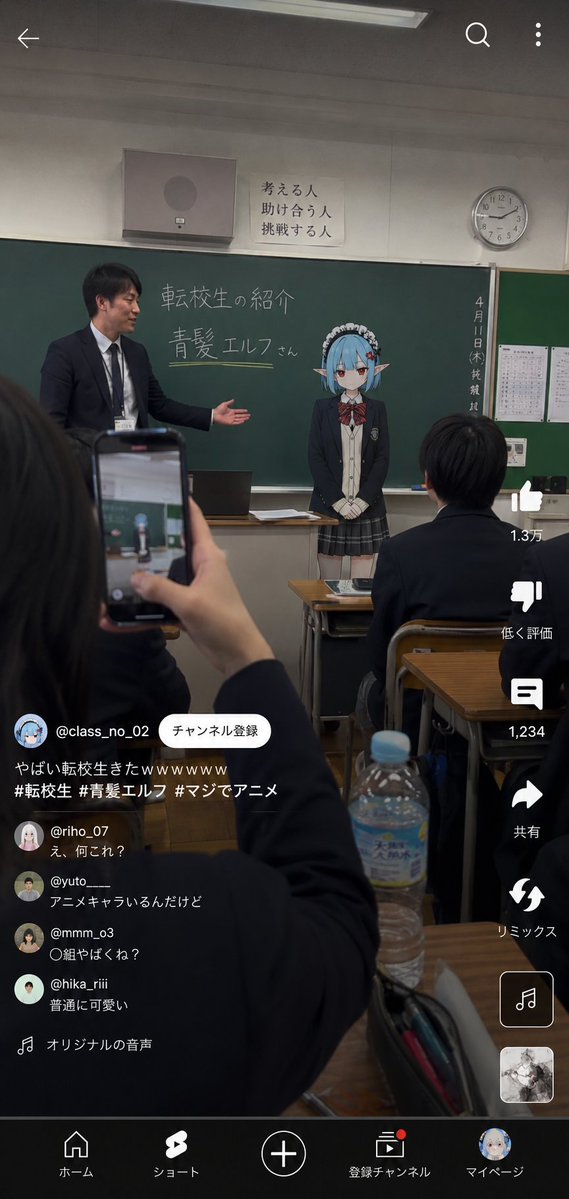
Anime Character Transfer to Reality
A detailed Image-to-Image prompt designed to place an anime character into a realistic Japanese high school classroom while maintaining artistic integrity.
Prompt
Copy-ready prompt
Use the reference image as the base for character design to depict the moment an "{argument name="situation" default="reincarnated anime character transfers to a real-world school"}." Accurately maintain the atmospheric feel of the character as an anime illustration. Do not break the character's identity; do not turn them into a live-action human. Maintain anime illustration expression for the character part. The character is dressed in a realistic Japanese high school uniform (blazer, tie, ribbon, cardigan, shirt, school-specified skirt). The setting is a realistic Japanese high school classroom with blackboards, desks, fluorescent lights, handouts, curtains, and lockers. The background should not be too clean; emphasize a sense of daily life and school clutter. Composition should look like a vertical smartphone video with UI elements from TikTok or Instagram Reels. In the foreground, naturally frame the hands of a student holding a smartphone, a desk, and a notebook. At the front of the classroom, a realistic teacher is introducing the anime character student named {argument name="name" default="Blue-Haired Elf"} written in chalk. The character should look slightly nervous or expressionless, trying to blend in naturally. Lighting should be unified across the character and classroom. Add smartphone-like textures: slight HDR, sensor noise, minor JPEG artifacts, and handheld camera instability. Avoid cinematic or glossy rendering; prioritize the feeling of a candidly posted video.Prompt variables
Editable argument placeholders found in the prompt, with their default values.
Variable
situation
Default
reincarnated anime character transfers to a real-world school
Variable
name
Default
Blue-Haired Elf
More cases in this category
Prioritized by category, input mode compatibility, quality, and lower risk.
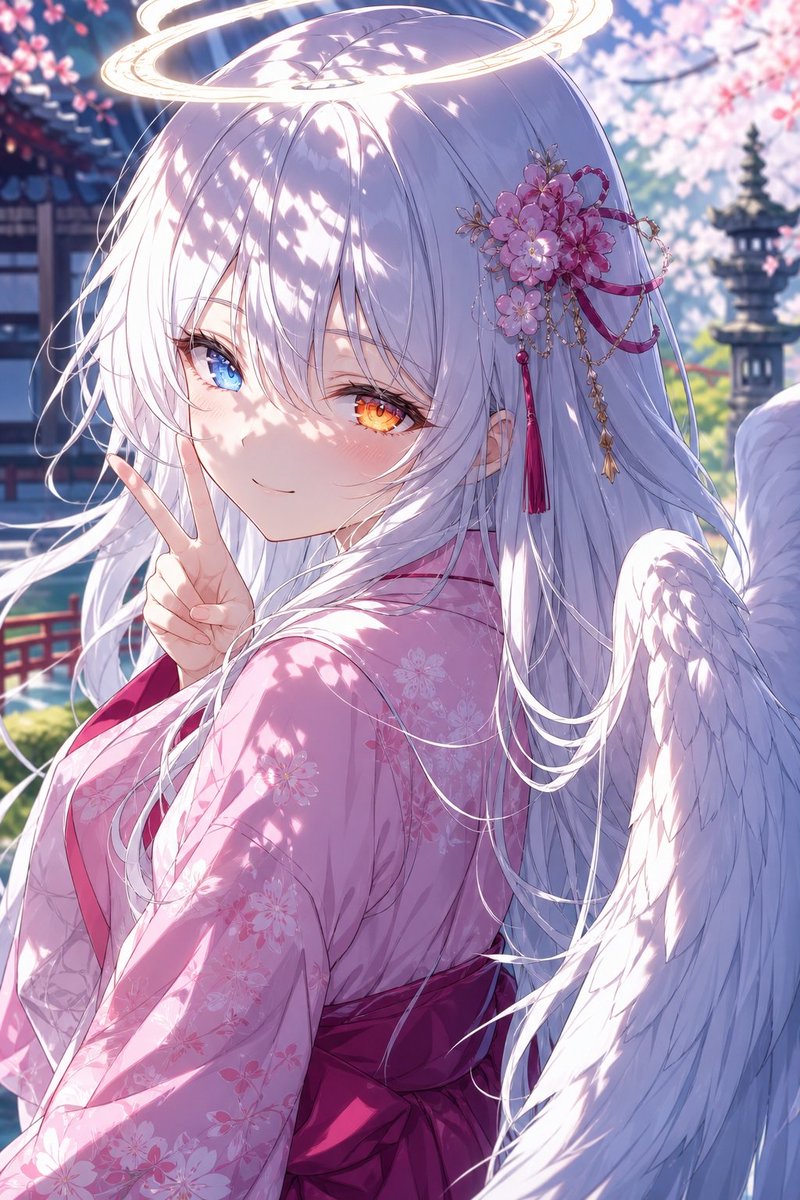
Angel Girl in Sakura Kimono
text to image
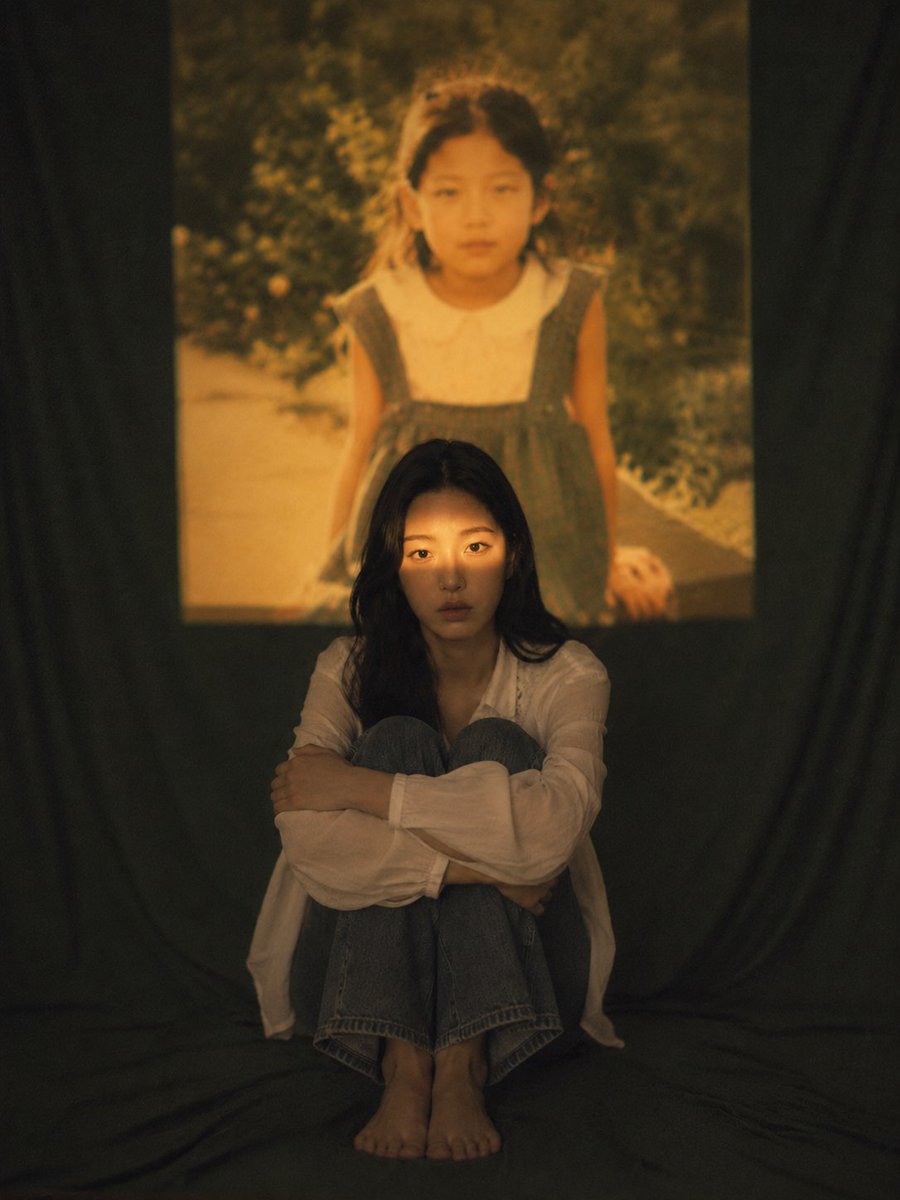
Vintage Film Projection Portrait
single image to image
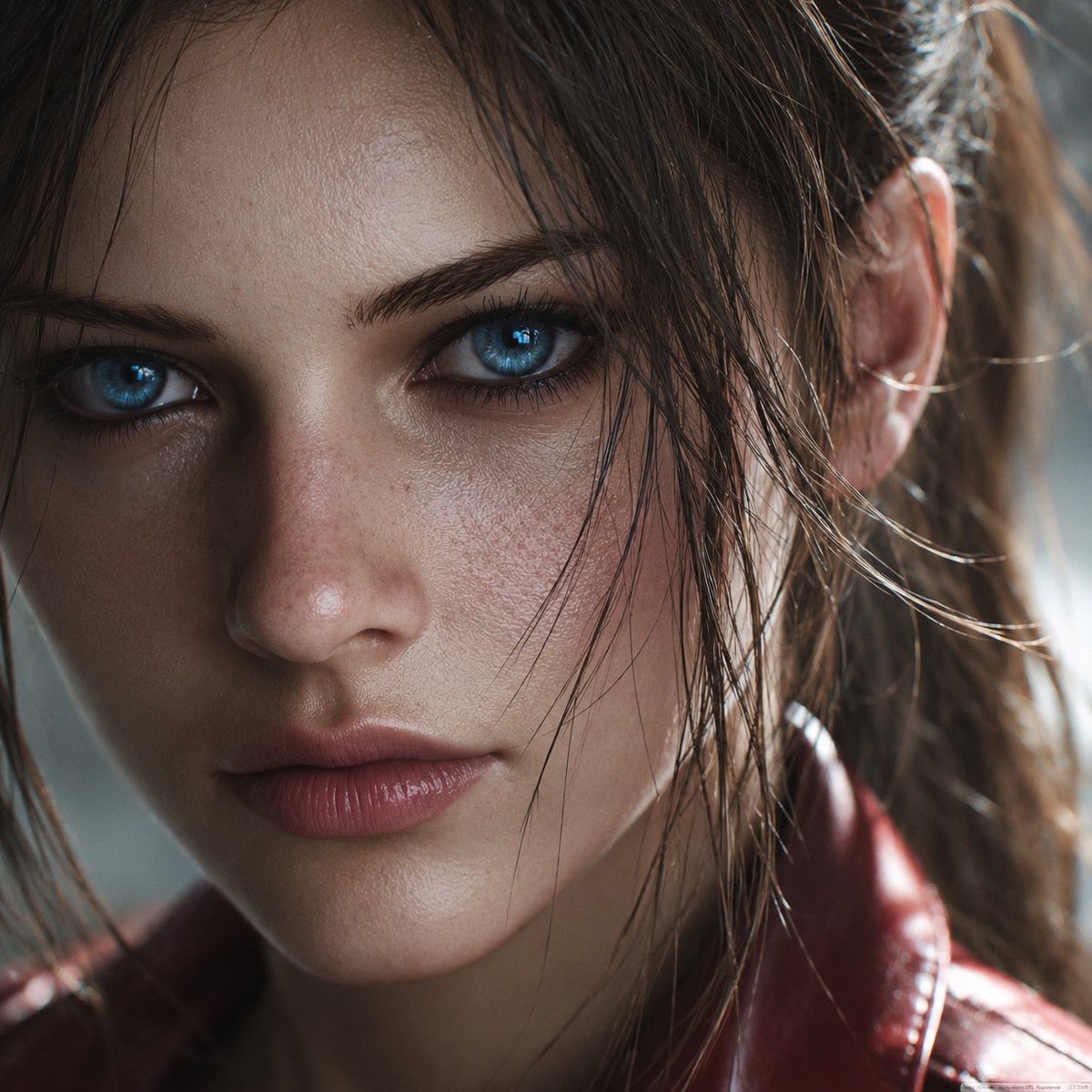
Photoreal Claire Face Restoration
single image to image
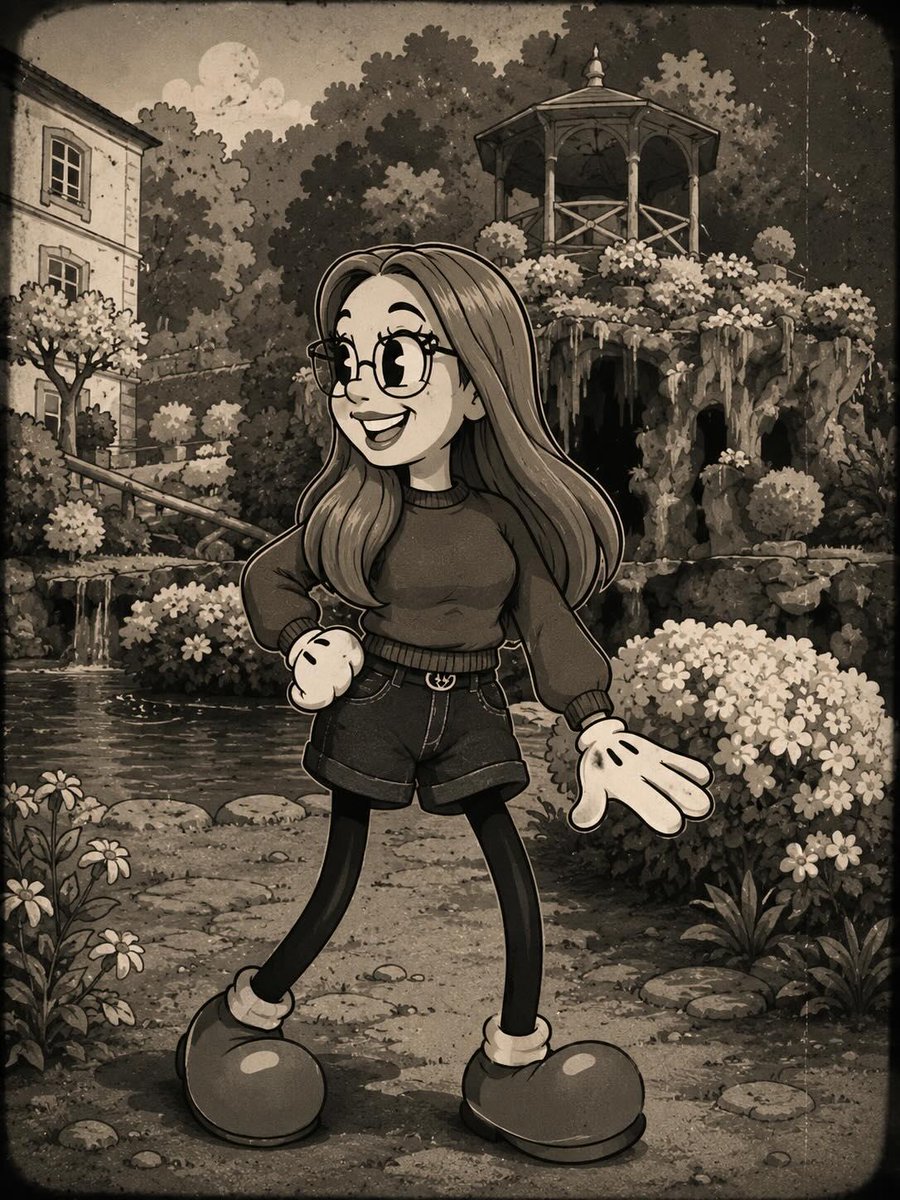
Vintage Rubber Hose Cartoon Transformation
single image to image
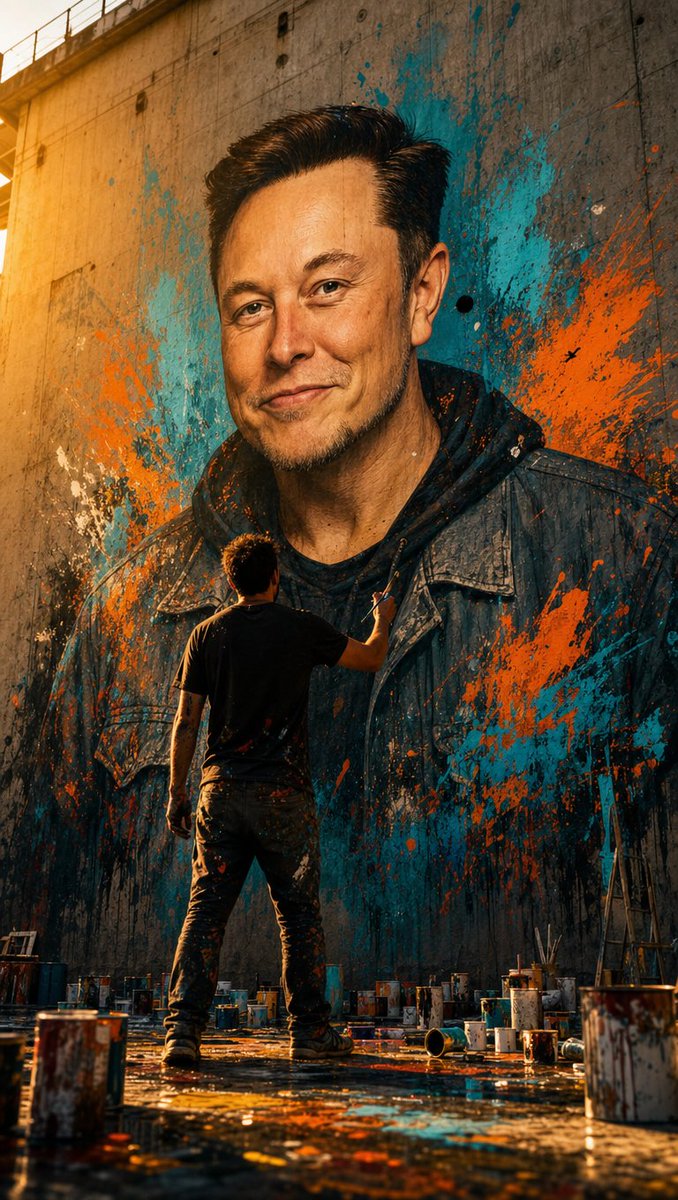
Street Artist Mural Transformation
single image to image
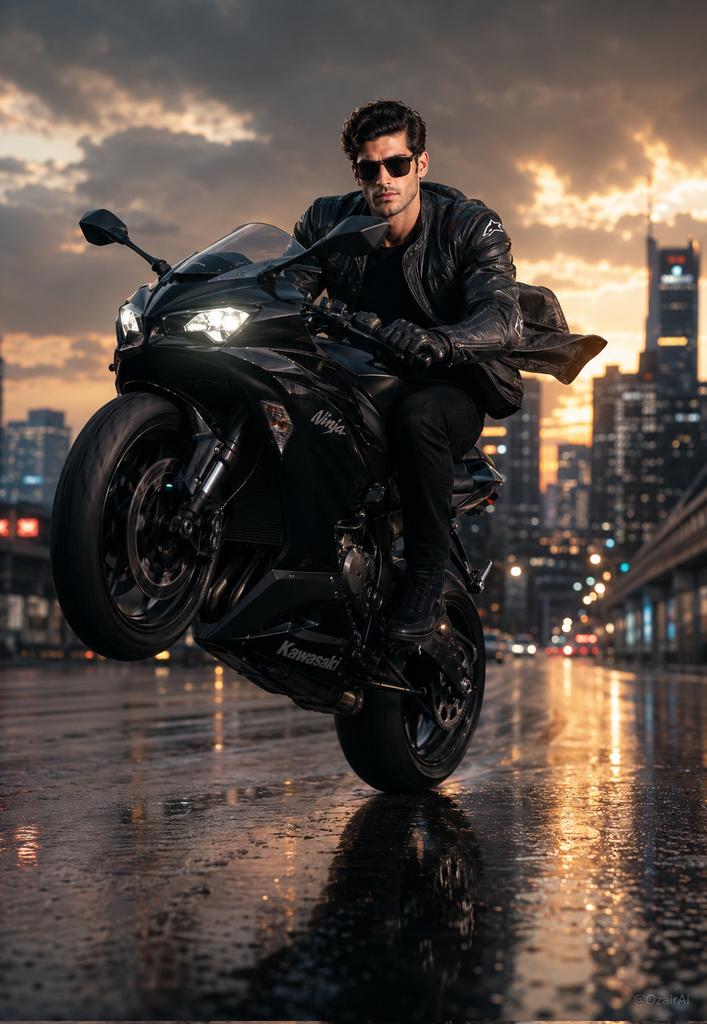
Hyper-Realistic Biker Wheelie Portrait
single image to image
Reuse and source notes
Use this prompt safely after previewing the case.
- 1.Copy the prompt or open it directly in Dovoo with the generation button.
- 2.Adjust variables, aspect ratio, and reference images for your own use case.
- 3.Before publishing or paid usage, verify source rights, attribution requirements, and brand or likeness risks.
Can I use this prompt commercially?
Commercial-use status is allowed. Review the original source, license, brand constraints, and legal requirements before paid usage.
Where does this case come from?
This case is imported from GPT Image 2 prompt catalog; keep attribution visible and check the source URL before reuse.