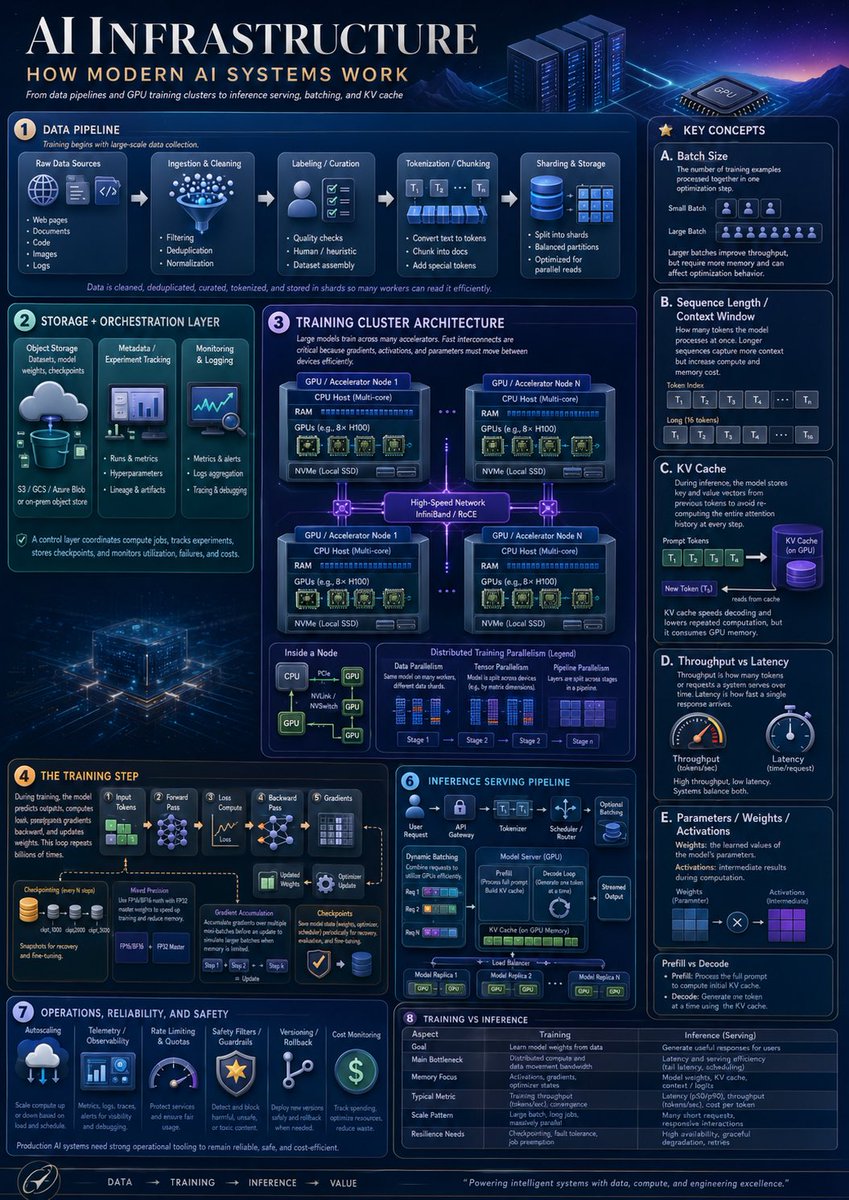
AI Infrastructure Infographic Poster
A dense futuristic educational poster explaining modern AI systems, useful for technical presentations, learning materials, and social media informationals.
This is a GPT Image 2 prompt case for 平面海报. Use the copy-ready prompt below to generate similar visuals, and review Awesome GPT Image 2 Prompts attribution plus commercial-use rights before reuse.
Prompt
Copy-ready prompt
Objective: To create a well-made vertical educational infographic, titled "..."{argument name="headline text" default="AI infrastructure"} The subtitle is{argument name="subtitle text" default="How Modern AI Systems Work"} This document provides an in-depth analysis of modern AI infrastructure, from data pipelines and GPU training clusters to inference services, batch processing, and key-value caches. Canvas: A portrait poster, 4:5 aspect ratio, with a deep blue, futuristic data center style. The background features a glowing blue/purple grid, complemented by illustrations of mountains, server racks, GPU chips, neon circuitry, slim, rounded panels, white and cyan fonts, and small orange numbered logos. The overall look should resemble a high-end technical poster, dense yet easy to read. Layout: A main heading is at the top left, followed by subheadings and slogans below, and decorative server racks and GPU chips at the top right. The content is divided into eight numbered main sections, with a "Key Concepts" section on the right and a flow footer at the bottom. Precise panel borders, icons, arrows, charts, tables, and microtabs are used. Sections and required content: 1. Data Pipeline: Showcasing five pipeline stages connected by arrows: raw data source, ingestion and cleaning, annotation/organization, word segmentation/chunking, and sharding and storage. The raw data source includes 5 key elements: web pages, documents, code, images, and logs. Ingestion and cleaning includes 3 key elements: filtering, deduplication, and normalization. Labeling/organization includes 3 key elements: quality checks, manual/heuristic methods, and dataset assembly. Tokenization/chunking includes 3 key elements: conversion to tokens, chunking into documents, and adding special tokens. Sharding and storage includes 3 key elements: splitting into shards, balanced partitioning, and optimization for parallel reads. Add explanatory text indicating that the data has been cleaned, deduplicated, organized, tokenized, and stored as shards for efficient reading by multiple worker nodes. 2. Storage and Orchestration Layer: Includes 3 vertical cards: Object Storage (with a cloud-to-database icon, labeled "S3 / GCS / Azure Blob or local object storage"); Metadata/Experiment Tracking (with a dashboard icon, key elements: "Running and Metrics", "Hyperparameters", "Lineage and Artifacts"); Monitoring and Logs (with charts/magnifying glass icons, key elements: "Metrics and Alerts", "Log Aggregation", "Tracking and Debugging"). Add a footer explanation: The control layer is responsible for coordinating computational tasks, tracking experiments, storing checkpoints, and monitoring utilization, failures, and costs. 3. Training Cluster Architecture: A central large architecture diagram, titled "Training Cluster Architecture." It shows four GPU/accelerator node boxes arranged in a 2x2 grid, connected by glowing high-speed network links labeled "High-Speed Network InfiniBand / RoCE." Each node contains a CPU host (multi-core), RAM, GPU (e.g., 8x H100), and an NVMe local SSD. Dashed lines connect the nodes. Below are three smaller panels: Node Internals, Data Parallelism, and Distributed Training Parallelism (legend). The Node Internals panel should show the CPU connected to multiple GPUs via PCIe/NVLink/NVSwitch lines. The Distributed Training Parallelism legend should show four stages, labeled Stage 1, Stage 2, Stage 3, and Stage 4. 4. Training Steps: Create a training flow from left to right, containing six stages: Input Token, Forward Propagation, Loss Calculation, Backpropagation, Gradient Calculation, and Optimizer Update. Includes a stack of checkpoint icons, a "Model Accuracy" box (mentioning FP32, FP16/BF16, FP8), and an "Optimizer Status" box. It displays gradient accumulation arrows with the explanation: During training, the model predicts output, calculates loss, backpropagates gradients, and updates weights; this process is repeated billions of times. 5. Inference Service Pipeline: Creates a compact service flowchart with 6 stages at the top: User Requests, API Gateway, Tokenizer, Scheduler/Router, Model Server (GPU), and Streaming Output. The panel includes dynamic batching (3 lines of requests), a Model Server box (showing pre-filling and decoding loops), KV Cache in GPU memory, optional adapters, and a load balancer connecting 3 model replicas (labeled Model Replica 1, Model Replica 2, and Model Replica N). 6. Operations, Reliability, and Security: Includes 6 operations cards with icons: Auto-scaling/Scaling, Telemetry/Observability, Rate Limiting and Quotas, Security Filters/Guardrails, Version Control/Rollback, and Cost Monitoring. Add notes: Production-grade AI systems require robust operational tools to maintain reliability, security, and cost-effectiveness. 7. Training vs. Inference Comparison: Add a comparison table with 6 rows: Objective, Main Bottlenecks, Memory Concerns, Typical Metrics, Scaling Mode, and Elasticity Requirements. Label the two columns "Training" and "Inference (Service)" respectively. Training should describe learning model weights from data, distributed computing and data movement bandwidth, activation values/gradients/optimizer states, tokens per second or convergence speed, large batches of long tasks, and checkpoints/fault tolerance. Inference should describe user-generated useful responses, latency and throughput, model weights plus KV cache, latency and tokens per second, a large number of short requests, and high availability/graceful degradation. 8. Right-hand "Key Concepts" Sidebar: Create a tall right-hand sidebar titled "Key Concepts," containing 5 cards with letters: A. Batch Size, B. Sequence Length/Context Window, C. KV Cache, D. Throughput and Latency, E. Parameters/Weights/Activation Values. Card A should define the batch size and show a comparison between small and large batches (Token/person icons). Card B should show the cue word token and long context (token blocks labeled T1, T2, T3, T4, …, Tn). Card C should show the cue word token being input into a purple cylindrical KV cache, followed by new tokens being read from the cache. Card D should show two dashboards: throughput and latency. Card E should show weights and activation values (blue and purple grids connected by multiplication). Add a "Prefilling vs. Decoding" tip at the bottom of the sidebar, explaining that prefilling processes complete cue words, while decoding generates tokens one by one using the KV cache. Footer: Add a bottom navigation bar in the sequence "Data → Training → Inference → Value," with a small circular rocket/compass icon on the left and a closing statement.{argument name="footer quote" default="Drive intelligent systems with data, computing power, and superior engineering capabilities."} Visual style: Dense corporate infographics, clean vector and semi-3D icons, glowing cyan outlines, subtle gradients, volumetric lighting, small schematics, micro-charts, and clean serif heading fonts paired with modern sans-serif labels. The color scheme should be {argument name="color palette" default="Deep navy blue, electric blue, cyan, violet, white, and a small amount of amber accents"} Constraints: Use 8 numbered main modules, 5 key concept cards, 4 GPU nodes, 6 training phases, 6 inference phases, 6 maintenance cards, and 6 rows of training vs. inference comparison tables. All visible text should be in English, watermarks and brand logos should be avoided, and high readability should be maintained within the dense layout.Prompt variables
Editable argument placeholders found in the prompt, with their default values.
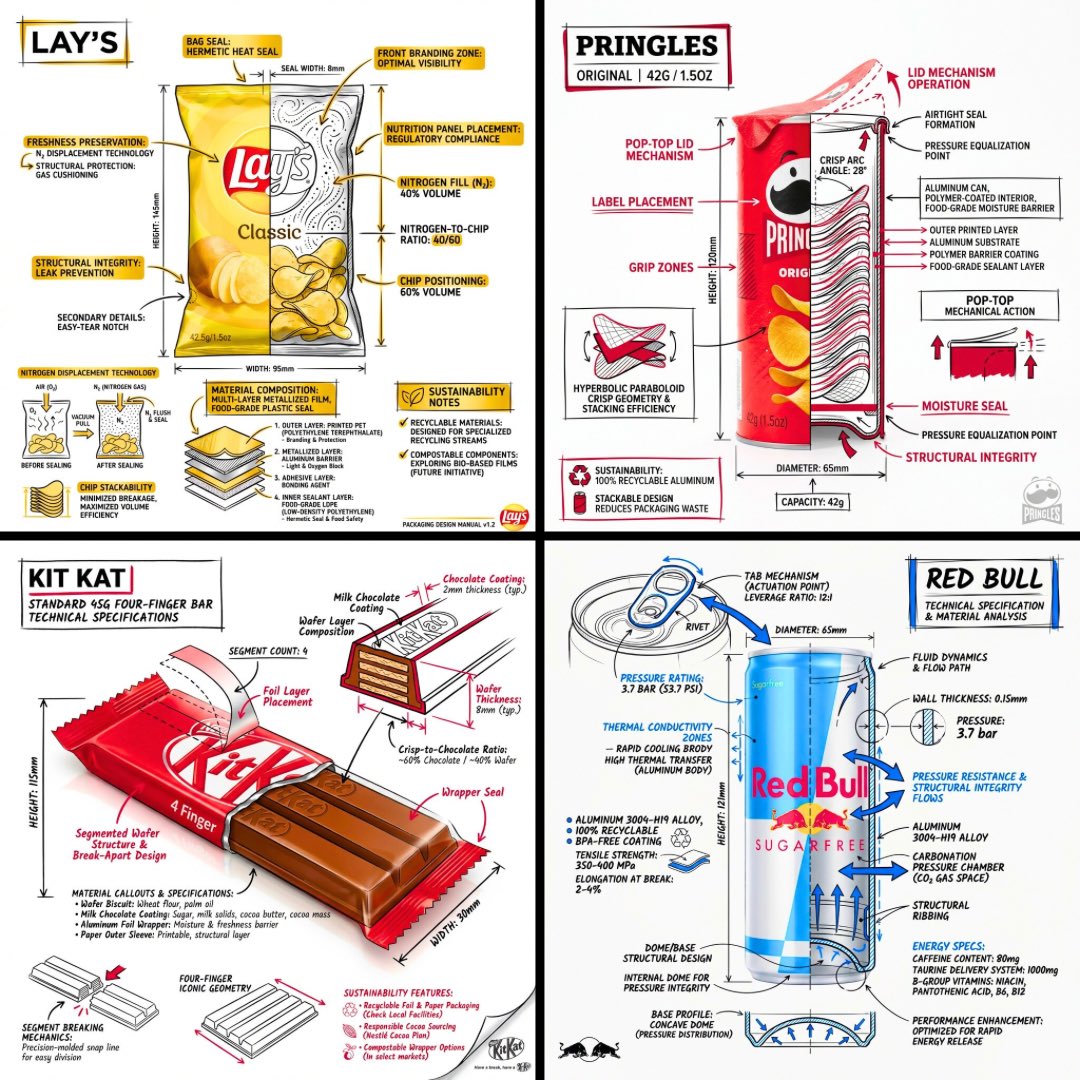
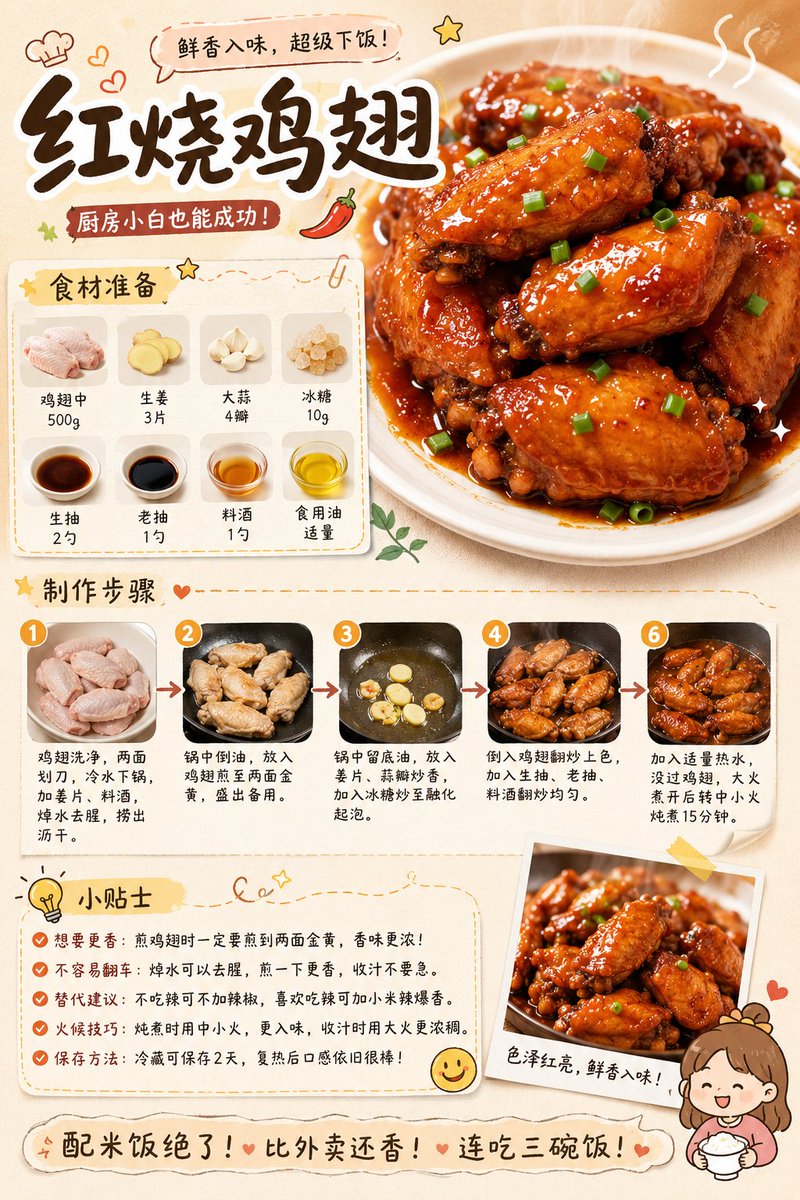
More cases in this category
Prioritized by category, input mode compatibility, quality, and lower risk.





Reuse and source notes
Use this prompt safely after previewing the case.
- 1.Copy the prompt or open it directly in Dovoo with the generation button.
- 2.Adjust variables, aspect ratio, and reference images for your own use case.
- 3.Before publishing or paid usage, verify source rights, attribution requirements, and brand or likeness risks.
Can I use this prompt commercially?
Commercial-use status is allowed. Review the original source, license, brand constraints, and legal requirements before paid usage.
Where does this case come from?
This case is imported from Awesome GPT Image 2 Prompts; keep attribution visible and check the source URL before reuse.