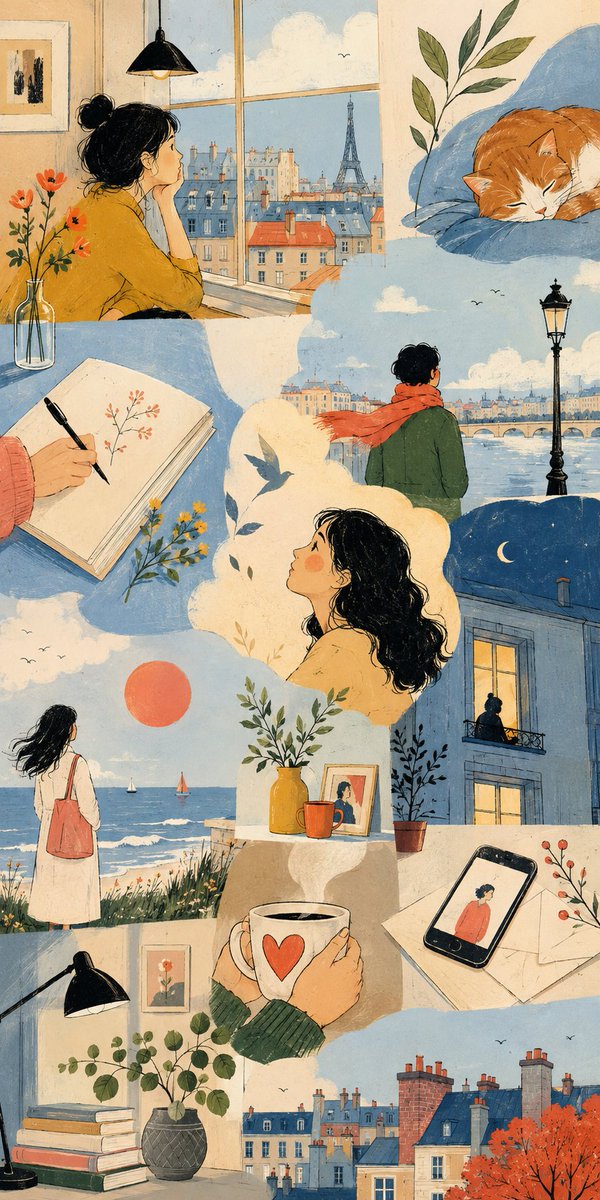
Thematic Artistic Collage Template
An extensive template for creating artistic multi-scene collages based on a specific theme, allowing for varied layouts and visual scale while maintaining harmony.
هذا GPT Image 2 لحالة الرسم والتوضيح الفني . استخدم النموذج الجاهز للنسخ أدناه لإنشاء صور مشابهة، وراجع حقوق الإسناد Awesome GPT Image 2 Prompts وحقوق الاستخدام التجاري قبل إعادة الاستخدام.
هل تحتاج إلى مجموعة كاملة من المطالبات؟ استخدم الرسم والتوضيح الفني للاطلاع على المزيد من الأمثلة ذات الصلة، أو افتح مركز المواضيع. GPT Image 2 كتالوج سريع للاطلاع على فهرس الأمثلة الكامل، والهياكل القابلة لإعادة الاستخدام، ونسب المصادر.
Free 1K preview
Generate one preview image instantly, no sign-up required.
2926/4000
المطالبة
نموذج جاهز للطباعة
THEME = {argument name="theme" default="enter theme"}
STYLE = {argument name="style" default="enter the style you want"}
PALETTE = {argument name="palette" default="enter the color palette"}
ASPECT RATIO = {argument name="aspect ratio" default="enter the aspect ratio you want"}

DO:
  Create an artistic multi-scene collage built entirely around THEME.
  Derive subjects, environments, objects, characters and visual events naturally from THEME.
  Derive the emotional tone, atmosphere and energy naturally from THEME.
  Use people, animals, objects, landscapes, architecture, abstract forms or any combination of them when they meaningfully support THEME.
  Treat each scene as a distinct emotional or conceptual fragment from the same world.
  Build the composition like an expressive editorial art spread rather than a storyboard or regular panel grid.
  Freely vary the number, scale, proportions and placement of scenes.
  Combine large dominant images with narrow vertical fragments, wide horizontal crops, small detail scenes and partially cropped compositions.
  Stagger scene edges and shift their alignments to create an irregular visual rhythm.
  Let some scenes extend fully to the canvas edge while others terminate against neighboring imagery.
  Use occasional L-shaped, stepped or offset arrangements created naturally by neighboring scene proportions.
  Avoid repeating the same rectangle size or alignment across the composition.
  Keep scenes visually separate without visible frames or empty gaps between them.
  Let neighboring scenes meet through irregular crop relationships while keeping their environments independent.
  Do not blend separate locations into one continuous environment.
  Keep the main subjects of each scene visually contained within that scene.
  Use architecture, large color fields and negative space to shape the overall composition.
  Connect neighboring scenes through color relationships, visual rhythm and thematic echoes rather than physically merging their content.
  Choose environments and situations specifically suited to THEME.
  Include occasional intimate fragments such as hands, objects, windows, silhouettes, architectural details or empty spaces when they strengthen THEME.
  Give each scene a different visual scale, point of view and conceptual focus.
  Use expressive lighting, shape, perspective and negative space according to STYLE.
  Vary the emphasis of PALETTE from scene to scene while preserving overall harmony.
  Maintain consistency whenever subjects, characters, objects or locations recur.
  Keep the final composition visually clean, sophisticated and intentionally irregular.

CAMERA: varied editorial framing, environmental wides, cropped medium views, isolated details, unusual negative-space compositions, overhead fragments and off-center perspectives chosen according to THEME

RULES:
  Use STYLE as the authority for medium, linework, text
متغيرات المطالبة
عناصر نائبة قابلة للتعديل موجودة في موجه الأوامر، مع قيمها الافتراضية.
عامل
theme
تقصير
enter theme
عامل
style
تقصير
enter the style you want
عامل
palette
تقصير
enter the color palette
عامل
aspect ratio
تقصير
enter the aspect ratio you want
Best for
- - الرسم والتوضيح الفني visual exploration
- - Image generation and reference-image edits
- - Reusable briefs that keep source attribution visible
Change these parts
- - Subject, product, character, or scene
- - Aspect ratio, camera, lighting, and background
- - Brand, text, color, and output constraints
Recommended model and settings
- - Model: gpt-image-2
- - Input mode: تحويل النص إلى صورة
- - Aspect ratio: source
- - Commercial status: review original source
How to use this prompt
- 1. Copy the prompt and preserve its structure for the first test.
- 2. Replace the subject, context, and publishing channel.
- 3. Change one camera, lighting, or style variable per iteration.
- 4. Inspect the output, source, text, and rights before reuse.
Limitations, source, and reuse cautions
- - Generated output is an editable draft, not factual, legal, or rights evidence.
- - Review the linked source, people, brands, logos, text, and third-party media before commercial use.
مستورد من Awesome GPT Image 2 Prompts . يلزم ذكر المصدر. حالة الاستخدام التجاري هي allowed ؛ يرجى مراجعة حقوق المصدر قبل الاستخدام المدفوع.
المزيد من الحالات في هذه الفئة
يتم تحديد الأولويات حسب الفئة، وتوافق وضع الإدخال، والجودة، وانخفاض المخاطر.

Miniature London Paper-Craft Diorama
تحويل النص إلى صورة

Codex Silver Token Product Shot
تحويل النص إلى صورة

Neon Flux Cyberpunk Portrait
تحويل النص إلى صورة

Photorealistic Woman Reference Sheet
تحويل النص إلى صورة
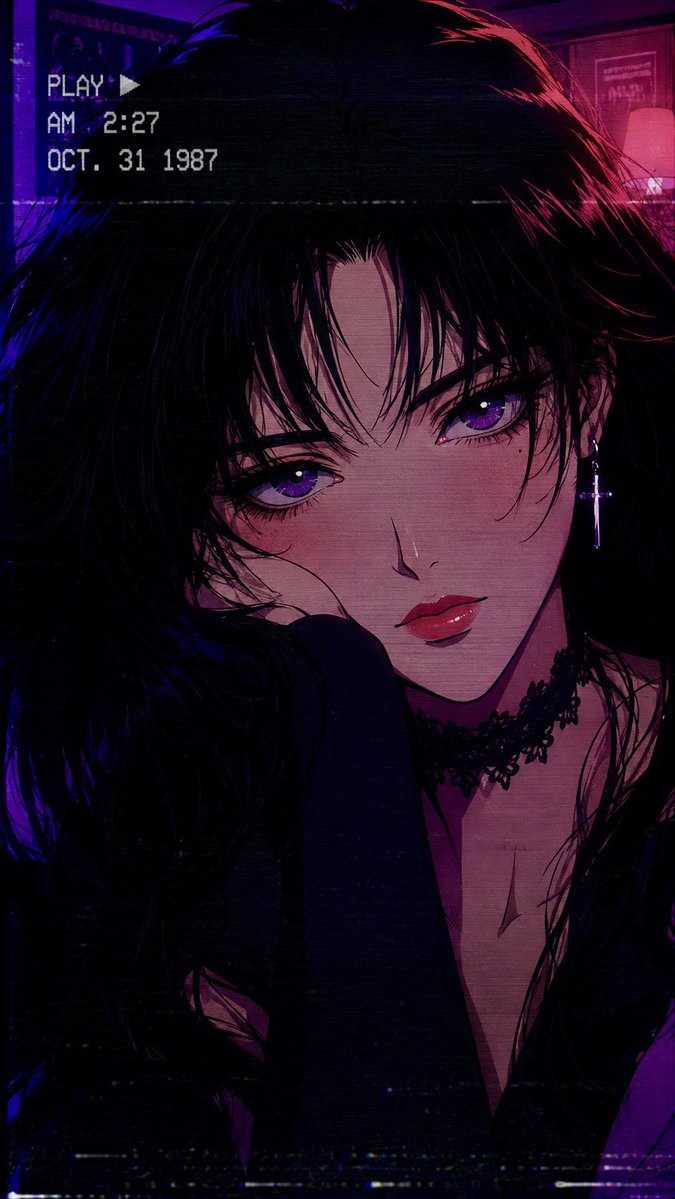
80s Retro Anime Goth Portrait
تحويل النص إلى صورة
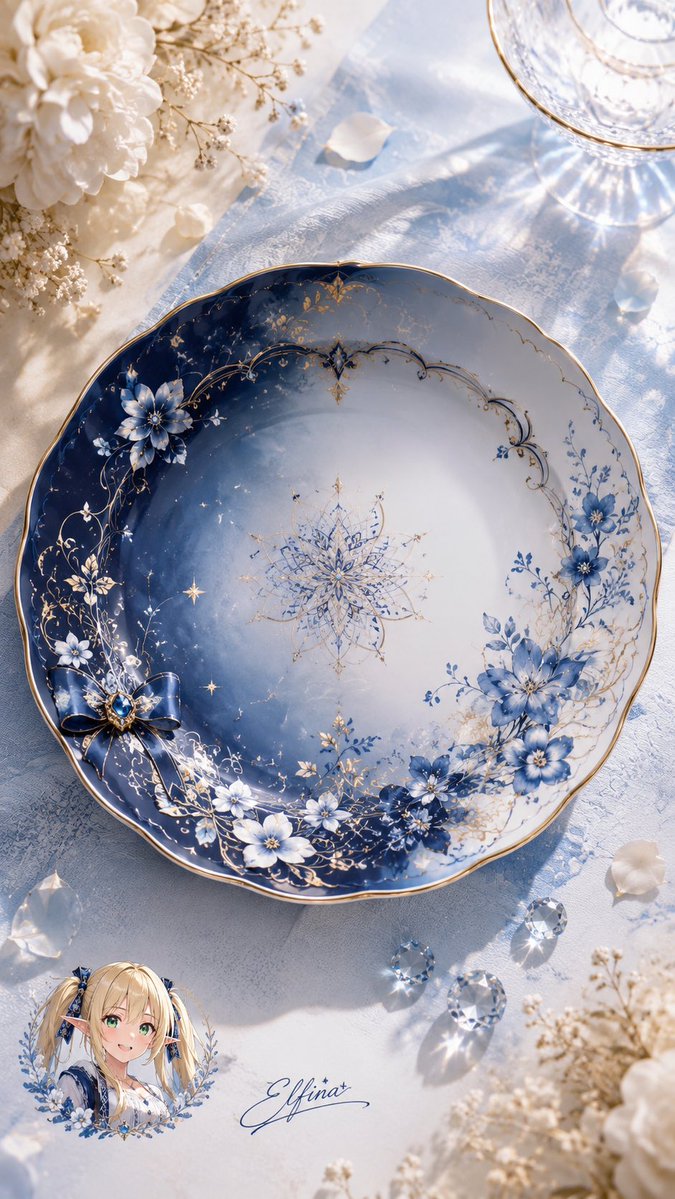
Elfina Fantasy Porcelain Plate
تحويل النص إلى صورة
إعادة استخدام الملاحظات ومصادرها
استخدم هذا التنبيه بأمان بعد معاينة الحالة.
- 1.انسخ الرسالة أو افتحها مباشرة في Dovoo باستخدام زر الإنشاء.
- 2.قم بتعديل المتغيرات ونسبة العرض إلى الارتفاع والصور المرجعية لتناسب حالة استخدامك الخاصة.
- 3.قبل النشر أو الاستخدام المدفوع، تحقق من حقوق المصدر، ومتطلبات الإسناد، ومخاطر العلامة التجارية أو التشابه.