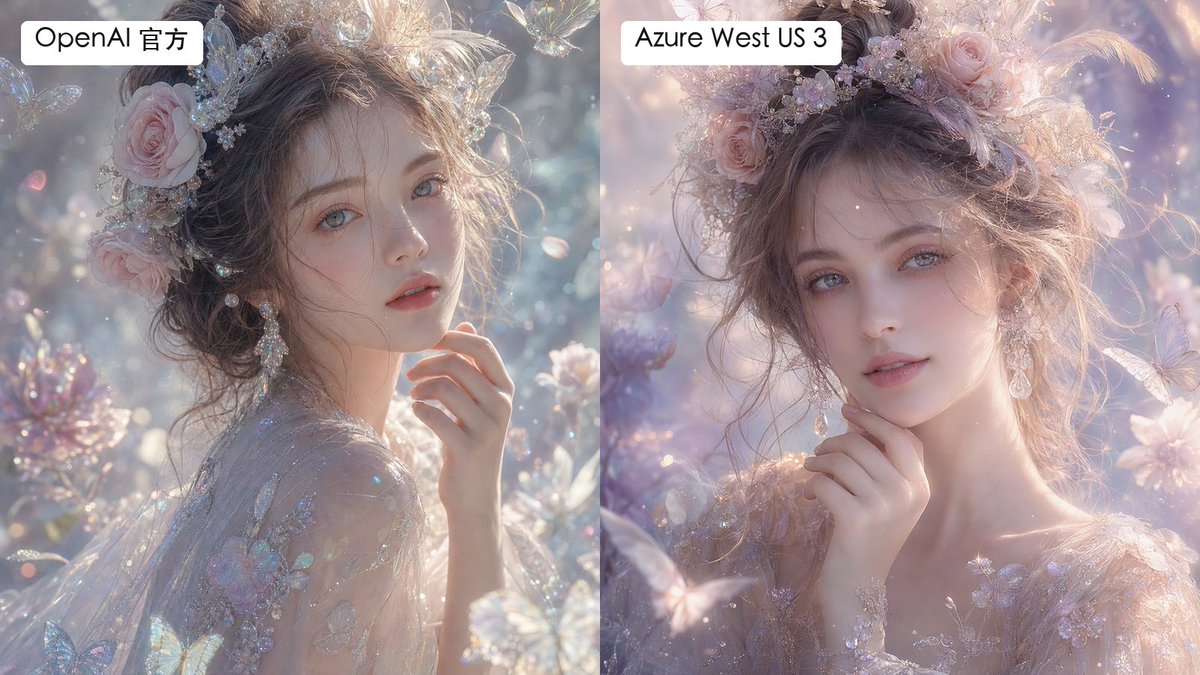
Split Fantasy Portrait Comparison
Generates a labeled two-panel comparison of dreamy fantasy portrait renders with subtle differences in texture and smoothness.
هذا GPT Image 2 لحالة صورة وشخصية . استخدم النموذج الجاهز للنسخ أدناه لإنشاء صور مشابهة، وراجع حقوق الإسناد Awesome GPT Image 2 Prompts وحقوق الاستخدام التجاري قبل إعادة الاستخدام.
هل تحتاج إلى مجموعة كاملة من المطالبات؟ استخدم صورة وشخصية للاطلاع على المزيد من الأمثلة ذات الصلة، أو افتح مركز المواضيع. GPT Image 2 كتالوج سريع للاطلاع على فهرس الأمثلة الكامل، والهياكل القابلة لإعادة الاستخدام، ونسب المصادر.
Free 1K preview
Generate one preview image instantly, no sign-up required.
1922/4000
المطالبة
نموذج جاهز للطباعة
Create a side-by-side comparison image showing two versions of the same dreamy fantasy portrait. Canvas is a horizontal 16:9 split-screen composition with a perfectly vertical divide down the center, no gap, left panel and right panel each occupying exactly half the image. In both panels, depict the same ethereal young woman in a luminous fairytale garden, shown as a close-up bust portrait with pale porcelain skin, soft gray-blue eyes, delicate lips, and loosely pinned wavy brown hair. She wears an ornate pastel floral crown with pink roses, tiny crystal flowers, pearls, translucent butterfly ornaments, and soft feathers, plus dangling crystal earrings and a sheer embroidered gown with iridescent floral appliqué. Her hand is raised gently near her chin, giving a calm, romantic, slightly wistful expression while looking toward the viewer. The scene is filled with pastel blossoms, sparkling bokeh, floating dust motes, translucent butterflies, crystal petals, and soft backlit haze. Use an ultra-detailed high-fashion fantasy photography style, shallow depth of field, pearly highlights, glittering refractions, delicate skin texture, and pastel lavender, blush pink, silver, and pale blue tones. Make the left panel slightly more textured, crisp, and detailed in skin and fabric microtexture; make the right panel slightly smoother and more airbrushed, with softer pastel lighting and gentler facial texture. Add exactly 2 label boxes: one white rounded rectangle at the top left of the left panel reading {argument name="left label" default="OpenAI Official"}, and one white rounded rectangle at the top left of the right panel reading {argument name="right label" default="Azure West US 3"}. Use clean black sans-serif text inside the labels. Keep both portraits similar enough to clearly compare rendering differences, but not identical; avoid watermarks, logos, extra captions, borders, or additional text.متغيرات المطالبة
عناصر نائبة قابلة للتعديل موجودة في موجه الأوامر، مع قيمها الافتراضية.
عامل
left label
تقصير
OpenAI Official
عامل
right label
تقصير
Azure West US 3
Best for
- - صورة وشخصية visual exploration
- - Image generation and reference-image edits
- - Reusable briefs that keep source attribution visible
Change these parts
- - Subject, product, character, or scene
- - Aspect ratio, camera, lighting, and background
- - Brand, text, color, and output constraints
Recommended model and settings
- - Model: gpt-image-2
- - Input mode: تحويل النص إلى صورة
- - Aspect ratio: source
- - Commercial status: review original source
How to use this prompt
- 1. Copy the prompt and preserve its structure for the first test.
- 2. Replace the subject, context, and publishing channel.
- 3. Change one camera, lighting, or style variable per iteration.
- 4. Inspect the output, source, text, and rights before reuse.
Limitations, source, and reuse cautions
- - Generated output is an editable draft, not factual, legal, or rights evidence.
- - Review the linked source, people, brands, logos, text, and third-party media before commercial use.
مستورد من Awesome GPT Image 2 Prompts . يلزم ذكر المصدر. حالة الاستخدام التجاري هي allowed ؛ يرجى مراجعة حقوق المصدر قبل الاستخدام المدفوع.
المزيد من الحالات في هذه الفئة
يتم تحديد الأولويات حسب الفئة، وتوافق وضع الإدخال، والجودة، وانخفاض المخاطر.
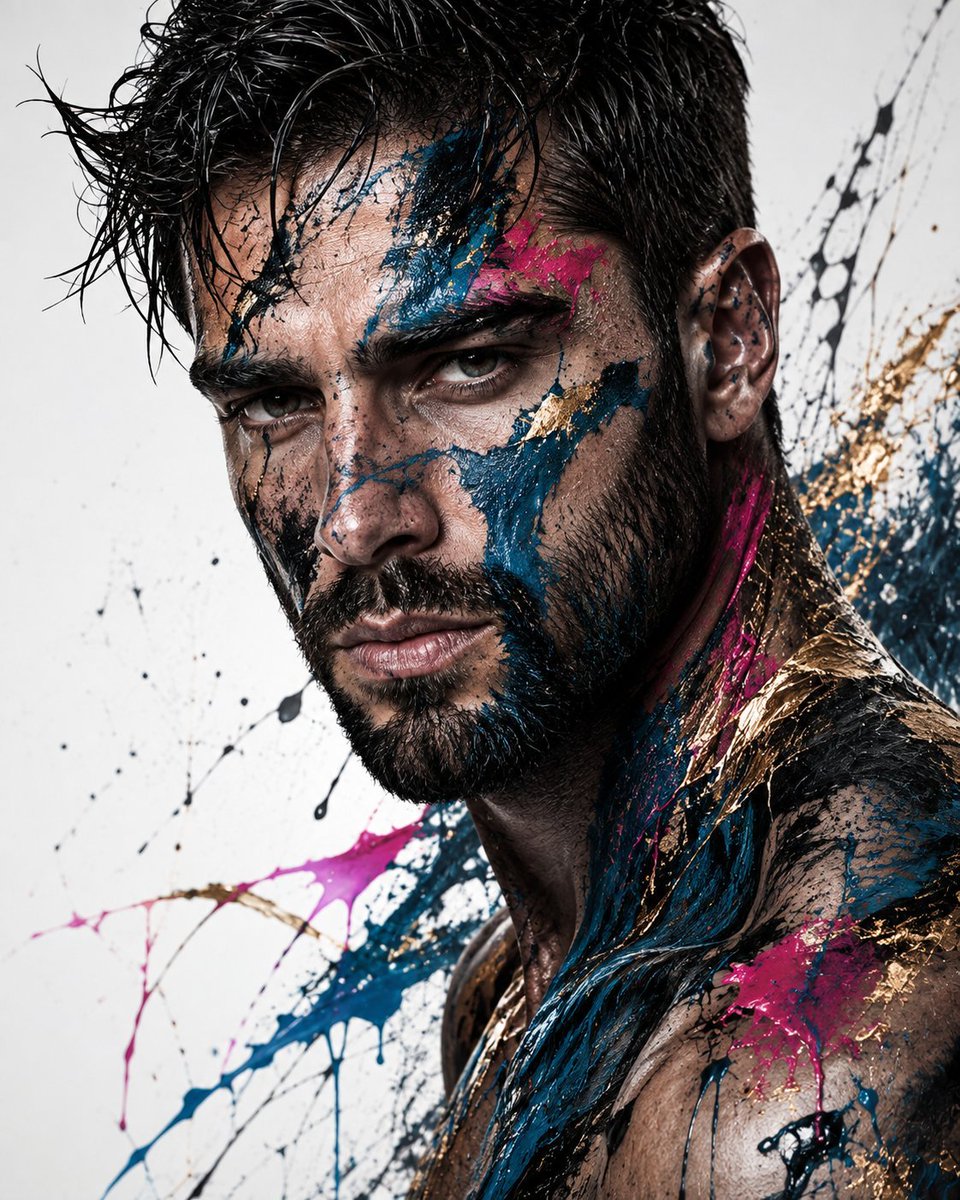
Abstract Fine-Art Editorial Portrait
تحويل النص إلى صورة

Photorealistic Woman Reference Sheet
تحويل النص إلى صورة
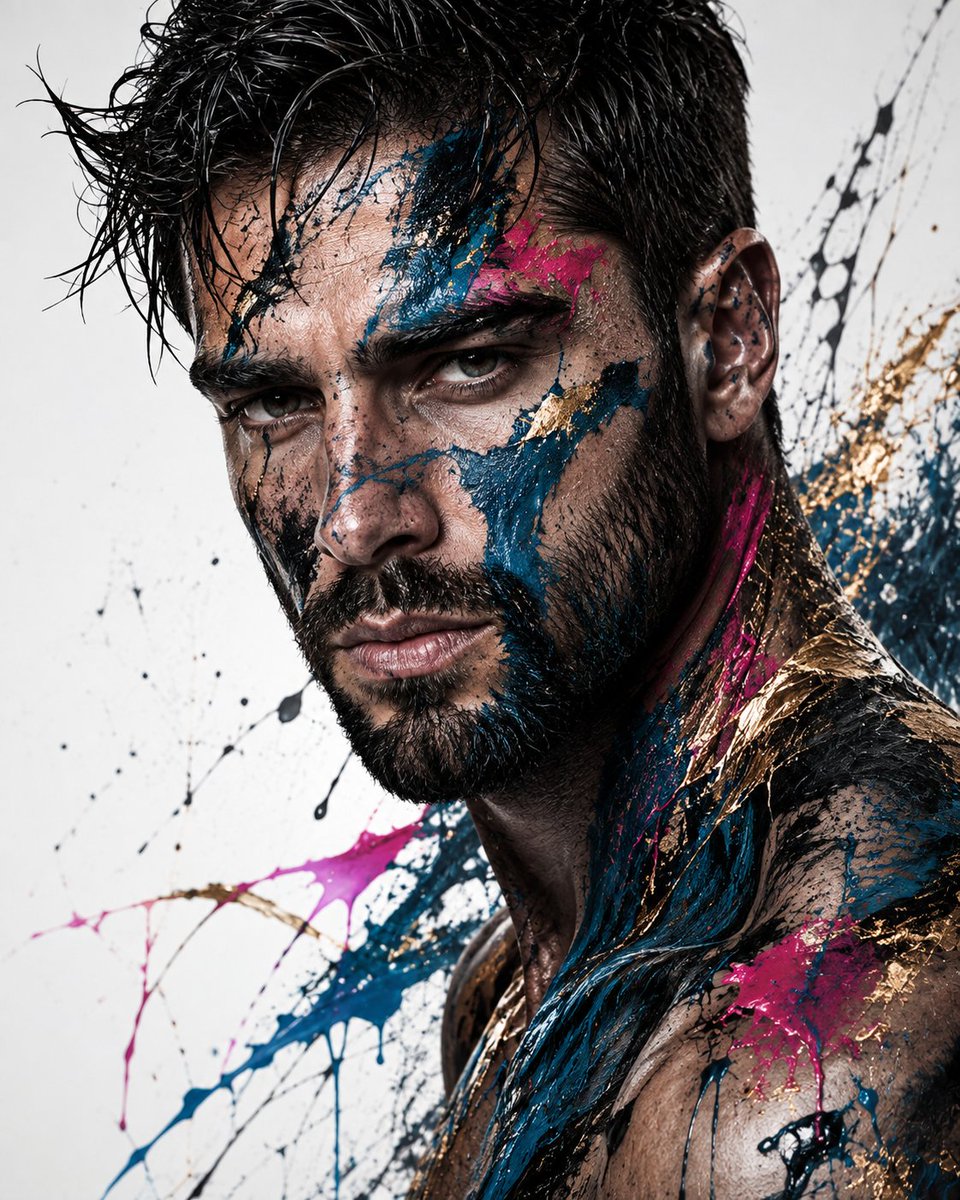
Editorial Male Portrait with Paint Splashes
تحويل النص إلى صورة
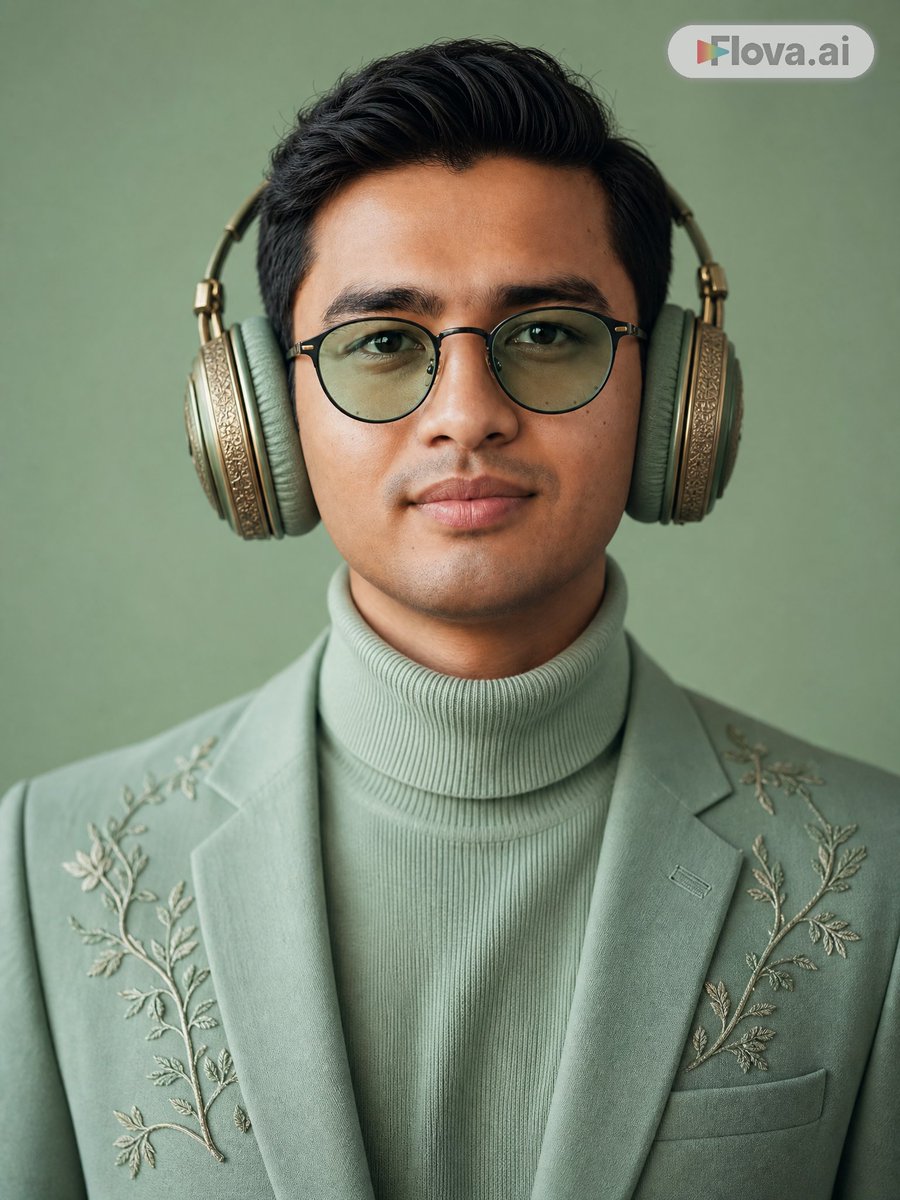
Mint Green Audiophile Portrait
تحويل النص إلى صورة
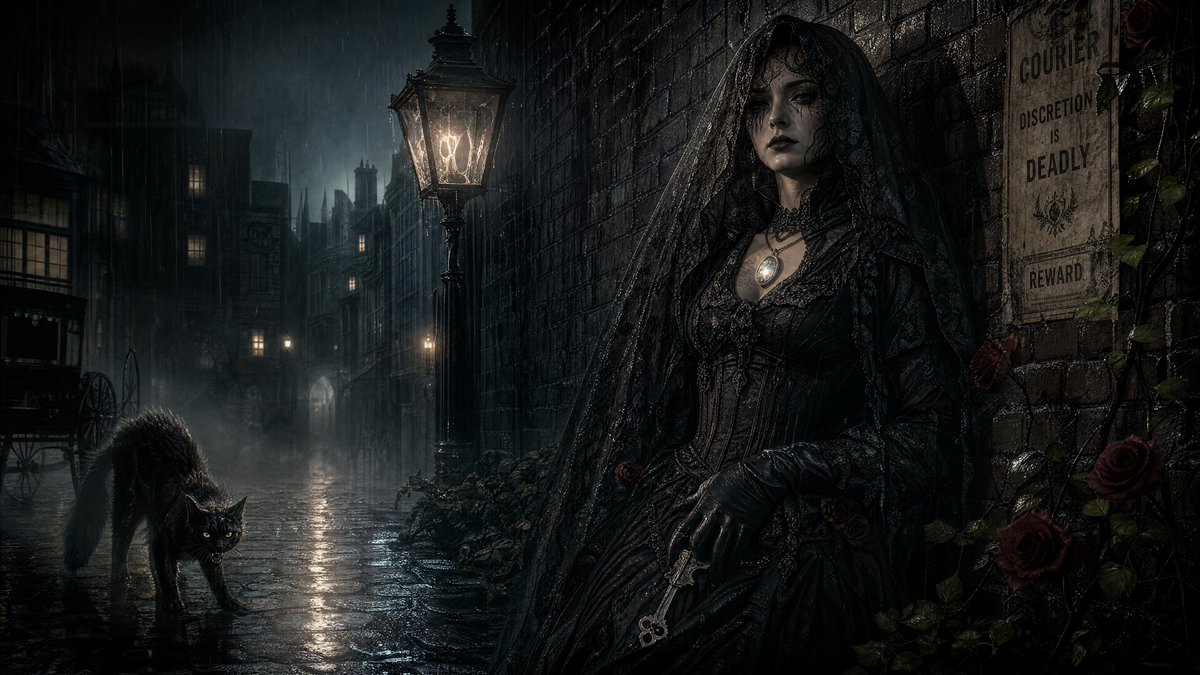
Spectral Courier Gothic Alley
تحويل النص إلى صورة
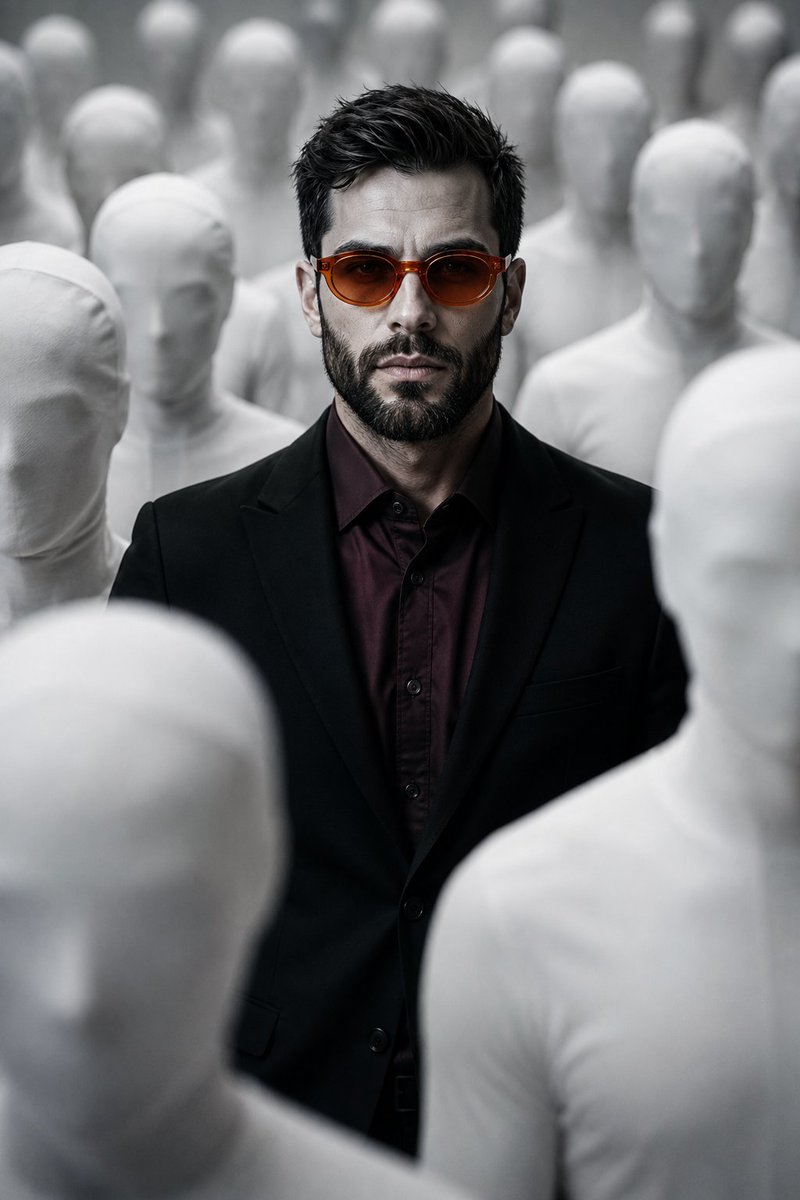
Surreal Man in Crowd of Faceless Figures
تحويل النص إلى صورة
إعادة استخدام الملاحظات ومصادرها
استخدم هذا التنبيه بأمان بعد معاينة الحالة.
- 1.انسخ الرسالة أو افتحها مباشرة في Dovoo باستخدام زر الإنشاء.
- 2.قم بتعديل المتغيرات ونسبة العرض إلى الارتفاع والصور المرجعية لتناسب حالة استخدامك الخاصة.
- 3.قبل النشر أو الاستخدام المدفوع، تحقق من حقوق المصدر، ومتطلبات الإسناد، ومخاطر العلامة التجارية أو التشابه.