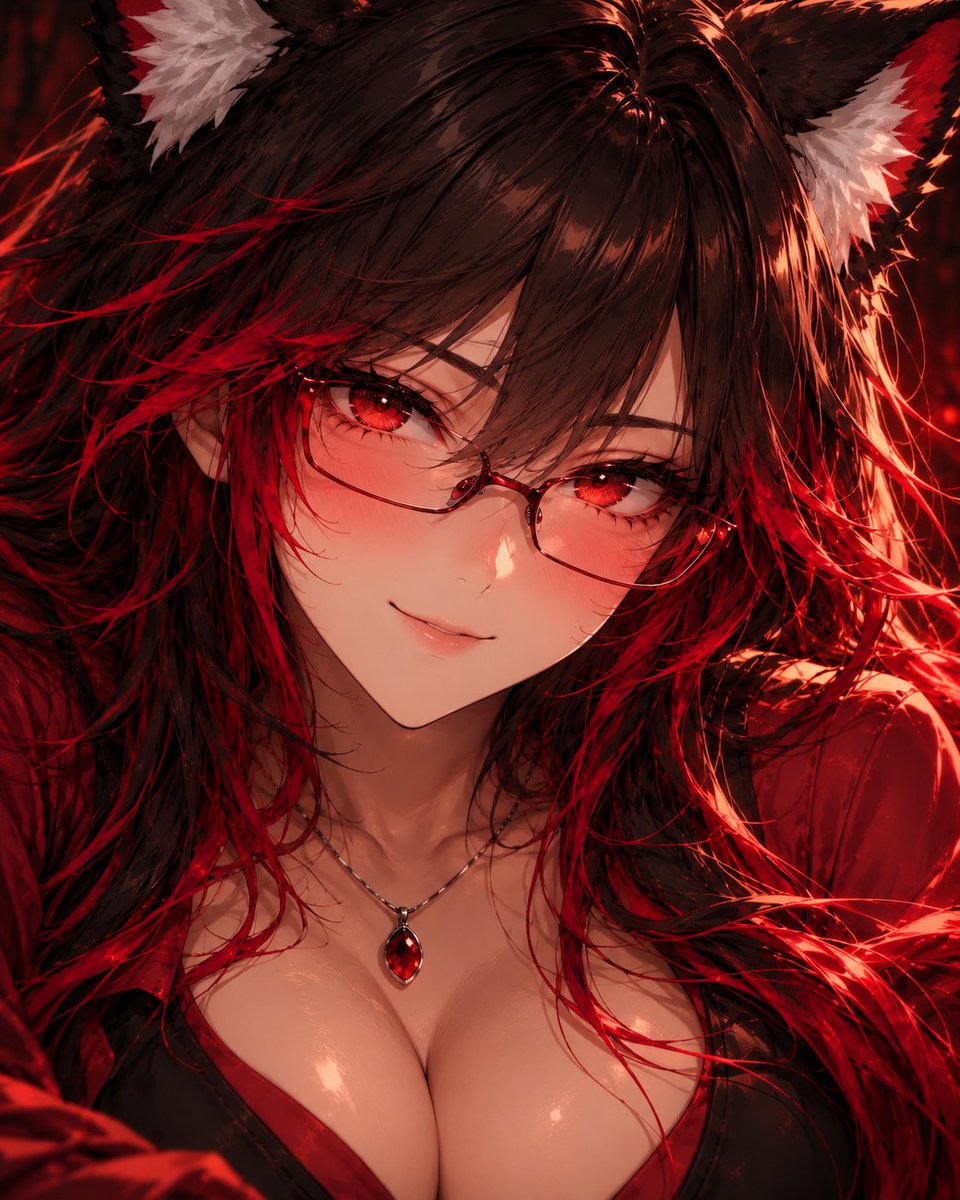
Anime Character Portrait Prompt
A community-shared prompt for generating extreme close-up anime portraits using GPT Image 2, requiring reference sheets.
هذا GPT Image 2 لحالة الأنمي والألعاب . استخدم النموذج الجاهز للنسخ أدناه لإنشاء صور مشابهة، وراجع حقوق الإسناد Awesome GPT Image 2 Prompts وحقوق الاستخدام التجاري قبل إعادة الاستخدام.
هل تحتاج إلى مجموعة كاملة من المطالبات؟ استخدم الأنمي والألعاب للاطلاع على المزيد من الأمثلة ذات الصلة، أو افتح مركز المواضيع. GPT Image 2 كتالوج سريع للاطلاع على فهرس الأمثلة الكامل، والهياكل القابلة لإعادة الاستخدام، ونسب المصادر.
Free 1K preview
Generate one preview image instantly, no sign-up required.
1741/4000
المطالبة
نموذج جاهز للطباعة
Create an extreme close-up portrait of the character in the attached character reference sheet. Treat that sheet as the absolute authority for the character's identity and design: preserve their face, facial proportions, skin tone, hair style/color, eyes, ears or other character features, and any visible clothing/accessories. Do not redesign the character.
The second attached portrait is ONLY a rendering-quality reference. Do not copy that character's identity, face, hair, colors, clothing, accessories, expression, pose, or composition. Use it only as the target for detail density and finish: highly defined facial features, dimensional anime shading, intricate eyes and eyelashes, individually rendered hair strands, subtle skin highlights and warmth, sophisticated lighting, depth, material definition, and extremely polished cinematic anime rendering.
Frame the subject very tightly from approximately the upper chest/clavicle to the tips of their hair/ears, with the face dominating the image. Use an eye-level camera and direct eye contact. Give them a small natural smile with subtle blush. Preserve recognizable anime facial proportions while adding significantly more dimensional definition and fine detail; do not make the face photorealistic.
Use a simple dark atmospheric background and cinematic lighting that complements the character's existing palette. Keep the eyes, face, and nearest hair strands exceptionally sharp, with gentle depth falloff elsewhere.
Do not show the waist, hips, legs, or full body. Do not create a detailed environment. Do not copy the second portrait's scene or character.
Character sheet = WHO the character is. Second portrait = ONLY the LEVEL OF RENDERING QUALITY.
Generate the portrait now.
Best for
- - الأنمي والألعاب visual exploration
- - Image generation and reference-image edits
- - Reusable briefs that keep source attribution visible
Change these parts
- - Subject, product, character, or scene
- - Aspect ratio, camera, lighting, and background
- - Brand, text, color, and output constraints
Recommended model and settings
- - Model: gpt-image-2
- - Input mode: تحويل النص إلى صورة
- - Aspect ratio: source
- - Commercial status: review original source
How to use this prompt
- 1. Copy the prompt and preserve its structure for the first test.
- 2. Replace the subject, context, and publishing channel.
- 3. Change one camera, lighting, or style variable per iteration.
- 4. Inspect the output, source, text, and rights before reuse.
Limitations, source, and reuse cautions
- - Generated output is an editable draft, not factual, legal, or rights evidence.
- - Review the linked source, people, brands, logos, text, and third-party media before commercial use.
مستورد من Awesome GPT Image 2 Prompts . يلزم ذكر المصدر. حالة الاستخدام التجاري هي allowed ؛ يرجى مراجعة حقوق المصدر قبل الاستخدام المدفوع.
المزيد من الحالات في هذه الفئة
يتم تحديد الأولويات حسب الفئة، وتوافق وضع الإدخال، والجودة، وانخفاض المخاطر.
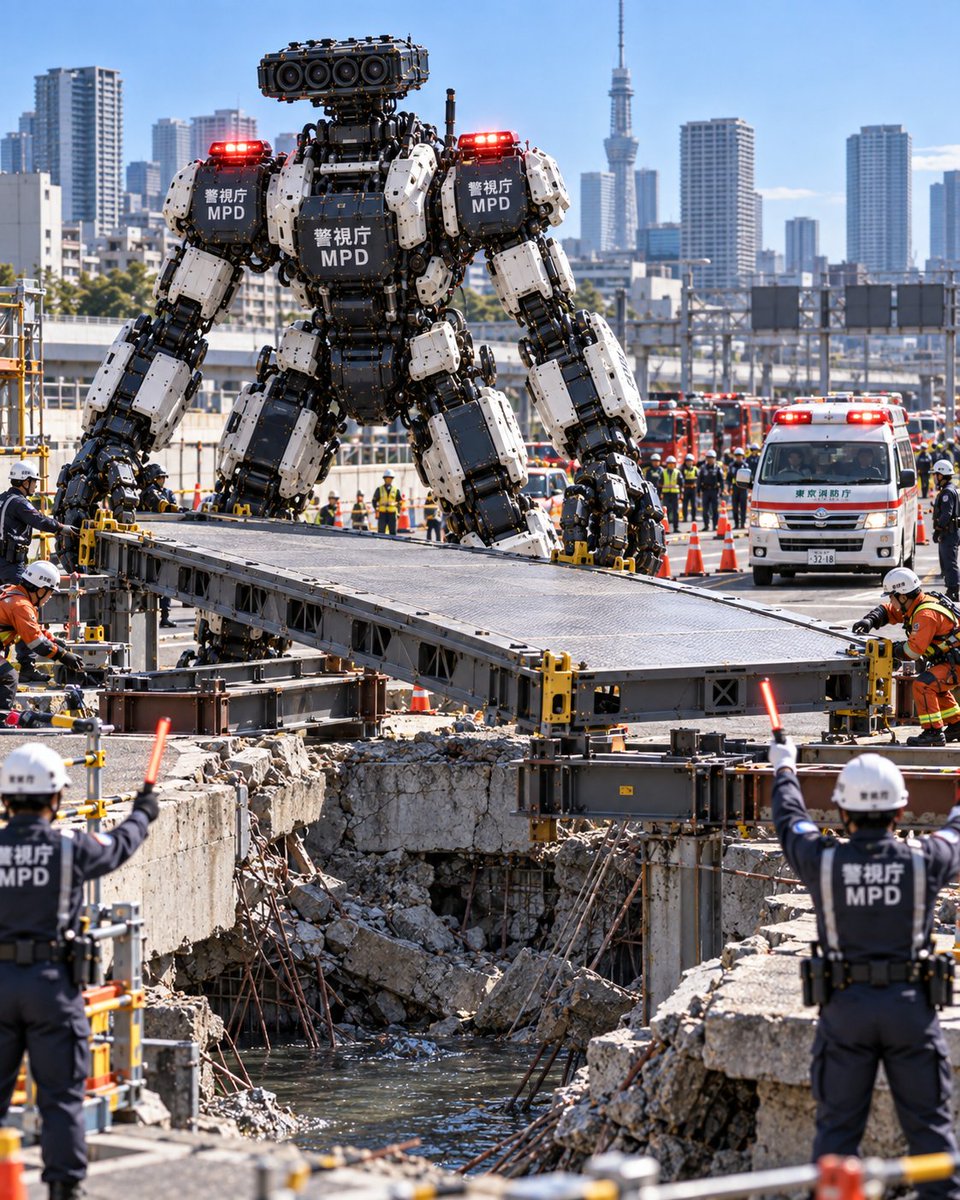
Metropolitan Police Robot Team Prompt
تحويل النص إلى صورة
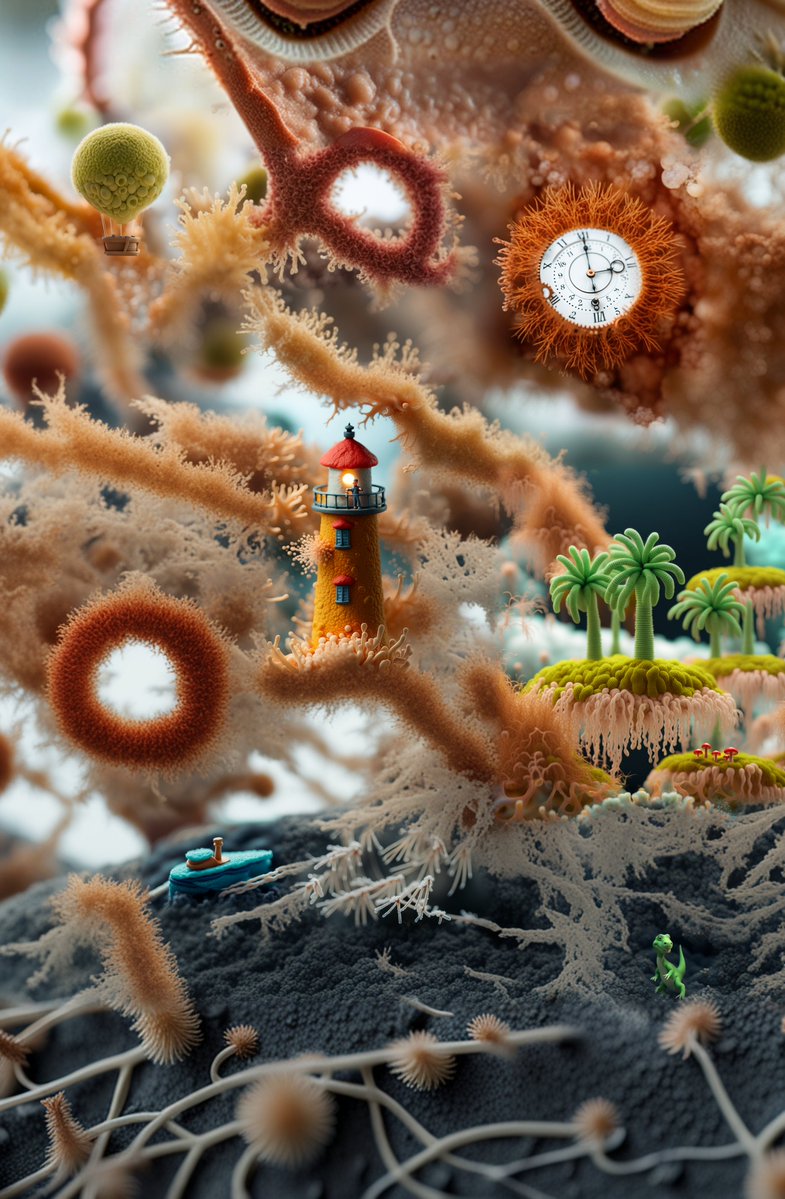
Surreal Miniature Coral Diorama
تحويل النص إلى صورة
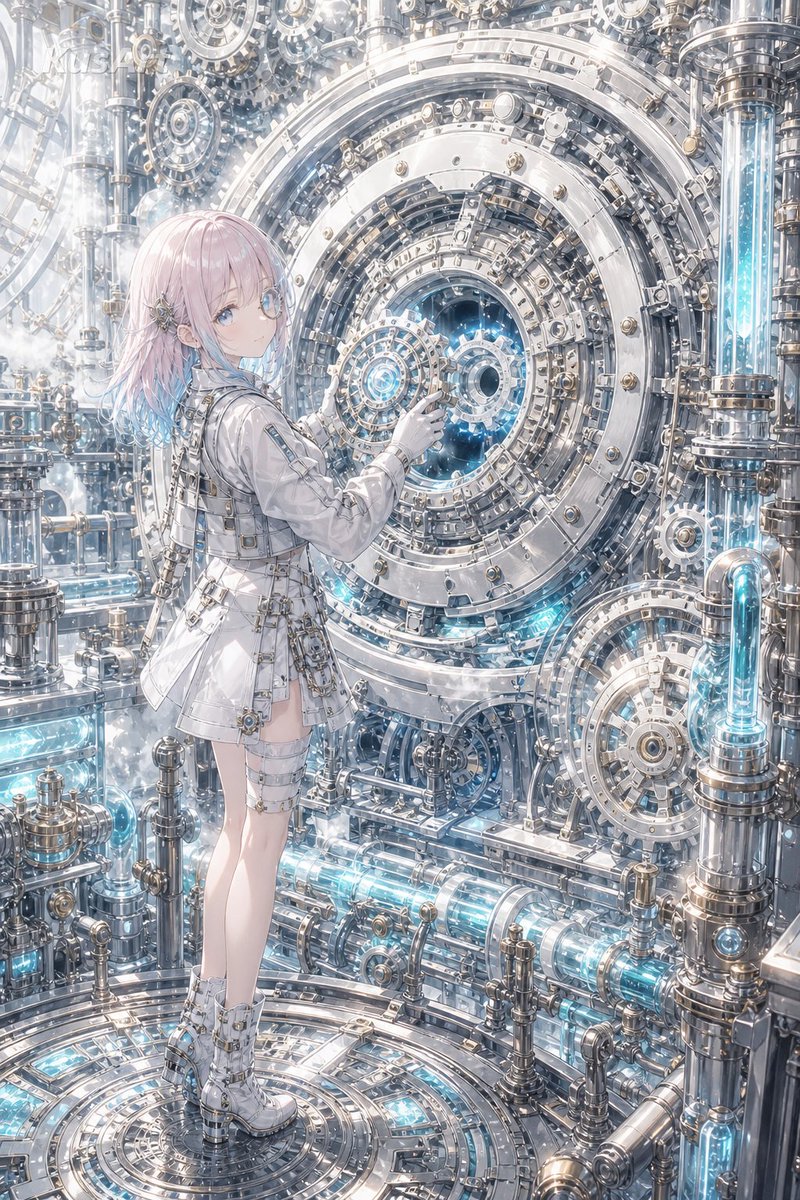
Steampunk Last Gear Prompt
تحويل النص إلى صورة

Nokia Photo with Handwritten Diary Doodles
تحويل النص إلى صورة
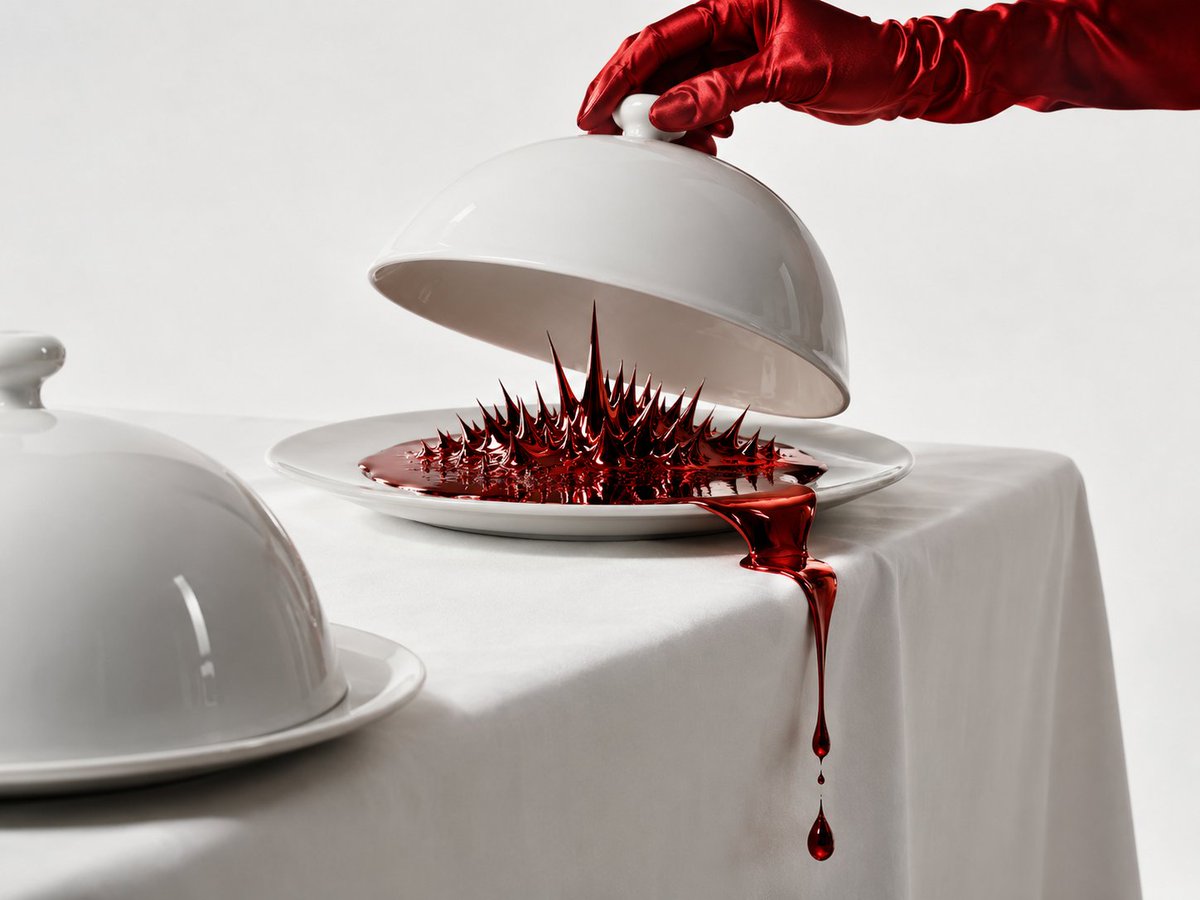
Uncanny Red Liquid Still Life
تحويل النص إلى صورة
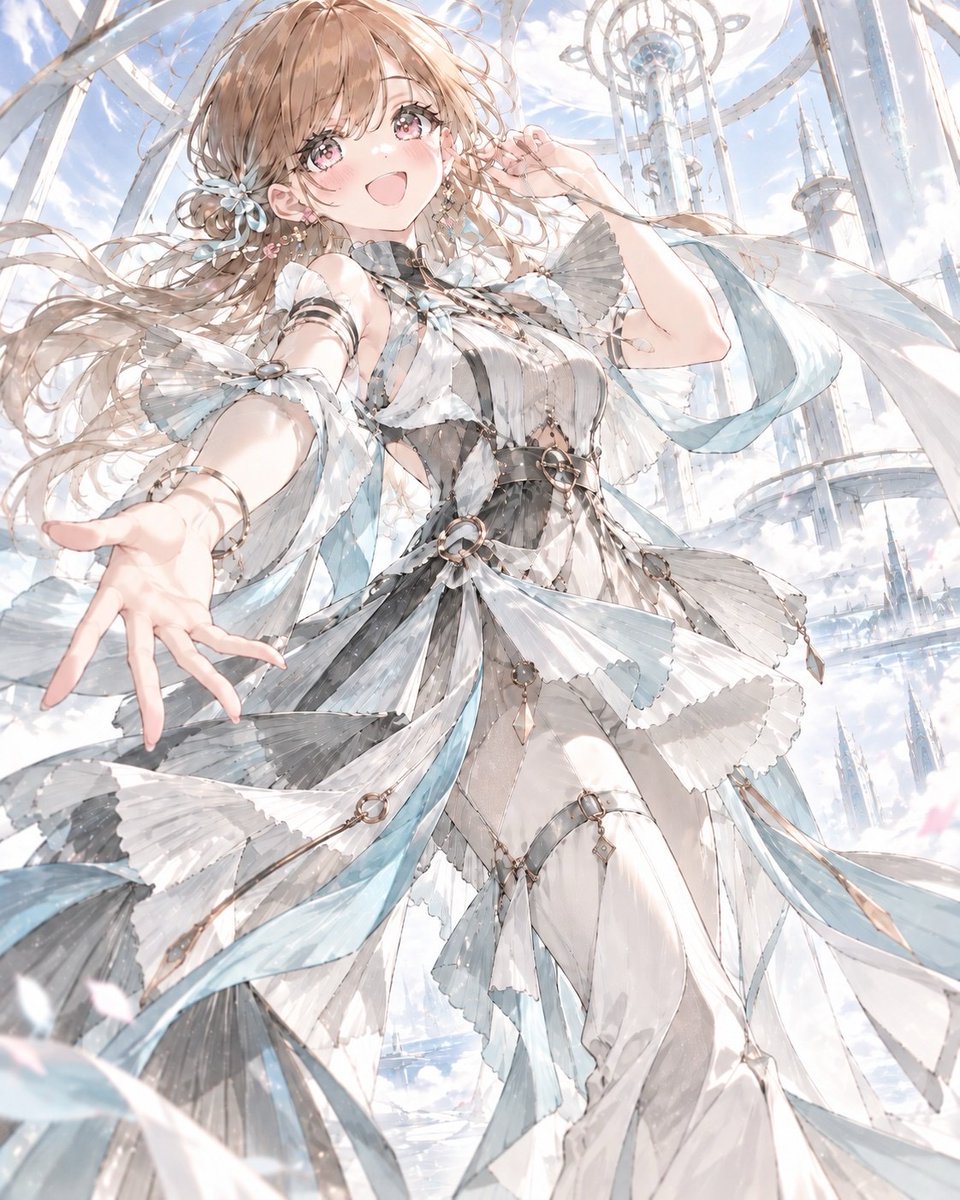
Anime Kinetic Couture Fashion Model
تحويل النص إلى صورة
إعادة استخدام الملاحظات ومصادرها
استخدم هذا التنبيه بأمان بعد معاينة الحالة.
- 1.انسخ الرسالة أو افتحها مباشرة في Dovoo باستخدام زر الإنشاء.
- 2.قم بتعديل المتغيرات ونسبة العرض إلى الارتفاع والصور المرجعية لتناسب حالة استخدامك الخاصة.
- 3.قبل النشر أو الاستخدام المدفوع، تحقق من حقوق المصدر، ومتطلبات الإسناد، ومخاطر العلامة التجارية أو التشابه.